Workday Review 2026 - Features, Pricing & Deals

Last Updated
Feb 13, 2026

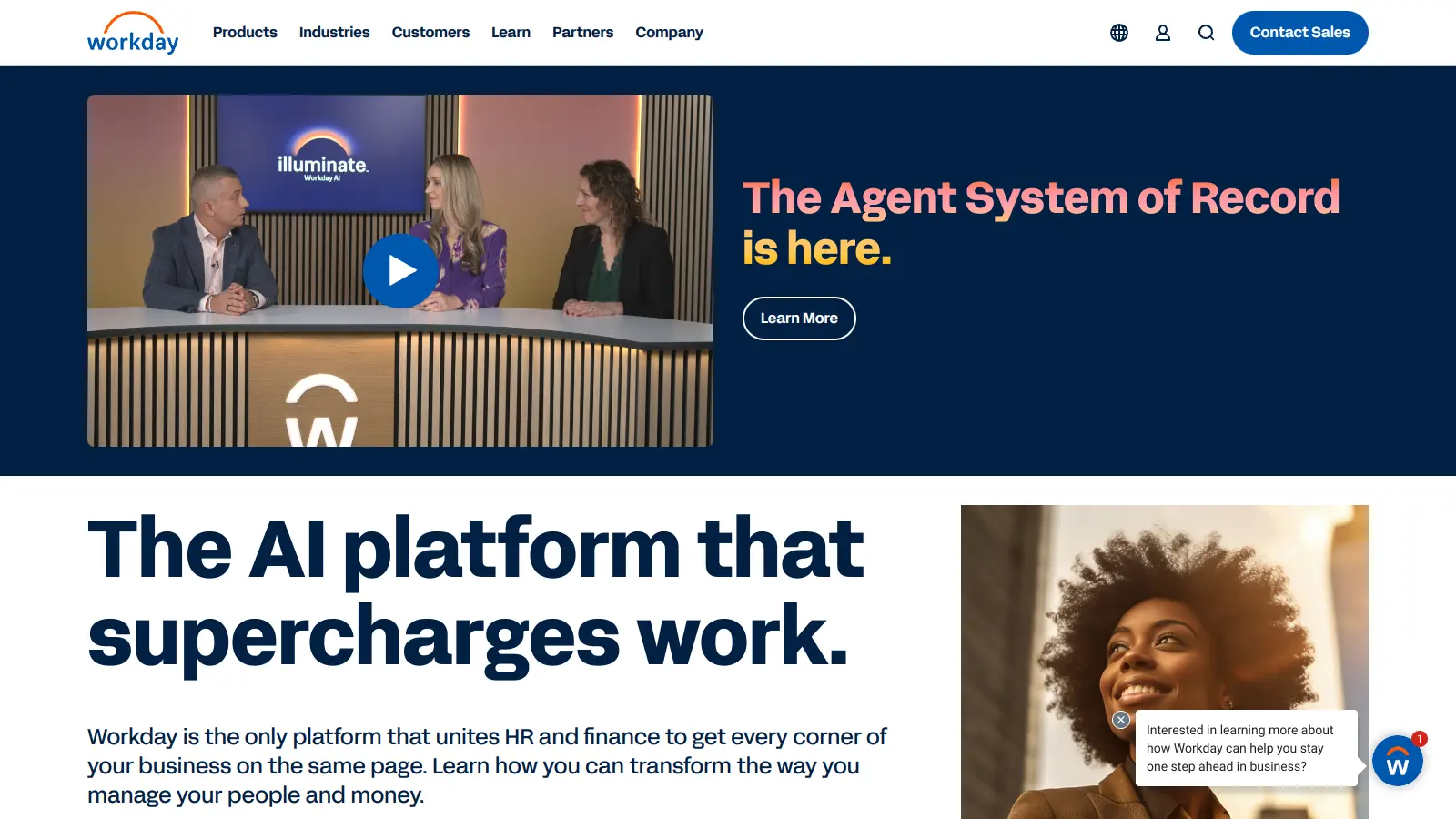
Workday is a cloud-based enterprise platform that helps organizations manage their workforce, finances, and business operations. The system combines Human Capital Management (HCM), Financial Management, Enterprise Resource Planning (ERP), and procurement into one unified solution with a single data core.

Organizations use Workday to handle employee onboarding, payroll processing, financial planning, and contract analysis. The platform's real-time analytics enable quick decision-making, while embedded AI features automate routine HR and financial operations. AI agents can generate job descriptions, create employee development plans, and analyze contracts.

The software works for both mid-size companies and large enterprises, thanks to its flexible design. Users can access their data anywhere through the cloud-based interface, which updates instantly across all devices. The system adapts to match each organization's specific needs, from basic HR management to complex financial operations.

Pricing varies based on company size and needed features. Workday typically charges around $99 per employee per month. Small businesses can expect to pay around $100,000 annually, while larger organizations may pay more depending on their chosen modules and implementation needs.

Founded in 2005, the platform has grown to serve thousands of organizations worldwide. Its multi-tenant SaaS architecture and open API framework allow it to connect with third-party systems while maintaining strong security features to protect sensitive business information.

Who is Workday for?

Workday works best for organizations that want to unify their HR, finance, operations, and legal management into one platform. Companies looking to reduce administrative overhead while gaining AI-powered analytics capabilities will find value in this system.

  • HR teams who need to manage the complete employee lifecycle with AI-assisted features like skills matching, job description generation, and employee feedback analysis
  • Managers who track goals, review feedback, and create development plans for their teams through the Manager Insights Hub
  • Financial directors who require real-time financial reporting, budgeting tools, and integrated accounting systems to make data-driven decisions quickly
  • Legal professionals who need contract intelligence and automated contract analysis to manage agreements more efficiently
  • Operations managers looking for a unified system to track resources, manage procurement and spend, and optimize business processes across departments
  • IT professionals who want a secure, cloud-based solution with open APIs that integrates with existing systems while reducing the maintenance burden of multiple legacy platforms
  • C-Suite executives who need dashboards and analytics to monitor organizational health and make strategic decisions based on current data

Workday typically finds its home in mid-size to large enterprises across industries like healthcare, manufacturing, education, and professional services where workforce management and financial controls are critical to success.

Online Reviews (Last 6 Months Summarised)

Users consistently praise Workday's interface design and reporting capabilities. The platform gets positive feedback for being user-friendly once people get past the initial learning phase. The mobile app receives appreciation for letting employees manage HR tasks on the go. Many users also highlight how well Workday integrates with other HR and finance systems, and the employee self-service features have improved over time.

Cost and complexity are the main complaints. Workday is very expensive, especially for smaller companies. The learning curve is steep and requires extensive training for both administrators and end users. Performance issues during peak usage times frustrate users, along with frequent bugs and system outages. Customer support response times get criticized. The customization process is overly complex. These pain points make some wonder whether the high price tag is justified for smaller or mid-sized businesses.

Features

  • Human Capital Management (HCM): Manages workforce operations with automated onboarding, talent tracking, performance evaluations, and benefits administration for complete employee lifecycle management.
  • Financial Management: Provides accounting tools, revenue tracking, procurement management, and budgeting capabilities to help organizations make data-driven financial decisions.
  • AI Agents and Automation: Uses embedded AI agents to automate tasks across HR, finance, and legal functions, with generative AI that creates job descriptions, help guides, growth plans, and analyzes contracts.
  • Real-time Analytics: Delivers instant insights through customizable reports, benchmark comparisons, and dashboards that support strategic decision-making.
  • Workday Skills Cloud: Uses skills-based ontology for better hiring matches, employee development, and workforce planning based on actual capabilities rather than just job titles.
  • Manager Insights Hub: Integrates goals, feedback, and development data in one place so managers can track team progress and create growth plans.
  • Open Architecture and Integration: Offers flexible APIs and a unified security model that connects with third-party enterprise systems while protecting sensitive organizational data.

Pricing

  • Subscription fees are typically calculated at around $99 per person per month for organizations in 2024.
  • Pricing depends on specific modules used, including HCM and Finance, with costs varying by number of users and selected features.
  • Implementation fees can be as high as 100% of annual software fees, potentially matching the total annual subscription cost.
  • Annual cost for small businesses starts around $100,000, with no minimum annual contract value requirement.
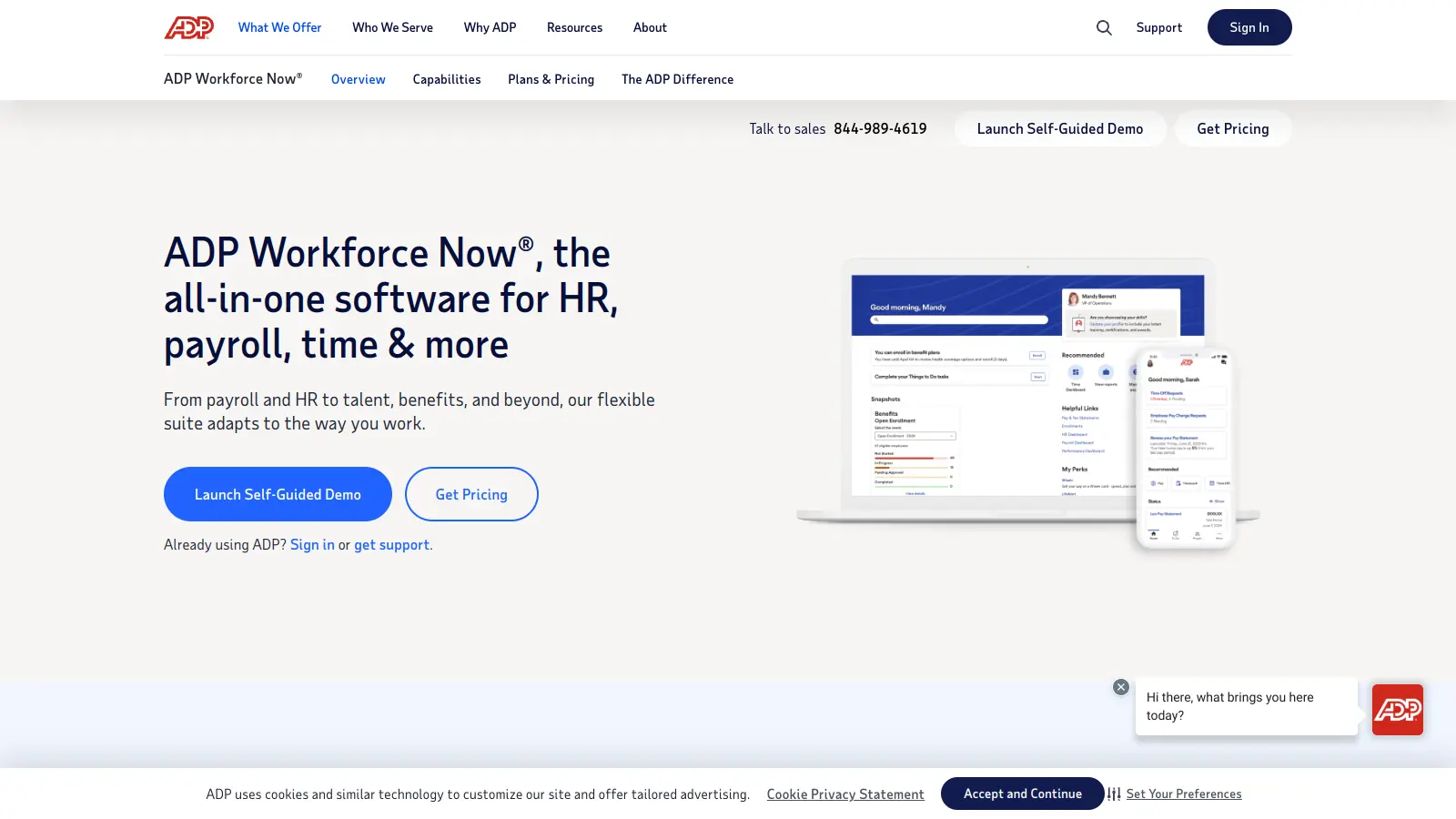
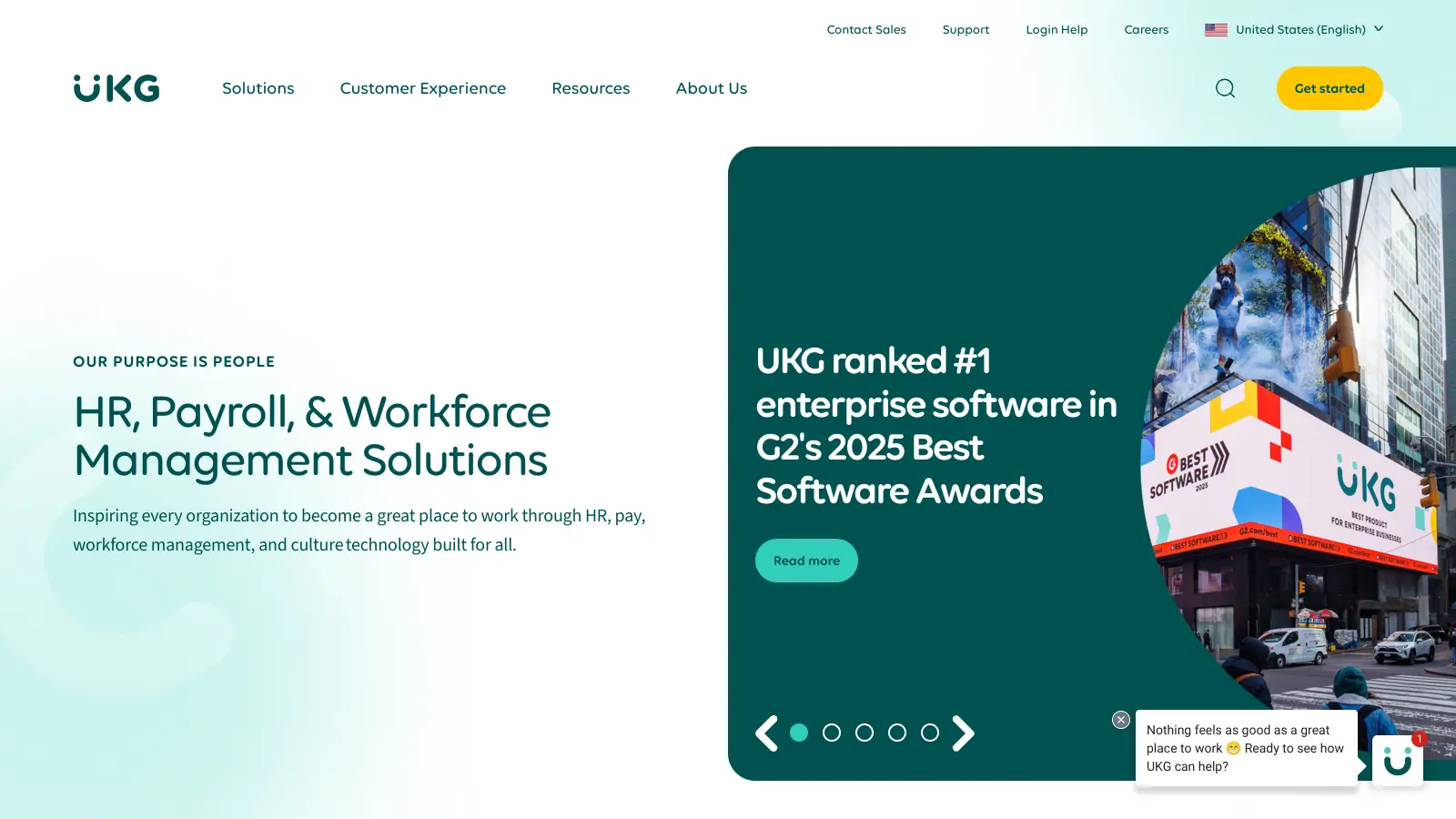
  • Pricing is higher compared to competitors like UKG Pro ($26-$37 per employee per month) and ADP Workforce Now ($19-$28 per employee per month).
  • Workday offers a 30-day free trial for Workday HCM and Workday Adaptive Planning.

Frequently Asked Questions

How hard is it to implement Workday?

Implementation complexity varies based on your company size and needs. For small businesses, setup typically takes 4-6 months, while larger enterprises might need 6-12 months. You'll need a dedicated team to handle data migration, customize workflows, and train employees. Many companies hire a certified Workday implementation partner to guide the process. The good news is that as a cloud-based system, Workday doesn't require hardware installation or complex IT infrastructure on your end.

Can Workday integrate with our existing systems?

Yes, Workday works well with most systems through its open API architecture and standard integration tools. It connects to popular payroll providers, benefits systems, time tracking software, and recruitment platforms. The system uses web services, APIs, and pre-built connectors to make this happen. You can also create custom integrations if needed. Keep in mind that complex integrations might add time and cost to your implementation. It's worth checking if your current systems are among Workday's common integration partners before starting.

Is Workday suitable for small businesses?

Workday has become more accessible for smaller companies in recent years. They've removed their previous minimum contract value requirement, making the platform available to mid-sized businesses. Small companies can expect to pay around $100,000 annually. That said, Workday still works best for organizations with at least 200 employees due to its comprehensive features and cost structure. Smaller businesses might find more value in platforms specifically designed for their size, which often cost less and require simpler setup.

How user-friendly is Workday for employees?

Most employees find Workday easy to use after a short learning period. The interface is clean and works well on both computers and mobile devices. Common tasks like updating personal information, requesting time off, and viewing pay stubs are straightforward. The mobile app lets employees handle these tasks on the go. However, the platform has a steep learning curve for advanced features and reporting tools, which can be tricky to master without proper training. Your company should plan for initial training sessions to help everyone get comfortable with the system.

What kind of support does Workday offer?

Workday provides several support options based on your subscription level. All customers get access to their support portal with documentation, how-to guides, and community forums. They also offer phone and email support for technical issues. Workday releases two major updates yearly, and they'll notify you about these changes in advance. For the best experience, many companies assign internal "Workday champions" who receive extra training and can help other employees. Some users report that support response times can be slow, which is worth considering when planning your support strategy.

Other Tools To Check Out

Best Deal

Try BambooHR Free Trial or Get Started at $250/Month for Small Teams

Redeem Now

Best Deal

Try Eddy HR's $4/employee Starter Plan with employee management and time tracking tools

Redeem Now

Best Deal

Try TalentHR free for 14 days with no credit card required, or use the forever free plan for up to 10 active employees

Redeem Now

Find Out How Best To Utilise Tools

Our newsletter comes with exclusive discounts, trials and practical insights from within the industry

Sign Up Today