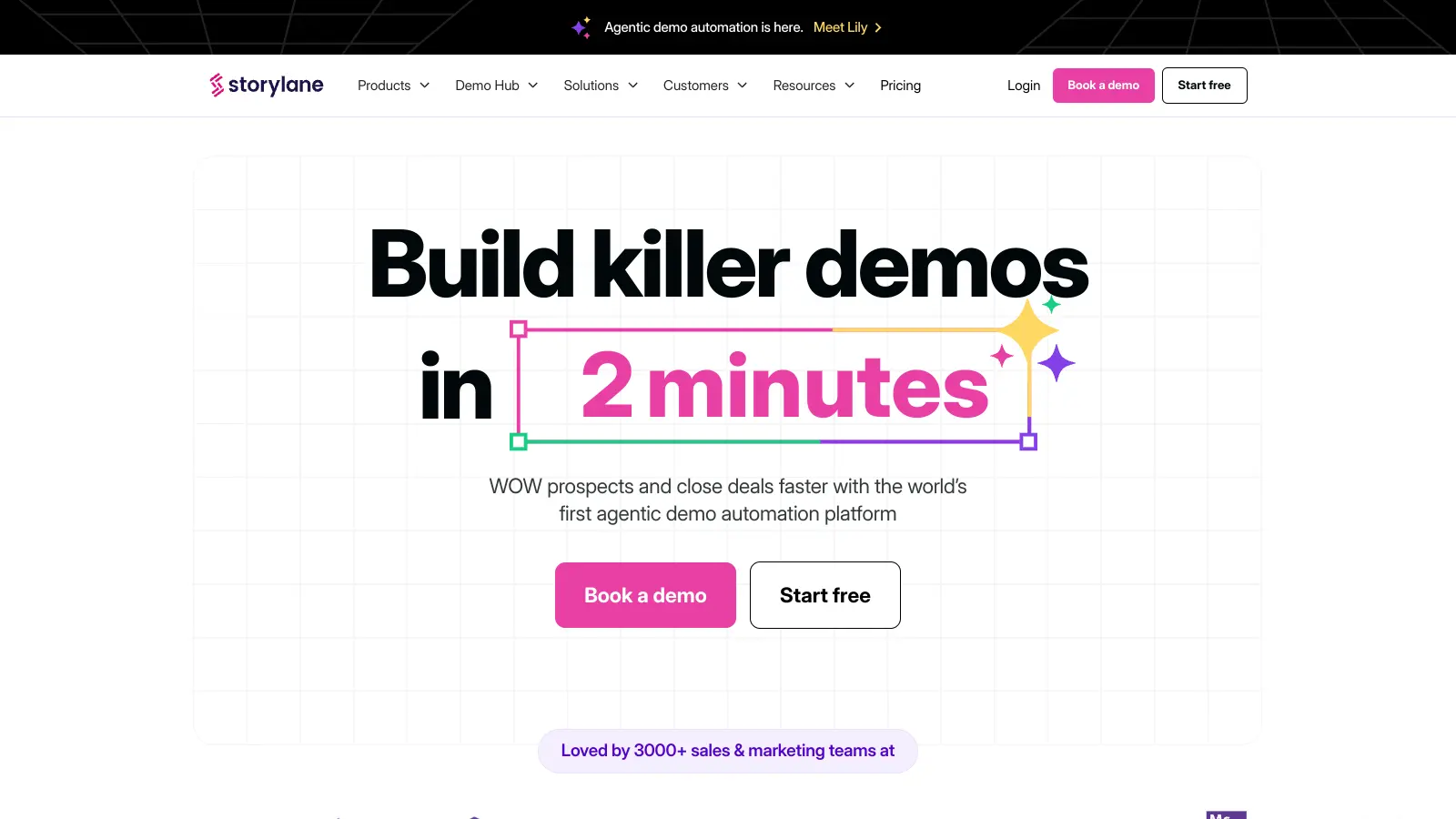
Storylane helps companies create and share interactive product demos. The platform lets teams build demonstrations without any coding knowledge, making it easier to connect with prospects and customers.
At its core, the tool uses a browser extension or desktop app to capture product screens, which you can then edit with AI assistance. You can add voiceovers, hotspots, and dynamic tokens that personalize content for different viewers. The platform focuses on three main demo types: guided walkthroughs for sales teams, sandbox environments for self-paced exploration, and Buyer Hubs that organize demos, videos, and PDFs for different stakeholders.
Marketing teams use it for website embeds, email campaigns, and lead generation. Sales teams create tailored demos to accelerate sales cycles and track engagement. Product teams use it for feature changelogs and gathering customer feedback.
Storylane offers flexible pricing options, starting with a free plan for basic demo creation. Paid tiers unlock additional features like AI assistance, advanced analytics, and enterprise-grade security. Startup discounts are available for early-stage companies on Growth and Premium plans.
Storylane is built for sales and marketing professionals at B2B software companies who need to demo complex products without coding knowledge or developer resources.
The platform works particularly well for B2B software companies in fintech, healthcare tech, and enterprise SaaS where products require explanation.
Public feedback on Storylane is relatively limited compared to more established demo platforms. Users who have reviewed it mention that the interactive demo creation is intuitive and the pricing is affordable compared to competitors like Walnut and Consensus. The customer support responsiveness gets positive mentions, and teams find it helpful for sales and customer education with a quick learning curve.
The main complaints: limited customization options for branding, basic analytics features compared to alternatives, and a smaller feature set than some competitors. Complex demos can be slow to load. Export functionality could be more robust. Limited integration options with other tools. The relatively small amount of public discussion doesn't mean the tool is weak, but prospective users might want to request a demo to see if it fits their specific use case.
Guided demos take prospects through your product step-by-step, similar to a tour with clear directions. You control the journey and highlight specific features in a structured way. Sandbox demos, on the other hand, give prospects freedom to explore your product at their own pace. They can click around and discover features that interest them most without following a preset path. Many companies use guided demos for initial engagements and sandbox demos during later sales stages when prospects want hands-on experience.
Can I customize demos for different prospects without creating new ones?Yes! Storylane's token variables let you personalize demos without starting from scratch. You can change names, company info, logos, and dates with just one click. When you share demos, each prospect gets their own unique link with their custom information. This saves tons of time compared to building separate demos for each prospect. The system handles all the personalization automatically once you set up your variables.
How does Storylane's AI assistant help with demo creation?Storylane's Lily AI makes demo creation much faster and easier. You just provide basic info about what you want to show, and the AI helps generate complete guides with proper wording and flow. It can create AI avatars to narrate your demos and offers voiceovers in more than 65 voices across 25 languages. The AI also helps with translations and content generation. This means you can build professional-looking demos quickly, even if you're not a natural writer or don't have time to script everything manually.
What analytics do I get from Storylane demos?Storylane gives you a full replay of how prospects interact with your demos. You'll see exactly where people spent time, which features caught their attention, and where they dropped off. You can track metrics like completion rates and engagement time to understand what's working. The analytics connect to platforms like Salesforce and HubSpot, so all your prospect data stays in one place. The platform also includes Account Reveal features that help you identify which companies are viewing your demos. These insights help you improve demos and follow up with prospects based on their specific interests.
How do I capture my product screens for Storylane demos?Storylane uses a browser extension or desktop app to capture HTML screens directly from your product. Once you capture the screens, you can edit them with AI assistance to add hotspots, voiceovers, and interactive elements. The HTML capture creates click-based guides that prospects can interact with. You can then share these demos via your CRM, Gmail, embed them on websites, or include them in email campaigns. The capture process doesn't require any coding knowledge.


Our newsletter comes with exclusive discounts, trials and practical insights from within the industry