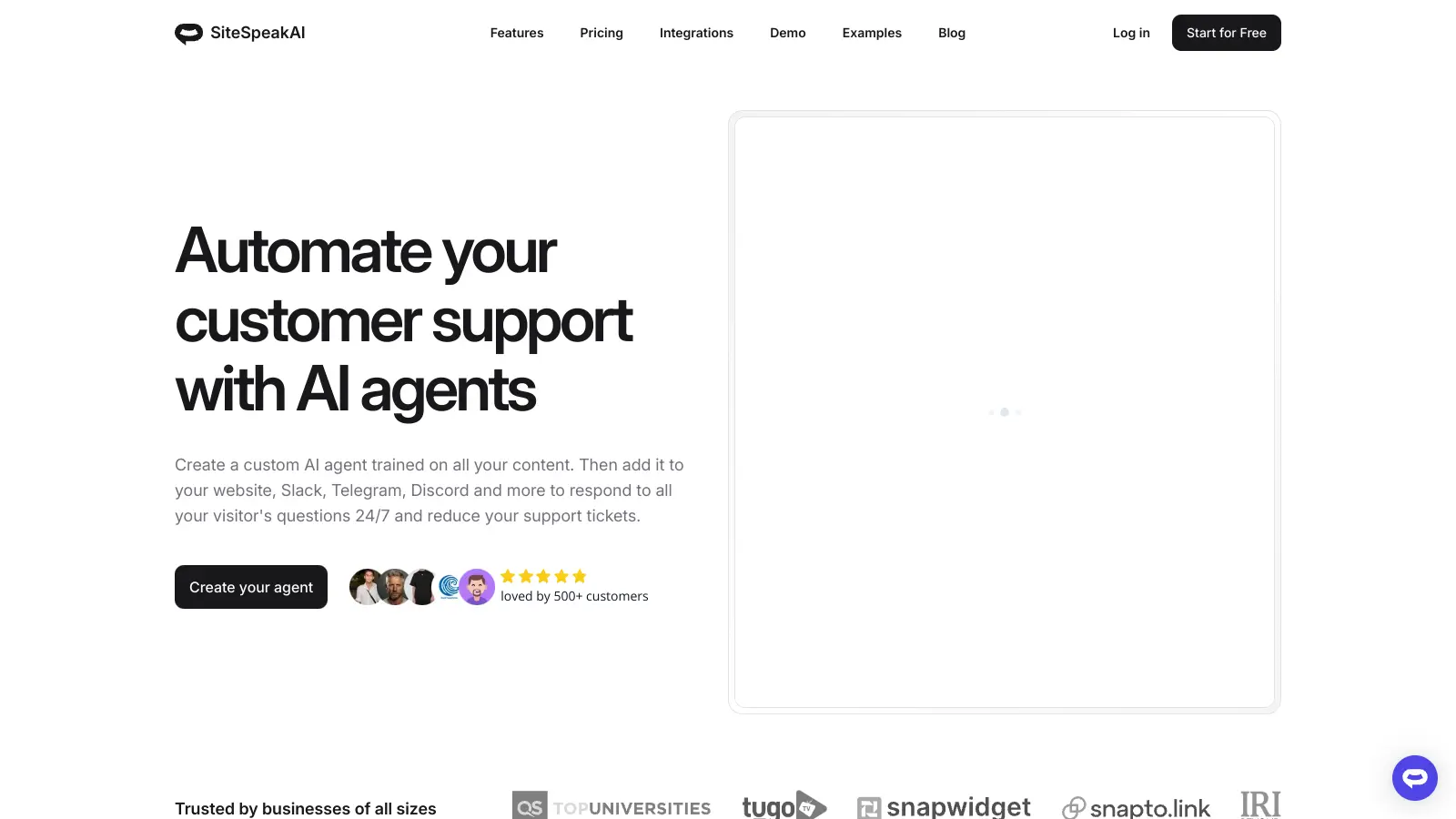
SiteSpeakAI helps businesses create custom-trained ChatGPT chatbots that handle customer support around the clock. The platform trains these AI assistants using your company's specific data, including website content, PDFs, help documents, APIs, and databases, allowing them to answer visitor questions accurately and quickly.
Setting up the system is straightforward, requiring just one line of code to add the chatbot to your website. You can customize its appearance with your logo, brand colors, and a personalized avatar. The platform connects with tools like Slack, Shopify, WordPress, and Zapier, making it simple to integrate into existing workflows.
Beyond basic chat functions, the tool includes visitor tracking, chat history, lead capture, and performance analytics. This helps businesses understand common customer questions and improve their knowledge base over time.
The system can process multiple content types, including audio files and YouTube videos, so it can build a comprehensive understanding of your business. This helps reduce support tickets and provides visitors with instant answers to their questions, even outside regular business hours. When needed, the chatbot can escalate conversations to human agents. The free plan offers 30 message credits monthly, while paid plans start at $30 per month.
SiteSpeakAI works for businesses that want to reduce support workload while improving customer satisfaction. Companies of all sizes can use it to provide instant answers through custom-trained AI chatbots that work around the clock.
SiteSpeakAI is used by over 1,000 businesses across industries including e-commerce, SaaS, educational institutions, and professional service providers.
SiteSpeakAI remains largely under the radar, with minimal chatter across online platforms. While the company reports over 1,000 businesses using the tool, there's currently not enough user-generated discussion on forums, review sites, or social media to form a comprehensive picture of its performance or value.
The lack of conversation suggests the tool might be relatively new or hasn't yet captured significant attention from tech communities. It's difficult to gauge actual user satisfaction without more substantial feedback circulating online. Limited buzz doesn't necessarily indicate poor quality, but potential users should probably start with the free trial to evaluate if it fits their needs.
Adding SiteSpeakAI to your website is super simple. You just need to copy and paste a single line of code into your website's HTML. There's no need for complex plugins or extensions. After you sign up for an account and train your chatbot, you'll get this code snippet from your dashboard. Just add it right before the closing body tag of your website, and your chatbot will appear. If you're using platforms like WordPress, Shopify, or Wix, they have specific instructions in their help center to make it even easier.
What data can I use to train my SiteSpeakAI chatbot?You can train your chatbot with many types of content. This includes your website pages, PDF documents, help center articles, FAQ pages, Notion docs, spreadsheets, YouTube videos, audio files, APIs, and databases. The more relevant content you provide, the better your chatbot will answer questions. You can also manually add specific questions and answers if you want to make sure certain topics are covered exactly how you want them to be. The system will process all this information and use it to give helpful, accurate answers to your visitors.
Will SiteSpeakAI work with my existing tools and systems?Yes! SiteSpeakAI connects with many popular tools through its integrations. It works with Zapier, which lets you connect to hundreds of other apps. You can also link it directly to Slack to get notified when someone needs help beyond what the chatbot can provide. For eCommerce, it integrates with Shopify, and for content management, it works with WordPress. The chatbot can make API calls to pull in live data like order status, inventory, or user account details to give up-to-date answers. It can also perform web searches when needed.
How do I know if my chatbot is actually helping customers?The analytics dashboard shows you exactly how your chatbot is performing. You'll see metrics like how many conversations happened, what questions people are asking most often, and where users might be getting stuck. You can review complete chat histories to understand what's working and what needs improvement. The system also highlights knowledge gaps - topics people are asking about that your chatbot doesn't have enough information on. This helps you know what content to add next to make your chatbot even more helpful. You can also capture leads through conversations and track how visitors interact with your chatbot.
Can I customize how the chatbot looks and sounds?Absolutely! You can fully customize your SiteSpeakAI chatbot to match your brand. Add your logo, choose colors that match your website, and upload a custom avatar for your chatbot. You can also control how the chatbot talks by setting a specific tone of voice - whether professional, friendly, or something unique to your brand. You can even personalize messages to include the visitor's name and other details. The chatbot can be positioned anywhere on your site, and you can choose when it appears to visitors.


Our newsletter comes with exclusive discounts, trials and practical insights from within the industry