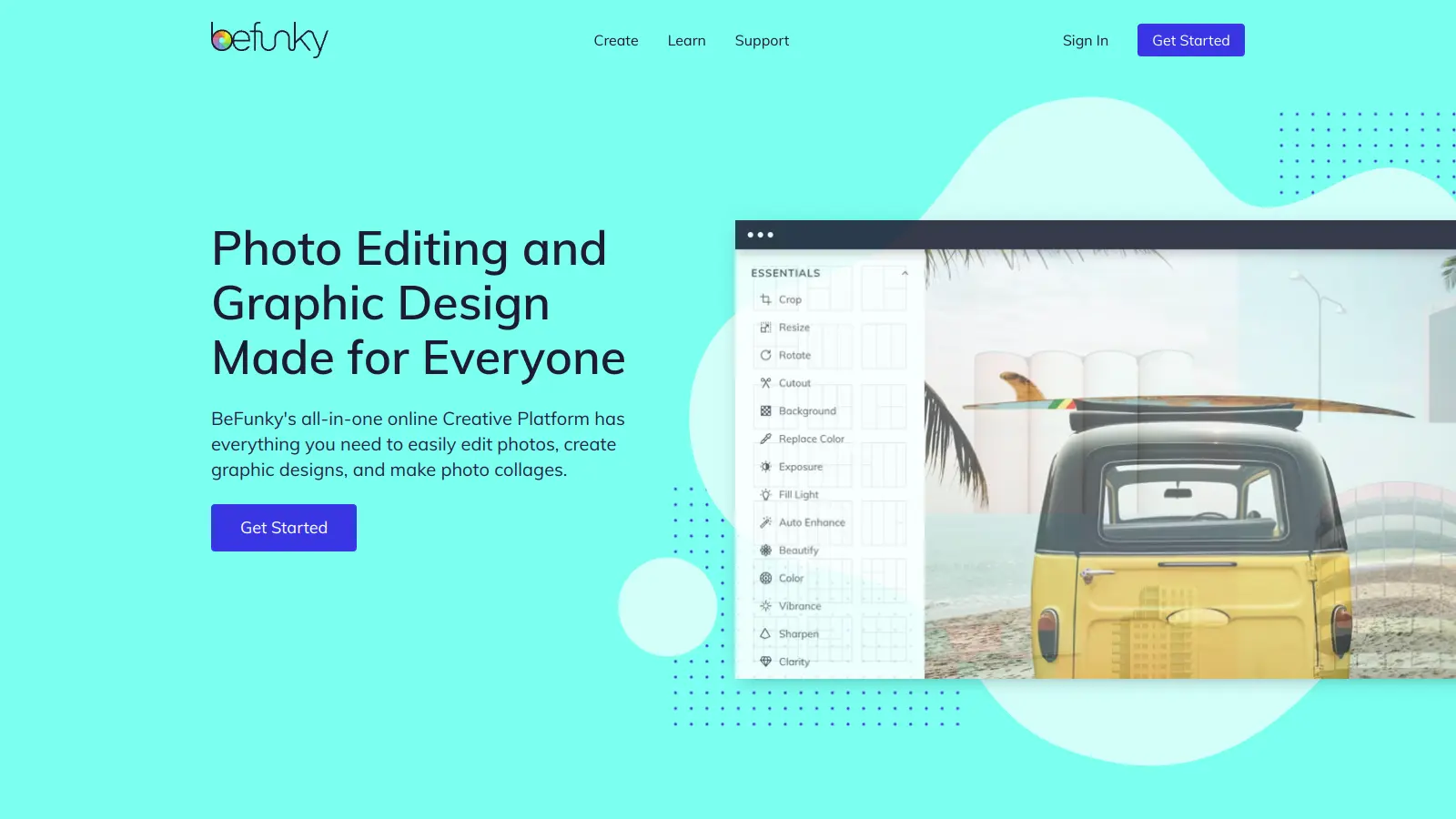
BeFunky is an online creative platform that combines photo editing, collage making, and graphic design tools in one easy-to-use interface. Whether you're touching up photos, creating social media graphics, or designing marketing materials, this web-based solution offers the essential tools without requiring complex software skills.
At its core, BeFunky provides a straightforward approach to creative tasks. Users can access basic editing features like cropping and exposure adjustment, while also exploring artistic effects that transform photos into paintings or sketches. The platform includes AI-powered tools for background removal, object erasing, and batch processing capabilities for handling multiple images at once.
The service follows a freemium model, with a free version offering basic features and a Plus subscription that unlocks advanced capabilities like AI editing tools and premium templates. While the free tier works well for casual users, professionals might benefit from the expanded toolset in the paid version.
Founded in 2007, BeFunky focuses on accessibility. You won't need to download any software since everything runs in your web browser, and the drag-and-drop interface makes it simple to create professional-looking designs. With access to free stock images through partnerships with Pixabay and Pexels, users can start creating right away without building their own image library.
BeFunky works for anyone who needs visual content but doesn't want to learn Photoshop or pay for expensive software.
Real estate agents use it for property listings. Etsy shop owners design product graphics. Anyone who needs edited images without a graphic design background can get work done here.
BeFunky gets consistent praise for its user-friendly interface and accessible approach to photo editing. Users appreciate the easy learning curve, making it a good fit for beginners who want quick results without mastering professional software. The collage maker and filter selection receive positive mentions, with many people finding it works well for social media content creation and casual photo enhancement. The affordable pricing with a free tier option makes it accessible for people on a budget.
BeFunky lacks the advanced editing features found in professional software like Photoshop. Some users report occasional bugs and performance issues. The free tier adds a watermark to exported images. The mobile app has more limited functionality compared to the web version. Customer support can be slow to respond. Some users report quality degradation when exporting files. Fine-tuning adjustments can feel limited for those who want precise control over their edits.
BeFunky Free gives you access to basic photo editing tools, basic portrait touch up tools, an extended font library, limited collage layouts, and limited overlays. The free version adds a watermark to your exported images. BeFunky Plus costs $6.99/month (billed annually) or $11.99/month and unlocks premium features like AI photo editing, background removal, object eraser, premium filters and overlays, smart layer editing, and hundreds of professional design templates. The Plus version also removes the watermark from your exports.
Do I need to download any software to use BeFunky?No, BeFunky works completely online through your web browser. There's nothing to download or install on your computer. Just visit the BeFunky website and you can start editing right away. This makes it really convenient since you can use it on any computer with internet access without worrying about software updates. BeFunky also offers iOS and Android mobile apps if you prefer working on your phone or tablet.
Can I use BeFunky on my phone or tablet?Yes! BeFunky works on mobile devices through your web browser, and they also offer dedicated iOS and Android apps. The interface adjusts to fit smaller screens, though some users mention the mobile app has more limited functionality compared to the web version. The basic version doesn't require registration, making it easy to make quick edits on the go.
How does the Background Remover tool work?BeFunky's Background Remover uses AI to detect and remove backgrounds from your photos with a single click. It's available in the Plus version and lets you replace backgrounds with solid colors or make them transparent. This works well for creating product photos, social media posts, or profile pictures without needing complex editing skills.
Can I cancel my BeFunky Plus subscription anytime?Yes, you can cancel your BeFunky Plus subscription whenever you want. After canceling, you'll still have access to all the premium features until the end of your current billing cycle. Just remember that if you paid for an annual subscription, you won't get a refund for the unused months - you'll simply have access until your year is up.


Our newsletter comes with exclusive discounts, trials and practical insights from within the industry