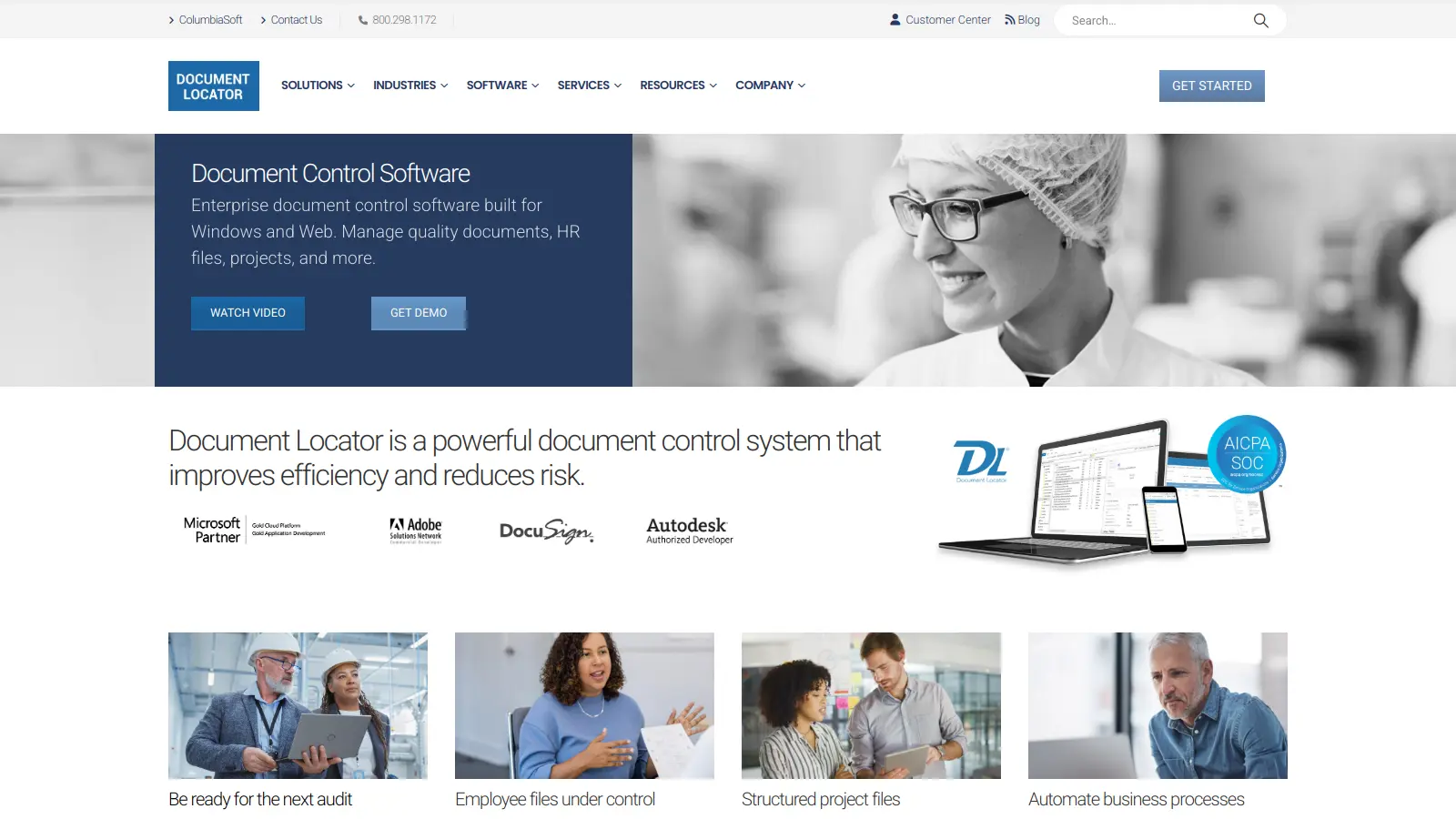
Document Locator is an enterprise document management system that helps businesses organize and control their information directly within Microsoft Windows. The software integrates with Windows Explorer and Microsoft Office, so teams manage documents where they already work.
Users can find files through full-text search, control document versions, and automate workflows for approvals and routing. The system includes security features and audit tracking to maintain compliance standards. Teams can access files from the desktop or through a web browser.
The platform offers both cloud-hosted and on-premise deployment. On-site pricing starts at $22 per user monthly for a 15-user system, while hosted pricing is $53 per user monthly. The software includes paperless scanning, electronic forms processing, and email integration.
The system helps prevent duplicate files, maintains audit trails, and automates document control processes. Small teams and large enterprises use it to reduce manual filing tasks.
Document Locator works for businesses that need to organize, find, and control their documents without learning complex new systems. Your team can manage files directly in Microsoft Windows, with all the security and workflow automation of an enterprise system.
Document Locator is used across regulated industries like financial services, healthcare, manufacturing, and government agencies where document control and security are priorities.
Document Locator gets praise for its Windows and Office integration, making document management feel natural for users. People highlight the powerful search functionality that locates files quickly, responsive customer support, and reliable performance with no downtime. Users appreciate the customizable workflows, version control features, and how little training is needed to get started. The automatic file organization and collaboration capabilities get mentioned as major time-savers.
Setup is complex and takes time for new users, particularly for those who want to master the system's full capabilities. The interface looks dated compared to modern alternatives. Accessing folders can be slow. Some users say the system requires experience to use effectively, though most agree it becomes intuitive once you understand the basics.
Document Locator plugs right into your Microsoft Windows and Office apps. You'll see it inside Windows Explorer as an added panel, and it shows up in Word, Excel, and Outlook too. You can save, find, and work with your files without switching between programs. When you save a document in Word, you can add details like project numbers or client names that make it easy to find later. It works in the same Microsoft tools you already use every day.
What makes Document Locator different from just using shared network folders?Document Locator keeps track of who did what and when. It stores different versions of files with check-in/check-out controls so you can go back to earlier drafts if needed. You can set up automatic workflows that route documents to the right people for approval. The search is more powerful with full-text indexing - you can search inside the content of files, not just by filename. You get security controls that let you decide exactly who can view, edit, or delete specific documents. Network folders can't do these things without a lot of extra work.
Can I access my documents when I'm not in the office?Yes. Document Locator gives you web and mobile access to your files from anywhere with an internet connection. You can view, edit, and work with your documents through a secure web browser whether you're at home, traveling, or at a client site. The hosted version runs on Microsoft Azure with SOC2 Type II security certification. If you need to share documents with people outside your company, you can do that without giving them full access to your system.
How hard is it to set up Document Locator?Getting started with Document Locator takes planning and time. You'll need to think about how you want to organize your files and what information (metadata) you want to track using the Document Profiler feature. The company provides implementation services to help with setup, and users say the support team is responsive. There is a learning curve for new users, but most people find it intuitive once they understand the basics. The system can be hosted online through Microsoft Azure or installed on your own servers.
Will Document Locator help us comply with industry regulations?Document Locator includes several features that help with regulatory compliance for standards like ISO, FDA, and HIPAA. The system creates audit trails that show who accessed or changed documents and when. You can set up automatic document retention policies to keep files for the required time periods. Version control with check-in/check-out prevents accidental overwrites of important documents. For industries with specific requirements like healthcare or finance, you can create custom workflows that enforce your approval processes. The hosted version runs on Microsoft Azure with SOC2 Type II security certification, which meets many compliance standards.


Our newsletter comes with exclusive discounts, trials and practical insights from within the industry