Digital Content Creation Software+2 more

Let's Enhance
best deal
Start for free with 10 credits - upscale your images up to 8MP
redeem now
best deal
Start for free with 10 credits - upscale your images up to 8MP
redeem nowwe track global search demand across every software category, monitor what real users are saying online, identify which professions rely on each tool, and surface the questions people are actually asking. reviews are consistently updated and reviewed for reliability.
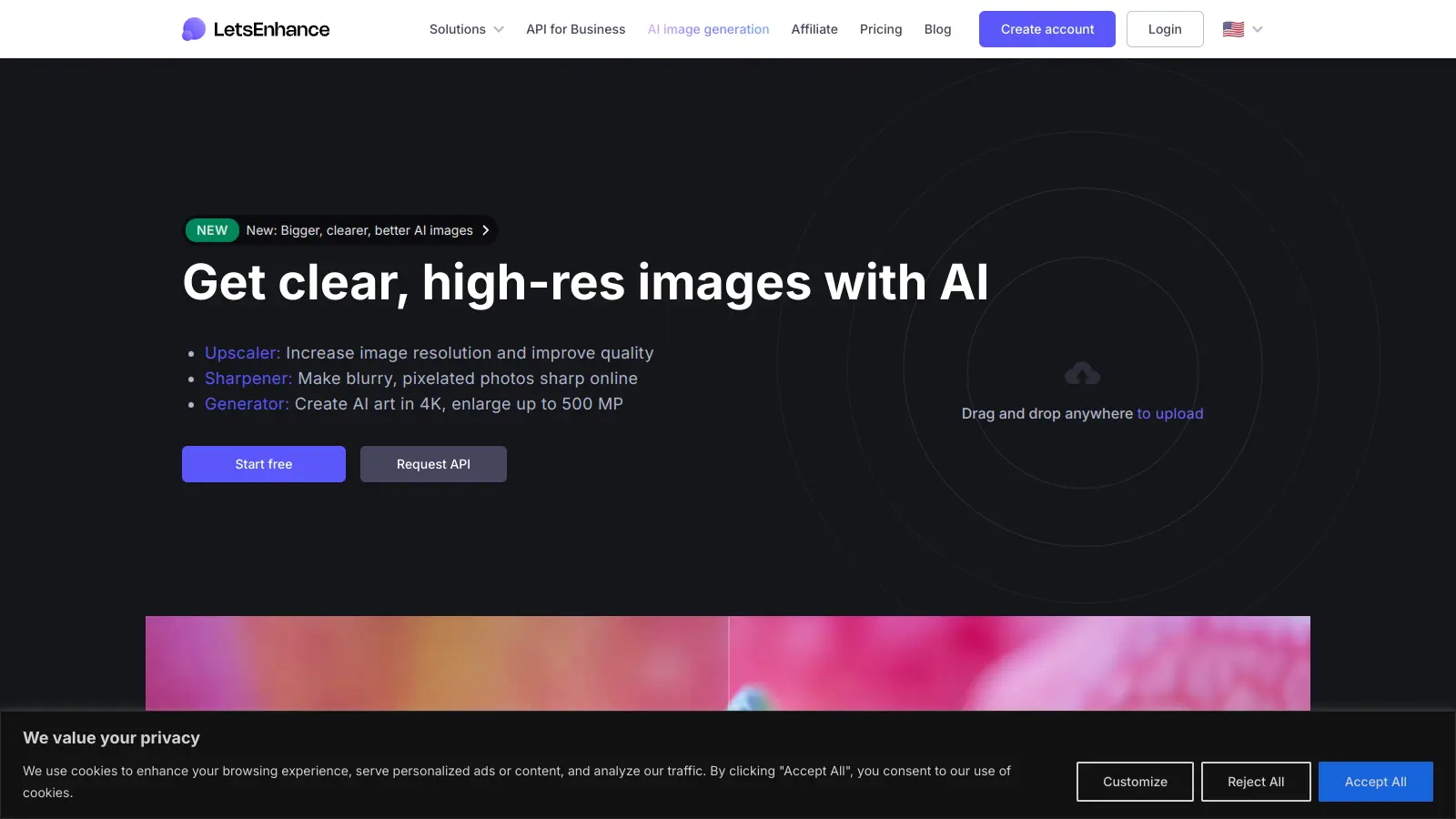
Let's Enhance is an AI-powered image enhancement tool that upscales and refines images while maintaining their quality. It helps both casual users and professionals improve their photos.
The tool uses generative AI algorithms to reconstruct missing details and improve image quality, supporting JPEG, PNG, and WebP formats. Users can upscale their images up to 16x the original size, remove backgrounds, fix blurry photos, and process multiple images at once. The platform handles phone photos, compressed files, AI-generated art, and old scans.
For e-commerce sellers, photographers, marketers, and print-on-demand companies, the platform offers specific enhancement modes. The Prime upscaler works best for most photos while preserving textures, while Gentle mode preserves fine text and details. Users can also remove backgrounds, restore and colorize old photos, adjust colors, and access preset modes for printing or social media.
Starting with 10 free credits, new users can test the basic features without cost. Paid plans begin at $9 per month when billed annually, unlocking advanced capabilities like higher resolution limits and batch processing. The platform also provides an API for developers and businesses who need to integrate these features into their existing workflow.
Let's Enhance works for anyone who needs high-quality images but lacks technical expertise or time for complex photo editing.
If your work depends on quality visuals and you don't have time to learn Photoshop, this tool does the job faster.
overall sentiment
select your role to see what people like you are saying
E-commerce Product Manager
positiveLet's Enhance solves a critical workflow problem by quickly converting product photos into catalog-ready images without hiring photographers. The batch processing and straightforward interface make managing hundreds of product images practical and cost-effective.
strengths
concerns
Photographer
mixedThe tool effectively handles upscaling and preprocessing for exhibition work, saving hours of manual editing. However, the lack of fine-grained sharpening controls and texture options limits creative control for professional-grade deliverables.
strengths
concerns
Social Media Content Creator
positiveLet's Enhance makes it feasible to maintain a consistent stream of polished content without learning complex editing software. The batch processing and quick turnaround directly address the volume demands of daily posting schedules.
strengths
concerns
Print-on-Demand Business Operator
mixedLet's Enhance reliably prepares images for physical products by ensuring high resolution without pixelation, meeting production requirements consistently. The subscription model and lack of offline processing create operational friction for high-volume workflows.
strengths
concerns
Users praise the straightforward approach to image upscaling and the quality of results. People find it easy to use and effective for improving low-resolution images without quality loss. The tool has proven useful for preparing photos for exhibitions and creative projects like making animations from Renaissance paintings. The background removal, quick processing, and API integration option get positive mentions.
The monthly subscription model frustrates users who'd prefer a simple pay-as-you-go credit system for occasional use. Premium versions cost too much for casual users. The tool has limited file format support and lacks sharpening controls or different texture options. It requires an internet connection with no offline version available. Some users worry about privacy when uploading sensitive images to a web-based service.
Let's Enhance offers 10 free credits for new users. Each image enhancement costs at least 1 credit, so you can enhance up to 10 images with the free plan. The free version lets you upscale images up to 8 megapixels and includes unlimited storage for 6 months, though images will have a watermark.
What's the difference between Prime and Gentle modes?Prime mode works best for most photos, preserving textures and adding realistic details. Gentle mode is designed for images where you need to preserve fine text and precise details, making it better for documents, technical images, or graphics with sharp edges. You can also choose 1x-2x+ options depending on whether you want quality improvement or upscaling.
Can I batch process multiple images at once?Yes. Let's Enhance supports batch processing, which lets you enhance multiple images simultaneously using a drag-and-drop interface. Batch processing is available with paid subscription plans starting at $9/month (when billed annually). You can apply the same enhancement settings across your entire image collection.
How much does image upscaling cost with Let's Enhance?Let's Enhance uses a credit-based system. After your 10 free credits, you'll need a subscription plan. The Starter plan costs $9/month (billed annually) or $12/month (billed monthly) for 100 credits. The Pro plan offers 300 credits for $24/month (annually) or $32/month (monthly), and the Max plan provides 500 credits for $34/month (annually) or $45/month (monthly). Each enhancement costs at least 1 credit, though more complex enhancements or larger images may use more. Unused credits can roll over up to 600 credits for Starter and up to 1800 credits for Pro.
What's the highest resolution I can upscale an image to?Let's Enhance offers upscaling options from 1x to 16x your original image size. The free plan allows upscaling up to 8 megapixels. With the Starter plan, you can upscale images up to 256 megapixels, the Pro plan extends this to 350 megapixels, and the Max plan offers even higher resolution limits. All paid plans accept input images up to 64MP or 50MB in size. The higher upscaling options are only available with paid subscriptions.

Canva is a graphic design platform that lets individuals and professionals create designs without advanced design skills. It offers hundreds of thousands of templates, design tools, collaboration features, and photo/video editing capabilities. With both free and pro versions, Canva provides access to millions of design elements for creating social media graphics, presentations, posters, and more through its drag-and-drop interface.
best deal
Get 50% off Canva Pro or Business plans for new customers, or try Canva free with 250,000+ templates and 5GB storage

Grammarly is an AI-powered writing assistant that provides real-time grammar, spelling, and punctuation checks, tone adjustments, and generative AI features for composing, rewriting, and proofreading text. It integrates with platforms like Google Docs, Gmail, Microsoft Word, Slack, and web browsers, offering both free and paid versions with features ranging from basic corrections to plagiarism detection and AI writing tools.
best deal
Try Grammarly's Free Version Today - Get Basic Grammar Checks & 100 AI Prompts Per Month Across Your Favorite Apps

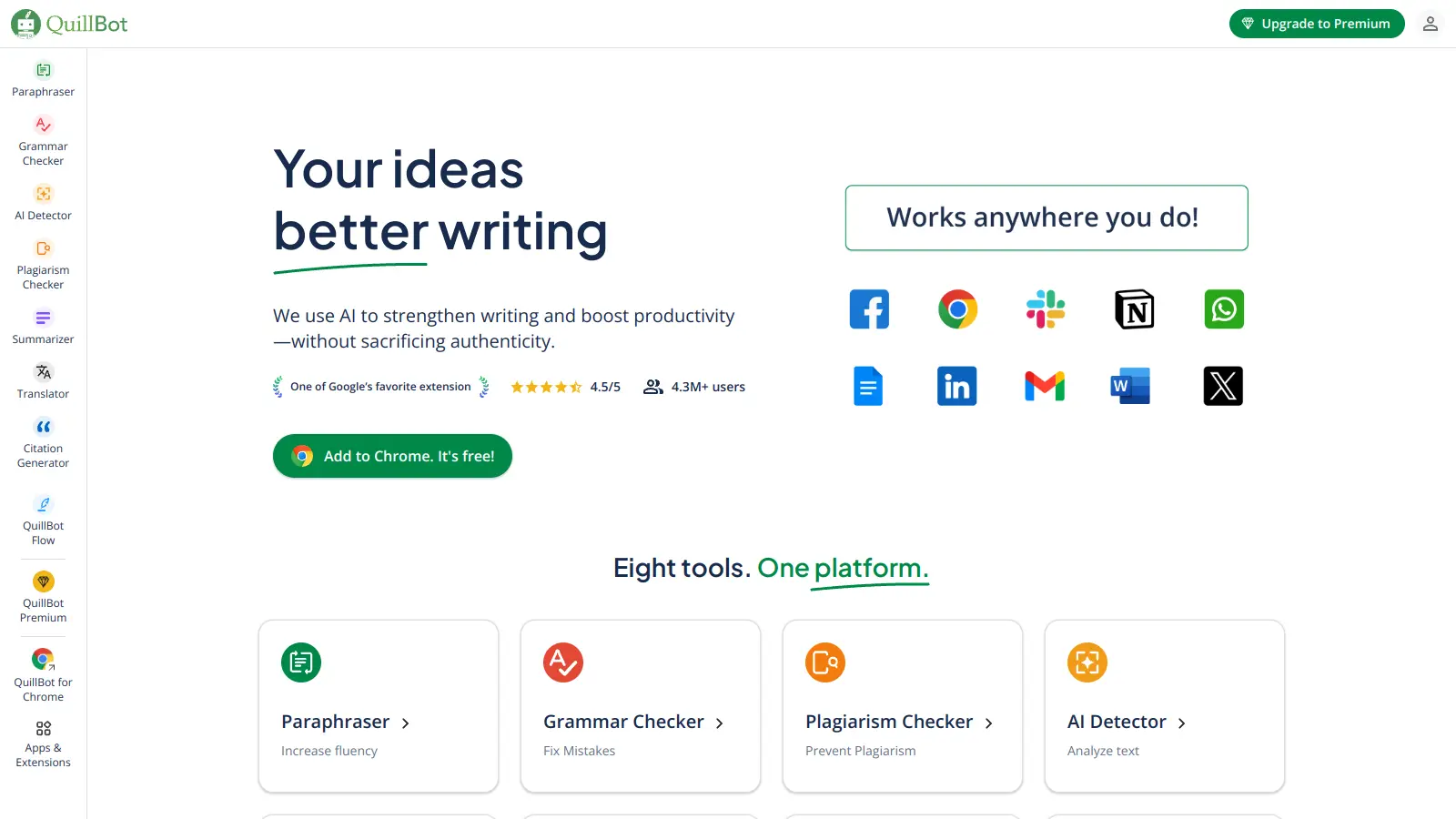
QuillBot is an AI-powered writing tool that helps users improve their writing through features like paraphrasing, grammar checking, summarization, plagiarism detection, citation generation, translation, and AI detection. It offers a web-based interface, Chrome extension, and Google Docs integration, with pricing plans ranging from a free version to monthly, semi-annual, and annual premium subscriptions. The tool uses advanced natural language processing to provide contextually appropriate text modifications.
best deal
Try QuillBot free or upgrade to Premium for just $8.33/month with unlimited paraphrasing and advanced tools. 3-day money-back guarantee included.

Adobe is a software company founded in 1982, offering digital solutions across creative, document, and marketing domains. Their flagship products include Photoshop, Illustrator, Premiere Pro, and Acrobat, which enable professionals and consumers to create, edit, and manage digital content. With Creative Cloud, Document Cloud, and Experience Cloud, Adobe provides tools for image editing, graphic design, video production, PDF management, and digital marketing.
best deal
New subscribers get 50% off Creative Cloud Pro for the first 3 months - includes 20+ apps and Firefly AI features

Wix is a website builder that lets individuals and businesses create professional websites without coding. It offers drag-and-drop editing, AI-powered design tools, templates, and features for e-commerce, SEO, and marketing. Pricing ranges from free to enterprise-level, covering everything from personal portfolios to online stores.
best deal
Get 50% off Wix annual plans, with Light Plan starting at $17/month

DeepAI is an AI platform offering creative tools including image generation, video creation, chatbot interactions, music generation, and text processing. Designed for users with varying technical skills, it provides affordable pricing options.
best deal
DeepAI Pro yearly plan at $89.99/year saves $29.89 compared to monthly billing (equivalent to 3 months free)