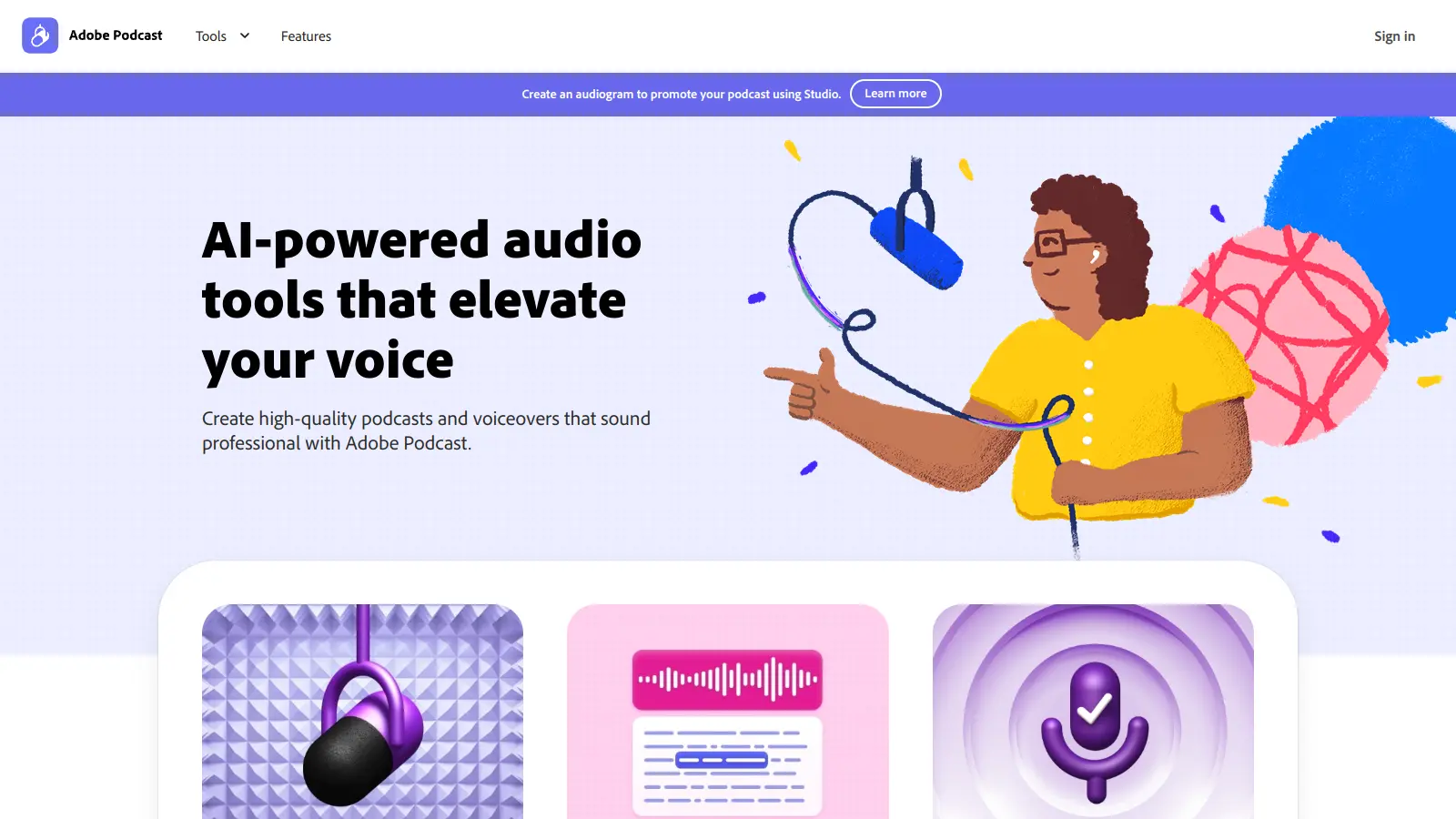
Adobe Podcast is a browser-based platform that helps creators make and share high-quality podcasts. The tool combines AI-powered features with intuitive editing capabilities, making it accessible for both newcomers and seasoned podcasters.
At its core, the platform offers audio enhancement tools that clean up recordings and improve voice clarity. Users can record directly in their browser, edit content through AI-generated transcripts, and collaborate with remote guests through link sharing.
The service includes features like Mic Check to optimize recording quality, Studio for multi-person recordings, and automated transcription for easier editing. A free plan covers basic needs, while a premium subscription unlocks additional capabilities like longer uploads and more editing tools.
The platform integrates with Apple Podcasts and Spotify, helping creators reach their audience across different platforms. It also provides analytics to track listener engagement and understand audience behavior.
Adobe Podcast is for content creators who want to produce podcasts without needing complex equipment or technical expertise. The browser-based platform combines AI-powered tools with intuitive editing features, making professional podcast production accessible to almost anyone with a computer and internet connection.
If you already use Adobe Creative Cloud tools like Audition or Premiere Pro, the integration gives you more control over your final production.
Adobe Podcast gets positive feedback for its user-friendly interface, time-saving transcription features, and audio noise reduction capabilities. Users appreciate the affordable pricing compared to alternatives and find it helpful for solo podcasters and small teams. The integration with Adobe Creative Cloud is a bonus for those already in that ecosystem.
The platform lacks the editing features found in dedicated audio editing software. Some users report audio quality inconsistencies and export quality concerns. Larger files cause performance issues. The free tier is limited, and customer support response times can be slow when problems arise.
The free plan gives you audio enhancement for files up to 500 MB and 30 minutes, with 1 hour of enhanced speech per day. You can use Studio to record up to 30 minutes and download 2 projects per day, plus access Mic Check for microphone analysis. With the premium plan ($9.99/month or $99.99/year), you get video support, bulk upload, adjustable enhancement strength, larger file sizes up to 1 GB and 2 hours, 4 hours of enhanced speech per day, unlimited Studio downloads, transcription-based editing, and speaker-separated original recordings without Podcast branding. If you're creating podcasts regularly, the premium features make editing faster and give your audio a more professional sound.
How does the Enhance Speech feature actually work?Enhance Speech uses AI to clean up your audio recordings. Just upload your MP3 or WAV file, and the tool removes background noise, echo, and room reflections while making your voice sound clearer and more professional. Premium users get a slider that lets you control how much enhancement to apply. Once processed, you can download the improved audio in WAV format. It's like having a sound engineer fix your audio with just a few clicks. Many users find it especially helpful for recordings made without professional equipment.
Can I record with guests who aren't in the same room?Yes. The Studio feature lets you record with guests from anywhere in the world. Just send them a link, and they can join your recording session through their web browser - no downloads needed. Each person's audio is recorded separately on their own track, which helps with editing later. The system also creates automatic transcriptions of your conversation, making it easy to find and edit specific parts of your podcast.
Can I use Adobe Podcast without a Creative Cloud subscription?Yes, Adobe Podcast works as a standalone service. You don't need a full Creative Cloud subscription to use it. The free plan is available to anyone, and the premium plan at $9.99/month is separate from Creative Cloud pricing. However, if you're already a Creative Cloud subscriber, you can take advantage of integration with Adobe Audition and Premiere Pro for more editing capabilities.
How does the editing process work with Adobe Podcast?Adobe Podcast makes editing simple with its AI-powered transcription. After recording, the system automatically creates a text version of your podcast. You can then edit your audio by editing the text - cut words or paragraphs, and the corresponding audio gets removed too. It's faster than traditional audio editing where you have to find and cut specific waveforms. You can also add markers, adjust volume levels, and insert music. For beginners especially, this text-based editing approach takes a lot of the technical complexity out of podcast production.


Our newsletter comes with exclusive discounts, trials and practical insights from within the industry