Creative Professional Tools+2 more

REimagine
best deal
Try 5 Free Design Credits ➝ Transform Your Home Today!
redeem now
REimagine
best deal
Try 5 Free Design Credits ➝ Transform Your Home Today!
redeem nowWe start with direct ratings from our readers, then look at what real users are saying in practitioner forums and community spaces. We pair that with search demand data and profession-level persona analysis.
Editorial note: this was originally published in may of 2023
quick take
based on real user feedback, community sentiment, pricing value, and fit for target audience. see our full methodology
used REimagine? we'd love to know your thoughts
reader ratings shape our score
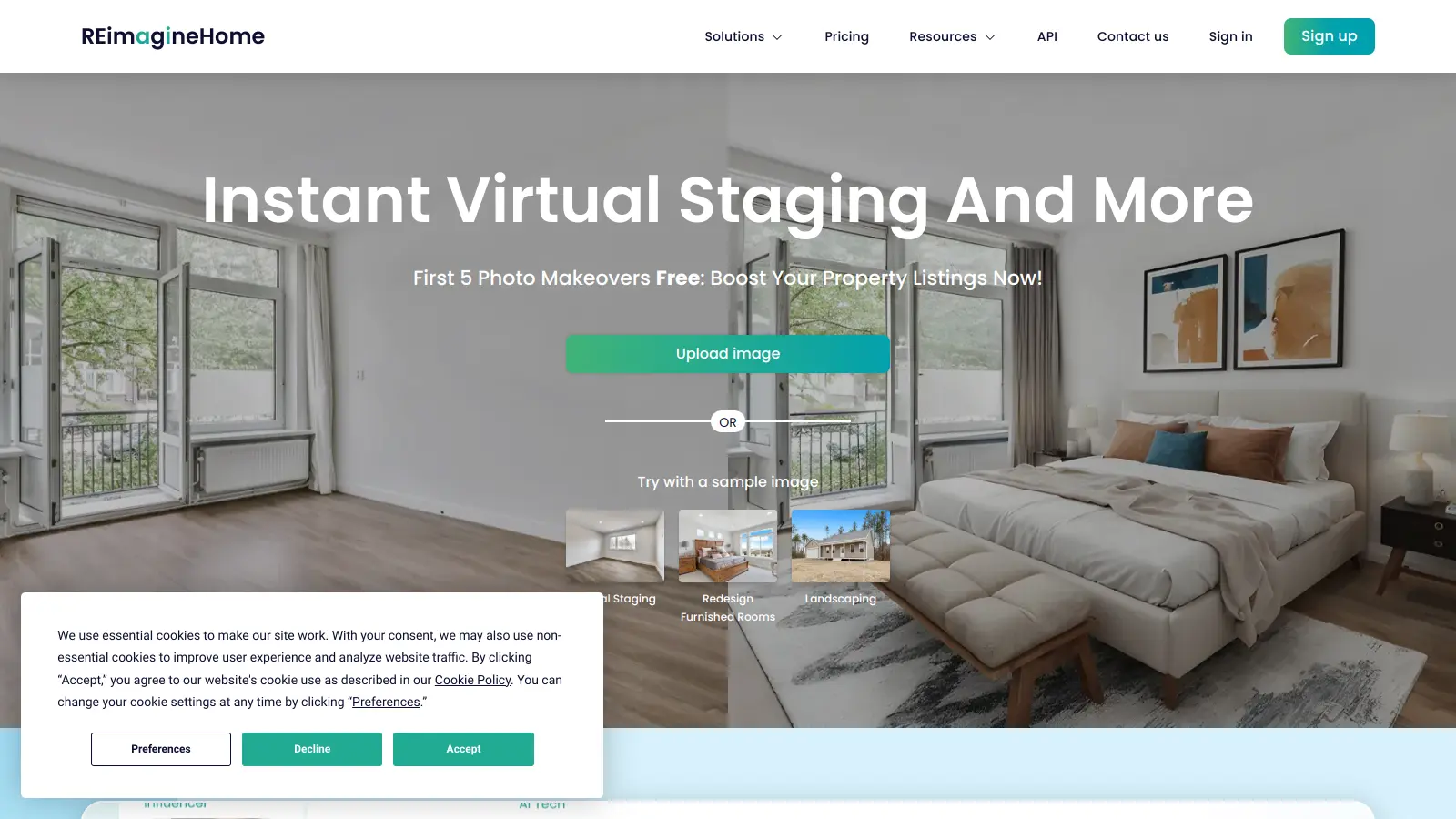
REimagine Home AI transforms interior and exterior design through artificial intelligence. The platform helps users visualize and plan changes to their spaces by analyzing photos and generating custom design suggestions that match their preferences.
Whether you're a homeowner looking to refresh your living room or a real estate agent wanting to stage properties virtually, the tool offers practical solutions. It creates 3D models of rooms and allows users to explore different layouts, furniture arrangements, and color schemes before making any physical changes.
The platform includes features for both indoor and outdoor spaces. Users can experiment with landscape designs, test various furniture styles, and even create virtual walkthroughs of their redesigned spaces. The built-in measurement tools and comprehensive furniture library make it simple to plan layouts accurately.
Getting started is straightforward. Users upload photos of their space, input their style preferences, and receive AI-generated design suggestions. The platform offers 5 free credits for new users to test its capabilities, with paid plans available for continued use.
REimagine works well for various users, from DIY enthusiasts to professional designers. Its collaboration features let multiple people work on projects together, making it useful for teams and client presentations.
monthly search interest
12.1k/mo now
REimagine Home AI rode a sharp spike in April 2023, likely driven by broader AI tool curiosity, then settled back to roughly where it was before the hype hit. Search volume has been stable at around 12,000 monthly searches since mid-2023, with no further decline. This is a tool that found its real audience after the novelty wore off, so you're evaluating the actual product now, not an inflated moment.
Whether this tool earns its place in your workflow depends almost entirely on what you're trying to do with it. Pick your role below to see the honest breakdown.
overall sentiment
select your role to see what people like you are saying
Homeowner Planning Renovations
positiveIf you're trying to visualise a room refresh before spending money on paint or furniture, REimagine gives you a fast answer. The free 5 credits cover a basic test, and the $29 Optimal Plan is reasonable for a one-off project. Don't expect the rendered output to match real-world results exactly, but it's good enough to confirm whether a direction is worth pursuing.
strengths
concerns
Interior Designer
mixedREimagine speeds up early-stage concept work and can make client presentations feel more dynamic with before-and-after visuals. The problem is rendering consistency: outputs vary enough that you'll be manually reviewing everything before showing a client, which eats into the time saving. It's a useful tool for generating rough options quickly, but not reliable enough to anchor a professional presentation.
strengths
concerns
Real Estate Professional/Property Stager
positiveVirtual staging without the cost of physical furniture is a genuine business case, and REimagine delivers on that. You can generate multiple styling options for a listing in minutes, which is directly useful for agents managing several properties. Check outputs before publishing to listings, rendering accuracy isn't perfect, but for buyer-facing marketing material it clears the bar at the $29 tier.
strengths
concerns
DIY Enthusiast/Budget-Conscious Decorator
positiveThe free 5 credits are enough to get a feel for what the tool can do, and the $14 Starter Pack is a low-risk spend if you're experimenting with a single room. You won't get pixel-perfect renderings, but for deciding between two paint colours or furniture arrangements before you buy, it does the job without needing any design skills.
strengths
concerns
“Interior designers with professional credibility on the line should be cautious: AI-generated renderings at this price point aren't consistent enough to replace proper visualisation software in client-facing work.”
Community discussion about REimagine Home AI is thin on the ground. The search results pulled back content about a completely different product, a Creative Labs audio device that shares a similar name, which means there's no meaningful Reddit or forum chatter to draw from for this specific tool. What does exist online points to a consistent pattern for AI interior design tools in this category: rendering accuracy is the most cited frustration, with generated images that look plausible but don't survive close inspection when you're trying to match real finishes, furniture dimensions, or lighting conditions. The free tier's 5 credits are enough to form an impression but not enough to test the tool across a real project, which pushes users toward paid plans before they've fully decided whether the tool earns it.
The free tier's 5 credits are useful for a quick test, but they'll run out before you've finished one serious project. The Optimal Plan at $29 is the sweet spot if you're a homeowner doing a one-time renovation pass or a real estate agent staging a handful of properties. At $49 for the Advanced Plan, you need to be generating enough output regularly to justify the jump. The $14 Starter Pack is too limited for anyone doing professional work.
Real estate professionals and property stagers get the clearest return: virtual staging without physical furniture costs is a direct business saving. Homeowners planning renovations who want to test ideas before calling a contractor also benefit. Interior designers can use it for rapid concept sketches with clients, but shouldn't rely on it for final presentations where rendering accuracy matters.
Rendering accuracy is the core problem. Generated images can look convincing at a glance but misrepresent proportions, lighting, and material textures in ways that create false expectations. The free tier's 5 credits disappear fast, meaning most users hit a paywall before they can properly evaluate the tool. The AI suggestions also lean toward generic design choices, which can frustrate anyone with a specific aesthetic in mind.
Homestyler offers a more structured room-building environment with a larger furniture catalogue, which makes it better for precise layout planning. REimagine is faster for transformation-style visualisation, dropping a new style onto an existing photo rather than building a room from scratch. If you're a homeowner who wants to see what your actual room could look like with a style change, REimagine is quicker. If you need dimensional accuracy or want to plan furniture placement carefully, Homestyler is the better call.
For marketing purposes, the virtual staging output is good enough to give buyers a sense of a furnished space in an otherwise empty property. Real estate professionals using it for listing photos should review outputs carefully before publishing: occasional rendering glitches or unrealistic proportions can undermine buyer trust if they visit in person and the space looks nothing like the staged image. Use it as a supporting asset, not a substitute for professional photography.
toolsforhumans editorial team
Reader ratings and community feedback shape every score. Since 2022, ToolsForHumans has helped 600,000+ people find software that holds up after launch. how we research →

Canva is a graphic design platform that lets individuals and professionals create designs without advanced design skills. It offers hundreds of thousands of templates, design tools, collaboration features, and photo/video editing capabilities. With both free and pro versions, Canva provides access to millions of design elements for creating social media graphics, presentations, posters, and more through its drag-and-drop interface.
best deal
Get 50% off Canva Pro or Business plans for new customers, or try Canva free with 250,000+ templates and 5GB storage

Adobe is a software company founded in 1982, offering digital solutions across creative, document, and marketing domains. Their flagship products include Photoshop, Illustrator, Premiere Pro, and Acrobat, which enable professionals and consumers to create, edit, and manage digital content. With Creative Cloud, Document Cloud, and Experience Cloud, Adobe provides tools for image editing, graphic design, video production, PDF management, and digital marketing.
best deal
New subscribers get 50% off Creative Cloud Pro for the first 3 months - includes 20+ apps and Firefly AI features

PhotoAI.me is an AI-powered platform that transforms personal photos into unique, high-resolution images across 100+ styles for various social media platforms. Users can upload a photo, select a themed package, and receive AI-enhanced images within hours, making profile personalization simple and quick for those seeking professional or creative profile pictures without advanced editing skills.
best deal
Transform your profile photo with 100+ AI styles starting at $19/month

Mango AI is an advanced AI-powered video generation platform that enables users to create professional animations and videos with ease. It offers features like AI talking photos, text-to-animation conversion, diverse AI avatars, voiceovers, video templates, face swapping, and video translation. Designed for educators, marketers, content creators, and businesses, Mango AI simplifies video content creation by providing accessible, engaging, and versatile tools for users of all skill levels.
best deal
Try Mango AI's Free Plan: Create 3-minute talking videos with your own avatar today!

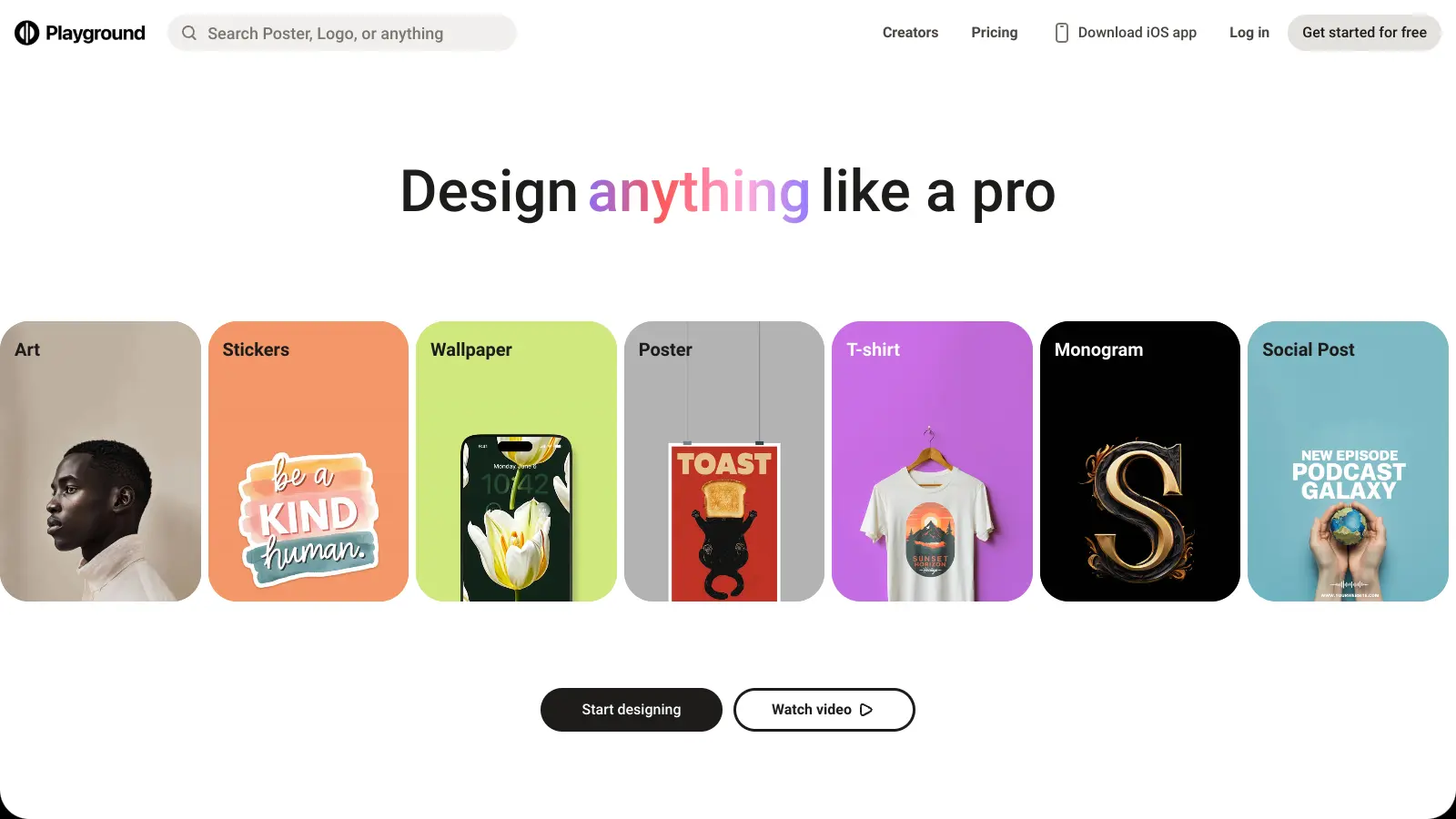
Playground AI is an innovative AI-powered image generation and editing platform designed for creatives, marketers, and designers. It enables users to create unique visuals by combining real and synthetic images through text prompts, offering features like mixed image editing, sketching, object removal, and text-to-image generation. With free and paid plans ranging from 50 to unlimited daily image generations, it provides an accessible tool for various creative projects across design, marketing, and content creation.
best deal
Try Playground AI for free — Generate up to 50 images daily with our easy-to-use creative tools

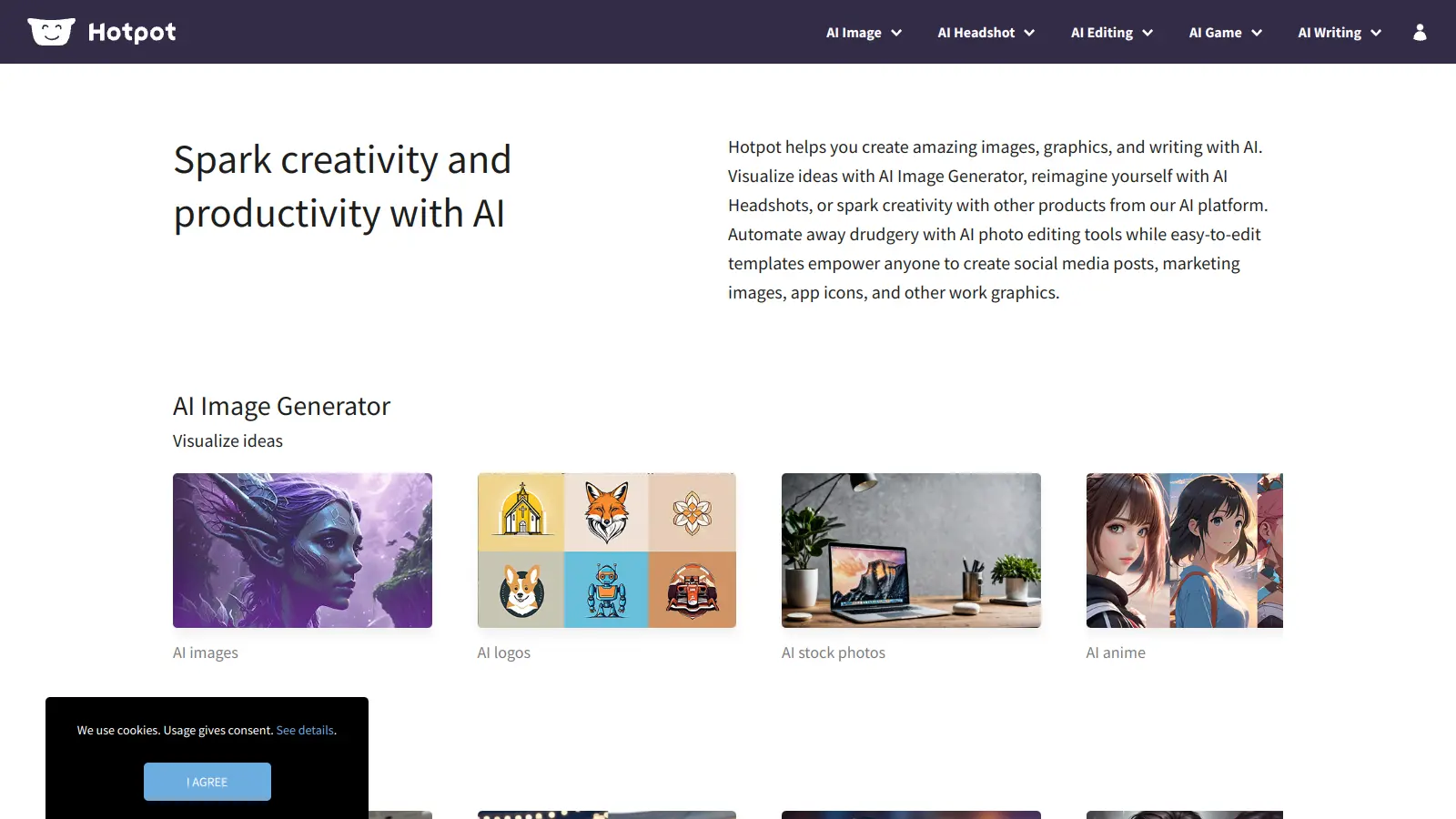
Hotpot AI is an AI-driven platform that enables users to create graphics, pictures, and text through a web-based interface. It offers tools including AI image generation, photo restoration, colorization, upscaling, background removal, face enhancement, headshot creation, and copywriting. The platform uses a credit-based pricing system with options for free exploration, monthly subscriptions, and enterprise solutions.
best deal
Start free with basic AI tools then upgrade to 1,000 watermark-free credits at $10/month. Contact Hotpot directly for potential discounts.