Creative Professional Tools+2 more

GitMind AI
best deal
Students can save up to 50% off GitMind's yearly plans through Student Beans verification, or start with the free plan offering 10 AI chats and basic templates.
redeem now
GitMind AI
best deal
Students can save up to 50% off GitMind's yearly plans through Student Beans verification, or start with the free plan offering 10 AI chats and basic templates.
redeem nowWe start with direct ratings from our readers, then look at what real users are saying in practitioner forums and community spaces. We pair that with search demand data and profession-level persona analysis.
Editorial note: this was originally published in may of 2023
quick take
based on real user feedback, community sentiment, pricing value, and fit for target audience. see our full methodology
used GitMind AI? we'd love to know your thoughts
reader ratings shape our score
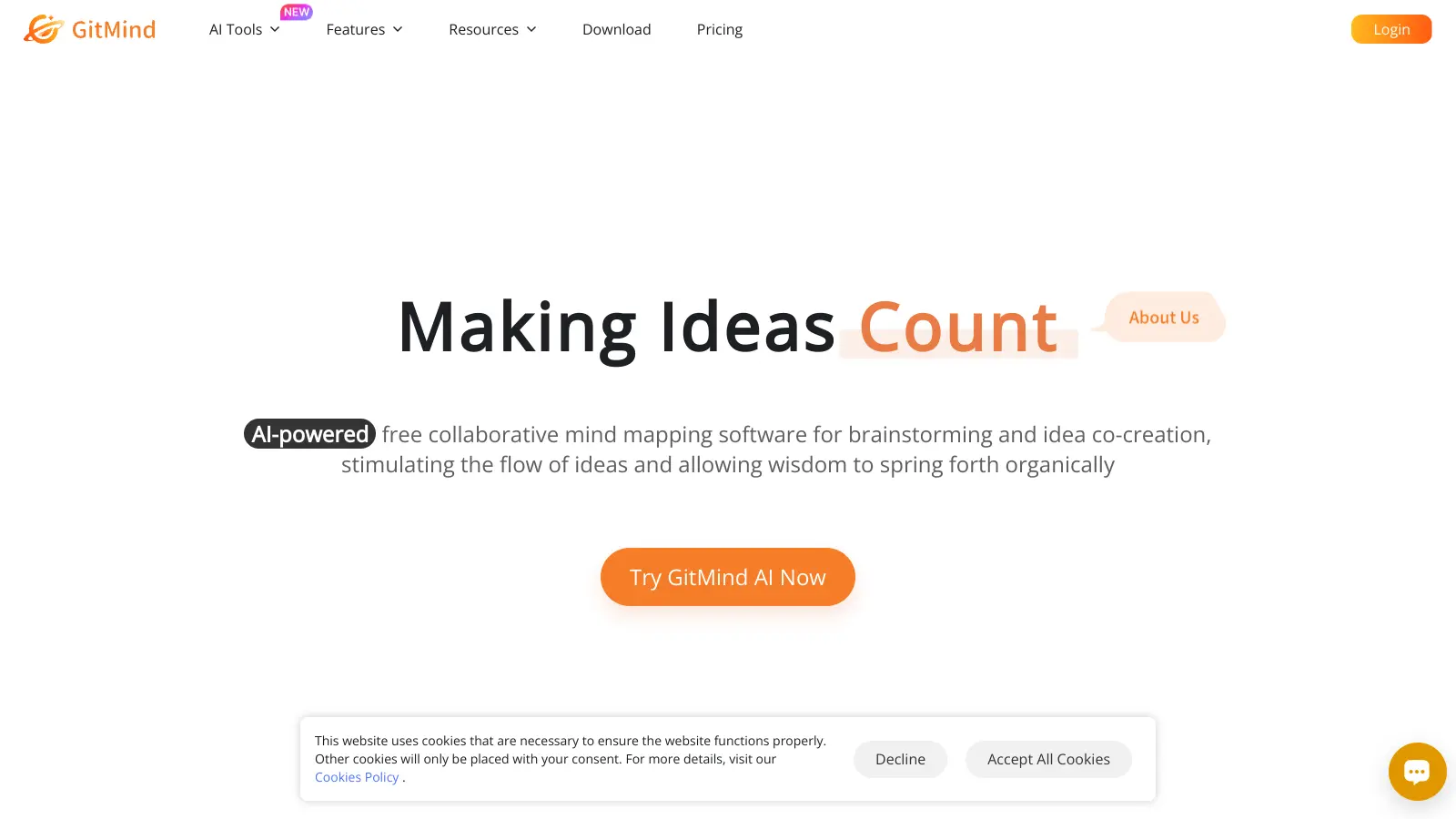
GitMind is an AI-powered platform for creating mind maps, flowcharts, and collaborative whiteboards. The tool helps users organize their thoughts, plan projects, and turn abstract ideas into visual representations.
At its core, GitMind combines traditional mind mapping capabilities with AI assistance to streamline the brainstorming process. Users can generate mind maps from text, videos, PDFs, images, audio files, articles, and websites. The AI uses OCR technology to extract information from images and can identify speakers in audio content. An AI chatbot called Copilot helps develop ideas, answer questions, and analyze content during the mapping process.
The platform works across different devices with web, desktop (Windows and macOS), mobile (iOS and Android), and Chrome extension versions available. It offers both free and paid tiers to suit different needs. The free version provides 10 free chats with the basic AI model, though access may be limited during peak traffic times.
GitMind includes an AI Planet feature, a shared knowledge base where users can upload and access mind maps from the community. This creates opportunities for learning and inspiration while maintaining control over sharing permissions. The tool also offers specialized AI assistants for different roles like writing and healthcare, along with features like AI image generation and advanced AI search.
Some users find that AI suggestions can be generic or off-topic at times. Premium features are locked behind a paywall that some consider pricey, and occasional bugs with saving or syncing across devices have been reported. The intuitive interface makes it accessible for both beginners and experienced users who want to improve their creative and organizational processes.
monthly search interest
1.6k/mo now
GitMind search interest has been essentially flat since its launch, oscillating in a narrow band with a modest peak in late 2023 that it hasn't recaptured. This is a tool with a stable but small audience, not one that's growing. The hype cycle has passed, which means what you're seeing now is the real product and the real user base, not a viral moment. Safe to evaluate on its merits, not its momentum.
GitMind works quite differently depending on whether you're a student, a project manager, or a writer, and the value calculation shifts significantly across those use cases. Pick your role below to see the honest breakdown.
overall sentiment
select your role to see what people like you are saying
Student/Researcher
positiveIf you're working through a stack of PDFs, lecture videos, or research articles, GitMind's ability to turn those directly into mind maps is genuinely useful and the free tier gets you started without spending anything. The 10-map cap will come around eventually, but the annual plan at $4.08/month is a fair upgrade. Just know the AI summaries can miss specialist context, so treat the output as a first draft to refine, not a finished study guide.
strengths
concerns
Project Manager/Business Professional
mixedGitMind handles flowcharts, swimlanes, and org charts well enough for straightforward project visualization, and the collaboration features work for smaller teams. The problem is the syncing bugs: for anything you're actively managing and updating across devices, unreliable sync is a real liability. If your projects are complex or your stakeholders are demanding, the tool will frustrate you before it helps you.
strengths
concerns
Content Creator/Writer
positiveFor outlining articles and organizing research before you write, GitMind is fast and the SEO suggestions are a practical bonus you won't find in most mind mapping tools. The AI content suggestions are generic by default, so you'll spend time reshaping them to fit your voice and niche. It's a useful prep tool, not a content generator you can rely on directly.
strengths
concerns
Remote Team Collaborator
mixedReal-time collaboration in GitMind works, and being able to share visual plans with teammates who don't need any training to read them is a genuine benefit. The ceiling is the syncing reliability: device sync bugs and slow customer support are a bad combination when your team is depending on shared documents staying current. For high-stakes collaborative work, Whimsical or Mural are more dependable choices.
strengths
concerns
“GitMind earns its spot by being accessible and affordable, not by outperforming Whimsical or XMind on capability.”
Community coverage of GitMind is thin but broadly positive, with the most substantive write-up coming from an education-focused blog that positions it as a solid AI mind mapping tool for teachers and students. The Digital Project Manager's roundup of AI mind mapping tools places GitMind sixth on their list, tagging it specifically as best for free AI tools rather than leading on features or collaboration depth. That framing is telling: GitMind earns its spot by being accessible and affordable, not by outperforming Whimsical or XMind on capability. Across commercial review platforms, the comparison data shows GitMind sitting alongside XMind as a viable alternative, but reviewers consistently flag syncing reliability and the gap between free and paid functionality as the two things that hold it back from stronger recommendation.
The free tier is worth trying: 10 mind maps, AI summarization, and solid template access costs nothing. The annual plan at $4.08/month is reasonable if you need unlimited maps and HD export. The monthly plan at $9/month is hard to justify given the annual option exists. Skip monthly, go annual if you're committing.
Students and researchers get the most from it, especially anyone turning lecture videos, PDFs, or research articles into structured study guides quickly. Content creators who need article outlines and research organization also get genuine value. Project managers can use it for workflow diagrams, but will hit frustrations with syncing and the feature ceiling on larger projects.
The free tier hard-caps you at 10 mind maps, which you'll hit faster than expected. AI-generated suggestions are generic enough that you'll often need to rework them to match your specific topic or writing voice. Syncing bugs across devices are a recurring complaint, which matters most if you're switching between desktop and mobile during active work. Customer support is slow.
XMind is the better pick for deep customization, offline use, and professional-grade diagramming. GitMind wins on AI input features, specifically the ability to generate maps directly from videos, PDFs, and URLs, and it's cheaper for most use cases. If AI-assisted capture from multiple content types matters to you, GitMind. If you need a polished, highly customizable tool for serious creative or professional work, XMind.
For organizing and summarizing research, yes. The video and PDF-to-mind-map features save real time when you're working through multiple sources. The limit is that AI summaries can miss the nuance or context of specialist academic material, so you'll need to review and refine the output rather than trust it as-is. It's a time-saver, not a replacement for reading your sources.
toolsforhumans editorial team
Reader ratings and community feedback shape every score. Since 2022, ToolsForHumans has helped 600,000+ people find software that holds up after launch. how we research →
is this your tool?
claim your listing to update details, respond to our review, or upgrade to a featured partnership.
claim this listing →
Canva is a graphic design platform that lets individuals and professionals create designs without advanced design skills. It offers hundreds of thousands of templates, design tools, collaboration features, and photo/video editing capabilities. With both free and pro versions, Canva provides access to millions of design elements for creating social media graphics, presentations, posters, and more through its drag-and-drop interface.
best deal
Get 50% off Canva Pro or Business plans for new customers, or try Canva free with 250,000+ templates and 5GB storage

Adobe is a software company founded in 1982, offering digital solutions across creative, document, and marketing domains. Their flagship products include Photoshop, Illustrator, Premiere Pro, and Acrobat, which enable professionals and consumers to create, edit, and manage digital content. With Creative Cloud, Document Cloud, and Experience Cloud, Adobe provides tools for image editing, graphic design, video production, PDF management, and digital marketing.
best deal
New subscribers get 50% off Creative Cloud Pro for the first 3 months - includes 20+ apps and Firefly AI features

PhotoAI.me is an AI-powered platform that transforms personal photos into unique, high-resolution images across 100+ styles for various social media platforms. Users can upload a photo, select a themed package, and receive AI-enhanced images within hours, making profile personalization simple and quick for those seeking professional or creative profile pictures without advanced editing skills.
best deal
Transform your profile photo with 100+ AI styles starting at $19/month

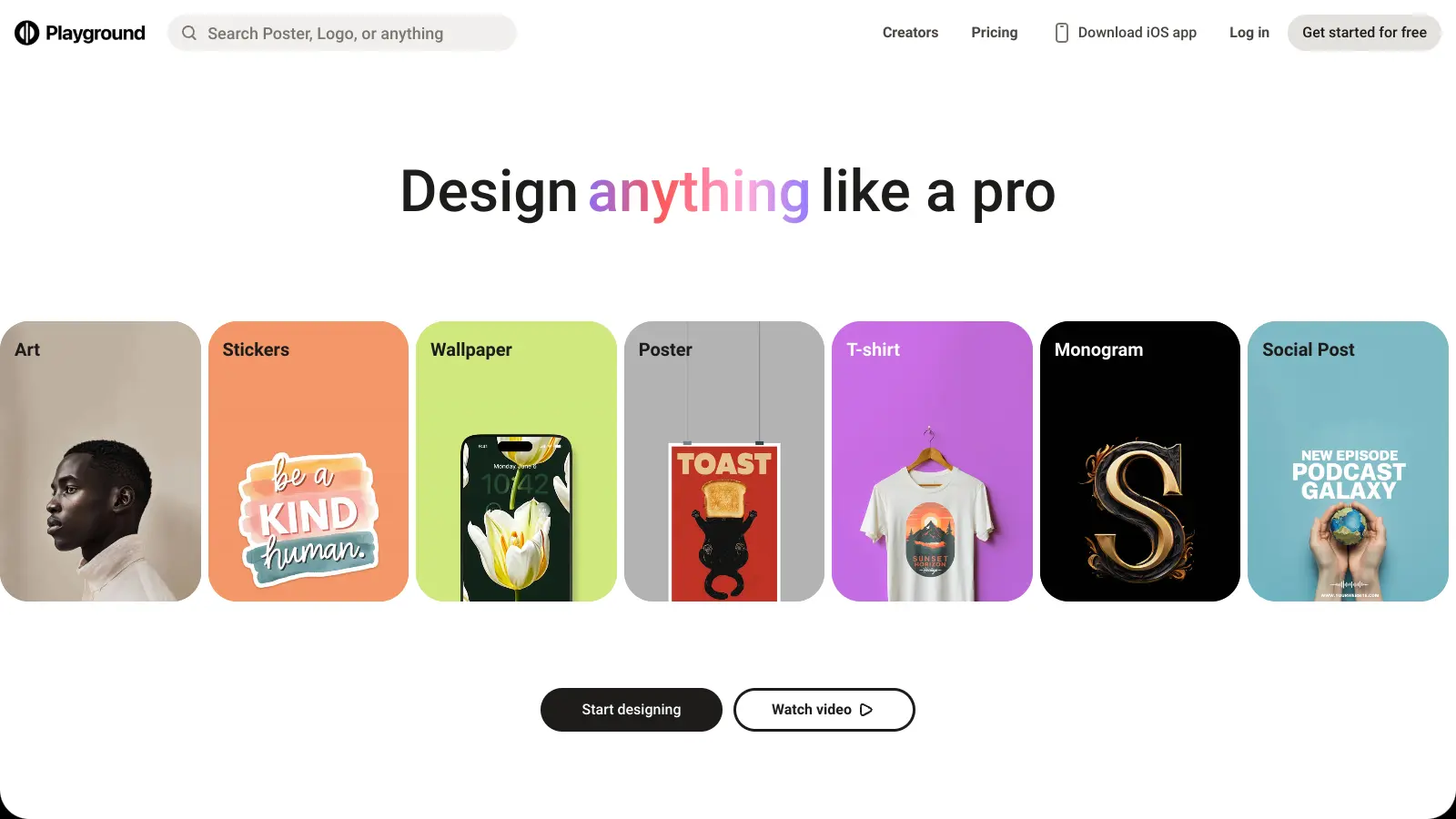
Playground AI is an innovative AI-powered image generation and editing platform designed for creatives, marketers, and designers. It enables users to create unique visuals by combining real and synthetic images through text prompts, offering features like mixed image editing, sketching, object removal, and text-to-image generation. With free and paid plans ranging from 50 to unlimited daily image generations, it provides an accessible tool for various creative projects across design, marketing, and content creation.
best deal
Try Playground AI for free — Generate up to 50 images daily with our easy-to-use creative tools

Mango AI is an advanced AI-powered video generation platform that enables users to create professional animations and videos with ease. It offers features like AI talking photos, text-to-animation conversion, diverse AI avatars, voiceovers, video templates, face swapping, and video translation. Designed for educators, marketers, content creators, and businesses, Mango AI simplifies video content creation by providing accessible, engaging, and versatile tools for users of all skill levels.
best deal
Try Mango AI's Free Plan: Create 3-minute talking videos with your own avatar today!

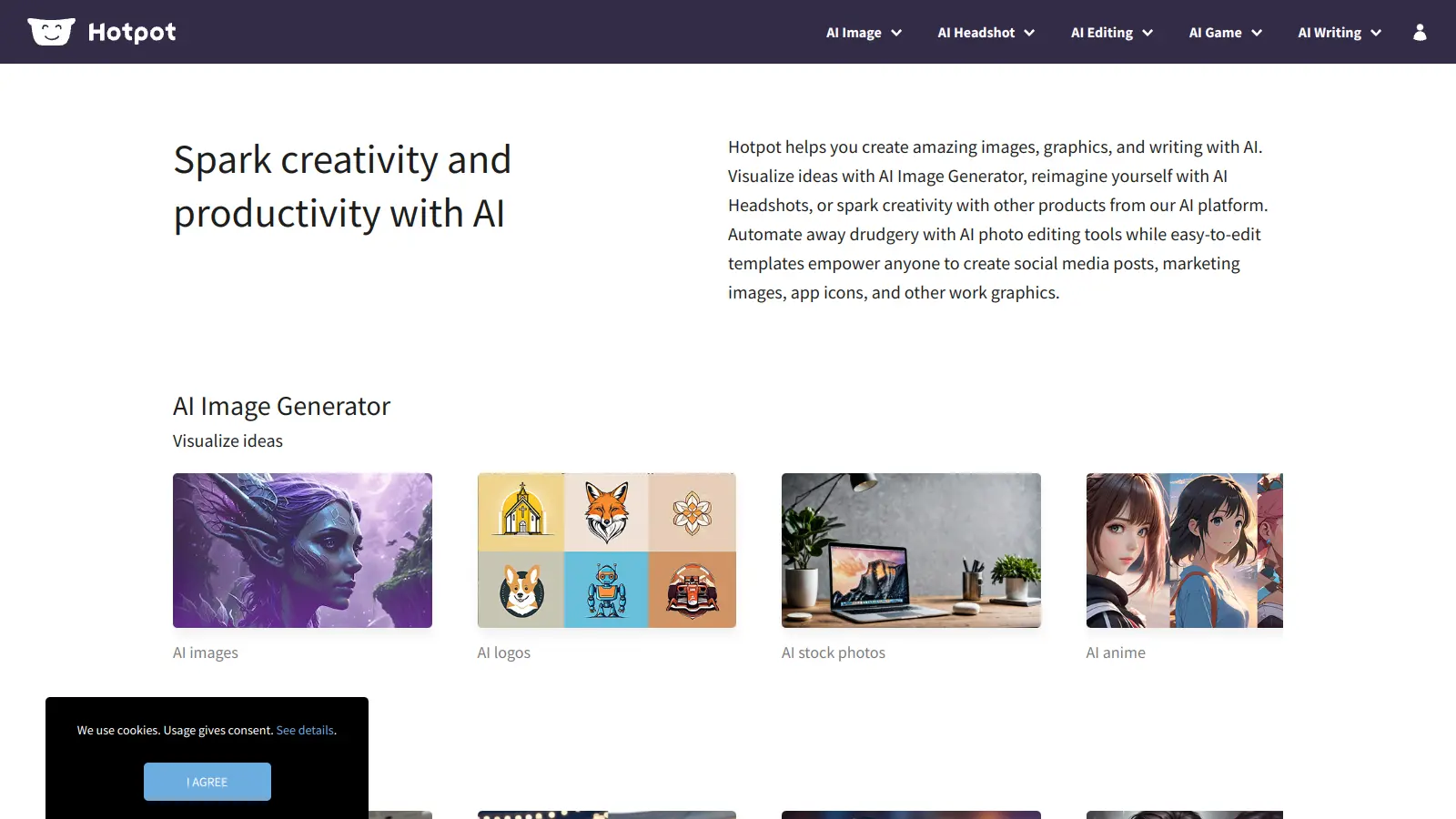
Hotpot AI is an AI-driven platform that enables users to create graphics, pictures, and text through a web-based interface. It offers tools including AI image generation, photo restoration, colorization, upscaling, background removal, face enhancement, headshot creation, and copywriting. The platform uses a credit-based pricing system with options for free exploration, monthly subscriptions, and enterprise solutions.
best deal
Start free with basic AI tools then upgrade to 1,000 watermark-free credits at $10/month. Contact Hotpot directly for potential discounts.