Creative Professional Tools+2 more

Interior AI
best deal
Try Interior AI's free tier to transform your space with AI design ideas and basic renders before upgrading.
redeem now
Interior AI
best deal
Try Interior AI's free tier to transform your space with AI design ideas and basic renders before upgrading.
redeem nowWe start with direct ratings from our readers, then look at what real users are saying in practitioner forums and community spaces. We pair that with search demand data and profession-level persona analysis.
Editorial note: this was originally published in december of 2022
quick take
based on real user feedback, community sentiment, pricing value, and fit for target audience. see our full methodology
used Interior AI? we'd love to know your thoughts
reader ratings shape our score
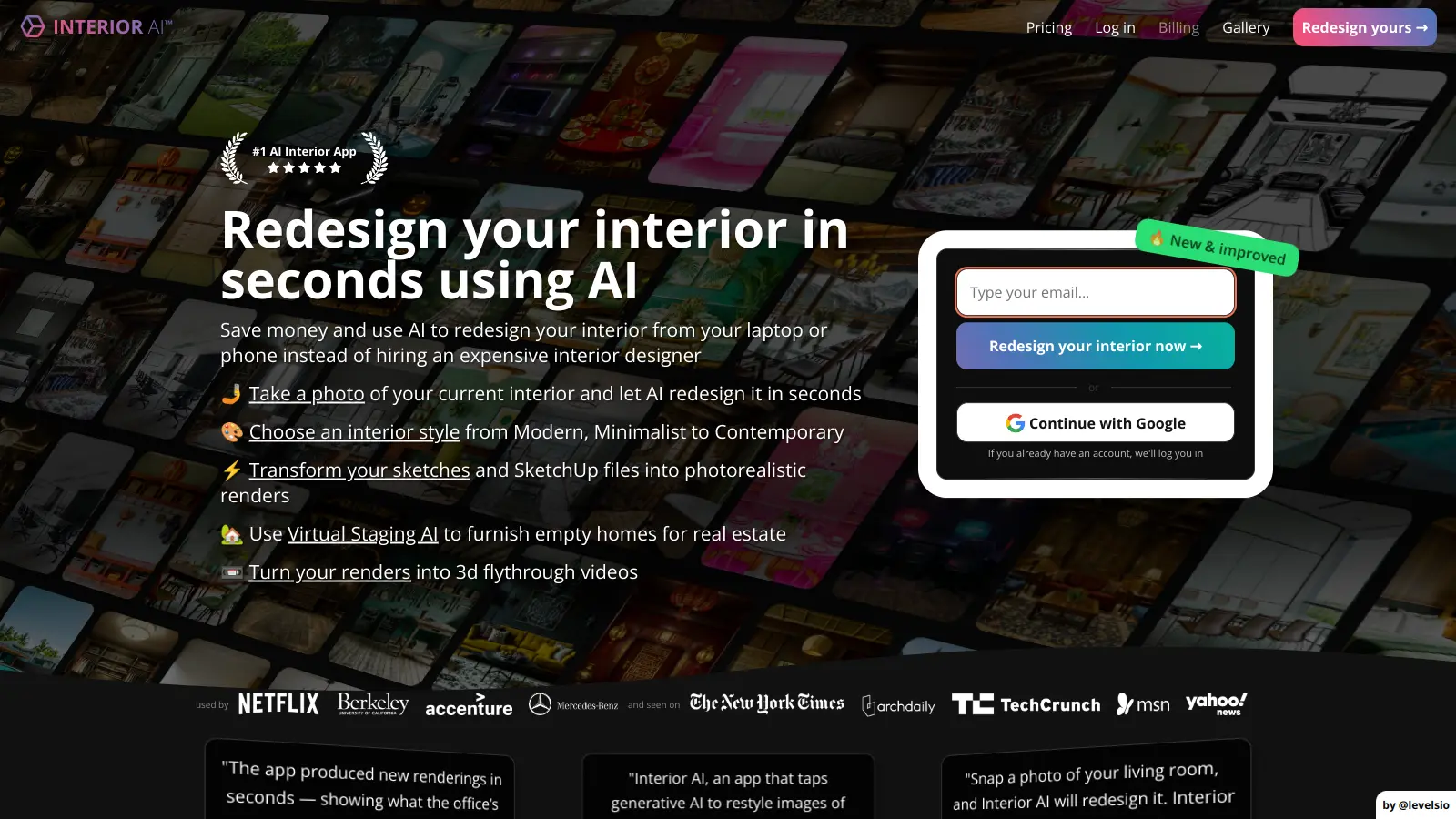
Interior AI is an artificial intelligence tool that helps users create and visualize interior design concepts. The platform combines AI technology with design principles to transform spaces through virtual staging, room redesigns, and photorealistic rendering.
Users can upload photos of their spaces or start from scratch using the freestyle generation feature. The AI analyzes room dimensions and layouts to provide customized design suggestions across various styles, from modern minimalist to classic traditional. The tool's virtual staging capabilities let real estate professionals and homeowners showcase properties with furnished spaces that appeal to potential buyers.
The platform offers both free and paid options. While some basic features are available at no cost, the Pro plan at $29 monthly includes unlimited renders, faster processing, and commercial usage rights. A team version accommodates up to 10 users for larger organizations.
Interior AI serves various users, from homeowners planning renovations to real estate agents staging properties. The tool maintains user privacy by keeping uploaded photos and generated designs secure, and unlike some competitors, doesn't use customer images to train its AI models.
monthly search interest
40.5k/mo now
Interior AI peaked hard at 74,000 monthly searches in June 2022, right at the height of AI novelty interest, then dropped by more than half within six months. Since early 2023 it's settled into a stable band of 33,000 to 40,500 searches per month with no real growth or decline. That pattern means the hype is well and truly over, but a genuine core audience has stuck around. You're evaluating the real product now, not a viral moment.
Whether Interior AI's worth it depends heavily on what you're actually trying to do with it. Pick your role below to get the honest breakdown for your situation.
overall sentiment
select your role to see what people like you are saying
Real Estate Agent
positiveIf you're staging multiple listings a month, Interior AI pays for itself fast. The virtual staging outputs look professional enough for listing photos, and at $29/month you're spending less than the cost of a single hour with a traditional stager. The spatial approximation doesn't matter much here: buyers care how a room feels, not whether the sofa dimensions are exact.
strengths
concerns
Homeowner
mixedGood for exploring style directions before you commit to anything expensive. Upload a photo of your living room and you can see a modern Scandinavian version versus a maximalist one in seconds. The catch: don't treat the outputs as renovation plans. The AI doesn't know if your furniture will actually fit or whether your layout is structurally possible. Use the free credits first before deciding whether the Pro plan is worth it for your project.
strengths
concerns
Interior Designer
mixedUseful for generating quick concept options to show clients in early briefing sessions, where speed matters more than precision. It won't replace your spatial judgment or your ability to spec materials accurately, and there's a real risk clients see polished AI renders and assume the hard work is done. Treat it as a mood board accelerator, not a design tool, and you'll get value from it without overselling what it can deliver.
strengths
concerns
Property Developer
positiveIf you're marketing multiple units at scale, the Teams plan at $299/month across 10 users makes sense for producing consistent staging visuals across a development. The outputs are generic enough that they work for show-home marketing without being so specific they mislead buyers about finishes. For technical planning or anything that feeds into actual build specifications, you'll need separate tools.
strengths
concerns
“The AI doesn't understand room dimensions in any reliable way, so furniture placement and proportions in the output often don't match what would actually fit in the space.”
Community discussion around Interior AI is thin online, which itself tells you something: this isn't a tool people are evangelising in Reddit threads or dissecting on forums. What exists is largely surface-level. The tool launched in mid-2022 riding a wave of AI design interest, and the pattern since then mirrors what you'd expect from a novelty product that found a real but limited use case. The most consistent feedback from people who've tried it centres on the gap between what the renderings look like and what's actually buildable: the outputs are often visually polished but spatially approximate, which matters a lot when you're trying to decide whether a sofa actually fits or whether a wall can be knocked through. For real estate marketing, that gap is largely irrelevant. For anyone making a real renovation decision, it's a meaningful limitation.
The Pro plan at $29/month is worth it if you're a real estate agent staging multiple properties regularly. One month of unlimited renders costs less than a single hour of professional staging consultation. For homeowners using it occasionally to preview renovation ideas, the free tier is enough to test the concept, and the annual plan at $249 drops the monthly cost enough to justify it if you're actively renovating. If you're a one-off user, there's no reason to subscribe at all: run the free credits, take what you need, and cancel.
Real Estate Agents get the clearest return: fast, professional-looking virtual staging for listings without hiring anyone. Homeowners exploring renovation styles get real value from the visualisation side, as long as they treat the outputs as mood boards rather than technical plans. Interior Designers can use it to accelerate early-stage client concept work, though it won't replace the spatial reasoning that professional design requires. Property Developers staging multiple units at scale are the other obvious fit.
Spatial accuracy is the biggest problem. The AI doesn't understand room dimensions in any reliable way, so furniture placement and proportions in the output often don't match what would actually fit in the space. Second, the outputs trend towards certain aesthetic preferences: modern, clean, slightly generic interiors are where it performs best. Feed it an unusual layout, a period property, or a very specific brief and the results get inconsistent. You also can't export technical documentation or floor plans, which means anything beyond visual inspiration requires separate tools.
RoomGPT is free and produces comparable quick-redesign results for homeowners who just want to see a style swap. Interior AI justifies its cost primarily through the virtual staging feature, faster processing on the Pro plan, and the commercial licence that lets you use outputs in listings and marketing materials. If you're a real estate agent or property developer who needs commercial usage rights, Interior AI is the cleaner choice. If you're a homeowner experimenting with renovation ideas and cost is a factor, RoomGPT does enough for free.
With caution. The renderings are useful for communicating a style direction to a contractor or getting a feel for how a colour scheme might sit in a room. But the AI doesn't understand load-bearing walls, plumbing constraints, or accurate furniture dimensions, so treating any output as a spatial plan would be a mistake. Use it as a visual brief, not a specification. If you're making decisions that involve real money, run the concept past a designer or architect before committing.
toolsforhumans editorial team
Reader ratings and community feedback shape every score. Since 2022, ToolsForHumans has helped 600,000+ people find software that holds up after launch. how we research →
is this your tool?
claim your listing to update details, respond to our review, or upgrade to a featured partnership.
claim this listing →
Canva is a graphic design platform that lets individuals and professionals create designs without advanced design skills. It offers hundreds of thousands of templates, design tools, collaboration features, and photo/video editing capabilities. With both free and pro versions, Canva provides access to millions of design elements for creating social media graphics, presentations, posters, and more through its drag-and-drop interface.
best deal
Get 50% off Canva Pro or Business plans for new customers, or try Canva free with 250,000+ templates and 5GB storage

Adobe is a software company founded in 1982, offering digital solutions across creative, document, and marketing domains. Their flagship products include Photoshop, Illustrator, Premiere Pro, and Acrobat, which enable professionals and consumers to create, edit, and manage digital content. With Creative Cloud, Document Cloud, and Experience Cloud, Adobe provides tools for image editing, graphic design, video production, PDF management, and digital marketing.
best deal
New subscribers get 50% off Creative Cloud Pro for the first 3 months - includes 20+ apps and Firefly AI features

PhotoAI.me is an AI-powered platform that transforms personal photos into unique, high-resolution images across 100+ styles for various social media platforms. Users can upload a photo, select a themed package, and receive AI-enhanced images within hours, making profile personalization simple and quick for those seeking professional or creative profile pictures without advanced editing skills.
best deal
Transform your profile photo with 100+ AI styles starting at $19/month

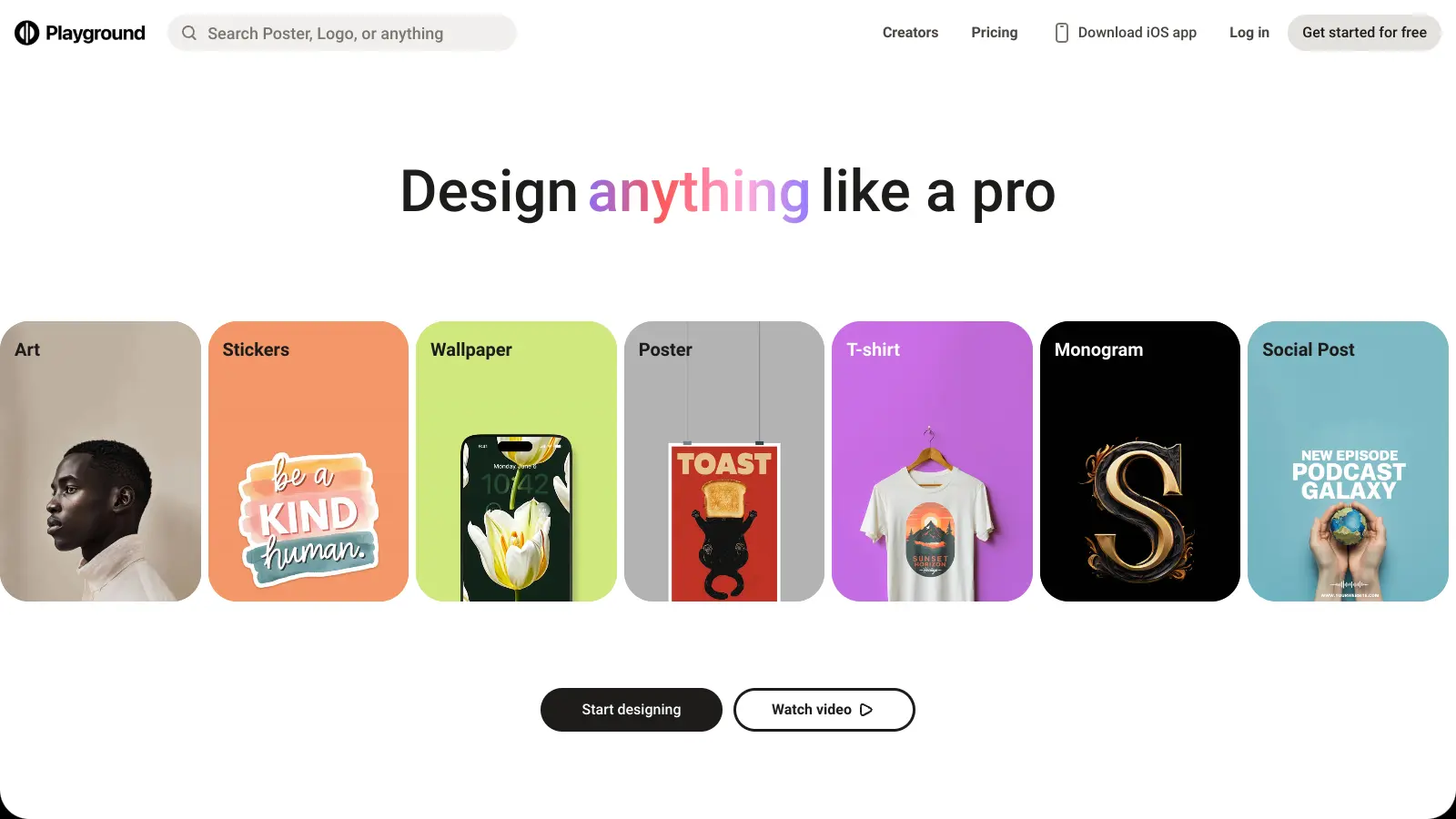
Playground AI is an innovative AI-powered image generation and editing platform designed for creatives, marketers, and designers. It enables users to create unique visuals by combining real and synthetic images through text prompts, offering features like mixed image editing, sketching, object removal, and text-to-image generation. With free and paid plans ranging from 50 to unlimited daily image generations, it provides an accessible tool for various creative projects across design, marketing, and content creation.
best deal
Try Playground AI for free — Generate up to 50 images daily with our easy-to-use creative tools

Mango AI is an advanced AI-powered video generation platform that enables users to create professional animations and videos with ease. It offers features like AI talking photos, text-to-animation conversion, diverse AI avatars, voiceovers, video templates, face swapping, and video translation. Designed for educators, marketers, content creators, and businesses, Mango AI simplifies video content creation by providing accessible, engaging, and versatile tools for users of all skill levels.
best deal
Try Mango AI's Free Plan: Create 3-minute talking videos with your own avatar today!

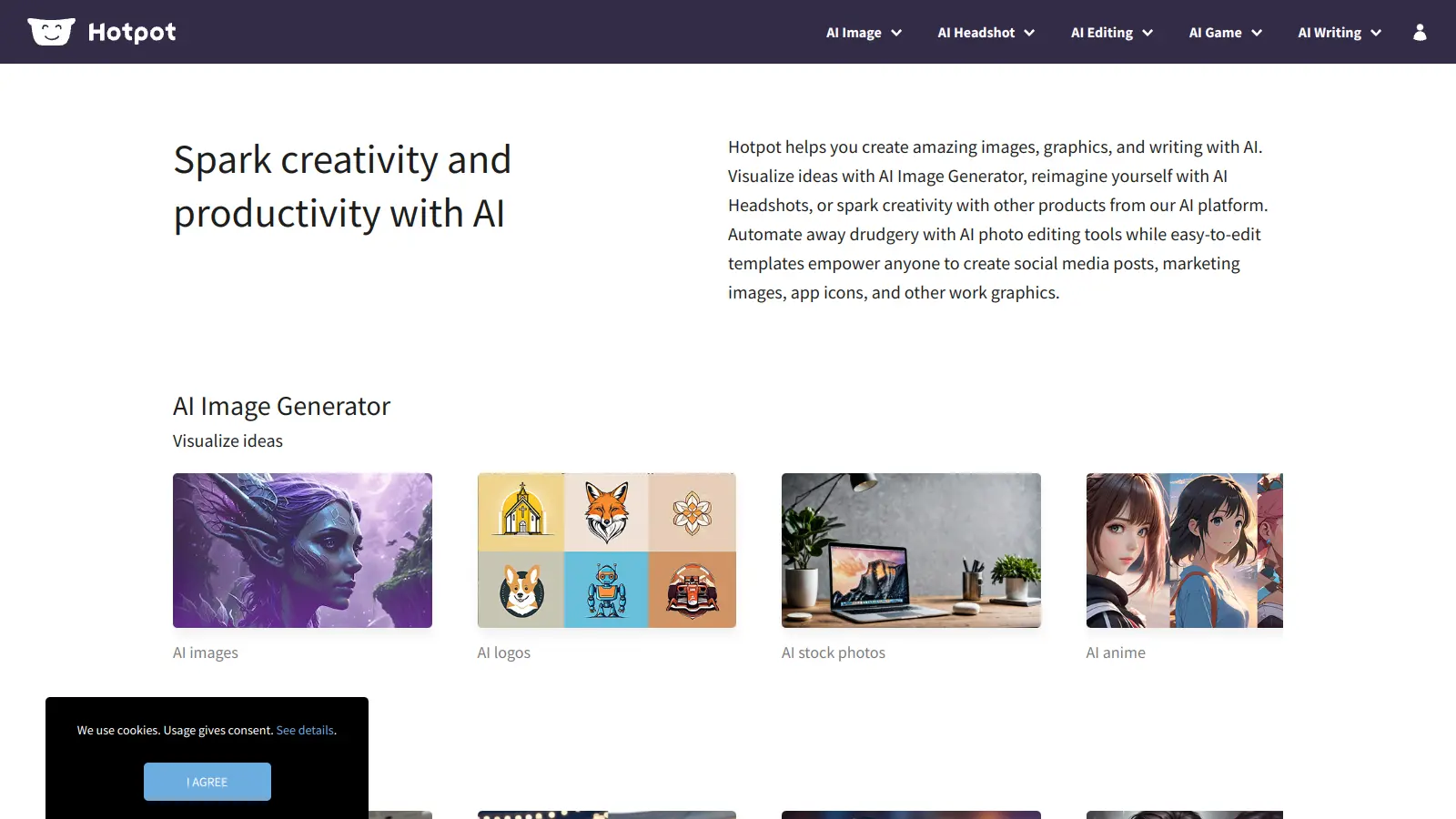
Hotpot AI is an AI-driven platform that enables users to create graphics, pictures, and text through a web-based interface. It offers tools including AI image generation, photo restoration, colorization, upscaling, background removal, face enhancement, headshot creation, and copywriting. The platform uses a credit-based pricing system with options for free exploration, monthly subscriptions, and enterprise solutions.
best deal
Start free with basic AI tools then upgrade to 1,000 watermark-free credits at $10/month. Contact Hotpot directly for potential discounts.