Plus AI Review 2026 - Features, Pricing & Deals

Last Updated
Feb 14, 2026

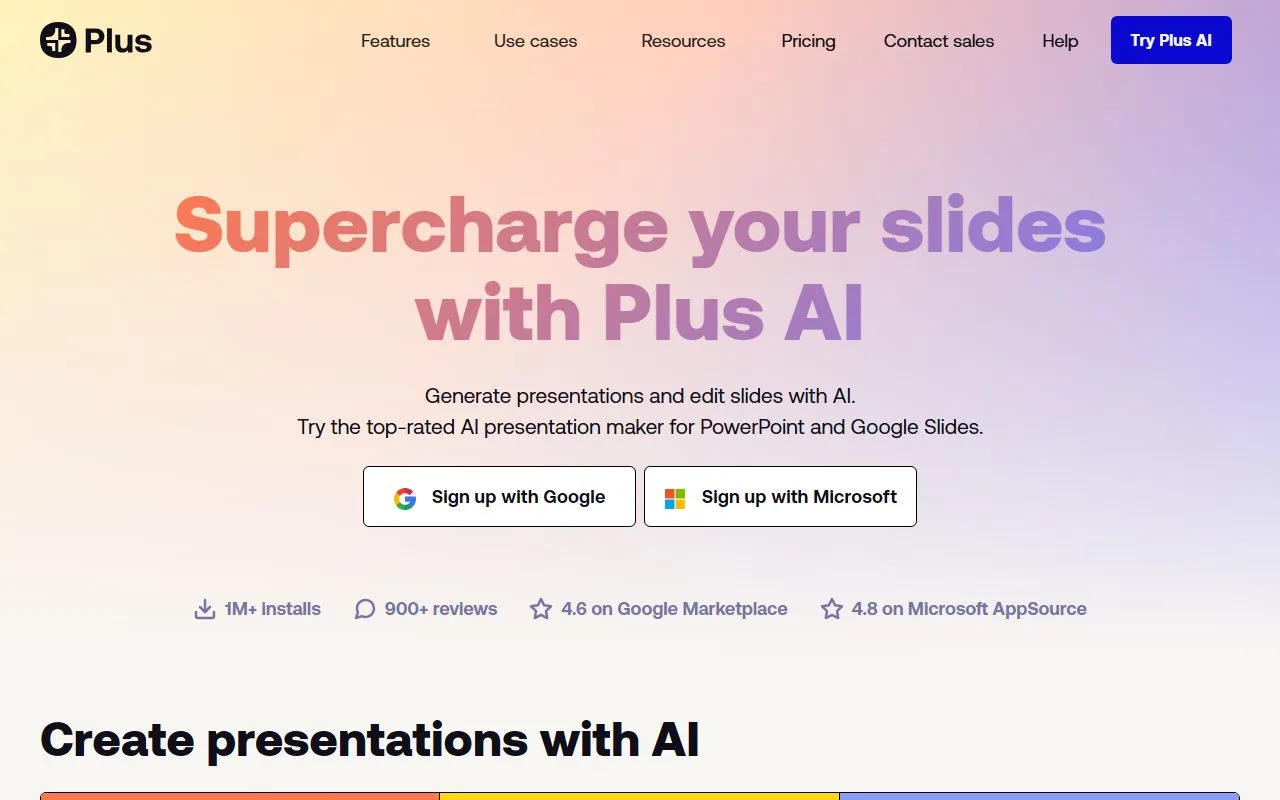
Plus AI transforms the way you create presentations in Google Slides and PowerPoint. This AI-powered add-on helps users generate and edit presentations quickly by converting text prompts, documents, or outlines into well-structured slides.

Working directly within your preferred presentation software, Plus AI offers features like automatic slide creation, content editing, and layout suggestions. You can generate entire presentations from simple prompts, translate content into multiple languages, and maintain consistent formatting throughout your slides. The tool handles everything from sales decks to marketing campaigns, and includes document conversion and custom theme design.

Users can try Plus AI through a 7-day free trial, with the Pro plan starting at $10 per month.

Business teams and marketing professionals use Plus AI to create tailored decks for specific audiences or campaigns. The add-on integrates directly into your existing workflow, so you never have to leave Google Slides or PowerPoint to get AI assistance with your presentations.

Who is Plus AI for?

Plus AI is for professionals who need to create presentations fast. This tool transforms simple text prompts or existing documents into formatted presentations within Google Slides or PowerPoint.

  • Time-pressed executives who need to convert rough ideas into complete presentation decks without spending hours on design.
  • Sales professionals who customize pitch decks for different clients and want more time for relationship building, less time formatting slides.
  • Educators and trainers who turn lesson plans or training materials into visual presentations using the document conversion feature.
  • Marketing teams who create tailored decks for specific audiences or campaigns and want to focus on strategy rather than manual design work.
  • Non-native English speakers who use the multilingual translation features to create presentations for international audiences.
  • Business professionals who work in Google Workspace or Microsoft environments and want to stay inside their familiar tools.
  • Anyone who presents regularly and wants to cut slide preparation time from hours to minutes.

From corporate boardrooms to university classrooms, Plus AI works for anyone who needs to communicate ideas visually without getting stuck in design work.

Online Reviews (Last 6 Months Summarised)

Plus AI has gotten praise from users who find it to be a major time-saver for creating presentations from simple prompts. Many reviewers highlight that the slide designs rival what a professional designer would create, and they appreciate how easy it is to use with natural language input. Business professionals, marketers, and educators like the Google Slides and PowerPoint integration, and users note that the team keeps improving the tool with new features like image generation and additional layout options.

Some users report that Plus AI generates irrelevant or off-topic content when prompts are vague, requiring manual cleanup. Advanced users find the customization options limited for pixel-perfect control over designs. Several reviewers mention that paid plans can feel pricey for heavy users at $20 or more per month. There are occasional bugs with slide editing or export formats. The tool isn't ideal for highly technical or data-heavy presentations, and outputs often need manual tweaks for accuracy.

Features

  • AI Presentation Generator: Create presentations in Google Slides and PowerPoint from text prompts, documents, or outlines in seconds, transforming rough ideas into formatted slide decks.
  • Slide Formatting and Layout Suggestions: Get automatic recommendations for slide layouts and formatting that improve your presentation's visual appeal without manual design work.
  • Custom Theme Designer: Create unique presentation themes with just a few clicks, letting AI select matching fonts and color schemes.
  • Multilingual Translation: Instantly translate slides into any language while maintaining consistent formatting and design across your entire presentation.
  • Document to Presentation Converter: Transform PDFs, Word documents, and other files into PowerPoint presentations with minimal effort.
  • Tailored Audience Targeting: Generate customized decks for specific audiences or campaigns, useful for marketing teams who need variations for different stakeholders.
  • Native Integration: Work directly within Google Slides and PowerPoint as an add-on, keeping your entire workflow inside the tools you already use daily.

Pricing

  • Free plan available with limited number of AI runs to test basic capabilities
  • 7-day free trial of paid features for both Google Slides and PowerPoint versions
  • Pro Plan priced at $10 per month for individuals
  • Plans include presentation creation, editing, and formatting features directly within your presentation software
  • For enterprise or custom plans, users should contact Plus AI directly for specific pricing details

Frequently Asked Questions

How does Plus AI differ from regular PowerPoint or Google Slides?

Plus AI works directly within PowerPoint and Google Slides as an add-on but adds AI capabilities that the standard versions don't have. Unlike regular presentation software where you create everything manually, Plus AI can generate entire presentations from simple prompts, rewrite slide content, suggest layout improvements, and format your slides automatically. Think of it as having an assistant that works alongside you in your familiar presentation tools, helping you create better slides faster while you maintain complete control over the final product.

Can Plus AI create my entire presentation for me?

Yes! You can type a prompt like "create a sales pitch for our new product" or upload an existing document, and Plus AI will generate a complete presentation with all the slides you need. It creates the structure, writes the content, and formats everything. You can then review and edit any parts you want to change. This works great for first drafts that you can refine, or for quickly converting documents into presentation format without starting from scratch.

Does Plus AI work with both Google Slides and PowerPoint?

Yes, Plus AI integrates directly with both Google Slides and PowerPoint as an add-on. If you work in Google Workspace, you can use it within Google Slides. If you're in a Microsoft environment, it works inside PowerPoint. The tool stays native to whichever platform you choose, so you never have to leave your familiar presentation software to get AI assistance with your slides.

Can I try Plus AI before paying for it?

Absolutely! Plus AI offers both a free plan with a limited number of AI runs and a 7-day free trial of the paid features. This lets you test all its capabilities before committing to a subscription. During the trial, you can create presentations, edit slides, and use all the AI tools to see if it fits your needs. Once your trial ends, the Pro plan is available at $10 per month.

Will Plus AI work with my company's branded templates?

Yes, Plus AI works with your existing templates in both PowerPoint and Google Slides. If your company has branded templates with specific fonts, colors, and layouts, Plus AI can generate content within those templates while maintaining your brand guidelines. For enterprise users, there's also support for custom templates that can be set up specifically for your organization. This means your AI-generated presentations will still have a consistent, professional look that matches your company's branding.

Other Tools To Check Out

Best Deal

Try Remini Free: Enhance photos and videos with basic AI tools, daily usage credits, no credit card required for trial (watermarked exports)

Redeem Now

Best Deal

Try Simplified Free: Get one-time AI quota, limited social accounts, and 500MB storage to test the platform. Annual plans save ~35%!

Redeem Now

Best Deal

Start with Sitekick for just $20/month

Redeem Now

Find Out How Best To Utilise Tools

Our newsletter comes with exclusive discounts, trials and practical insights from within the industry

Sign Up Today