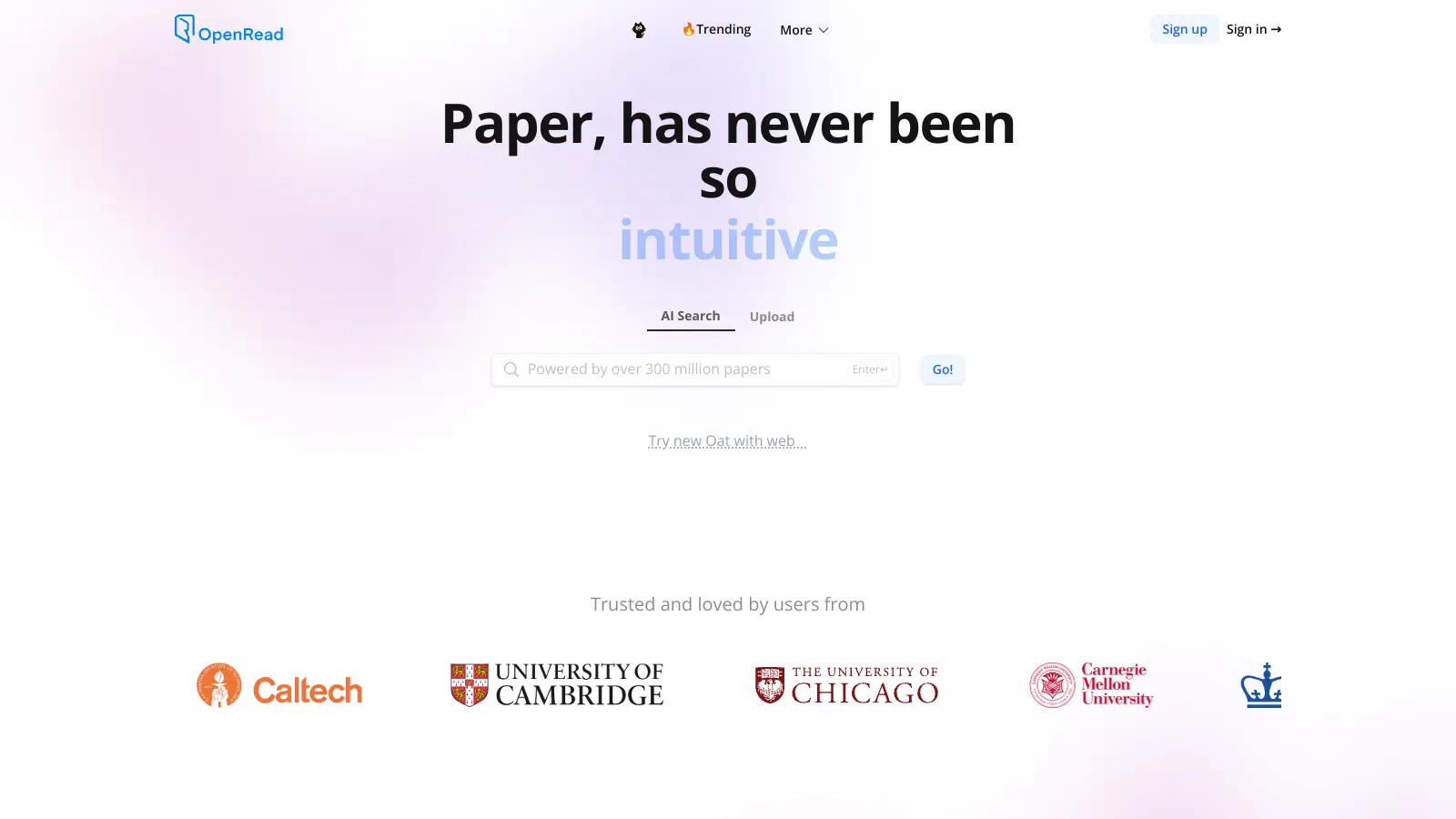
OpenRead helps researchers and academics work more efficiently with their research papers. This AI-powered platform brings together tools to help users find, understand, and analyze academic content quickly.
The platform's main features include an AI search system that scans across 300 million papers from 20,000+ journals, and a summarization tool called Paper Espresso that breaks down complex research into digestible sections. Users can also ask questions about papers through Paper Q&A and Oat, an AI assistant that provides answers with reference links.
For working with PDFs, OpenRead uses computer vision technology called Hawkeye to parse documents accurately, handling tables and images well. The platform updates every five minutes with new publications, keeping users current with the latest research in their field. It also offers visual maps showing how different papers connect to each other, plus integrated note-taking with backlinks to keep research organized.
The platform costs $20 per month for the Standalone plan with no usage limits. It works through web browsers and supports multiple document types. New users might need some time to learn all the tools, and an internet connection is needed for most functions.
Whether you're a student working on a thesis or a researcher keeping up with your field, OpenRead aims to make the research process smoother and more organized.
OpenRead is for busy academics and researchers who want to save time when working with scholarly literature. It helps users find, understand, and analyze research papers more efficiently through AI-powered tools that streamline the research process.
OpenRead works for professionals in higher education, pharmaceutical research, technology R&D, and scientific publishing.
Researchers and developers like the fast and accurate PDF parsing, especially with complex documents containing tables and images. Users find it cost-effective compared to other OCR and PDF extraction services, and developers like the easy API integration for building research tools.
The PDF extraction throws errors with complex tables. Rate limits are restrictive for high-volume users. Support for non-English languages is limited. The documentation could be more detailed. Researchers want clearer information about free tier options and token limits before committing to paid plans.
OpenRead helps you speed up your research with AI tools. It searches across 300 million academic papers from over 20,000 journals and provides summaries so you don't have to read everything from start to finish. You can ask questions about any paper and get quick answers through the Paper Q&A feature and Oat AI assistant. The tool also shows how different papers connect to each other with visual maps, which helps you find new research paths. You can upload PDFs and the platform converts them into interactive documents using computer vision technology. Many researchers use it to save time during literature reviews and to stay updated on new publications in their field.
How accurate are the paper summaries and AI answers?The paper summaries (called Paper Espresso) are quite good for getting the main points, but they aren't perfect. Like any AI tool, OpenRead sometimes misses nuances or complex arguments. Most users find the summaries helpful for deciding if a paper is worth reading fully, but you should double-check important facts. The Paper Q&A and Oat features work well for basic questions about methods and findings, and they provide links to specific sections in the paper. The PDF parsing is fast and accurate for most documents, though it can occasionally have errors with complex tables. For critical research or complex topics, it's still smart to verify the information in the original text.
How does OpenRead handle scanned PDFs?OpenRead uses computer vision technology called Hawkeye to parse scanned PDFs and convert them into interactive documents. It handles most scanned papers well, including tables and images, which makes it useful for working with older research that's only available as scans. Users report that the parsing is generally fast and accurate, though you might see occasional errors with very complex tables or unusual formatting. The system can also extract math equations from papers, though accuracy varies depending on the complexity. If you work with a lot of scanned documents, the platform is reliable enough for most academic workflows.
Can OpenRead help with collaborative research projects?Yes, OpenRead works well for team research. The platform offers collaborative features that let researchers work together, and institutions can set up SSO access for multiple users across departments. The note-taking feature includes backlinks and lets you organize findings in one place, which helps teams share insights. The visual mapping tool is especially useful for collaborative projects because it shows everyone how different papers connect to each other. Many research teams and institutions use these features to coordinate literature reviews and avoid duplicate work.
Does OpenRead work with papers in languages other than English?OpenRead includes translation features powered by AI that can help you work with papers in multiple languages. The platform can handle papers in several languages beyond English, though some users note that support for non-English languages is more limited compared to English content. The quality of summaries and Q&A might not be as strong with non-English papers. If you regularly work with non-English research, you might want to test a few papers in your language to see how well it performs. The company continues to improve language support over time.


Our newsletter comes with exclusive discounts, trials and practical insights from within the industry