Payroll Processing Platform+2 more

OnPay
best deal
Get your first month free with OnPay plus complimentary setup and data migration
redeem now
OnPay
best deal
Get your first month free with OnPay plus complimentary setup and data migration
redeem nowWe start with direct ratings from our readers, then look at what real users are saying in practitioner forums and community spaces. We pair that with search demand data and profession-level persona analysis.
Editorial note: this was originally published in august of 2024
quick take
based on real user feedback, community sentiment, pricing value, and fit for target audience. see our full methodology
used OnPay? we'd love to know your thoughts
reader ratings shape our score
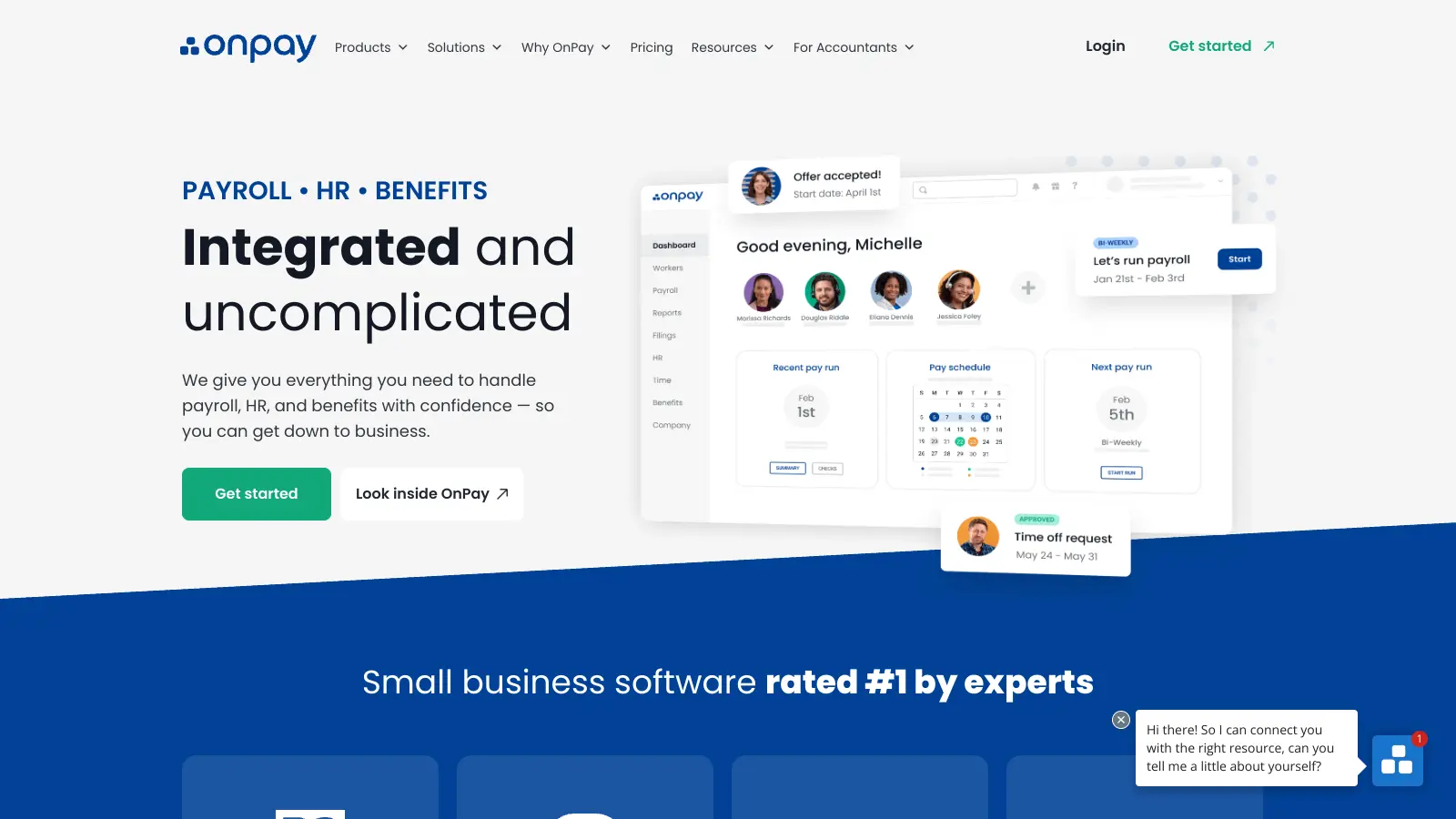
OnPay handles employee payments, benefits, and compliance requirements. The platform runs payroll, manages tax filings, and organizes employee benefits in one place.
Small and medium-sized businesses can process unlimited payroll runs, automate tax calculations, and give employees access to their documents through a self-service portal. The system works for nonprofits, agricultural businesses, and hospitality companies. Accountants managing multiple clients can use OnPay's partner dashboard to oversee payroll across different businesses.
The pricing structure is straightforward: businesses pay a base fee of $49 per month plus $6 for each employee or contractor. This includes core features like direct deposit, tax filing for all 50 states, and unlimited pay schedules. An optional HR add-on costs $15 per month plus $2 per employee and includes PTO management, customizable workflows, and benefits enrollment management. Companies can access the platform through any web browser, and employees can view their information using mobile devices or the website.
OnPay handles most payroll and HR tasks automatically, and also provides customer support through phone, email, and chat. The software connects with QuickBooks and Xero, making it easier to keep financial records up to date. New customers get their first month free plus setup and data migration assistance.
monthly search interest
22.2k/mo now
OnPay shows a consistent seasonal spike every January, likely driven by businesses setting up new payroll systems at the start of the year, but the underlying baseline has drifted down from around 22k to 18k monthly searches through mid-2024 before stabilising. The pattern suggests a mature, established tool with a stable core audience rather than a growing one: it's not losing users dramatically, but it's also not picking up new momentum. Safe to build a workflow around, but don't expect a wave of community resources or rapid feature development driven by a growing user base.
Whether OnPay is worth it depends a lot on your role and how you work. Pick your situation below to see the honest breakdown.
overall sentiment
select your role to see what people like you are saying
Small Business Owner
positiveIf you're running payroll for a team of 5 to 50 people and want accurate processing with zero tax compliance anxiety, OnPay delivers that reliably. The $49/month base plus $6 per employee is transparent and predictable, with no billing surprises. The one real catch: you can't run or manage payroll from your phone, so if you're ever away from a desk during payroll week, you'll feel that gap.
strengths
concerns
Office Manager / HR Coordinator
mixedThe employee self-service portal genuinely reduces the volume of 'can you send me my paystub' requests, and the QuickBooks and Xero integrations keep accounting workflows clean. But the missing employer-side mobile app creates real friction when you're managing multiple responsibilities on the move. Onboarding delays and occasional account resolution issues add overhead that you don't want when staff are waiting to get paid.
strengths
concerns
Accountant / Bookkeeper (Multi-Client Practice)
positiveThe partner dashboard makes it reasonably efficient to oversee payroll across multiple small business clients, and the robust tax compliance keeps error risk low. Transparent pricing simplifies what you bill clients and avoids awkward conversations. The integration gaps and occasional billing confusion add communication overhead, and if any of your clients run complex multi-entity payroll, you'll find the customization options too limited.
strengths
concerns
Restaurant / Hospitality Manager
mixedOnPay handles tip reporting and variable hours well, which are the two things that make hospitality payroll genuinely complicated. But the lack of an employer-side mobile app is a serious problem in an industry where managers are almost never at a desk. If your payroll runs need to happen between the lunch and dinner rush from a phone, OnPay isn't set up for that workflow.
strengths
concerns
“The missing employer mobile app is a real gap in 2025, not a minor inconvenience, and if your business runs on shifting schedules or you manage payroll away from a desk, that will hurt.”
The most substantive community discussion around OnPay comes from a thread in r/Bookkeeping where someone asked for honest day-to-day feedback, and the replies are largely positive but with consistent caveats. Recurring themes across independent review coverage include strong marks for payroll accuracy, transparent pricing, and tax compliance, but friction points keep surfacing around onboarding delays, bank verification requirements slowing initial setup, and the absence of an employer-side mobile app. The $49/month base plus $6 per employee pricing is routinely called fair and predictable, which matters in a category where competitors like ADP are notorious for hidden fees and opaque billing. The limited integrations outside QuickBooks and Xero come up repeatedly as a frustration for anyone running a more complex software stack.
At $49/month plus $6 per employee, OnPay's Core Payroll tier is genuinely good value for businesses with 5 to 30 employees. You get unlimited payroll runs and full-service tax filing in all 50 states at that price, which beats most comparably priced competitors. The HR add-on at $15/month plus $2 per employee is worth it if you need PTO tracking and benefits enrollment management. If you're running a one- or two-person operation, the fixed $49 base fee is steep relative to your headcount, and you'd be better served by a simpler tool.
Small Business Owners processing payroll for 5 to 50 employees get the most from OnPay: the transparent pricing, automated tax compliance, and clean interface match their priorities exactly. Accountants and bookkeepers managing multiple small business clients also get strong value from the partner dashboard. Restaurant and hospitality operators benefit from the tip reporting and variable hours handling. Office Managers get a workable solution, though they'll feel the lack of an employer-side mobile app more acutely than anyone else.
Two limitations stand out. First, there's no employer-side mobile app, which means you're tethered to a desktop or laptop to actually run payroll or resolve issues. Second, the integration library is thin: it connects to QuickBooks and Xero cleanly, but if your business runs on other software, you're likely looking at manual data entry or workarounds. Onboarding also has documented friction: bank verification and document requirements have caused delays for multiple users, which is frustrating when you're trying to get staff paid quickly.
If you're a small business under 50 employees, OnPay wins on price, transparency, and simplicity. ADP is built for larger organizations and its pricing is complex, often negotiated, and frequently comes with fees that aren't obvious upfront. ADP does have a deeper integration ecosystem and a more mature mobile experience. Choose OnPay if you want predictable costs and don't need enterprise-grade complexity. Choose ADP if your payroll involves multiple entities, international employees, or integrations with HR systems that OnPay doesn't support.
Employees can view paystubs, access documents, and track PTO from their phones via the self-service portal. But if you're the one running payroll, you can't do it from a phone. There's no employer-side mobile app, which means approving payroll, adjusting hours, or handling account issues requires a computer. For restaurant and hospitality managers who are rarely at a desk, this is a genuine operational problem worth weighing before you commit.
toolsforhumans editorial team
Reader ratings and community feedback shape every score. Since 2022, ToolsForHumans has helped 600,000+ people find software that holds up after launch. how we research →

ADP is a global leader in cloud-based human capital management solutions, serving over 900,000 small businesses and 1.1 million clients total across 140 countries. Founded in 1949, the company offers comprehensive services including payroll processing, HR management, talent recruitment, time tracking, benefits administration, tax compliance, and data analytics. ADP's AI-enhanced platform called ADP Assist automates tasks, detects payroll anomalies, and provides instant answers to help businesses manage their workforce more efficiently.
best deal
Get 6 months free on RUN Powered by ADP packages (terms apply) and see how AI-enhanced payroll can save your team time

QuickBooks is financial management software designed to help businesses of all sizes manage their finances. It offers features including invoicing, expense tracking, payroll processing, inventory management, and tax preparation. Available in desktop and online versions, QuickBooks provides scalable solutions with pricing tiers for different business needs, from solopreneurs to large enterprises.
best deal
Get 50% off QuickBooks for your first 3 months — Simple Start just $19/month

Paycor is a comprehensive Human Capital Management (HCM) platform that provides integrated solutions for HR, payroll, talent management, and workforce analytics. Serving over 40,000 organizations and two million workers, the platform offers tools for recruitment, employee self-service, benefits administration, payroll processing, compliance support, performance management, and reporting. With a focus on streamlining HR processes and enhancing employee productivity, Paycor provides scalable solutions for businesses of various sizes, emphasizing customer-focused innovation and seamless workforce management.
best deal
Start your 3-month free trial of Paycor's Basic plan at $99/mo + $5 per employee

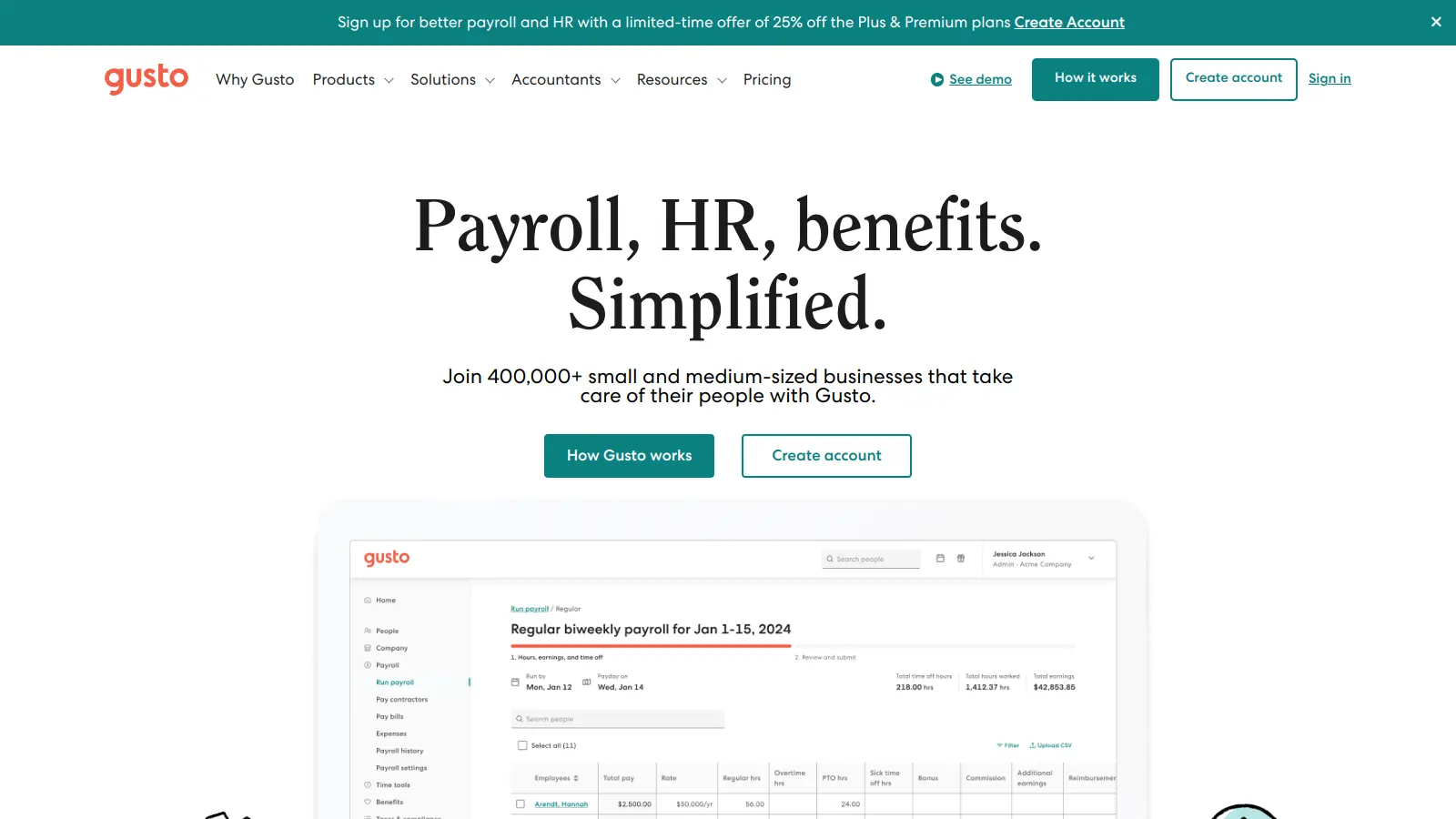
Gusto is a cloud-based payroll, benefits, and HR management platform for US small and medium-sized businesses. It handles automated payroll processing, tax filing, benefits administration, employee onboarding, and time tracking, with four pricing tiers to suit different business needs. The platform includes an AI assistant called Gus.
best deal
Get Gusto's Contractor Only plan free for 6 months, then $35/month base plus $6 per contractor

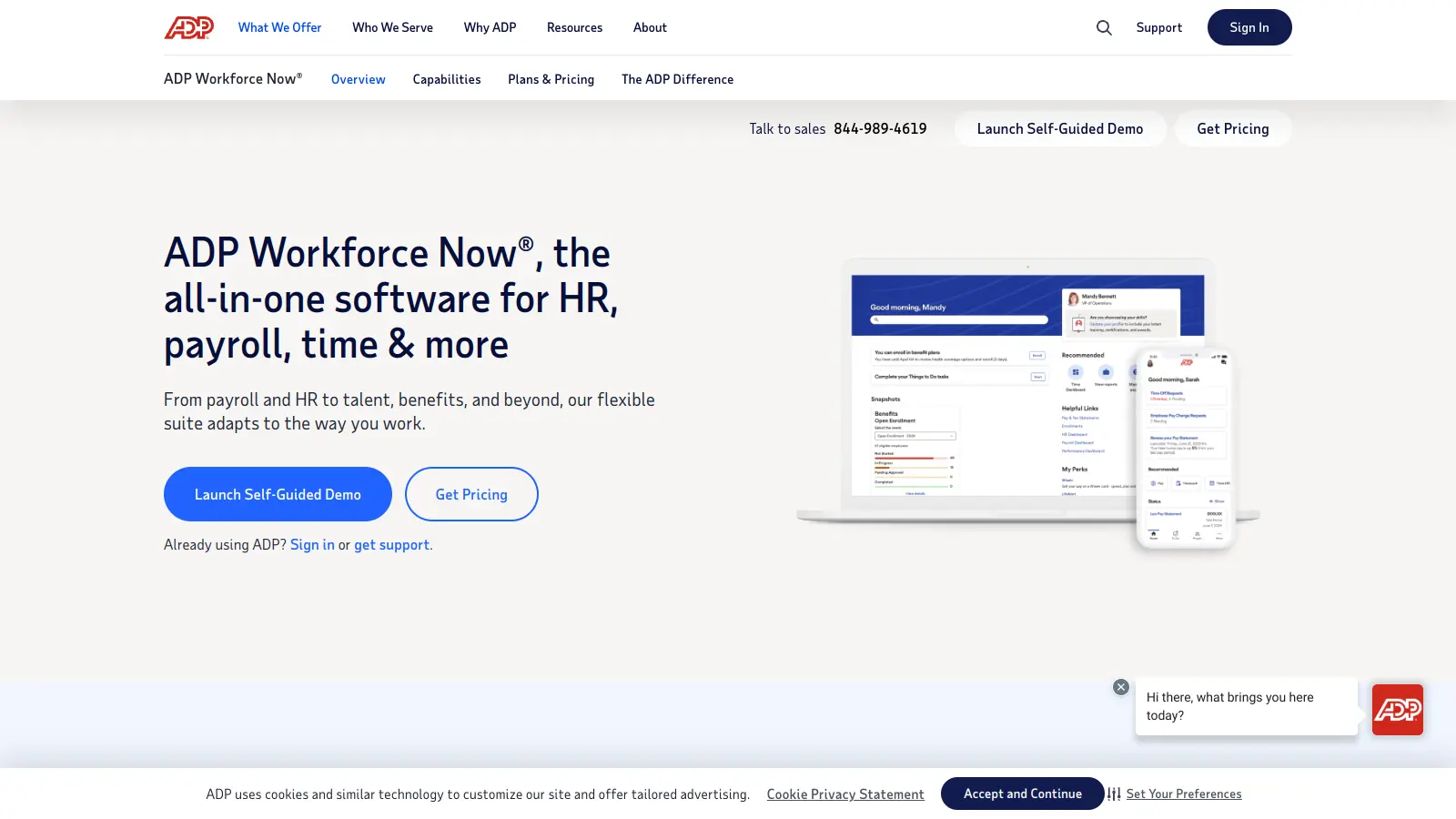
ADP Workforce Now is a Human Capital Management (HCM) platform that streamlines HR processes for mid-sized businesses. It offers integrated solutions for payroll, talent management, benefits administration, time tracking, and compliance, letting organizations manage their workforce through a single cloud-based system with real-time analytics and mobile access.
best deal
Contact ADP for a customized quote based on your business size and needs

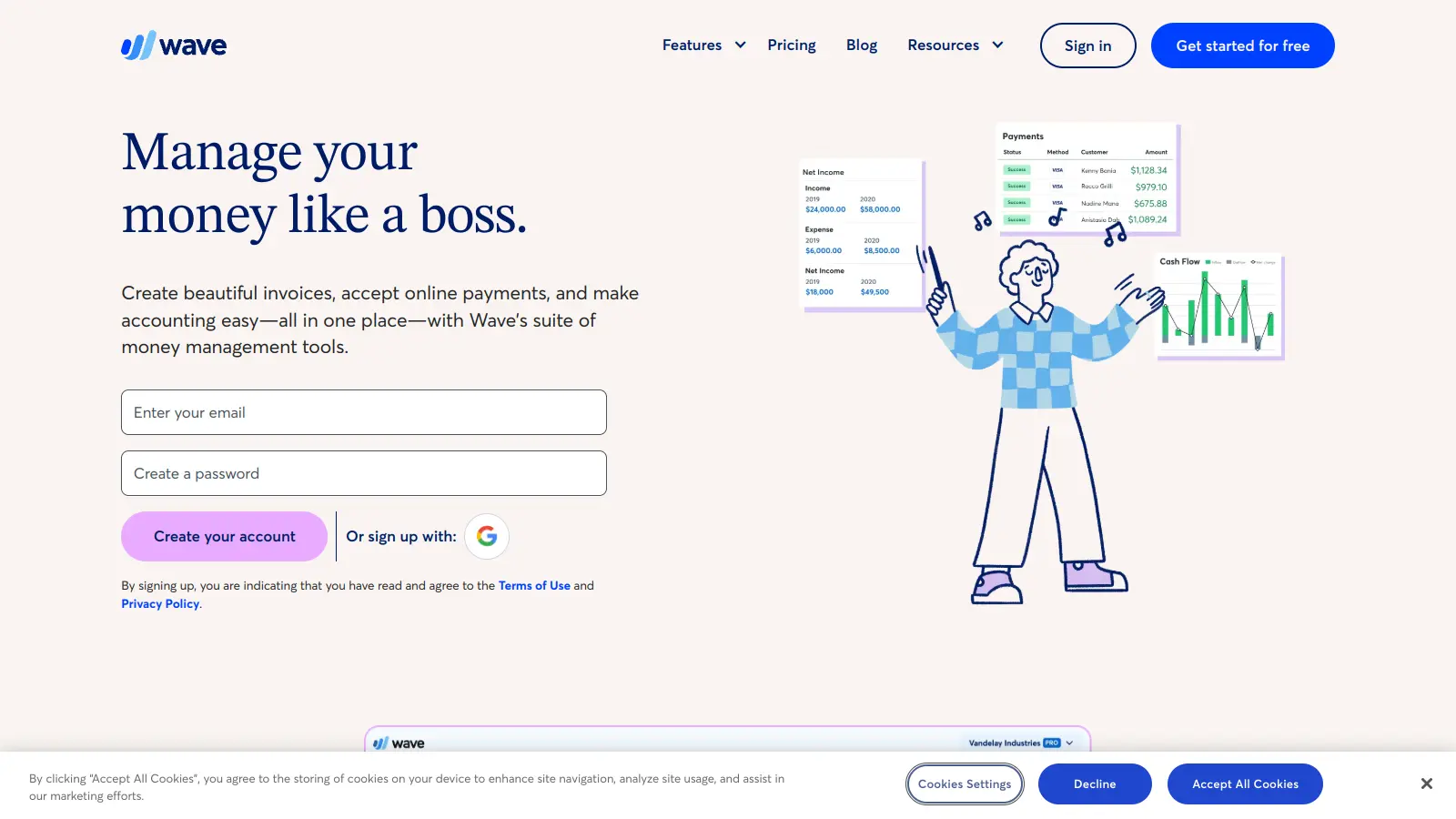
Wave is a financial management tool for small businesses, offering free and paid plans with features like unlimited invoicing, payment processing, bookkeeping, expense tracking, and payroll management. It provides an easy-to-use platform that helps entrepreneurs manage their financial operations, with options to accept online payments, generate financial reports, and track expenses, making it suitable for small business owners seeking a cost-effective accounting solution.
best deal
Get $28.50 off the first 3 months of Wave Pro Plan with auto-import, unlimited receipt scanning, and discounted payment processing fees.