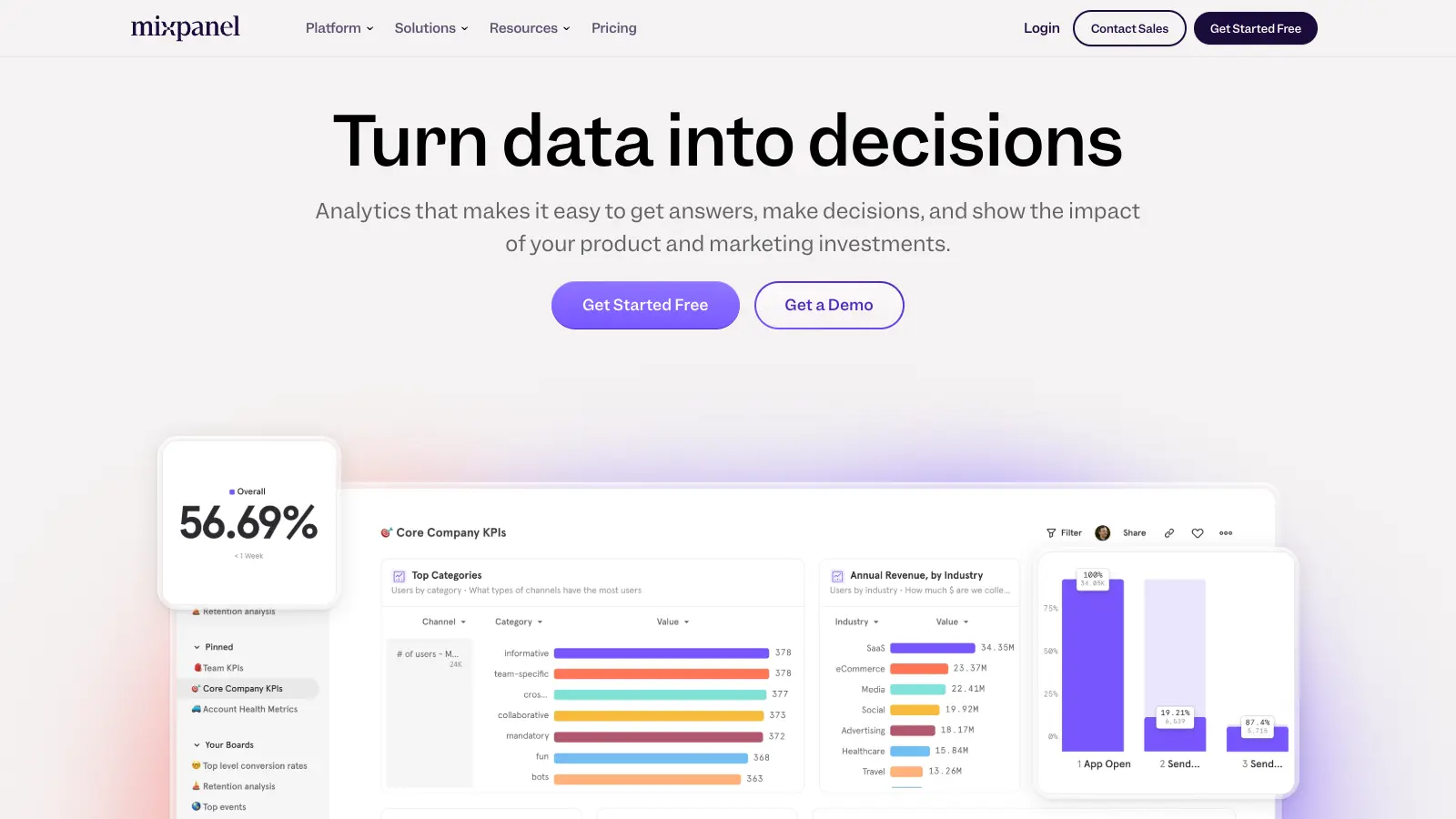
Mixpanel is a product analytics tool that helps businesses understand and analyze user behavior across their digital products. It collects and processes data about how users interact with websites, apps, and other digital platforms, letting companies make informed decisions about product development and marketing strategies.
The platform tracks specific user actions—called events—which can range from page views to completing a purchase. These events, combined with user properties and demographic data, create a picture of user engagement and product performance. You can build reports manually through the analytics interface or use Spark AI to generate reports from natural language queries.
Mixpanel handles user flow analysis, conversion funnels, and retention rates. The platform includes A/B testing, user segmentation, session replay with AI summaries, and real-time analytics. It works for both small startups and large enterprises.
The free plan offers up to 1 million monthly events with core analytics features. The Growth plan starts at $0 per month for the first million events, then charges $0.28 per 1,000 additional events with volume discounts available. Enterprise solutions begin around $20,000 per year with unlimited events and advanced security features for organizations needing extensive support and customization.
You access analytics through a dashboard interface, with options to create custom reports and share insights across teams. The platform integrates with many popular tools and services, letting businesses incorporate analytics data into their existing workflows.
Product teams and marketers who need to understand how users interact with their digital products will find Mixpanel invaluable. The platform transforms user data into actionable insights, helping teams make better decisions about feature development and marketing strategies.
SaaS companies, mobile app developers, e-commerce businesses, and media platforms all use Mixpanel to build better digital experiences through data-informed decisions.
Users praise Mixpanel's event tracking and segmentation capabilities for understanding user behavior in depth. Real-time analytics, custom dashboards, funnel analysis, and retention tracking get high marks. Once it's set up, many find the interface easy to work with, and the integrations with other tools work well.
The pricing hits startups and small teams hard with expensive bills and unexpected overage charges. The learning curve is steep for beginners dealing with complex setups. Data sampling in free and lower tiers limits accuracy. Customer support is slow or unhelpful. Some European users have raised data privacy compliance concerns.
While both tools track user activity, Mixpanel focuses on event-based analytics and user behavior, while Google Analytics emphasizes page views and traffic sources. Mixpanel lets you track specific user actions like button clicks or feature usage in detail. It's built for product teams who need to understand how people use their app or website. Google Analytics works better for marketing teams who care more about where visitors come from and general traffic patterns. If you need deep insights into how users interact with specific features, Mixpanel is usually the better choice.
How long does Mixpanel store my data?Mixpanel stores your data indefinitely on all plans, including the free tier. This means you can analyze user behavior from years ago without worrying about data disappearing. Unlike some analytics platforms that limit data retention based on your plan, Mixpanel doesn't force you to upgrade to keep your historical data. This unlimited history is valuable for tracking long-term trends and comparing performance across different time periods.
Can I import historical data into Mixpanel?Yes, you can import historical data into Mixpanel using their API or CSV upload options. This is helpful if you're switching from another analytics platform or if you want to backfill data from before you implemented Mixpanel. The process requires formatting your data to match Mixpanel's event structure with proper timestamps. Keep in mind that importing large amounts of historical data might count against your monthly event quota depending on your plan.
Does Mixpanel comply with privacy regulations like GDPR and CCPA?Mixpanel offers features to help you comply with privacy regulations like GDPR and CCPA. These include data deletion requests, consent management options, and EU data residency. You can anonymize user identifiers, implement proper opt-in mechanisms, and honor data subject access requests through their platform. However, you're still responsible for setting up these features correctly and ensuring your data collection practices follow the regulations in your regions. Mixpanel provides the tools, but implementation is up to you. Some users in the EU have reported compliance concerns, so review the setup carefully for your specific needs.
How do I avoid data sampling in Mixpanel?Data sampling in Mixpanel happens when you query large datasets that exceed processing limits, particularly on free or lower-tier plans. To avoid sampling, you can limit your query date ranges, reduce the number of properties you're analyzing, or upgrade to a higher plan with better query limits. The Enterprise plan generally has the highest thresholds before sampling kicks in. You can also pre-aggregate data using custom properties or use Mixpanel's API to pull raw data for your own analysis if you need complete accuracy for specific reports.


Our newsletter comes with exclusive discounts, trials and practical insights from within the industry