Microsoft CoPilot Review 2026 - Features, Pricing & Deals

Last Updated
Feb 14, 2026

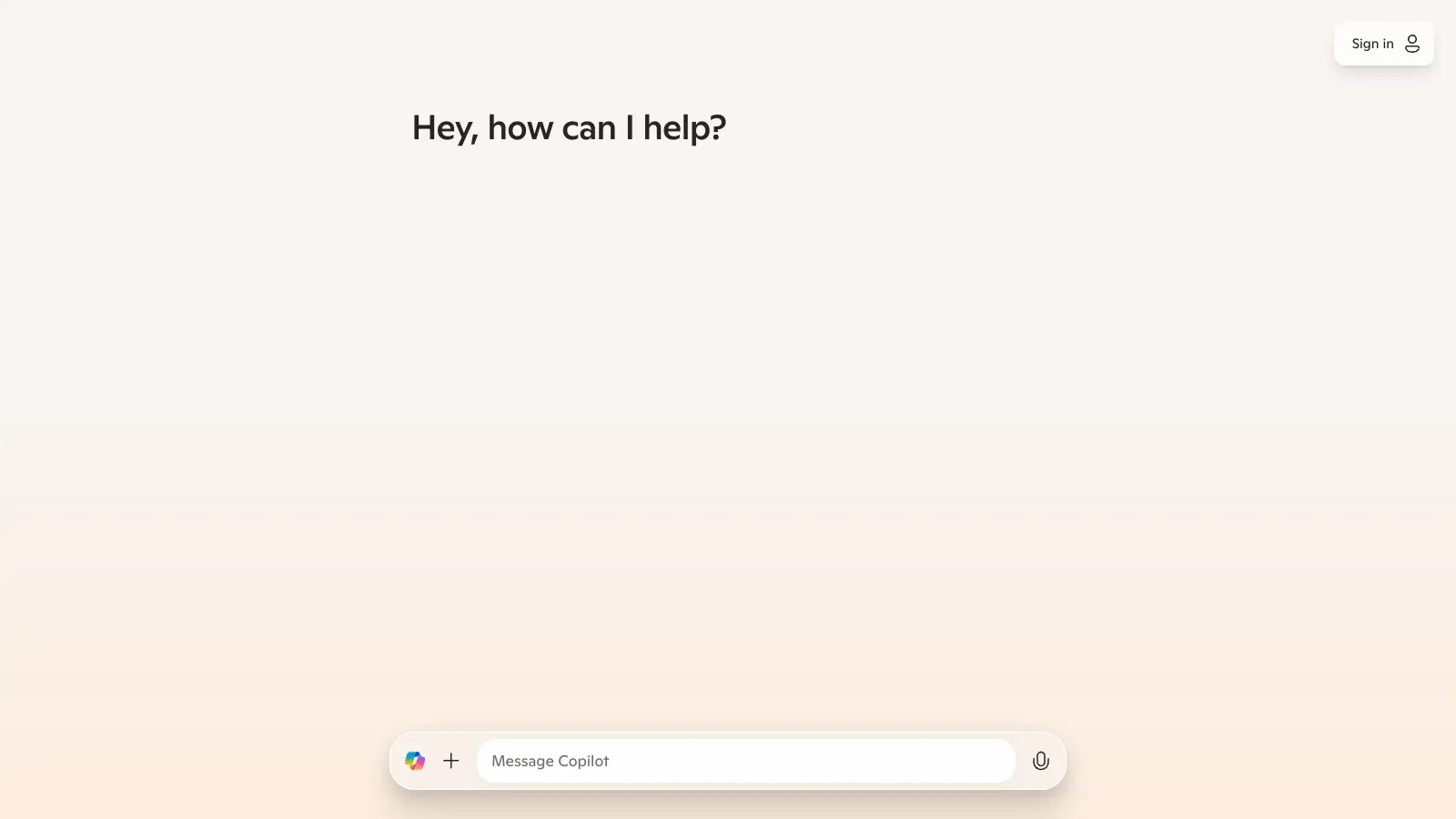
Microsoft Copilot is an AI-powered assistant that works within the Microsoft 365 ecosystem and beyond. It integrates with applications like Word, Excel, PowerPoint, Outlook, and Teams, while also offering standalone web, mobile, and Windows interfaces.

Copilot uses AI to help users create content, analyze data, and automate routine tasks. The tool understands natural language commands and can draft emails, generate presentations, analyze spreadsheets, and summarize lengthy documents. It also handles meeting management by providing real-time summaries and action items. Voice conversations with transcripts and privacy controls make hands-free interaction possible.

The platform connects to Microsoft Graph to access organizational data while maintaining compliance standards. Users can customize their experience through agents that handle specific business processes tailored to their needs.

Available in different tiers, including a free chat version for eligible Microsoft 365 subscribers, Copilot Business at $18 per user monthly for small to mid-size businesses, and Copilot for Microsoft 365 at $30 per user monthly for enterprise customers. Specialized versions like Copilot for Sales or Service cost $50 per user monthly.

Who is Microsoft CoPilot for?

Microsoft Copilot is for professionals and teams who work in Microsoft 365 and need to eliminate repetitive tasks.

  • Executives and managers who need to quickly summarize lengthy documents, generate meeting notes, and extract action items instead of doing admin work.
  • Content creators and marketers who want to draft initial versions of documents, emails, and presentations faster.
  • Data analysts who need to interpret spreadsheets, create visualizations, and identify trends without writing complex formulas.
  • Administrative professionals who handle routine correspondence, calendar management, and document formatting.
  • Remote and hybrid teams who use Teams for real-time meeting summaries and collaborative document creation.
  • Developers who need code generation, debugging assistance, and app creation with data interaction capabilities.
  • Individual users who want help with everyday research, shopping assistance, health queries, and daily task management through web, mobile, and Windows interfaces.

Small business owners to enterprise IT departments, legal firms to educational institutions—anyone working in the Microsoft ecosystem.

Online Reviews (Last 6 Months Summarised)

Microsoft Copilot gets praise for its integration with Microsoft 365 apps and code generation capabilities. Users appreciate the fast response times and accurate answers for general queries, with the free tier offering features like image generation. Developers find it helpful for generating code suggestions and debugging in VS Code. Voice mode gets positive feedback for being convenient, and productivity features like email summarization and presentation creation save time for business users.

The tool hallucinates facts and provides outdated information. It struggles with complex reasoning or multi-step problems. Privacy concerns arise from data being sent to Microsoft servers. The Pro version is expensive for the added value, especially compared to ChatGPT. Limited customization options. Inconsistent performance across different languages. Frequent prompts to upgrade to paid subscriptions. Performance is slower than alternatives like ChatGPT.

Features

  • Microsoft 365 App Integration: Works across Word, Excel, PowerPoint, Outlook, and Teams to draft documents, create presentations, summarize emails, and automate collaborative tasks.
  • Advanced Language Processing: Uses GPT-4 language models and natural language processing to understand user intent, generate personalized content, and provide contextually relevant responses.
  • Microsoft Graph Personalization: Generates a semantic index from organizational data to ensure secure, accurate, and tailored AI interactions that respect user privacy and compliance standards.
  • Task Automation: Automates repetitive workflows like report generation, meeting summaries, and content creation, reducing employee workload.
  • Customizable AI Agents: Create custom agents that automate specific business processes using organizational data and workflow management.
  • Voice Conversations: Voice interaction with transcripts and privacy controls for hands-free use across devices.
  • Copilot Vision: Real-time AI assistance in Edge browser that can see and understand web content for visual responses and web navigation help.
  • Enterprise-Grade Security: Data protection with compliance standards, ensuring AI interactions maintain the confidentiality of sensitive organizational information.

Pricing

  • Microsoft 365 Copilot Chat is available at no additional cost to eligible Microsoft 365 subscribers, with agents metered via Azure.
  • Copilot for Microsoft 365 costs $30 per user per month on annual terms, designed for enterprise customers with qualifying Microsoft 365 plans like E3 or E5.
  • Copilot Business is priced at $18 per user per month (promotional pricing) for small to mid-size business tenants with fewer than 300 seats.
  • Copilot for Sales or Service costs $50 per user per month for vertical-specific SKUs.
  • Copilot Studio is available at $200 per month for packs of 25,000 credits or $0.01 per credit on a pay-as-you-go basis.

Frequently Asked Questions

What's the difference between Copilot Business and the enterprise version?

Copilot Business costs $18 per month and is designed for small to mid-size businesses with fewer than 300 seats. The enterprise version (Copilot for Microsoft 365) costs $30 per user per month and requires qualifying plans like E3 or E5. Both versions work across Microsoft 365 apps like Word, Excel, PowerPoint, Outlook, and Teams. The free Copilot Chat is available to eligible Microsoft 365 subscribers with no additional cost, but custom agents are metered through Azure.

Will Copilot work with my existing Microsoft 365 subscription?

Yes, but with some fine print. Eligible Microsoft 365 subscribers get Copilot Chat at no additional cost. For full Microsoft 365 integration across apps, you'll need either Copilot Business ($18/month) for small businesses or Copilot for Microsoft 365 ($30/user/month) for enterprise users with E3 or E5 plans. These paid versions let you use AI features inside Word, Excel, PowerPoint, Outlook, and Teams. Without the paid versions, you can still use the web version of Copilot, but won't get the deep integration with your Microsoft apps.

How is Copilot different from ChatGPT?

Copilot's biggest advantage is how it connects to your Microsoft data and apps. While ChatGPT works as a standalone chat tool, Copilot can access your emails, documents, and calendar when you have the right subscription. Copilot uses the same GPT-4 technology that powers ChatGPT Plus, but adds Microsoft's security layers and integration with tools you already use. Some users find ChatGPT faster and better at complex reasoning, while others prefer Copilot's ability to work directly within Microsoft apps.

Is my data safe when using Copilot?

Microsoft promises that your data is protected when using Copilot. They don't use your prompts or responses to train their AI models, and your company data stays within your Microsoft 365 tenant. Microsoft also doesn't store your conversations after they end unless you choose to save them. For businesses, Copilot follows the same compliance and security standards as other Microsoft 365 services. Still, some users have privacy concerns about data being sent to Microsoft servers, so it's smart to avoid sharing highly sensitive information in any AI tool.

Can Copilot access real-time web data?

Yes, Copilot can access real-time web content for research and up-to-date information. Features like Copilot Vision in Edge browser let it see and understand web pages for visual responses and web navigation help. The tool uses semantic search and web-grounded responses to provide current information. This makes it useful for research, shopping, and staying current on topics, though users report it sometimes provides outdated information or hallucinates facts, so it's wise to verify important details.

Other Tools To Check Out

Best Deal

Annual billing saves you money: Starter at $18/mo (save $132/year) or Creator at $64/mo (save $300/year)

Redeem Now

Best Deal

Get 60% off with the yearly plan at $9.99/month for unlimited essay generation.

Redeem Now

Best Deal

Get up to 30% extra credit on your first purchase - no credit card required to start building

Redeem Now

Find Out How Best To Utilise Tools

Our newsletter comes with exclusive discounts, trials and practical insights from within the industry

Sign Up Today