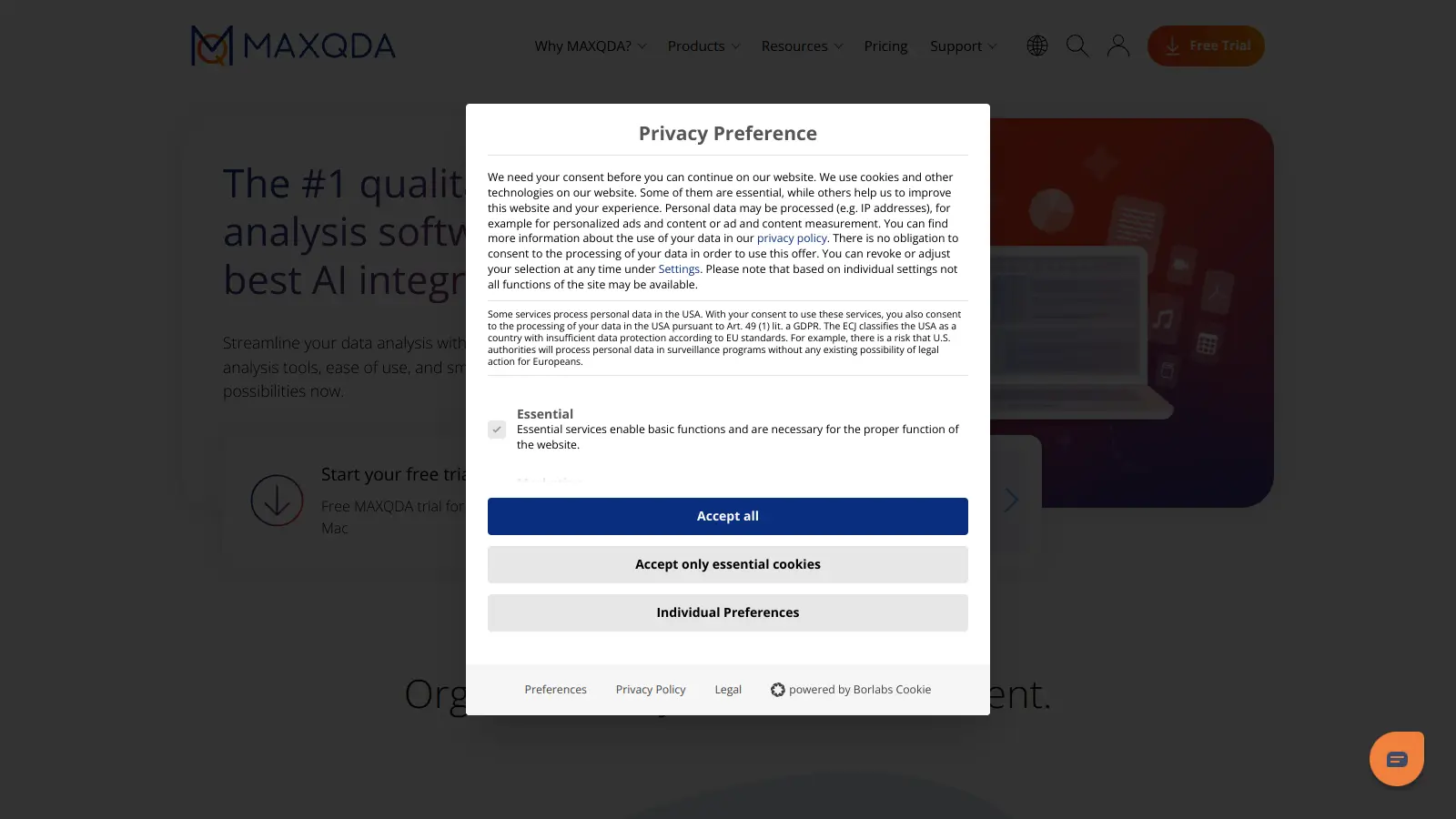
MAXQDA is a software package that helps researchers analyze qualitative and mixed-methods data. Created by VERBI Software in Berlin, it serves as a platform for examining data types from text documents to social media content.
The software lets users handle multiple research tasks in one place. They can transcribe interviews, code data, create visualizations, and generate reports. Its AI assistant helps speed up common research tasks like summarizing documents and suggesting codes for text segments.
It comes in several versions. The basic Standard edition contains essential analysis tools. More advanced options include Plus and Analytics Pro, which add features like text mining and statistical analysis. Students and educational institutions can access special pricing, while commercial licenses are available for business users.
MAXQDA works with many data formats. Users can analyze PDFs, images, audio files, videos, surveys, webpages, and bibliographical data. The software runs on both Windows and Mac computers with identical interface and functions.
For team projects, MAXQDA offers cloud-based collaboration tools. Whether you're conducting academic research, market analysis, or literature reviews, the platform provides tools to organize and understand your data.
MAXQDA is for researchers and analysts who need to make sense of qualitative and mixed-methods data. The software transforms time-consuming analysis tasks into streamlined processes, letting users focus on discovering insights rather than struggling with data management.
The software works for professionals in fields like sociology, psychology, education, public health, and market research who need to transform raw qualitative data into findings.
MAXQDA gets consistent praise from researchers who use it regularly for qualitative data analysis. Users highlight its strength in coding and thematic analysis, calling out the visualization tools like code matrices and concept maps as particularly useful. The software handles large datasets well, and the team collaboration features work reliably. People also appreciate the frequent updates and responsive customer support. Integration with multimedia files like audio and video gets mentioned as a strong point.
The learning curve is steep for beginners. Many users say it takes time to get comfortable with the interface. Pricing is a sore point, especially for individual researchers and students who find it expensive. Some users report crashes or performance issues with very large projects, and exporting results can be clunky and time-consuming. Windows users get priority, and the Mac version lags behind with features. The limited free trial and lack of perpetual license options frustrate people who want to try before committing to a subscription.
MAXQDA comes in three main versions to fit different research needs. The Standard version includes all core features for qualitative analysis, coding, and basic visualization. MAXQDA Plus adds the MAXDictio module for text mining, word frequencies, and dictionary-based analysis. Analytics Pro is the most comprehensive package, adding statistical tools for mixed methods research, allowing you to run correlations, create charts, and perform cluster analyses. If you're just exploring qualitative data, Standard might be enough, but researchers using mixed methods will benefit from Analytics Pro's advanced features.
Can I share my MAXQDA project with colleagues who don't have the software?Yes! MAXQDA offers a free Reader version that lets anyone view your projects without needing a paid license. Your colleagues can open projects, read documents, view codes, and see your visualizations. They just can't make changes or add new coding. This makes it easy to share your work with supervisors, team members, or clients who need to review but not edit your analysis. The Reader version is available as a free download from the MAXQDA website.
How does MAXQDA's AI Assist feature actually help with research?MAXQDA's AI Assist works like a research assistant that handles time-consuming tasks. It can automatically summarize documents, suggest relevant codes for text segments, transcribe audio files, and even help explain complex terms within your data. Many researchers find it helpful for the initial coding phases, where AI can identify potential themes you might miss. It doesn't replace your analysis but speeds up the process so you can focus on deeper interpretation. The AI is GDPR-compliant with data protection built in, which matters if you're working with sensitive research data.
Is MAXQDA better than NVivo or Atlas.ti?It depends on your specific needs. MAXQDA runs identically on both Windows and Mac, which gives it an edge if you're working across platforms. Users often say MAXQDA has better visualization tools like code matrices and concept maps compared to NVivo. The transcription features with foot pedal support are strong. Pricing-wise, they're all expensive, though MAXQDA's academic licenses are competitive. Some researchers prefer NVivo's interface or Atlas.ti's approach to coding. The best move is to try the free trials of each and see which workflow fits how you think about your data.
Can MAXQDA handle large datasets with hundreds of documents?Yes, MAXQDA is built to handle large research projects. Users regularly work with hundreds or even thousands of documents without performance issues. The software lets you organize files into document groups and sets, making large collections manageable. For very large projects, you'll want a computer with decent RAM (8GB minimum, 16GB recommended). Some researchers working with extensive video data report occasional slowdowns or crashes, but text analysis remains smooth even with massive datasets. The search tools are especially helpful when working with large collections, letting you quickly find relevant content across all your materials.


Our newsletter comes with exclusive discounts, trials and practical insights from within the industry