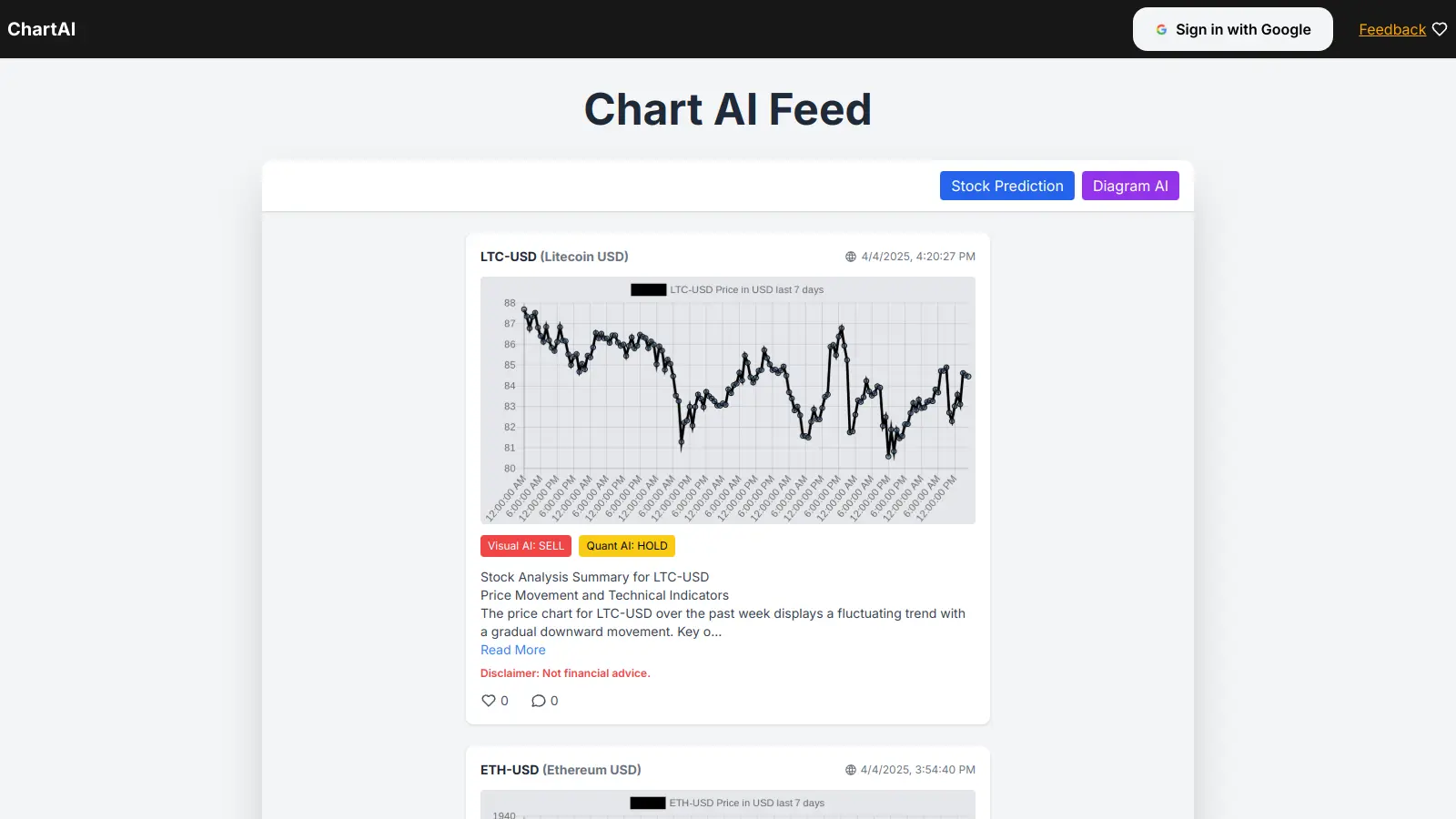
ChartAI is a data visualization and diagram creation tool that transforms natural language prompts and data inputs into professional charts and diagrams. Using AI technology, it helps users create visual representations of their data without technical knowledge.
The platform generates multiple chart types, from flowcharts to user journey maps and timelines. Users can input UX requirements or data to create visualizations. The AI optimizes timelines, adjusts charts, identifies dependencies, and generates layouts automatically. The web-based interface at chartai.io makes it easy to start creating diagrams without downloads or installations.
Customization options are limited. It operates on a subscription model with a 14-day free trial available for new users to test the platform's capabilities. The free tier includes basic tools with usage limits and slower processing times compared to paid plans.
Business professionals, project managers, UX designers, and business analysts will find ChartAI useful for creating presentation-ready visualizations and project planning materials. The platform competes with tools like Lucidchart, Visio, Tableau, and Power BI but focuses on AI-driven generation rather than manual creation.
ChartAI works well for professionals who need to create data visualizations without design skills or technical expertise. This tool saves hours of work by transforming simple prompts into polished charts and diagrams in minutes.
ChartAI finds its sweet spot among marketing teams, financial departments, healthcare administrators, and educational institutions where clear visual communication is essential but design resources are limited.
ChartAI has very limited public discussion right now. There aren't many reviews on Reddit, ProductHunt, or other tech forums where you'd typically find people talking about productivity and visualization tools. This could mean it's still relatively new or serving a niche that hasn't generated widespread conversation yet.
The lack of online buzz doesn't necessarily indicate poor quality. Some tools build their user base quietly through direct channels or word-of-mouth in specific industries. Without substantial user feedback available, it's hard to gauge real-world performance issues or standout strengths. If you're considering ChartAI, the 14-day free trial is your best way to evaluate whether it fits your needs.
ChartAI uses AI to do the hard work for you. Unlike traditional tools where you need to manually create each element, with ChartAI you just describe what you want in natural language, and the AI builds your chart or diagram automatically. The AI also optimizes timelines, identifies dependencies, and adjusts layouts without manual tweaking. This saves time compared to tools like Lucidchart or Microsoft Visio where you drag and drop everything yourself. It's helpful if you need professional-looking charts quickly without spending hours formatting.
Can I export my charts to use in presentations?Yes. ChartAI includes 1-click copy/paste functionality that makes it easy to transfer your charts directly into PowerPoint, Google Slides, or other presentation software. You can copy your finished diagrams and paste them as images into your documents and presentations. The export quality works well for professional presentations and reports.
Do I need to know coding to use ChartAI?Not at all. ChartAI is made for people who don't want to code. You just type what you want in plain English, like "Create a flowchart for customer onboarding" or "Make a timeline for my website project." The AI understands what you're asking for and creates it. Anyone who can write a sentence can use ChartAI effectively.
How long is the free trial and what's included?The free trial lasts 14 days and doesn't require a credit card to start. You get access to recording tools, charting tools, template tools, edit tools, and 1-click copy/paste. The trial does have usage limits and slower processing times compared to paid plans, but it's enough to test whether ChartAI fits your workflow before committing to a subscription.
Is my data safe when I use ChartAI?ChartAI includes encrypted data retention with their paid plans. The Pro plan keeps your data encrypted for 1 year, while the Ultimate plan offers 16 years of data retention. Like with any online tool, you should be careful about uploading highly sensitive information. Always check their latest privacy policy before uploading confidential business information.


Our newsletter comes with exclusive discounts, trials and practical insights from within the industry