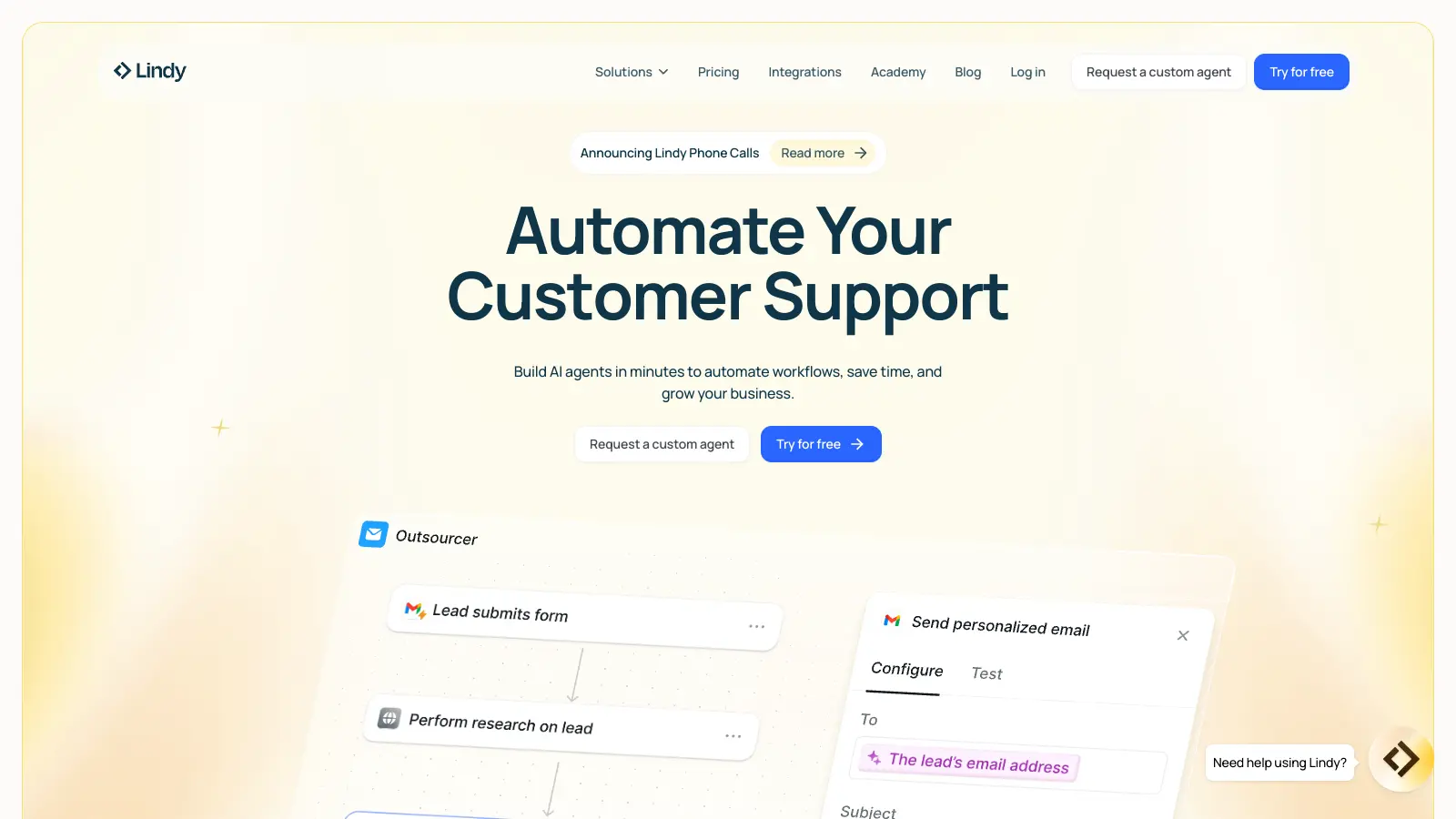
Lindy AI enables businesses to create custom AI assistants without coding knowledge. This no-code platform helps automate everyday tasks through an interface that connects with over 4,000 business applications like Gmail, HubSpot, and Slack.
Users can build AI agents by typing tasks in plain English. There's no drag-and-drop required. The platform can handle business processes from qualifying leads to managing customer support tickets. You describe what you need, and Lindy creates the agent.
The tool includes an autopilot mode with virtual computer access, letting AI agents browse the web, update spreadsheets, and perform actions across your connected tools. For situations requiring human input, there's a built-in escalation system that routes complex cases to team members.
A free plan offers 400 credits monthly (roughly 40 tasks), while paid options start at $49.99 per month for additional features and higher usage limits. The platform maintains security through data encryption both at rest and during transmission.
Whether you need help with sales outreach, meeting management, or customer support, Lindy AI provides a way to automate routine tasks while keeping humans in control of decisions that matter.
Lindy AI works for business teams and professionals who want to automate repetitive tasks without needing technical skills. This no-code platform connects with over 4,000 business applications, allowing users to create custom AI assistants that save time and streamline workflows across departments.
From marketing agencies and e-commerce businesses to real estate firms and healthcare practices, Lindy AI serves professionals in any industry who want to work smarter by automating routine tasks while keeping humans in charge of decisions that matter.
Lindy AI gets positive feedback from users who appreciate its easy-to-use interface, particularly for creating AI meeting notes. People report that it saves time by automatically summarizing calls and extracting action items, with accurate transcription in multiple languages. The integration with Zoom and Google Meet works well, making it useful for teams needing quick recaps without manual note-taking.
Transcription errors with accents or technical jargon are common. Privacy concerns about data storage and AI processing come up frequently. The free tier is limited, pushing users toward paid subscriptions quickly. Some experience delays when processing long meetings. Customer support can be slow to respond.
Lindy.ai goes beyond basic automation by adding AI capabilities to workflows. While tools like Zapier connect apps using "if-this-then-that" logic, Lindy.ai can understand context, make decisions, and handle complex tasks without human input. For example, Lindy can read an email, understand its content, and then decide how to respond or what action to take. This makes it better for tasks that need some thinking rather than just moving data between apps.
Do I need coding skills to use Lindy.ai?You don't need any coding skills to use Lindy.ai. You build automations by typing tasks in plain English. You describe what you need, and Lindy creates the agent. There's no drag-and-drop interface or code required. Even complex tasks like searching databases or formatting data can be set up using natural language instructions.
What kinds of tasks can Lindy.ai automate?Lindy.ai can automate business tasks like qualifying sales leads, answering customer support questions, scheduling meetings, processing invoices, updating CRM records, managing email communications, and recording and transcribing meetings. You can create AI agents for specific roles like a sales assistant that follows up with leads or a support agent that answers common questions using your knowledge base. The autopilot mode even lets agents browse the web and update spreadsheets.
How does Lindy.ai handle situations it can't solve on its own?Lindy.ai includes a human-in-the-loop feature for situations the AI can't handle alone. When the AI encounters something outside its capabilities, it can automatically escalate the task to a human team member. You can set specific conditions for when this happens, making sure complex issues are handled properly while routine tasks stay automated. This creates a smooth handoff between AI and human workers.
Does Lindy AI support real-time transcription and multiple languages?Yes, Lindy AI can transcribe meetings in real-time and supports multiple languages. Users report that the transcription is generally accurate, though it can struggle with strong accents or technical jargon. The platform integrates with Zoom and Google Meet to automatically record, transcribe, and summarize meetings, extracting action items without manual note-taking. Voice calls in multiple languages are available on the Business plan and above.


Our newsletter comes with exclusive discounts, trials and practical insights from within the industry