Leadpages Review 2026 - Features, Pricing & Deals

Last Updated
Feb 14, 2026

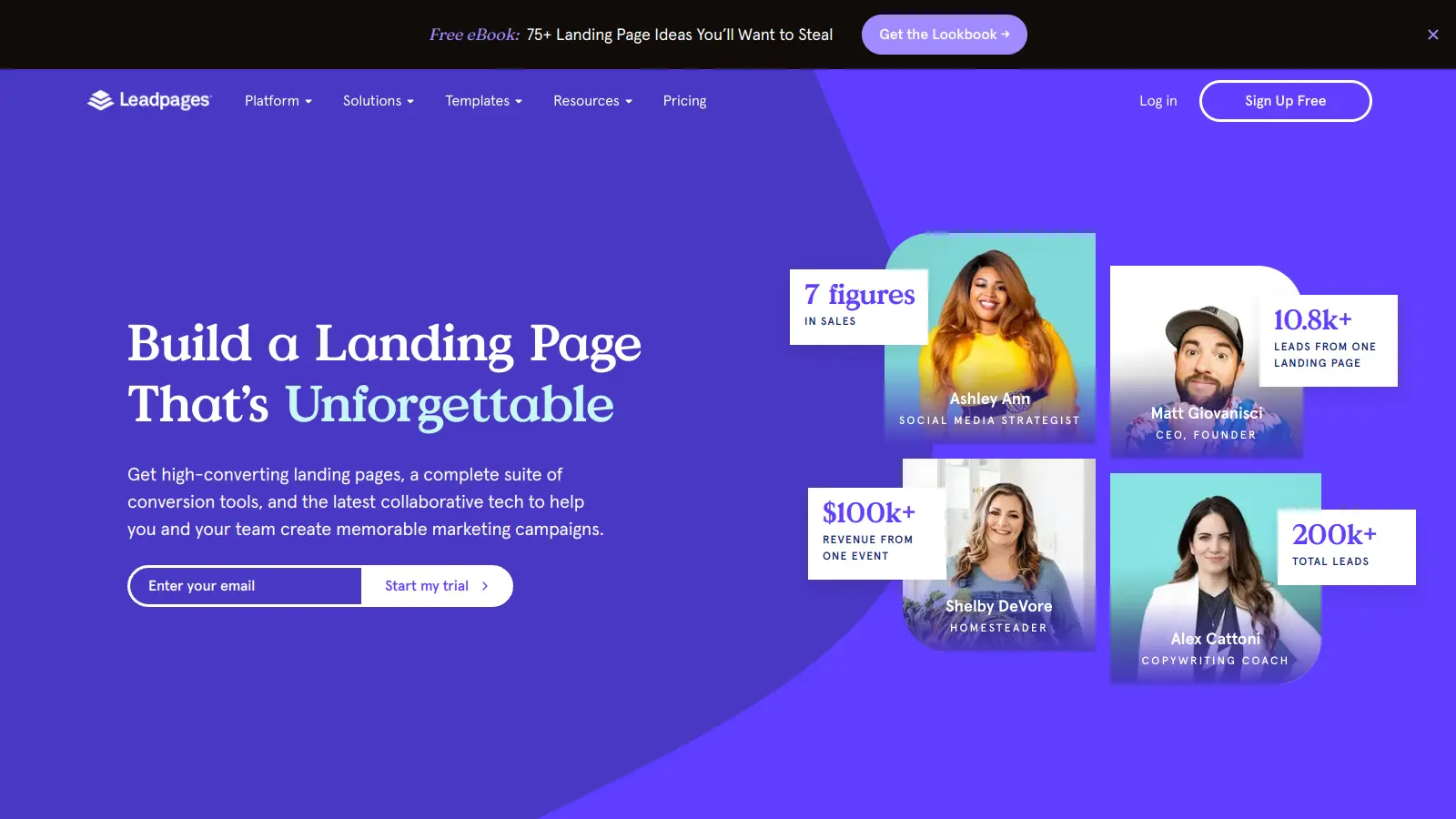
Leadpages helps businesses create landing pages and websites that turn visitors into customers. The platform combines a page builder with lead generation tools, making it suitable for both beginners and experienced marketers.

At its core, the tool offers a drag-and-drop editor paired with hundreds of conversion-optimized templates. Users can quickly build landing pages, pop-up forms, and alert bars without needing technical skills. The platform also includes A/B testing and real-time page optimization suggestions through its Leadmeter tool.

Small businesses and entrepreneurs can benefit from the platform's complete website building capabilities, integrated checkout systems, and analytics dashboard. The built-in AI Engine assists with content creation, generating headlines, CTAs, copy, and images when you need them.

Plans start at $49 per month for basic features, with more options available for growing businesses. All plans include unlimited traffic and leads, though some features like A/B testing and online payments are reserved for higher-tier subscriptions.

Who is Leadpages for?

Leadpages works for entrepreneurs and small business owners who need to create high-converting landing pages without technical skills. The platform's design tools and AI-powered features help busy professionals save time while still achieving professional-looking results.

  • Solo Entrepreneurs - One-person businesses can establish an online presence quickly with limited technical expertise or marketing budget
  • Small Business Owners - Time-strapped business owners can create professional marketing assets without hiring a web designer
  • Digital Marketers - Conversion optimization tools and A/B testing capabilities help maximize lead generation results
  • Service Professionals - Coaches, consultants, and service providers can create client-attracting landing pages and lead magnets
  • E-commerce Startups - New online stores get integrated checkout systems and payment processing for product sales
  • Content Creators - Bloggers, podcasters, and course creators can build email lists with targeted landing pages and pop-up forms
  • Marketing Agencies - Team collaboration with client sub-accounts for managing multiple client campaigns

This tool is commonly used across industries like real estate, coaching, online education, local services, and direct-to-consumer e-commerce businesses.

Online Reviews (Last 6 Months Summarised)

Leadpages gets praise for its drag-and-drop builder that works well for beginners and non-technical users. People appreciate the fast page loading times, mobile-responsive design, and solid customer support. The built-in analytics, conversion tracking, and pre-made templates save time. Users also like the reliable hosting infrastructure and affordable pricing plans compared to building custom sites.

Customization options are limited compared to custom-built sites. The template designs can look generic. The learning curve for advanced features is steeper than expected. Monthly subscription costs add up over time. SEO features lag behind competitors. Customer support response times can be slow. Fewer third-party integrations than some alternatives. Occasional email deliverability concerns. A/B testing capabilities are limited on lower-tier plans. Migrating away from the platform is difficult.

Features

  • Drag-and-Drop Landing Page Builder: Create professional, high-converting landing pages without coding skills using an intuitive editor with hundreds of optimized templates for lead capture, webinars, and sales pages.
  • Conversion Tools: Use alert bars, pop-up forms, and the Leadmeter feature to capture leads and receive real-time optimization suggestions based on extensive conversion data.
  • AI Engine for Content Generation: Generate headlines, CTAs, copy, and images by inputting prompts into the AI Engine, saving time when you're stuck on messaging or need visual assets quickly.
  • A/B Testing and SEO Capabilities: Test different page elements to maximize conversions and customize meta titles, descriptions, keywords, sitemaps, and alt text to improve search engine rankings.
  • Lead Generation System: Create custom forms, integrate with email marketing platforms, and store leads in a centralized library while offering digital lead magnets to boost signup rates.
  • Integrated Checkout and Payment Forms: Build full websites with direct sales checkout capabilities through Stripe and PayPal, allowing customers to complete transactions without leaving your landing page.
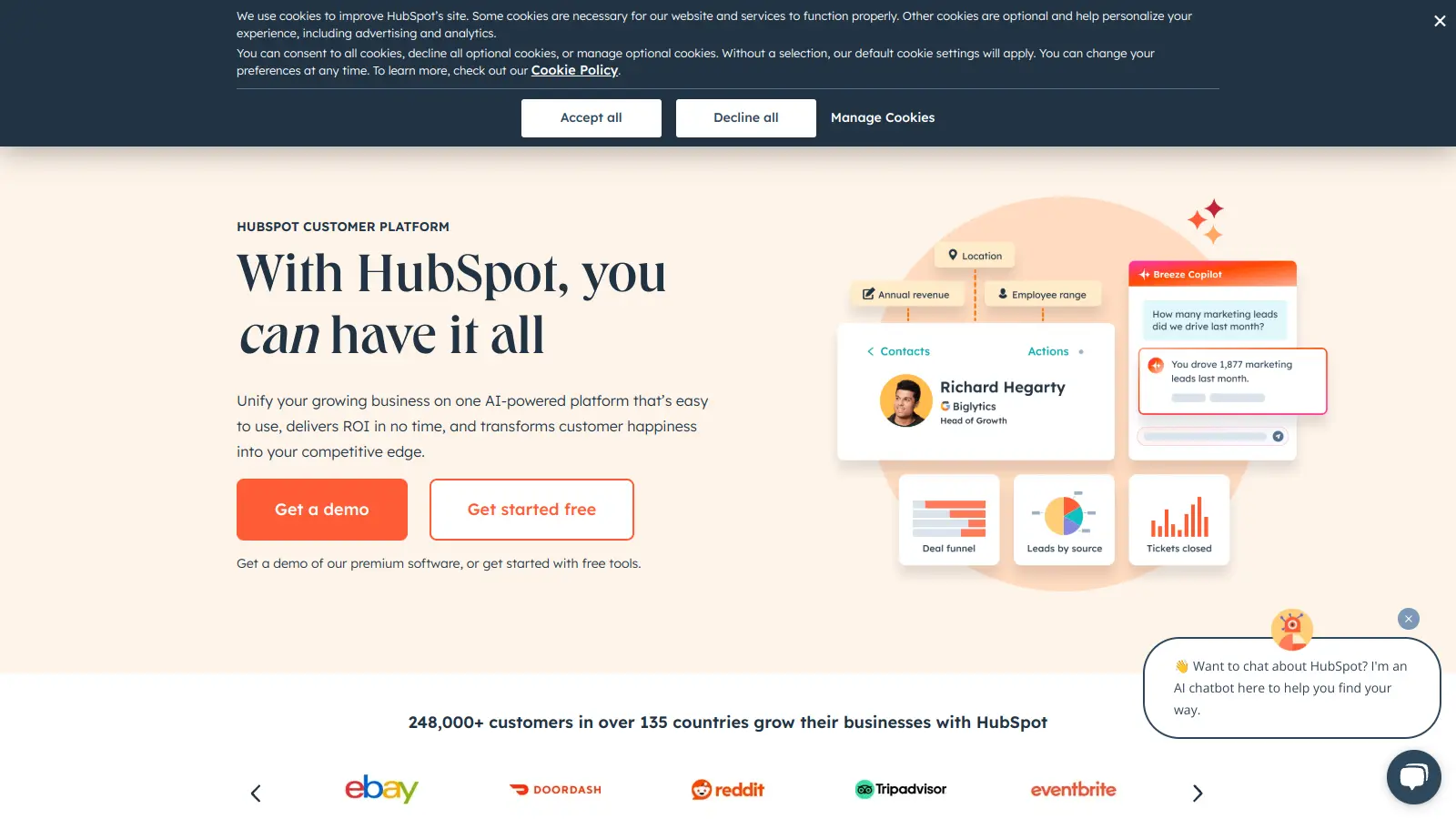
  • Third-Party Integrations: Connect with CRMs like HubSpot and Mailchimp, analytics tools like Google, and thousands of other apps via Zapier for automated workflows.
  • Analytics and Expert Support: Track page performance with detailed analytics and Audience Insights for visitor data, plus access multiple support channels including email, chat, and phone assistance from Leadpages experts.

Pricing

  • Standard Plan offers 5 landing pages, unlimited traffic and leads, 1 custom domain, standard integrations, unlimited A/B testing, sales and payments, blog monetization, client sub-accounts, and advanced integrations at $49 per month or $37 per month when billed annually.
  • Pro Plan provides support for up to 3 websites, includes all Standard Plan features, plus enhanced third-party integrations and priority support at $99 per month or $74 per month when billed annually.
  • Advanced Plan features custom pricing for established enterprises with all Pro features plus priority support, custom training, and support for up to 50 websites, requiring direct contact with Leadpages for a personalized quote.
  • All plans include a 14-day free trial, with annual billing offering 25% off compared to monthly payments.

Frequently Asked Questions

What's the difference between the Standard and Pro plans?

The Standard plan ($37/month billed annually) includes 5 landing pages, unlimited traffic and leads, 1 custom domain, standard integrations, unlimited A/B testing, sales and payments, and client sub-accounts. The Pro plan ($74/month billed annually) gives you up to 3 websites and adds enhanced third-party integrations and priority support. The biggest advantage of upgrading to Pro is the ability to manage multiple websites from one account.

Can I connect Leadpages to my email marketing service?

Yes! Leadpages connects with popular email marketing services like HubSpot, Mailchimp, and many others. You can also connect thousands of additional apps through Zapier integration. When someone fills out a form on your landing page, their info goes straight to your email list without any manual work on your part.

Do I need coding skills to use Leadpages?

Not at all. Leadpages uses a drag-and-drop editor that's built for non-technical users. You can create and customize landing pages by simply clicking and dragging elements where you want them. The mobile-responsive designs adapt automatically to different screen sizes. If you do know HTML/CSS, you can add custom code, but it's completely optional.

What payment gateways does Leadpages support?

Leadpages supports Stripe and PayPal for processing payments directly on your landing pages. This means you can sell products or services and have customers complete transactions without leaving your page. Payment integrations are available on all plans, including Standard.

Can I try Leadpages before I buy it?

Yes, Leadpages offers a 14-day free trial that lets you explore the platform's features. Keep in mind that the trial has some limitations. This gives you enough time to test the editor, templates, and AI Engine, but you'll need to upgrade to a paid plan to fully launch your pages.

Other Tools To Check Out

Best Deal

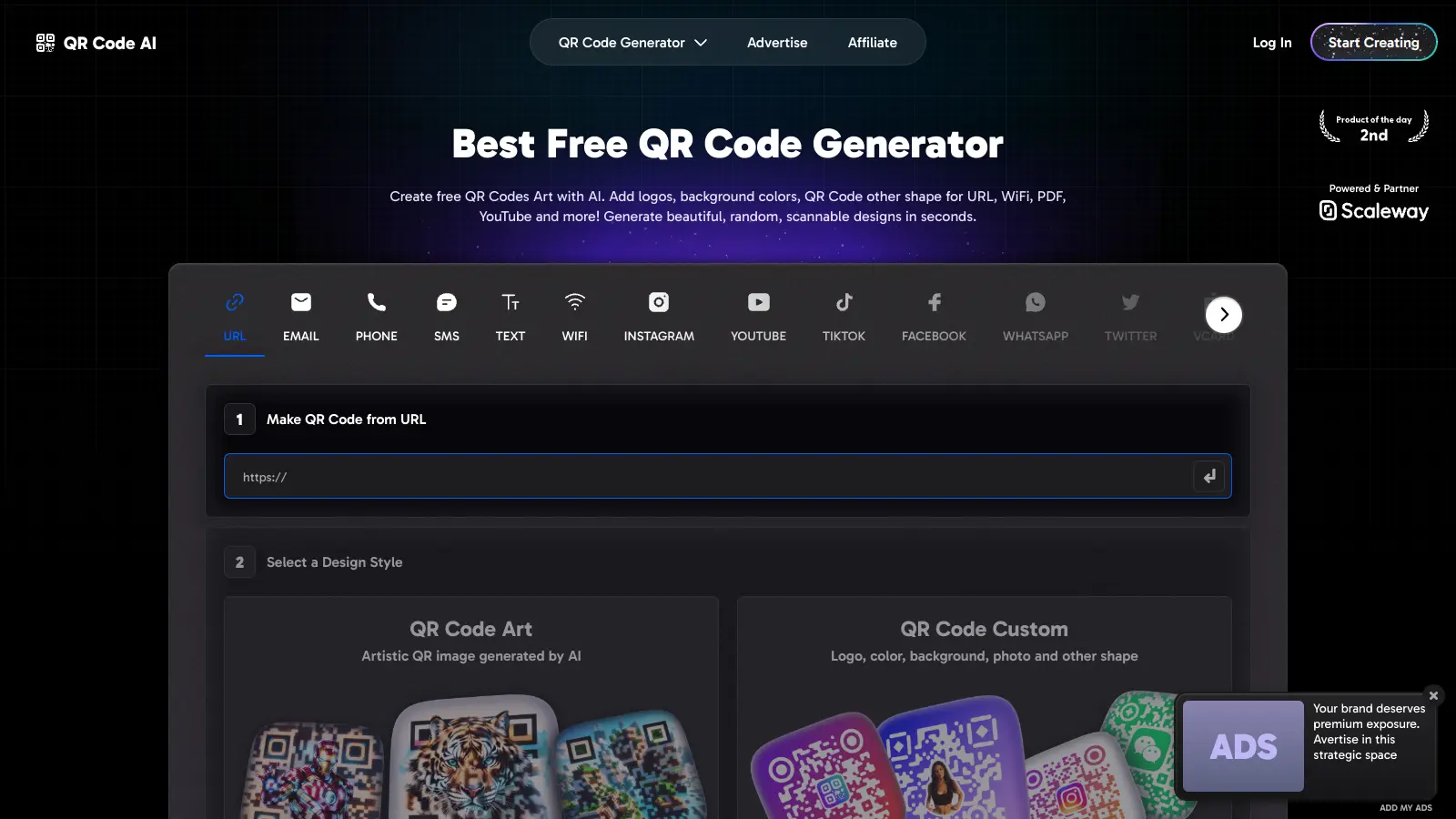
Free trial available with QR codes (both classic and AI) and short links to explore the platform before upgrading.

Redeem Now

Best Deal

Start with Basic Protection at $99/month - Cover 5 Websites & Block Bots

Redeem Now

Best Deal

Try Campaigner free for 30 days, then plans start at $14/month for 1,000 contacts

Redeem Now

Find Out How Best To Utilise Tools

Our newsletter comes with exclusive discounts, trials and practical insights from within the industry

Sign Up Today