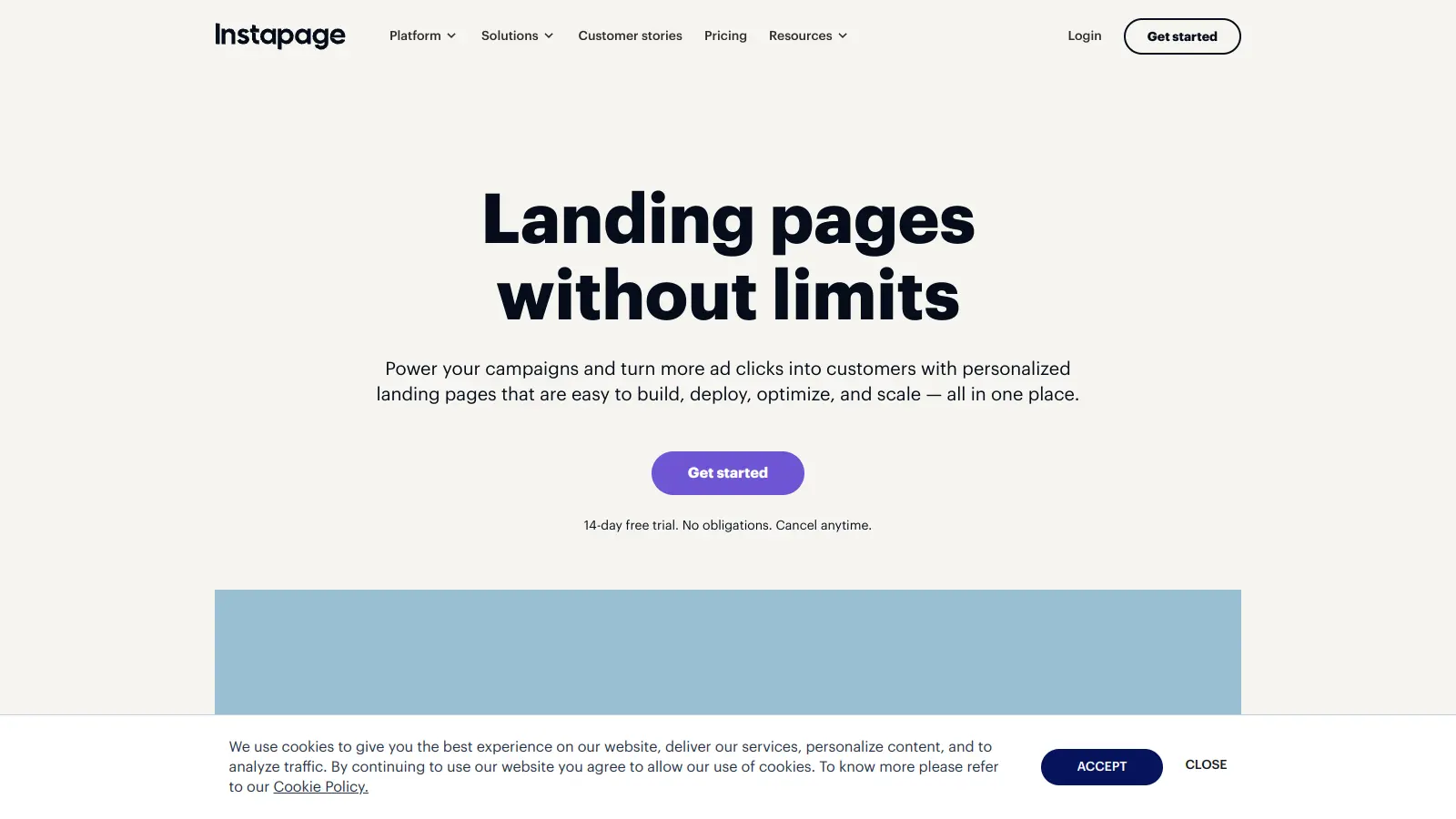
Instapage is a landing page platform that helps businesses create and optimize high-converting pages for their marketing campaigns. The platform combines a drag-and-drop builder with personalization tools, making it simple for teams to design and launch landing pages without coding knowledge.
The platform includes collaborative features, letting teams work together in real-time on page designs. Users can choose from over 500 customizable templates, while built-in analytics and A/B testing tools help fine-tune page performance. The system also includes AI-powered content generation to speed up the creation process and create variations for headlines, CTAs, and copy.
For businesses focused on scaling their marketing efforts, Instapage offers integration with tools like Google Analytics, HubSpot, Mailchimp, and Salesforce. The platform includes global content blocks that let you scale updates across multiple pages. Fast page loading times help improve conversions across all devices.
Instapage provides features for teams focused on conversion rate optimization, with pricing that starts at $99 per month. The Create Plan includes 15,000 unique monthly visitors and 30 published pages, while higher tiers add A/B testing and increased visitor limits. A 14-day free trial is available, and you can save 20% with annual billing.
Instapage works for marketing professionals who need to quickly create high-converting landing pages without coding knowledge. The platform's combination of drag-and-drop functionality, collaboration features, and analytics makes it a fit for teams focused on generating leads and optimizing campaign performance.
The platform fits industries with dedicated marketing teams including SaaS companies, e-commerce businesses, and professional services firms that prioritize lead generation through targeted landing pages.
Instapage gets praise for its easy-to-use drag-and-drop builder that makes landing page creation straightforward. Users appreciate the A/B testing and optimization features, along with strong integrations with marketing tools like HubSpot and Google Analytics. The templates and customization options are well-regarded, and fast loading pages help improve conversions. Customer support is responsive when issues come up.
The pricing is expensive, especially for small teams who might find the monthly costs hard to justify. Advanced features have a steep learning curve that requires time to master. The editor occasionally has bugs, and the reporting dashboard could be more intuitive. Instapage has fewer templates compared to competitors like Unbounce. The free trial has restrictions that limit what you can test before committing.
Instapage focuses more on team collaboration and personalization features compared to Unbounce or Leadpages. It has real-time visual editing tools that let multiple people work on pages together, plus AI content generation for creating variations. The pricing is higher than Leadpages but includes more advanced optimization tools. Unbounce has more templates, but Instapage's 500+ layouts still cover most use cases. If you need strong A/B testing and team features, Instapage is a solid choice. If you're a solo marketer on a budget, Leadpages might make more sense.
What integrations does Instapage support?Instapage connects with marketing tools including Mailchimp, Salesforce, GoToWebinar, HubSpot, and Google Analytics. You can also integrate with Facebook Ads and other CRM systems to sync your lead data. These integrations let you send form submissions directly to your email marketing platform or CRM without manual exports. The connections work smoothly for most users, though some advanced workflows might need custom setup.
Is there a free trial or money-back guarantee?Yes, Instapage offers a 14-day free trial so you can test the platform before paying. The trial has some restrictions on what features you can access, but it gives you a feel for the builder and templates. There's no mention of a money-back guarantee in their standard terms, so the free trial is your best chance to evaluate whether it fits your needs. You can also save 20% by choosing annual billing instead of monthly.
How easy is it to set up A/B tests?Setting up A/B tests in Instapage is straightforward once you have an Optimize or Convert plan (the Create plan doesn't include testing). You create variations of your page, split traffic between them, and the platform tracks conversion rates for each version. The interface shows you which version performs better with clear metrics. The learning curve comes in when you want to run more complex experiments or use AI experiments, but basic split testing is easy enough for most marketers to handle.
Can I export my pages if I cancel?Instapage doesn't make it easy to export your pages as standalone HTML files that work elsewhere. The pages are hosted on their platform, and if you cancel, you'll lose access to them. You can take screenshots or copy your content manually, but there's no simple export button that gives you a functional page to host somewhere else. This is a common limitation with landing page builders, but it's worth knowing before you invest a lot of time building pages.


Our newsletter comes with exclusive discounts, trials and practical insights from within the industry