Kittl Review 2026 - Features, Pricing & Deals

Last Updated
Feb 14, 2026

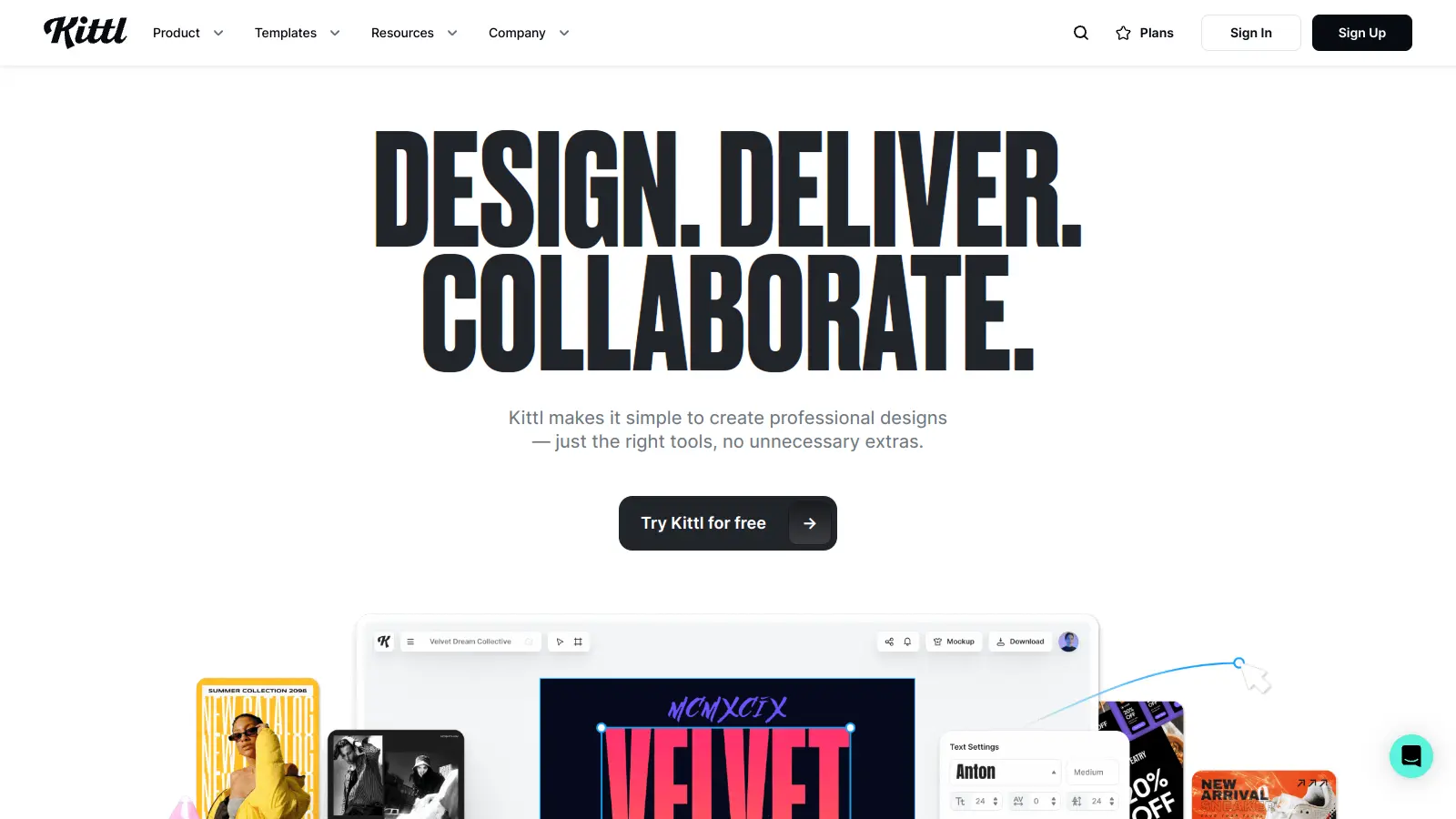
Kittl is a design platform that combines AI capabilities with traditional design tools. The platform caters to designers, marketers, and business owners who want to create professional-looking designs without complex software.

At its core, the tool offers AI-powered features like background removal, image generation, image vectorization, and smart recoloring options. Users can access over 1,400 fonts, including popular choices like Helvetica, and browse through 10,000+ vector illustrations. The platform also includes a vast template library that covers social media posts, business cards, and other print and digital formats.

The text transformation feature lets users manipulate typography with eight different effects. The infinite canvas feature enables working on multiple designs simultaneously, while the collaboration tools make it easy for teams to work together on projects. The platform also includes an Image Remix feature that can merge up to six images, transfer styles, and remove or replace elements.

The platform operates on a tiered pricing model, starting with a free plan that includes basic features. Paid plans begin at $15 per month and scale up based on needs, with each tier offering increased AI credits, AI tokens, storage space, and advanced features. Annual billing offers a 33% discount. For larger organizations, custom enterprise solutions are available through the Business plan.

Since its launch, Kittl has grown to serve over 10 million creatives who have created designs using the platform, establishing itself as a reliable option in the digital design space.

Who is Kittl for?

Kittl works for anyone who needs to produce designs quickly without learning complex software.

  • Small Business Owners: Perfect for entrepreneurs who need professional branding materials but can't afford a full-time designer or expensive software subscriptions.
  • Social Media Managers: Ideal for quickly creating posts, stories, and ads with customizable templates and easy resizing options.
  • Graphic Design Beginners: Great for those just starting out who want professional results without the steep learning curve of traditional design programs.
  • Marketing Teams: Helps marketing professionals collaborate on campaigns and create consistent brand materials using shared templates and real-time collaboration.
  • Content Creators: Useful for bloggers, YouTubers, and influencers who need thumbnails, channel art, and promotional graphics.
  • Freelancers: Perfect for independent workers who need to create professional deliverables for clients across multiple industries without investing in numerous software tools.
  • Merch Creators: Great for print-on-demand sellers who need mockups, product designs, and branding materials for their merchandise.

From Etsy shop owners and real estate agents to restaurant managers and wedding planners, Kittl serves anyone who needs to create visual content without graphic design expertise.

Online Reviews (Last 6 Months Summarised)

Kittl gets praise for being easy to use, with many beginners noting they can create professional-looking designs without any design skills. Users appreciate the template library and font collection, saying it saves time compared to starting from scratch. The pricing is seen as affordable compared to Canva or Adobe options, and the drag-and-drop interface combined with AI features makes quick work of mockups, logos, and social media graphics.

Professional designers find the advanced editing tools limited for complex work. Some users report that templates can feel generic or overused, and there are occasional bugs with text resizing and layering. Customer support response times can be slow. The free plan is quite restrictive, which pushes users toward paid tiers. A few users have mentioned export quality issues with high-resolution files.

Features

  • AI-Powered Design Tools: Easily remove backgrounds, generate images with text prompts, upscale low-quality images, and remove unwanted objects with just a click.
  • AI Vectorizer and SVG Converter: Convert any image to an editable vector with one click, making it easy to scale and edit raster graphics.
  • Image Remix: Merge and remix up to six images at once, transfer styles between images, and remove or replace specific elements within your designs.
  • Advanced Text Editing: Transform text in real-time with 8 effects like distortion, wave, and arch to create typography with curves, warps, and custom shapes.
  • Magic Recoloring: Instantly swap colors in your designs using trending palettes, allowing quick and easy color experimentation.
  • Premium Design Assets: Access over 1,400 professional fonts, 10,000 vector illustrations, and thousands of customizable templates for personal and commercial projects.
  • Infinite Canvas Collaboration: Create unlimited artboards and collaborate with teams in real-time on your design workflow.

Pricing

  • Free version includes 5 projects, 200 AI tokens (one-time use), access to 1M+ photos, graphics, and fonts, professional templates, and personal use only with no commercial rights.
  • Pro Plan offers unlimited projects, 30 AI credits per day, 2,000 AI tokens per month, 10 GB file storage, high-resolution exports, unlimited vector exports, 10,000+ premium templates, and full commercial license at $15 monthly (33% off when billed annually).
  • Expert Plan provides unlimited projects, 80 AI credits per day, 6,000 AI tokens per month, 100 GB file storage, unlimited brand kits, unlimited vector exports, full commercial license, and access to 100M+ curated assets at $30 monthly (33% off when billed annually).
  • Business Plan features all Expert features plus up to 5 users in one account, advanced customer support, team and branding features, and enhanced license at $65 monthly (33% off when billed annually).

Frequently Asked Questions

What exactly is Kittl and who is it for?

Kittl is an AI-powered design tool that helps both beginners and professionals create visuals without complex software skills. It's perfect for small business owners, marketers, social media managers, and graphic designers who need to make professional-looking designs quickly. The platform combines easy-to-use templates with powerful AI features that simplify tasks like background removal and text effects.

How does Kittl's AI image generation work?

Kittl's AI image generation lets you create images by typing simple text prompts. Just describe what you want, select your preferred style and aspect ratio, and the AI builds custom graphics or illustrations based on your words. You can generate vector icons, clipart, and other design elements that match your brand style. The system uses daily AI credits and monthly AI tokens, so you'll need to plan your creations based on your subscription level.

Can I use Kittl designs for commercial projects?

Yes, but only with paid plans. All paid plans (Pro, Expert, and Business) give you full commercial rights to use your Kittl designs for business purposes without restrictions. The Free plan is for personal use only and does not include commercial licensing. If you're selling products with your designs or using them for client work, you'll need at least the Pro plan.

How does Kittl compare to Canva?

While Canva offers a broader range of tools and templates, Kittl shines with its text transformation options and vintage typography effects. Kittl has stronger AI features for specific design tasks and excels at creating typography with its 8 different text effects. Canva has a larger template library and a mobile app, while Kittl offers more advanced text manipulation and specialized design features. Your choice depends on whether you need general design capabilities or more specialized text and AI tools.

What happens if I run out of AI credits?

When you run out of AI credits or AI tokens, you can't use the AI-powered features until your credits refresh. Free users get 200 AI tokens as a one-time grant, while paid plans receive daily AI credit refreshes (30 for Pro, 80 for Expert) and monthly AI token refills (2,000 for Pro, 6,000 for Expert). If you need more before your next refresh, you can upgrade your plan or wait until the next day when your credits reset. The standard design tools remain available even when you're out of AI credits.

Other Tools To Check Out

Best Deal

Try Free Photo Editing - Create Your First Fake Image Now, No Credit Card Required

Redeem Now

Best Deal

Annual Plan discounted to $49.99/yr with one month Filmstock Standard Assets included, or try the free trial with full features before choosing a plan.

Redeem Now

Best Deal

Try Adobe Podcast with a 30-day free trial, or use the free plan with core recording and AI audio enhancement tools.

Redeem Now

Find Out How Best To Utilise Tools

Our newsletter comes with exclusive discounts, trials and practical insights from within the industry

Sign Up Today