Digital Content Creation Software+2 more

Pincel
best deal
Try Pincel with 20 free credits - edit photos with AI tools instantly
redeem now
Pincel
best deal
Try Pincel with 20 free credits - edit photos with AI tools instantly
redeem nowWe start with direct ratings from our readers, then look at what real users are saying in practitioner forums and community spaces. We pair that with search demand data and profession-level persona analysis.
Editorial note: this was originally published in april of 2025
quick take
used Pincel? we'd love to know your thoughts
reader ratings shape our score
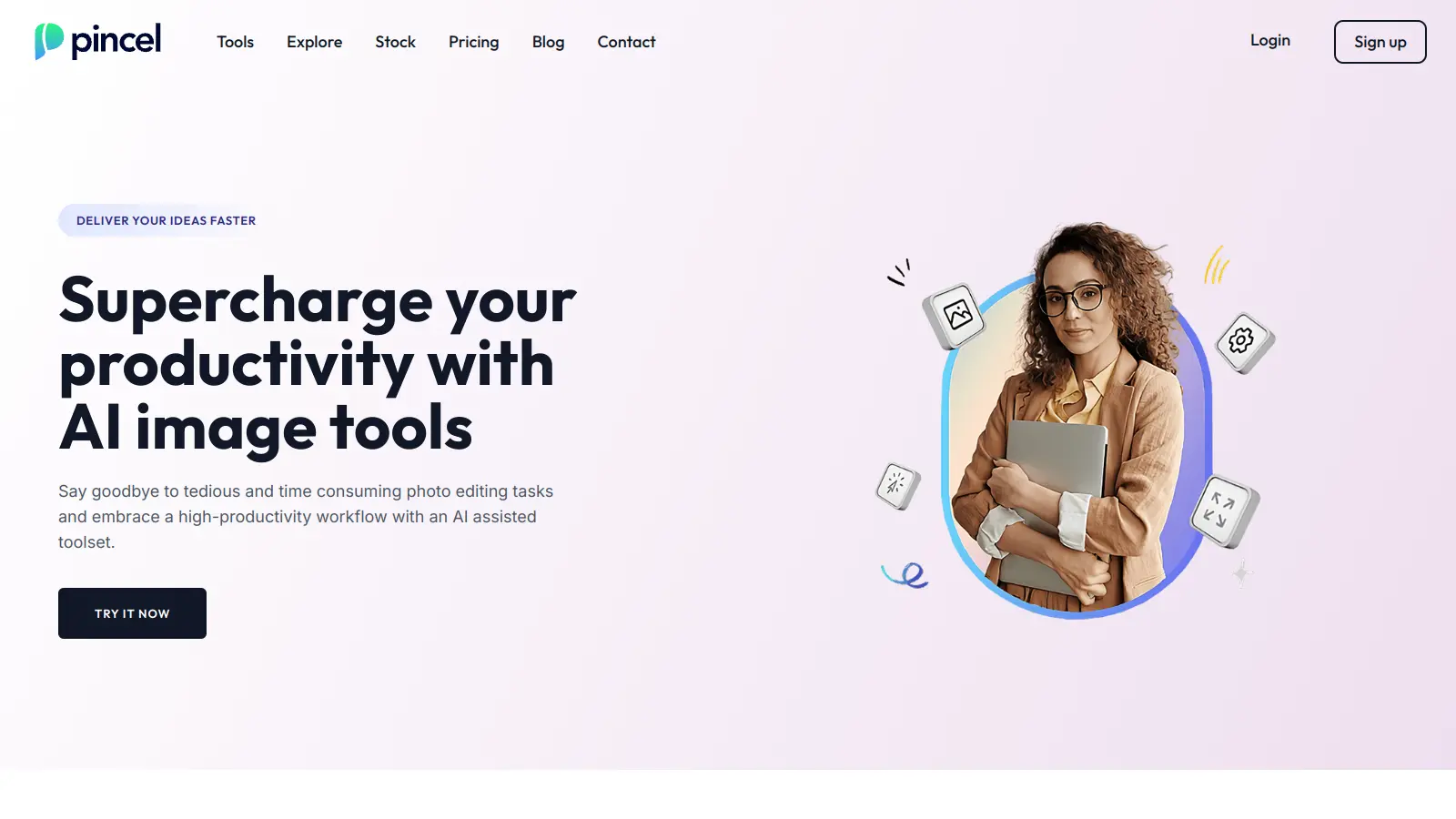
Pincel is an online image editing platform that combines AI technology with user-friendly tools to simplify photo manipulation tasks. The web-based application helps both beginners and professionals enhance their images without needing software installations.
The platform includes object removal, background changes, AI portrait generation, clothes swapping, face swapping, and generative fill capabilities. Users can edit photos for personal or business use through any web browser.
The service runs on a credit-based system with three main subscription tiers starting at $19 monthly. Each plan offers different credit amounts that roll over month to month, letting users manage their usage based on their needs. The platform works on any device with a web browser - desktop computers, laptops, or tablets.
Pincel requires an internet connection to function, and some creative control is limited by its AI-driven approach. The platform handles batch processing and provides real-time previews.
monthly search interest
4.4k/mo now
Pincel grew steadily from around 2,400 monthly searches in early 2022 to a peak of 6,600 in October 2025, then pulled back to 4,400. That peak-and-settle pattern is typical of a tool that caught a wave of AI image editing curiosity and is now finding its actual recurring audience. The declining tail doesn't signal collapse, and it's safe to evaluate the product on its merits rather than whether you're catching a hype moment.
Whether Pincel is worth it depends almost entirely on how often you edit and what you're editing. Pick your role below to see the honest breakdown.
“The credit model is the thing to scrutinise before committing: at $19/month for 1,000 credits, you need to know roughly how many credits each operation costs before you can judge whether that's reasonable.”
Community coverage of Pincel is thin, with only a handful of independent sources available. The most notable review comes from a photo editing tutorial site that positions Pincel as a Photoshop killer, walking through all 20 tools with what reads as enthusiastic, marketing-adjacent coverage rather than a critical user account. There are no Reddit threads, forum discussions, or aggregated user complaints available to draw from. What does exist suggests the tool gets traction with users who want fast, browser-based edits without installing anything, but independent verification of how well the AI outputs hold up under real workloads is largely absent from the public record.
The Creator plan at $19/month is worth trialling if you do frequent image edits for social content or product shots. The free 20 credits are a real test drive, not a locked teaser, so use them to run your most common edit type and check the credit cost. If you burn through the 1,000 monthly credits faster than expected, the $79 Premium plan gives you 5,000 credits at a slightly lower per-credit rate. Don't subscribe before you've tracked your actual usage.
It fits people who need quick, browser-based edits without installing software: small business owners doing product photography cleanup, content creators who need fast background swaps or object removal for social posts, and anyone who finds Photoshop overkill for occasional edits. It's less suitable for professionals who need fine-grained control over every step of an edit.
First, the credit model means costs can stack up unpredictably if you don't know upfront how many credits each tool type consumes. Second, community feedback is sparse, so it's genuinely hard to know how the outputs hold up on edge cases like complex backgrounds or unusual lighting. Third, the tool runs entirely in-browser, which means no offline access and potential slowdowns depending on your connection.
They're not really competing for the same user. Photoshop is for professionals who need full control, layer-based editing, and industry-standard output. Pincel is for people who want a single result fast without a learning curve. If you're doing retouching for client work or publishing, Photoshop is still the standard. If you just need to remove a background or clean up a product photo in two minutes, Pincel is faster and cheaper for that specific job.
Pincel's pricing page doesn't publish a per-operation credit breakdown, which is the most important thing to check before subscribing. Use the free 20 credits to run the exact edit types you expect to do most often, then divide to calculate your real monthly cost. At $0.019 per credit on the Creator plan, even moderate daily usage can push you toward the Premium tier quickly if complex operations cost more than 1 credit each.
toolsforhumans editorial team
Reader ratings and community feedback shape every score. Since 2022, ToolsForHumans has helped 600,000+ people find software that holds up after launch. how we research →

Canva is a graphic design platform that lets individuals and professionals create designs without advanced design skills. It offers hundreds of thousands of templates, design tools, collaboration features, and photo/video editing capabilities. With both free and pro versions, Canva provides access to millions of design elements for creating social media graphics, presentations, posters, and more through its drag-and-drop interface.
best deal
Get 50% off Canva Pro or Business plans for new customers, or try Canva free with 250,000+ templates and 5GB storage

Microsoft 365 Copilot is an AI-powered productivity tool that integrates seamlessly with Microsoft 365 apps like Word, Excel, PowerPoint, and Outlook. It uses advanced language models and Microsoft Graph to provide intelligent, context-aware suggestions, automate tasks, and enhance collaboration by generating content, analyzing data, and offering real-time insights across various work processes.
best deal
Try Copilot Free: Experience basic AI assistance without Office integration

Grammarly is an AI-powered writing assistant that provides real-time grammar, spelling, and punctuation checks, tone adjustments, and generative AI features for composing, rewriting, and proofreading text. It integrates with platforms like Google Docs, Gmail, Microsoft Word, Slack, and web browsers, offering both free and paid versions with features ranging from basic corrections to plagiarism detection and AI writing tools.
best deal
Try Grammarly's Free Version Today - Get Basic Grammar Checks & 100 AI Prompts Per Month Across Your Favorite Apps

Adobe is a software company founded in 1982, offering digital solutions across creative, document, and marketing domains. Their flagship products include Photoshop, Illustrator, Premiere Pro, and Acrobat, which enable professionals and consumers to create, edit, and manage digital content. With Creative Cloud, Document Cloud, and Experience Cloud, Adobe provides tools for image editing, graphic design, video production, PDF management, and digital marketing.
best deal
New subscribers get 50% off Creative Cloud Pro for the first 3 months - includes 20+ apps and Firefly AI features

PhotoAI.me is an AI-powered platform that transforms personal photos into unique, high-resolution images across 100+ styles for various social media platforms. Users can upload a photo, select a themed package, and receive AI-enhanced images within hours, making profile personalization simple and quick for those seeking professional or creative profile pictures without advanced editing skills.
best deal
Transform your profile photo with 100+ AI styles starting at $19/month

Mango AI is an advanced AI-powered video generation platform that enables users to create professional animations and videos with ease. It offers features like AI talking photos, text-to-animation conversion, diverse AI avatars, voiceovers, video templates, face swapping, and video translation. Designed for educators, marketers, content creators, and businesses, Mango AI simplifies video content creation by providing accessible, engaging, and versatile tools for users of all skill levels.
best deal
Try Mango AI's Free Plan: Create 3-minute talking videos with your own avatar today!