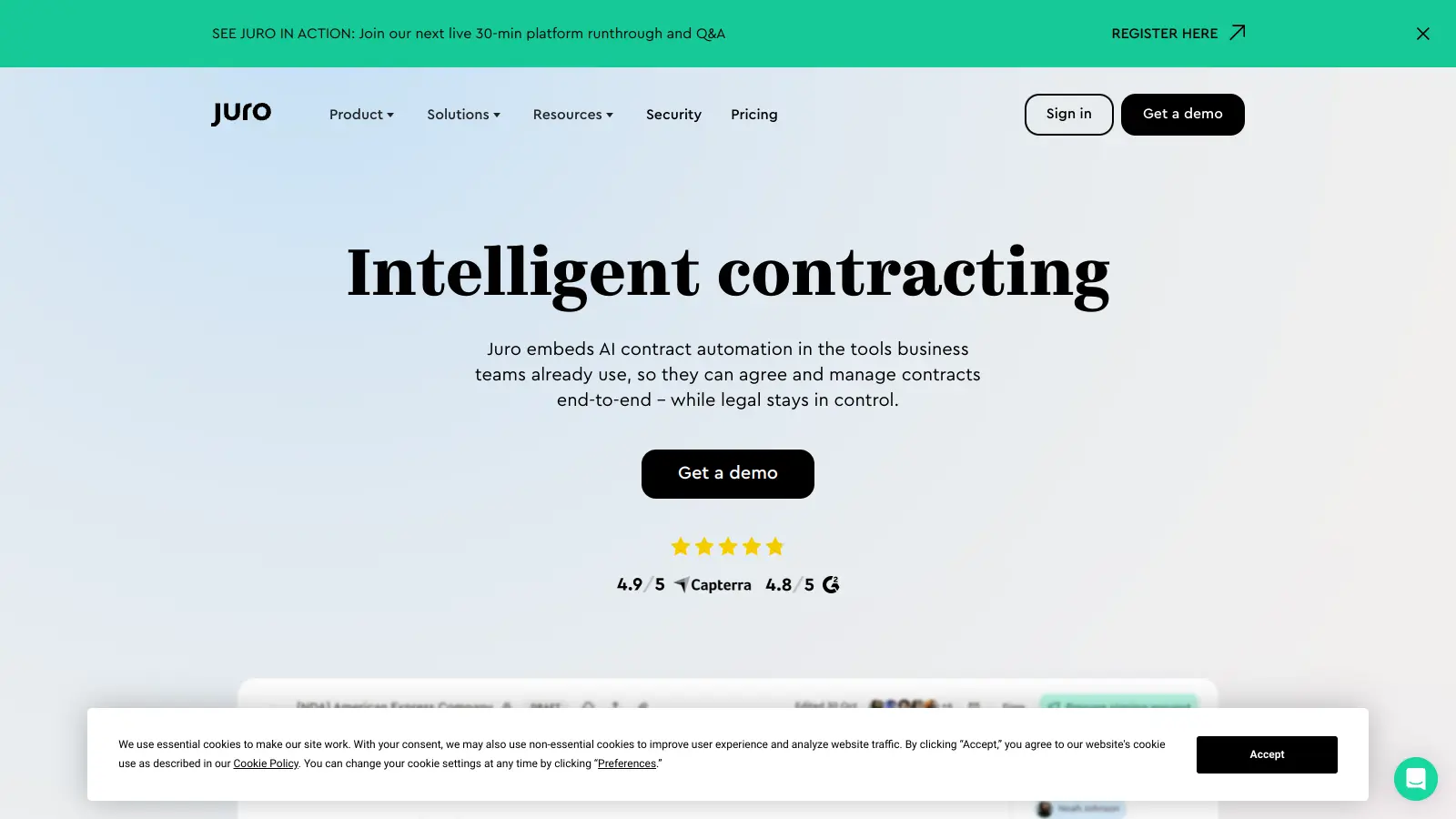
Juro helps legal and business teams manage contracts more efficiently through its cloud-based platform. The software streamlines everything from creating and signing agreements to tracking their progress, all within one central workspace that works directly in your browser.
Users can speed up their contract process with AI-powered tools that help draft, review, and analyze documents. The AI Assistant handles drafting, summarizing, and reviewing contracts, while AI Extract processes incoming PDFs and Word documents to pull out key metadata. The Review Agent uses AI to redline contracts against your playbooks automatically. The platform includes electronic signatures, real-time collaboration, and automated workflows. Teams can also connect Juro to their existing tools such as CRM systems, HR platforms, Slack, and Microsoft Teams.
The software serves companies across different industries—legal teams looking for contract automation and compliance tools, plus sales, HR, and operations teams who need to generate contracts without waiting for legal approval. The platform's template system includes smartfields and conditional logic to create customizable agreements.
Small teams benefit from Juro's template library and approval workflows, while larger enterprises can use its repository with full-text search and automated reminders to manage contracts at scale. The system maintains a complete audit trail and offers integrations that help business teams work faster without creating bottlenecks.
Juro works well for legal and business teams who want to simplify contract management without sacrificing quality or compliance. The browser-native platform helps users create, sign, track, and analyze agreements in one central workspace, saving hours of administrative work each week.
High-growth companies that process many contracts can enable business teams to work independently without creating legal delays.
Users like the fast contract generation and signing process. The integrations with Google Workspace and Slack work well for small teams and startups. The interface is straightforward and the e-signature functionality is reliable.
Pricing becomes steep for larger teams. Limited advanced customization options and occasional bugs in template editing frustrate some users. Customer support response times are slow. The platform is missing some enterprise-level security features that larger organizations expect.
Juro is a complete contract lifecycle management platform, while DocuSign focuses mainly on electronic signatures. Juro includes AI-powered drafting, a template builder with smartfields, approval workflows, and a searchable contract repository all in one workspace. DocuSign excels at e-signatures but requires additional tools for contract creation and management. If you only need signatures, DocuSign works well. If you want to handle the entire contract process from drafting through storage and reminders, Juro gives you everything in one place without stitching together multiple tools.
What integrations does Juro support?Juro connects with CRM systems, HR platforms, Slack, Microsoft Teams, and Google Workspace. These integrations let you trigger contract generation from your CRM when deals close, get notifications in Slack or Teams when contracts need approval, and store signed documents in your existing file systems. The connections work both ways, so data flows between Juro and your other tools without manual copying and pasting. Most customers use the CRM integration to speed up sales contracts and the Slack integration to keep everyone updated on approval status.
Is Juro compliant with GDPR and SOC 2?Yes, Juro is SOC 2 Type II certified and GDPR compliant. The platform uses AWS infrastructure with 256-bit encryption and backs up all data daily. You can set granular permission controls to determine who can view, edit, or approve different contracts. The system maintains a complete audit trail showing who did what and when. For extra sensitive agreements, you can add password protection and viewer verification. Many financial services and healthcare companies use Juro for their confidential contracts.
Can I use Juro for international contracts?Yes, Juro works for international contracts. The platform supports multiple languages and currencies in your templates, and you can create region-specific contract versions with conditional logic. The e-signature functionality meets legal requirements in most countries. You can set up different approval workflows for contracts in different regions and store everything in one searchable repository regardless of language or jurisdiction. Teams with operations across multiple countries use Juro to standardize their contract processes while accommodating local legal requirements.
How easy is it to switch from PandaDoc to Juro?Most teams switch from PandaDoc to Juro in 2-4 weeks. You can export your existing PandaDoc templates and contracts, then import them into Juro where they're converted into templates with smartfields. The Juro customer success team helps with the migration, turning your current documents into templates and configuring workflows to match your approval processes. The main difference you'll notice is that Juro offers more advanced AI features for contract review and a more robust repository for managing signed agreements long-term. Users typically need just 1-2 training sessions before they feel comfortable with the new platform.


Our newsletter comes with exclusive discounts, trials and practical insights from within the industry