Document Management System+2 more

Humata
best deal
Start free with 60 pages monthly - try Humata's document AI now
redeem now
Humata
best deal
Start free with 60 pages monthly - try Humata's document AI now
redeem nowWe start with direct ratings from our readers, then look at what real users are saying in practitioner forums and community spaces. We pair that with search demand data and profession-level persona analysis.
Editorial note: this was originally published in march of 2023
quick take
based on real user feedback, community sentiment, pricing value, and fit for target audience. see our full methodology
used Humata? we'd love to know your thoughts
reader ratings shape our score
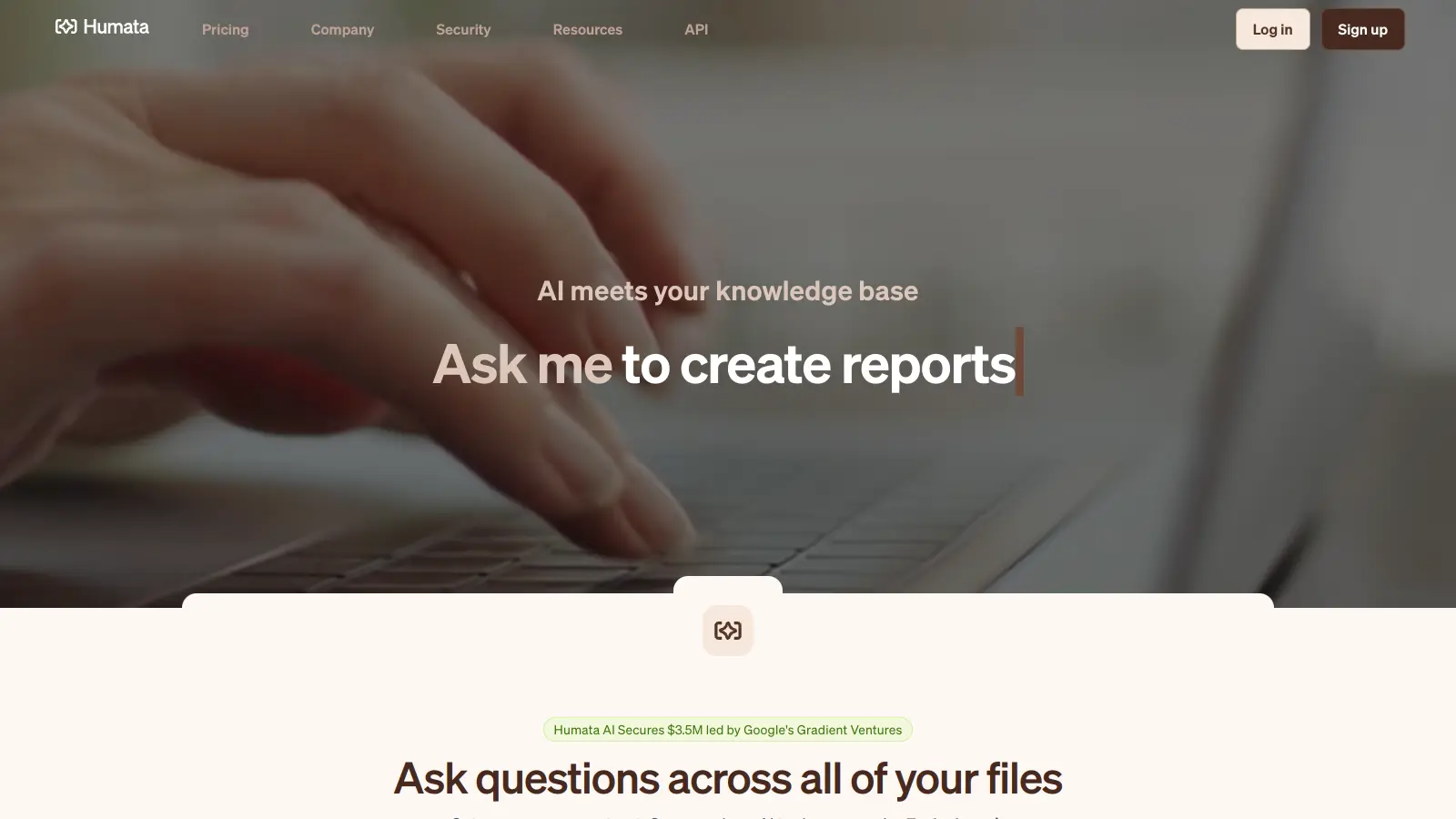
Humata AI transforms the way professionals handle document analysis by offering tools for understanding and extracting information from PDFs and other text-based files. The platform helps users summarize content, answer specific questions, and identify key information within large documents.
The service combines natural language processing with semantic search to provide document analysis. Users upload their documents and interact with them through questions, receiving answers with citations from the source material. The platform supports unlimited file uploads and questions.
The platform supports PDFs and Word documents, and includes features like OCR for scanning physical documents, team collaboration tools, and document comparison. It's built for researchers, legal professionals, business executives, and anyone who needs to extract specific information from lengthy documents.
The free tier processes up to 60 pages monthly with up to 10 answers. Paid plans start at $1.99 per month for students and $9.99 per month for the Expert plan with increased capacity. The service maintains document security through encryption and role-based access controls, making it suitable for handling sensitive information in professional settings.
monthly search interest
1.3k/mo now
Humata spiked hard in early-to-mid 2023, riding the initial wave of AI document chat hype, then declined steadily to its current level of around 1,300 searches a month. That's a 76% drop from the peak, and the trend has shown no recovery. The hype has clearly passed, so what's left is the real core audience: you're evaluating a tool that has settled into a niche rather than growing into a platform.
Whether Humata's worth it depends heavily on what you're reading and how often. Pick your role below to see the honest breakdown for your situation.
overall sentiment
select your role to see what people like you are saying
Academic Researcher
positiveIf you're grinding through literature reviews, Humata's page-level citations are genuinely useful: you can ask a specific question and immediately check which page the answer came from. The free tier's 60-page monthly limit won't last long with full academic papers, so budget for the Expert plan at $9.99/month. Watch for hallucinations on complex quantitative data and methodology sections. Verify anything you plan to cite.
strengths
concerns
Legal Professional
mixedThe citation system is attractive for contract review: traceable answers reduce the time spent hunting through 80-page agreements. The problem is reliability. Complex legal tables, conditional clauses, and multi-part definitions get misread often enough that you can't trust outputs without checking the cited pages. Treat it as a navigation tool, not an analysis tool, and it earns its keep. Rely on it for conclusions and you'll run into trouble.
strengths
concerns
Business Consultant
positiveSide-by-side document comparison and fast insight extraction are real time-savers for client reports. The citation backing lets you point clients directly to source material, which helps in presentations. The main friction is cost: if you're uploading dozens of client documents monthly, the Expert plan's 500 pages gets used up quickly and overage at $0.02/page adds up. For occasional report synthesis, it's worth the monthly fee. For heavy workloads, compare it against ChatGPT Plus first.
strengths
concerns
Student
positiveAt $1.99/month, the Student Plan is one of the cheapest ways to get citation-backed answers from academic papers. The 200-page monthly allowance covers a few papers at a time, which suits essay research without being generous enough for dissertation-level reading loads. It's a reasonable starting point if you want to learn how AI document tools work without spending much. If you hit the page cap regularly, move to the Expert plan or try NotebookLM for free.
strengths
concerns
“The single commercial review platform listing has just one review, and the Reddit thread on document search tools doesn't mention Humata at all, which is its own kind of signal.”
Community discussion around Humata is thin in 2025, and what exists tells a clear story about a tool that rode the 2023 AI document chat wave and hasn't kept pace. The Reddit thread on document search tools doesn't mention Humata at all, which is its own kind of signal. The Medium piece frames it positively as a nonprofit document tool, but reads more like a how-to post than an independent evaluation. The single commercial review platform listing has just one review, which makes it statistically useless. What does come through from users who have tried it: the citation-backed answers are genuinely useful, occasional hallucinations on complex documents are a real concern, and the free tier's 60-page monthly limit is hit frustratingly fast if you're doing any serious work.
The free tier is worth testing but the 60-page monthly limit is easy to exhaust. The Expert plan at $9.99/month gives you 500 pages across three users, which is reasonable for light professional use. For heavier workloads, the $0.02/page overage cost stacks up fast. If you're processing more than 25-30 documents a month, alternatives like ChatGPT Plus or NotebookLM offer better value at comparable or lower prices.
Academic researchers doing literature reviews get the clearest benefit: fast summarisation plus page-level citations means you can verify exactly what the AI pulled. Students on the $1.99/month Student Plan get decent value for occasional paper analysis. Business consultants and legal professionals can get value from the citation system, but the hallucination risk on complex tables and conditional language means you can't skip verification.
Two problems stand out. First, hallucinations on complex documents: financial tables, legal conditionals, and densely structured data get misread often enough that you need to double-check outputs anyway. Second, the page limits are stingy. The free tier's 60 pages per month is a tight leash, and the Expert plan's 500 pages disappears quickly if you're uploading full research papers or lengthy contracts regularly.
For academic and research use, NotebookLM is the stronger choice. It handles multiple sources simultaneously, offers audio summaries, and is free from Google with no page caps. Humata's advantage is the explicit page-level citation links, which matter if you need to trace every claim back to a specific location in a document. If citation traceability is your priority, Humata edges ahead for that specific need. For everything else, NotebookLM wins on features and price.
Not without verification. The citation system means you can check every answer against the source, which is useful. But the hallucination rate on complex legal language, tables, and multi-condition clauses is high enough that you shouldn't treat any output as final without reviewing the cited pages yourself. It's a useful first-pass tool for identifying where in a document to look, not a replacement for reading the relevant sections.
toolsforhumans editorial team
Reader ratings and community feedback shape every score. Since 2022, ToolsForHumans has helped 600,000+ people find software that holds up after launch. how we research →
is this your tool?
claim your listing to update details, respond to our review, or upgrade to a featured partnership.
claim this listing →
MyCase is a cloud-based law practice management software designed for solo and small to midsize law firms. It provides a platform for managing client communication, case workflow, billing, and document management. With features like client intake forms, eSignature, case tracking, secure client portals, AI-powered document summarization, and integrated payment solutions, MyCase helps law firms streamline their operations and improve efficiency across multiple practice areas.
best deal
Try MyCase Free for 10 Days - No Credit Card Required

Microsoft SharePoint is a web-based collaboration platform that helps organizations create team sites, intranets, and document management systems. It integrates with Microsoft 365 tools, offering features like real-time co-authoring, version control, security controls, customizable sites, and workflow automation.
best deal
Try SharePoint Plan 1 for just $5/month - Get 1TB pooled storage, real-time collaboration & core document management features

Box is a cloud-native content management platform that enables secure storage, collaboration, and content management. It offers features including security controls, AI-driven insights, workflow automation, and integrations across business applications. With scalable solutions for individuals, teams, and enterprises, Box helps organizations manage, share, and protect their digital content.
best deal
Try Box free with 10GB storage or get 30% off Enterprise plans when billed annually

Gradescope is a comprehensive digital grading platform that streamlines assessment for various assignment types, including exams, homework, and programming assignments. Developed by UC Berkeley instructors, it reduces manual grading time through AI-powered tools, enables consistent feedback, supports multiple graders, and provides detailed performance analytics. The platform integrates with learning management systems and offers features like dynamic rubrics, annotation, and anonymous grading to enhance educational assessment efficiency.
best deal
Get started with Gradescope for just $1 per student and streamline your grading process

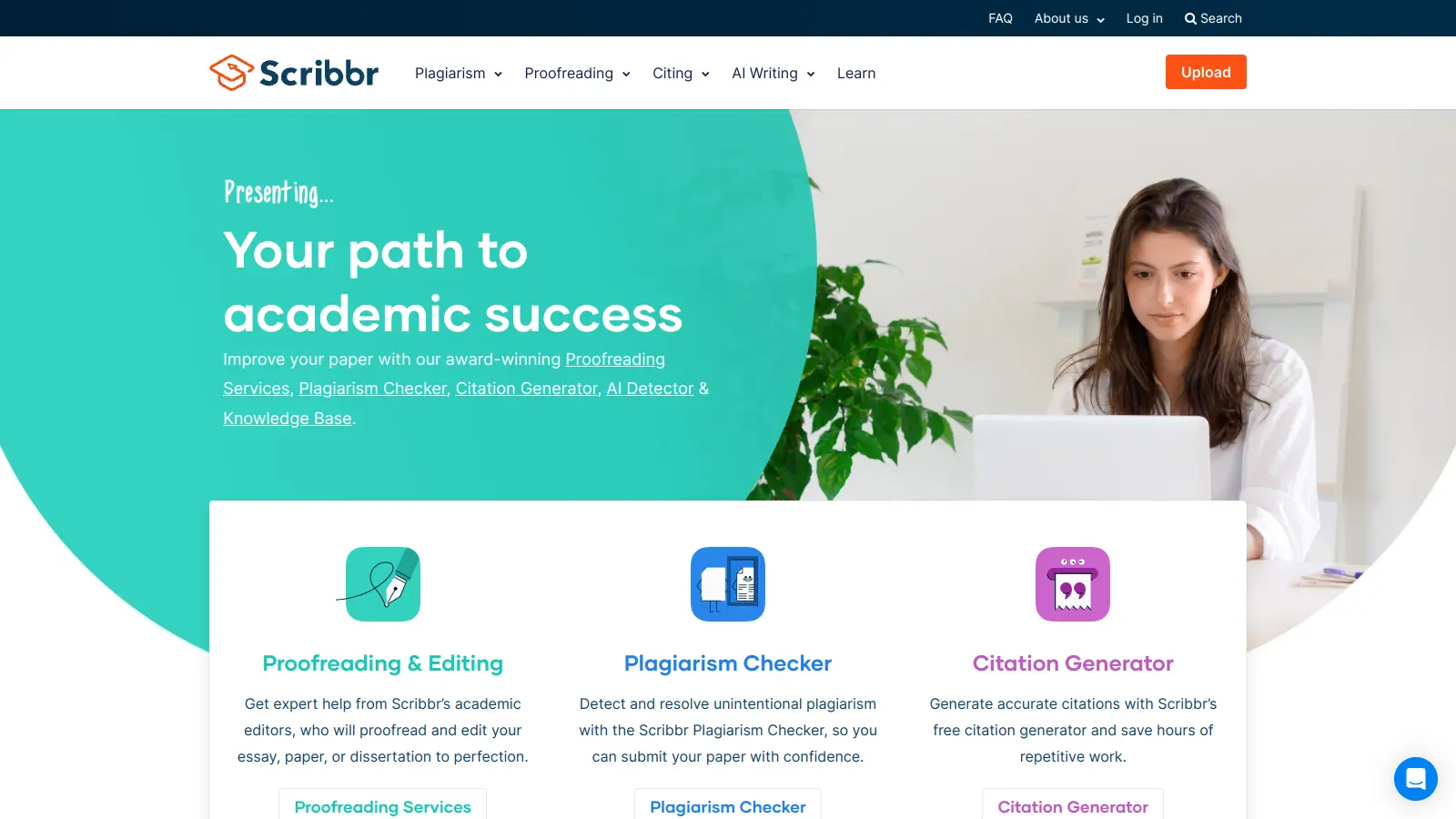
Scribbr is a comprehensive academic writing tool that helps students and professionals maintain writing integrity through plagiarism checking, AI detection, proofreading, and citation generation. It supports multiple languages, offers expert editing services, and provides a pay-per-use pricing model based on document size. With features like checking against a vast database of web pages and publications, Scribbr assists users in creating high-quality, original academic work.
best deal
Check your work for plagiarism starting at just $19.95

Consensus is an AI-powered academic search engine that uses AI to provide evidence-based insights from scientific research. It offers a Consensus Meter to gauge research agreement, Deep Search for comprehensive analysis, advanced search filters, and access to over 220 million research papers. Users can locate relevant studies, extract key information, and draft scholarly content with accurate citations from peer-reviewed sources.
best deal
Try the Free Version - Get 10 Pro Analyses, Study Snapshots, and unlimited searches across 220M research papers, or get 40% off Pro with a student email