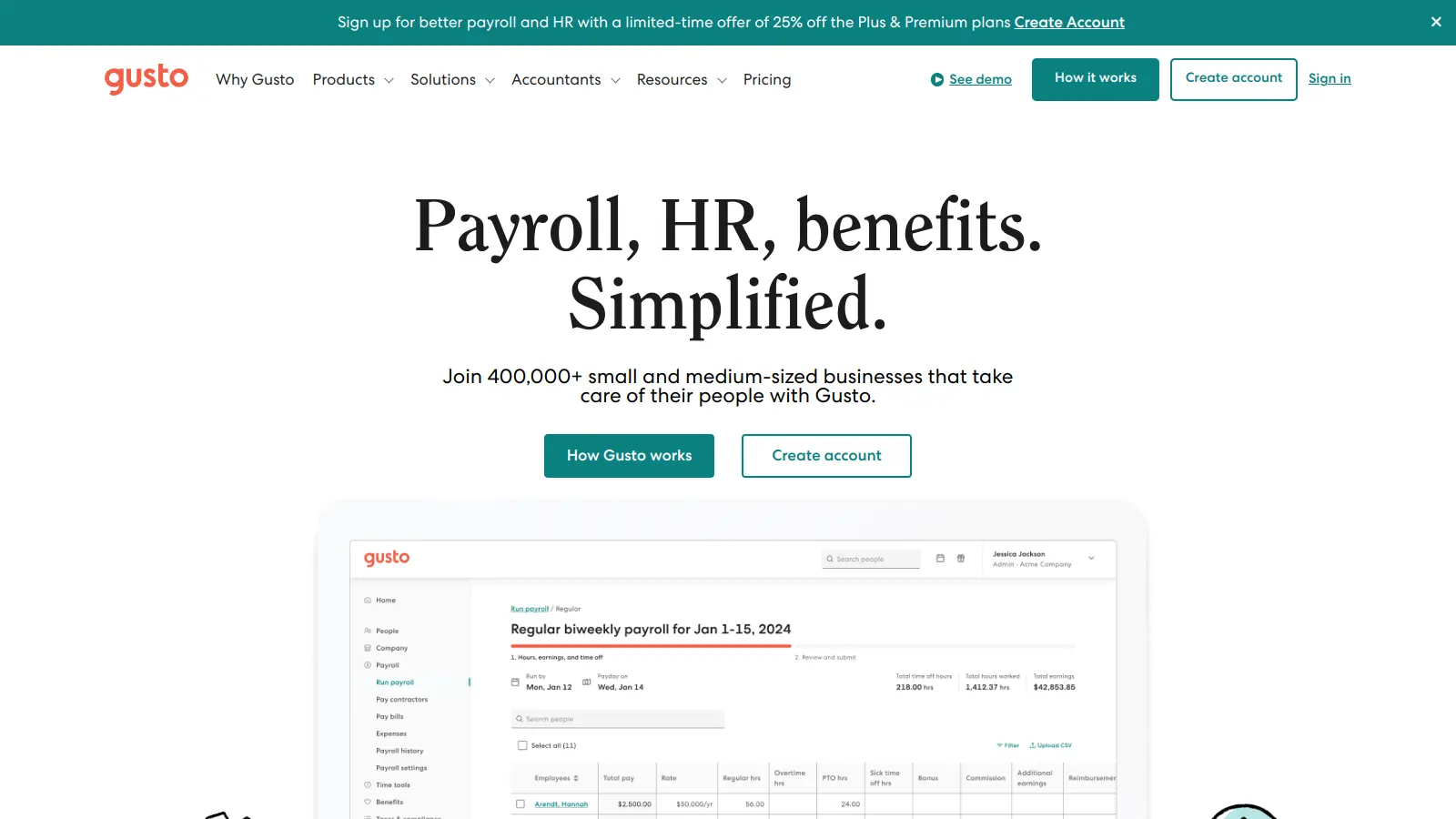
Gusto is a cloud-based payroll, benefits, and HR management platform that helps US businesses handle their administrative tasks. The platform brings together essential tools for managing employee payments, benefits, and HR functions in one central system.
Since its launch in 2012, the platform has grown from a simple payroll service to include automated tax filing, health insurance administration, and employee onboarding tools. Small and medium-sized businesses can process payroll, manage time off requests, and handle employee documentation through a user-friendly interface. The platform now includes Gus, an AI assistant that helps with policy navigation, payroll explanations, report generation, and actions like approving time-off requests.
The software offers four main pricing tiers: Simple, Plus, Premium, and Contractor Only. Each plan includes core payroll features, with more advanced HR and benefits tools available in higher tiers. Businesses can choose add-ons like next-day direct deposit or time tracking to customize their setup.
Features include automated payroll processing across all 50 states, benefits administration for health insurance and retirement plans, and digital employee onboarding with an AI job description generator. The platform connects with accounting software and time-tracking tools like QuickBooks and Slack.
Gusto works well for small to medium-sized business owners who need a solution for payroll, benefits, and HR management. It automates complex administrative tasks while providing a user-friendly interface that doesn't require technical expertise.
The platform serves retail shops, professional service firms, restaurants, technology startups, and healthcare practices.
Users praise Gusto's intuitive interface and time-saving features for payroll and HR tasks. Small business owners highlight the accurate tax calculations and compliance features that reduce errors. The responsive customer support team gets called out frequently. The platform integrates well with other tools like QuickBooks and Slack.
Pricing climbs quickly as you add features or employees. Some users report occasional glitches in the mobile app and reporting features. Customization options feel limited for advanced users. The onboarding process can be overwhelming for complete beginners. Customer support wait times stretch longer during peak seasons.
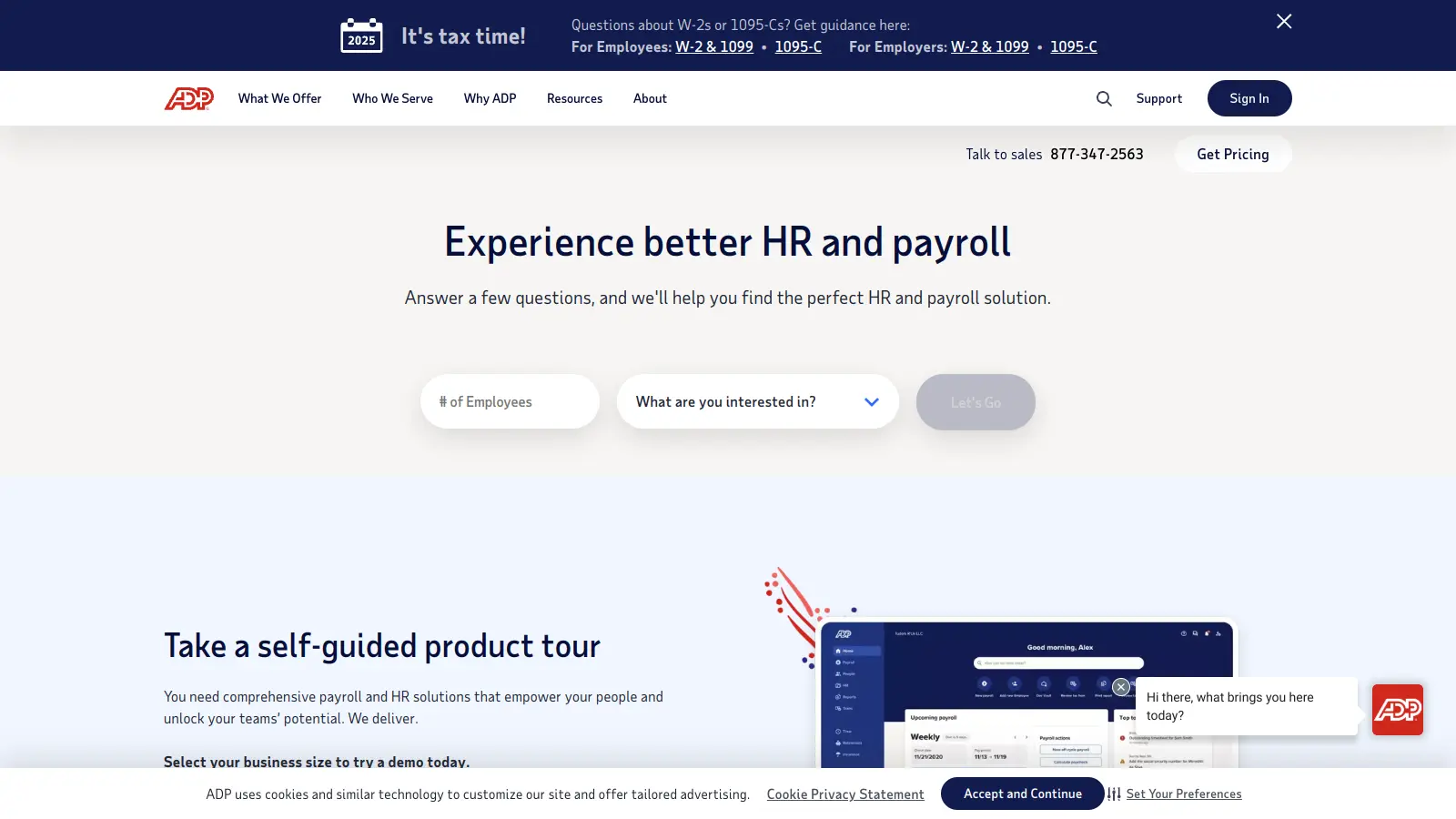
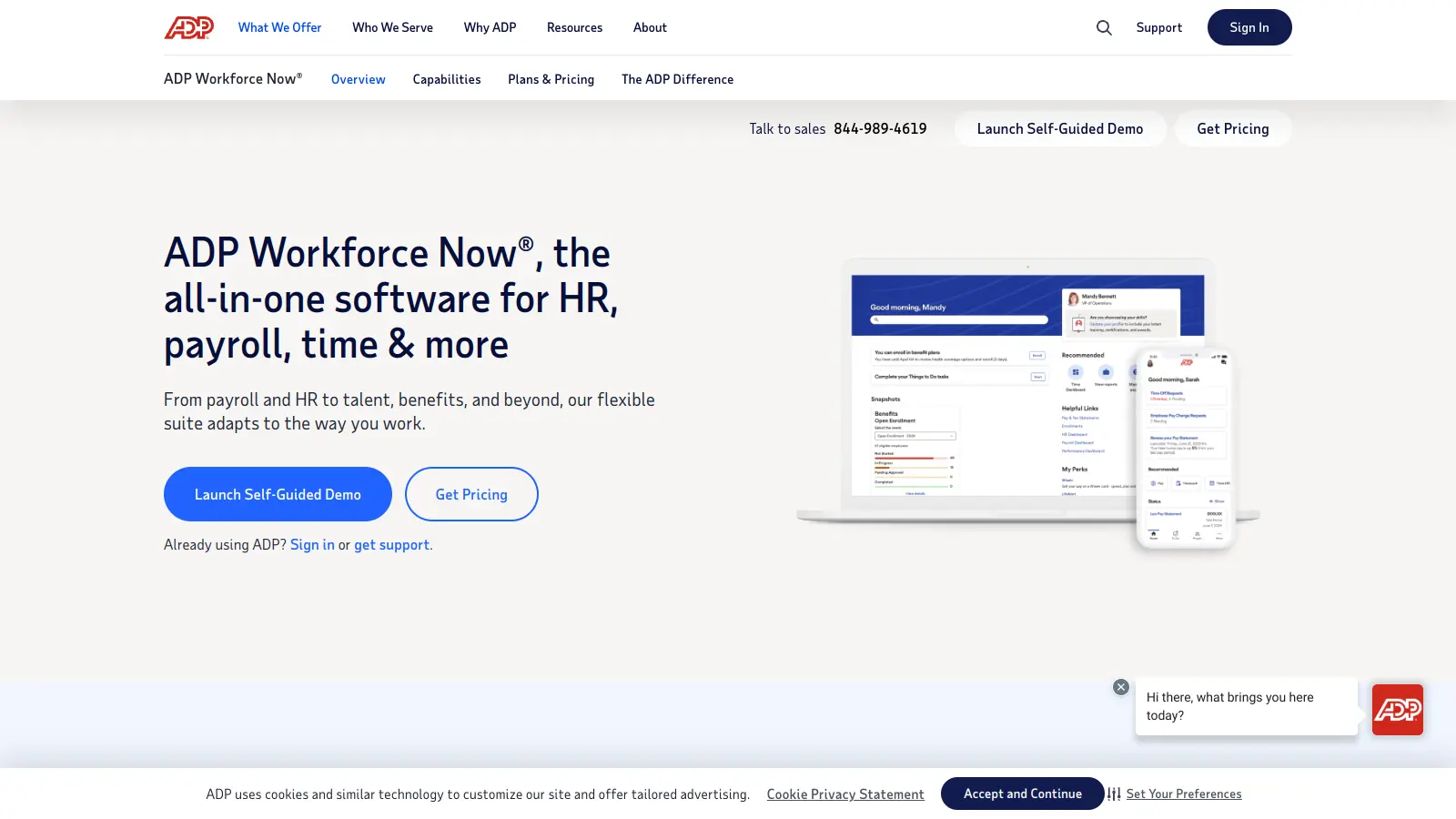
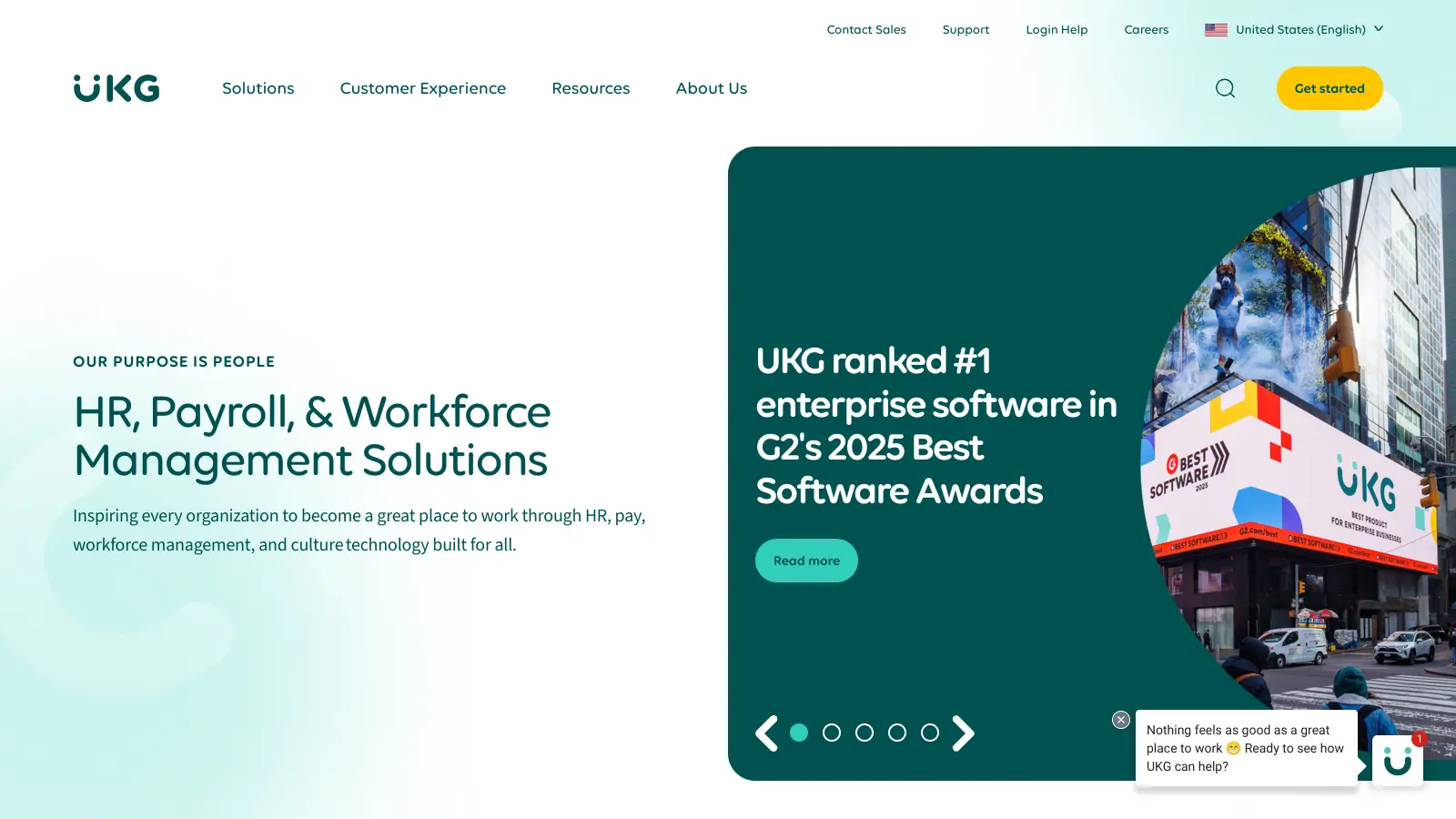
Gusto targets small businesses with a user-friendly interface that doesn't require HR expertise, while ADP and Paychex often cater to larger companies with more complex needs. Gusto's pricing is more transparent and typically lower for small teams, starting at $49-$54 per month plus per-employee fees. The platform combines payroll, benefits, and HR in one system, whereas ADP and Paychex may require multiple modules. Gusto includes features like the Gus AI assistant and modern employee self-service tools that competitors charge extra for or don't offer at all.
Can I use Gusto if I only have contractors, not employees?Yes, Gusto offers a Contractor Only plan specifically for businesses that work exclusively with independent contractors. This plan costs $35 per month plus $6 per contractor. You'll be able to pay contractors in all 50 states, provide them with 1099 forms, and give them access to the Gusto Wallet app. There's currently a deal where you can get $0 per month for 6 months, then $35 per month. You can easily upgrade to a full-service plan later if you hire employees.
Does Gusto handle multi-state payroll correctly?Yes, but you need the Plus or Premium plan for multi-state payroll. The Simple plan only covers single-state operations. Gusto automates tax calculations and filings for all 50 states, handling different withholding rates, local taxes, and compliance requirements for each location. This makes it useful for remote teams spread across multiple states. The system updates automatically when tax laws change, so you don't have to track different state regulations yourself.
How easy is it to switch from another payroll provider?Gusto's onboarding process can feel overwhelming if you're new to payroll software, but their support team helps with the migration. You'll need to gather employee information, past payroll data, and tax records from your old system. Gusto walks you through importing this data, though some users report the process takes longer than expected. Once you're set up, the platform is straightforward to use. Consider starting the switch at the beginning of a quarter to make tax reporting cleaner.
Can employees access their pay information through Gusto?Yes, employees get their own Gusto login where they can view pay stubs, access W-2s, manage their tax withholdings, and update their personal information. They can also enroll in benefits, track time off balances, and submit time-off requests. With the free Gusto Wallet app, employees can access their pay up to two days early with direct deposit, set savings goals, and track their spending. This self-service feature saves you time answering basic payroll questions.


Our newsletter comes with exclusive discounts, trials and practical insights from within the industry