Descript review — edit audio & video via transcript

last reviewed 24 march 2026
how we review

We start with direct ratings from our readers, then look at what real users are saying in practitioner forums and community spaces. We pair that with search demand data and profession-level persona analysis.

full methodology →

Editorial note: this was originally published in june of 2024

quick take

  • ✓Best for: podcast producers editing interview audio with 1-2 speakers
  • ✗Skip if: you're editing hour-long video episodes and need stable performance
  • £Best value: Hobbyist at $16/month billed annually for regular podcast use
★★★½★3.5/ 5 — editorial rating

based on real user feedback, community sentiment, pricing value, and fit for target audience. see our full methodology

used Descript? we'd love to know your thoughts

reader ratings shape our score

Descript brings together video and audio editing with AI capabilities. Instead of working directly with audio or video files, users edit their media by modifying transcripts, much like editing a document.

The platform combines several key features into one workspace. Users can transcribe content in 23 languages, remove background noise, and clone voices for audio corrections. The tool offers different editing views - traditional timeline editing, a canvas mode for arranging elements, or a script view. A new AI assistant called Underlord can automate tasks like removing filler words or generating highlight reels for social media.

Teams can work together in real-time on projects, with changes syncing automatically to the cloud. Content creators can publish directly to platforms like YouTube, while podcast producers can connect with hosting services. The tool also supports features like eye contact correction, automatic captions with translation in over 30 languages, and green screen background removal.

Available as a web-based platform, Descript offers several pricing tiers. The free plan includes 1 hour of transcription per month and 720p exports with a watermark, while paid plans unlock 4K exports, advanced AI features, and collaboration tools.

how popular is Descript?

monthly search interest

90.5k/mo now

033k66k100k2023202420252026
peak interest91k/moFeb 2026
searches now91k/moFeb 2026
1-month change— steadyvs prev month

Descript's search volume has grown steadily from around 27,000 monthly searches in early 2022 to its current level of 90,500, with the most significant acceleration happening between mid-2024 and early 2025. That kind of sustained growth over three years suggests this isn't a hype spike: the tool is still attracting new users at scale, which means you're evaluating a product that's actively being developed and iterated on, not one that's plateaued and coasting.

who is Descript for?

Whether Descript clicks for you depends a lot on what you're editing and how long your files run. Pick your role below to see where it earns its price and where it doesn't.

overall sentiment

select your role to see what people like you are saying

Podcast Producer

positive

If you're cleaning up interview audio, Descript's filler word removal and transcript editing genuinely cut editing time down. Transcription holds up well with one or two clear speakers, and the direct publishing integration is a real convenience. It struggles when you've got multiple overlapping voices or poor recording conditions, so your audio setup matters more than the marketing implies.

strengths

  • Fast removal of filler words and dead air through transcript editing
  • Direct integration with podcast hosting platforms for quick publishing
  • Accurate transcription for most standard speech patterns
  • Significant time savings vs. traditional audio editing software

concerns

  • Transcription accuracy struggles with multiple speakers or overlapping dialogue
  • Audio sync issues can occur during editing
  • Background noise in casual recording environments confuses the system

what users are saying

“At $40 a month I wonder every time I use it if I just need to cancel and look elsewhere. It's jam packed with so much AI that it's working against itself.”

Reddit r/podcasting

The most direct community signal on Descript comes from r/podcasting, where a thread titled 'Descript is unusable' captures a frustration that shows up repeatedly: the app lags, crashes on long-form video, and the AI feature bloat actively gets in the way of editing. The post's author, paying $40 a month, describes contacting support every other week and questioning whether the tool saves any time at all on longer projects. That's a specific and credible complaint, and it lines up with what content creators on tight budgets report about performance degrading as file length increases. Independent review coverage after extended testing is more balanced, noting that Descript handles transcription, screen recording, voice cloning, and video editing in one place in a way few tools match, though that breadth comes with tradeoffs in stability.

Our take: Descript earns its reputation for shorter-form podcast editing and interview cleanup, where the transcript-based workflow genuinely saves hours. But if you're editing hour-long video episodes regularly at the $24/month tier, the performance issues are real enough that you'll lose the time you're supposed to be saving. Don't subscribe at the $40/month level until you've stress-tested it with your actual file sizes on a free or Hobbyist plan first. If video is your primary use case and you need reliable performance above all else, Adobe Premiere is the more stable choice, even with its steeper learning curve.

features

  • AI-Powered Media Editing: Edit video and audio by modifying the transcript like a document - delete a word from the text, and it's removed from your media file.
  • Multilingual Transcription: Automatically transcribe audio and video files in 23 languages with speaker recognition.
  • Flexible Editing Modes: Switch between script, canvas, and timeline modes depending on your editing task.
  • AI Voice Capabilities: Use Overdub to insert words into recordings using AI voice cloning or stock voices, and automatically remove filler words like um, uh, and like.
  • Professional Audio Processing: Studio Sound removes background noise and echo from your recordings.
  • AI Assistant Underlord: Automate editing tasks like filler word removal, clip generation for social media, and creating highlight reels.
  • Real-Time Collaboration: Team editing with cloud syncing and support for publishing directly to platforms like YouTube and podcast networks.
  • Comprehensive Editing Tools: Screen recording, multi-track editing, automatic captions with translation in 30+ languages, eye contact correction, and AI-powered green screen functionality in a single platform.

pricing

  • Free plan offers 1 hour of transcription per month, 1 hour of remote recording, 720p video export with watermark (1 watermark-free export per month), 5 GB storage, and unlimited projects.
  • Hobbyist Plan at $16.00 per month (or $24.00 monthly equivalent billed annually) provides 10 media hours per month plus 5 bonus, 400 AI credits per month plus 500 bonus, 1080p watermark-free exports, and access to basic AI tools.
  • Creator Plan at $24.00 per month (or $35.00 monthly equivalent billed annually) offers 30 media hours per month plus 5 bonus, 800 AI credits per month plus 500 bonus, 4K watermark-free exports, full AI tools access, and royalty-free stock media.
  • Business Plan at $40.00 per month per person (scales to team of 5, billed separately) enables team collaboration with 40 media hours per month plus 10 bonus, 1500 AI credits per month plus 1000 bonus, team Brand Studio, translate and dub in 30+ languages, custom avatars, and priority support.
  • Enterprise Plan provides custom pricing with tailored media hours and AI credits, enterprise-grade security, SSO/SCIM, granular controls, and advanced features requiring direct contact with Descript for a quote.

frequently asked questions

At $16/month (Hobbyist, billed annually), yes, if you're editing podcasts or short-form video and the transcript-based workflow clicks for you. The 1080p watermark-free exports and 10 media hours per month cover most regular podcast producers. At $24/month (Creator), it depends almost entirely on how long your videos run. Users editing hour-long episodes consistently report lag and crashes that undercut the time savings. The free plan's 720p watermarked exports are mainly useful for testing the interface before committing.

Podcast producers get the clearest return: filler word removal, automatic transcription, and direct publishing to hosting platforms make a genuine dent in editing time. Marketing teams doing regular interview or webinar content also benefit from the collaborative editing and one-click clip repurposing across platforms. Content creators and YouTubers working with shorter videos can do well here, but those editing long-form content regularly will run into performance walls.

Performance degrades noticeably on long-form video, with lag and crashes reported frequently at the $40/month level. Transcription accuracy drops with multiple overlapping speakers, which is a real problem if you're editing panel discussions or interviews with poor audio. The free tier's 720p watermarked exports mean you can't actually publish anything useful without upgrading. Offline functionality is limited, so a patchy internet connection will stall your workflow.

Choose Descript if you're a podcast producer or solo content creator who wants to edit by reading a transcript rather than scrubbing a timeline. It's faster for interview cleanup and requires far less technical knowledge to start. Choose Adobe Premiere if you're editing long-form video professionally and need reliable performance and precise timeline control. Premiere doesn't offer transcript editing or AI filler removal, but it won't crash on a 90-minute file either.

For one or two speakers with clear audio and minimal overlap, it's accurate enough that you'll rarely need to correct it. With three or more speakers, or any crosstalk, accuracy drops and you'll spend time cleaning up misattributed lines. Recording in a quiet environment through the built-in Rooms feature gives the best results. If your typical setup involves a noisy room or multiple remote guests talking over each other, budget for more transcript review time than the marketing suggests.

tools for
humans

toolsforhumans editorial team

Reader ratings and community feedback shape every score. Since 2022, ToolsForHumans has helped 600,000+ people find software that holds up after launch. how we research →

is this your tool?

claim your listing to update details, respond to our review, or upgrade to a featured partnership.

claim this listing →

other tools to check out

Grammarly screenshot
online buzz3.4M
trend (1M)22%
★★★★★3.8based on real user feedback, community sentiment, pricing value, and fit for target audience. see our full methodology

Grammarly

Grammarly is an AI-powered writing assistant that provides real-time grammar, spelling, and punctuation checks, tone adjustments, and generative AI features for composing, rewriting, and proofreading text. It integrates with platforms like Google Docs, Gmail, Microsoft Word, Slack, and web browsers, offering both free and paid versions with features ranging from basic corrections to plagiarism detection and AI writing tools.

best deal

Try Grammarly's Free Version Today - Get Basic Grammar Checks & 100 AI Prompts Per Month Across Your Favorite Apps

Adobe screenshot
online buzz1.2M
trend (1M)steady
★★★★★3.8based on real user feedback, community sentiment, pricing value, and fit for target audience. see our full methodology

Adobe

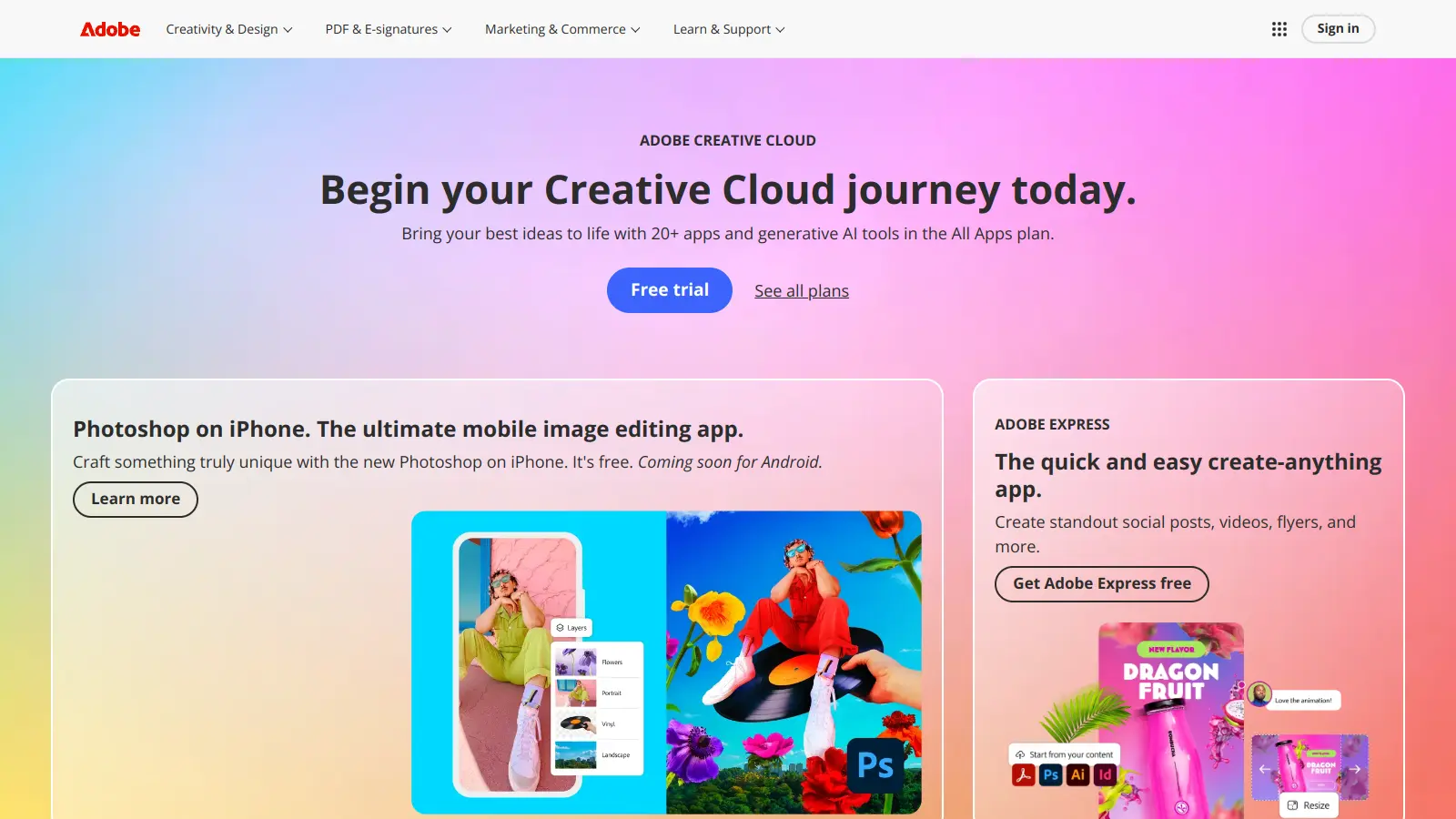
Adobe is a software company founded in 1982, offering digital solutions across creative, document, and marketing domains. Their flagship products include Photoshop, Illustrator, Premiere Pro, and Acrobat, which enable professionals and consumers to create, edit, and manage digital content. With Creative Cloud, Document Cloud, and Experience Cloud, Adobe provides tools for image editing, graphic design, video production, PDF management, and digital marketing.

best deal

New subscribers get 50% off Creative Cloud Pro for the first 3 months - includes 20+ apps and Firefly AI features

Playground.Ai screenshot
online buzz823k
trend (1M)steady
★★★★★3.5based on real user feedback, community sentiment, pricing value, and fit for target audience. see our full methodology

Playground.Ai

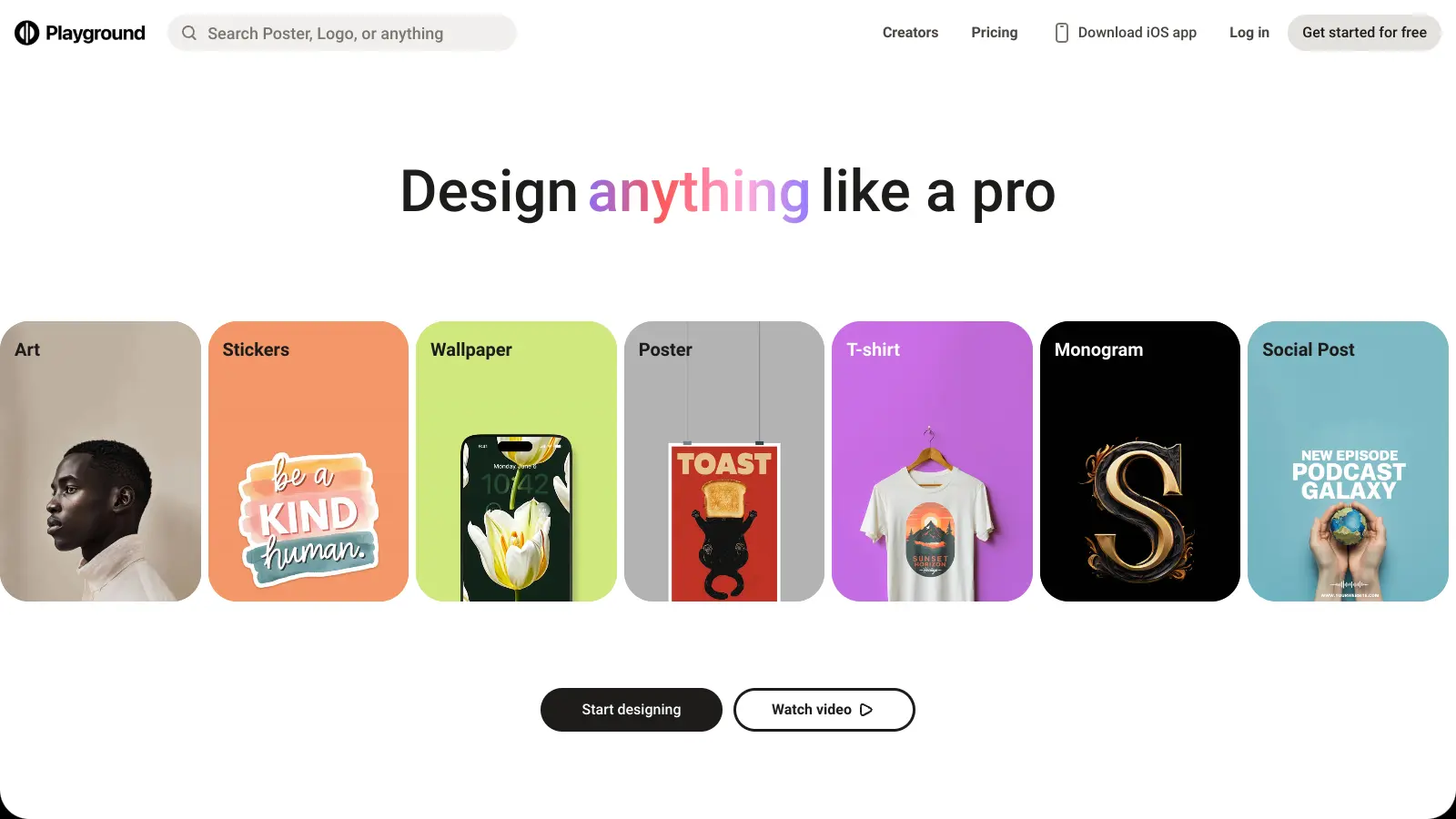
Playground AI is an innovative AI-powered image generation and editing platform designed for creatives, marketers, and designers. It enables users to create unique visuals by combining real and synthetic images through text prompts, offering features like mixed image editing, sketching, object removal, and text-to-image generation. With free and paid plans ranging from 50 to unlimited daily image generations, it provides an accessible tool for various creative projects across design, marketing, and content creation.

best deal

Try Playground AI for free — Generate up to 50 images daily with our easy-to-use creative tools

QuillBot screenshot
online buzz823k
trend (1M)steady
★★★★★3.5based on real user feedback, community sentiment, pricing value, and fit for target audience. see our full methodology

QuillBot

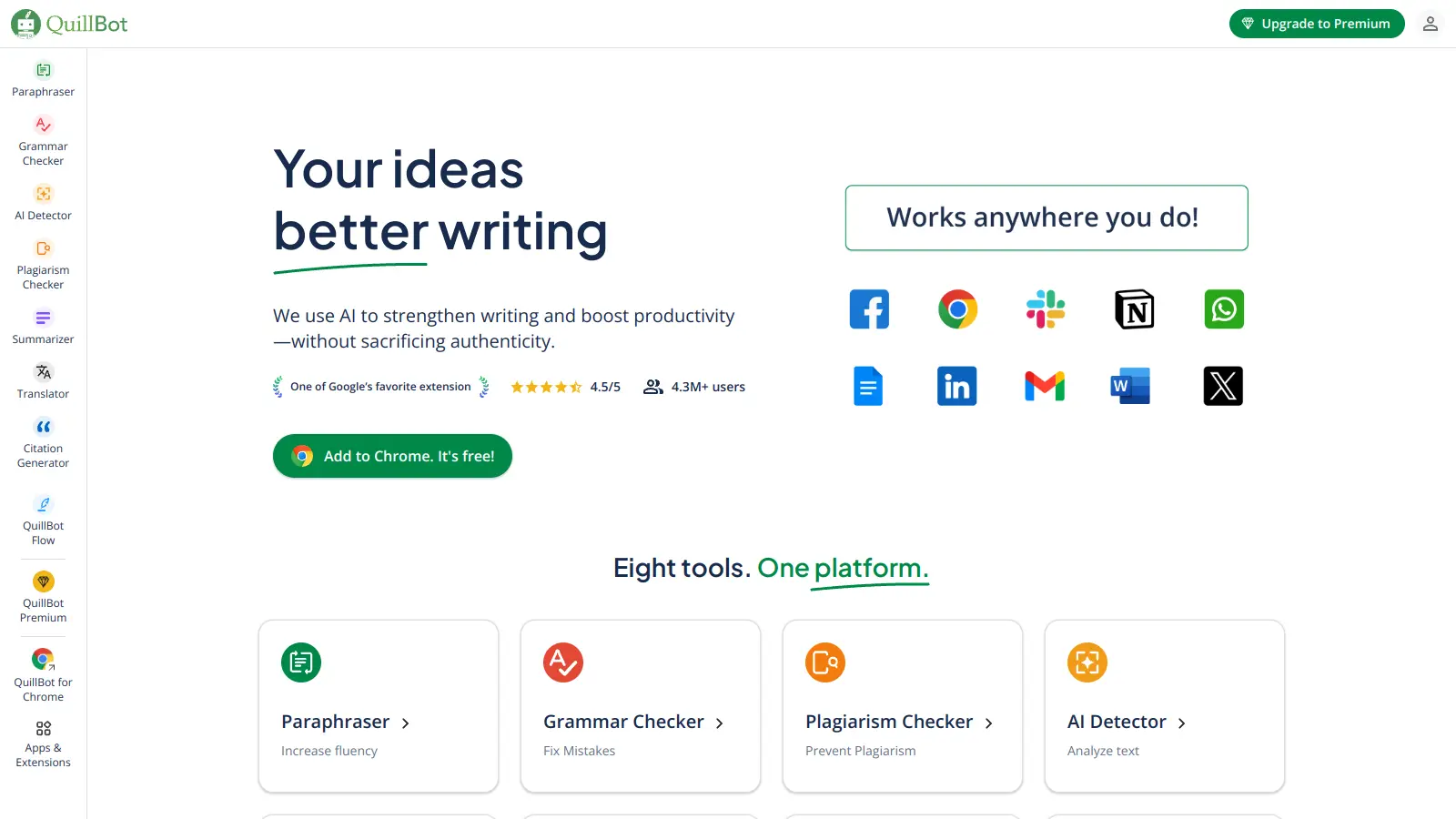
QuillBot is an AI-powered writing tool that helps users improve their writing through features like paraphrasing, grammar checking, summarization, plagiarism detection, citation generation, translation, and AI detection. It offers a web-based interface, Chrome extension, and Google Docs integration, with pricing plans ranging from a free version to monthly, semi-annual, and annual premium subscriptions. The tool uses advanced natural language processing to provide contextually appropriate text modifications.

best deal

Try QuillBot free or upgrade to Premium for just $8.33/month with unlimited paraphrasing and advanced tools. 3-day money-back guarantee included.

Mango AI screenshot
online buzz823k
trend (1M)18%
★★★★★3.2based on real user feedback, community sentiment, pricing value, and fit for target audience. see our full methodology

Mango AI

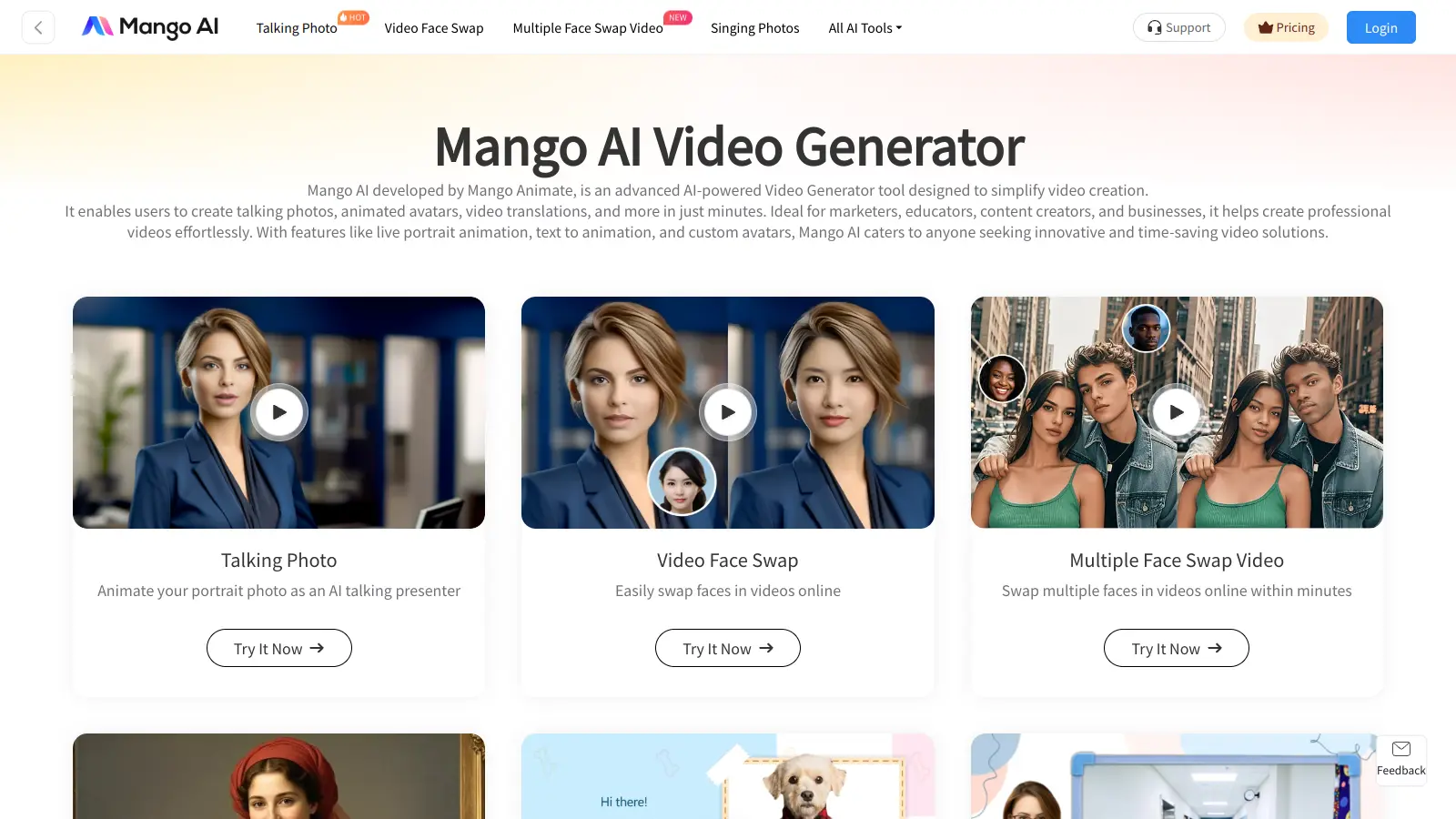
Mango AI is an advanced AI-powered video generation platform that enables users to create professional animations and videos with ease. It offers features like AI talking photos, text-to-animation conversion, diverse AI avatars, voiceovers, video templates, face swapping, and video translation. Designed for educators, marketers, content creators, and businesses, Mango AI simplifies video content creation by providing accessible, engaging, and versatile tools for users of all skill levels.

best deal

Try Mango AI's Free Plan: Create 3-minute talking videos with your own avatar today!

GPTZero screenshot
online buzz450k
trend (1M)22%
★★★★★2.5based on real user feedback, community sentiment, pricing value, and fit for target audience. see our full methodology

GPTZero

GPTZero is an AI detection tool that identifies whether text is human or AI-generated. It provides analysis at sentence, paragraph, and document levels, using metrics like perplexity and burstiness. Designed for educators, employers, and content creators, it offers sentence highlighting, multiple file format support, and a Chrome extension. The tool claims 99% accuracy rates on benchmarks and provides pricing plans from free to enterprise level.

best deal

Try GPTZero free with 10,000 words per month, or upgrade to Essential for $8.33/month with annual billing (45% off monthly rate)