tools for
humans

ai|coustics reviews — what users really think

published 4 april 2025last updated 18 march 2026
how we review

we track global search demand across every software category, monitor what real users are saying online, identify which professions rely on each tool, and surface the questions people are actually asking. reviews are consistently updated and reviewed for reliability.

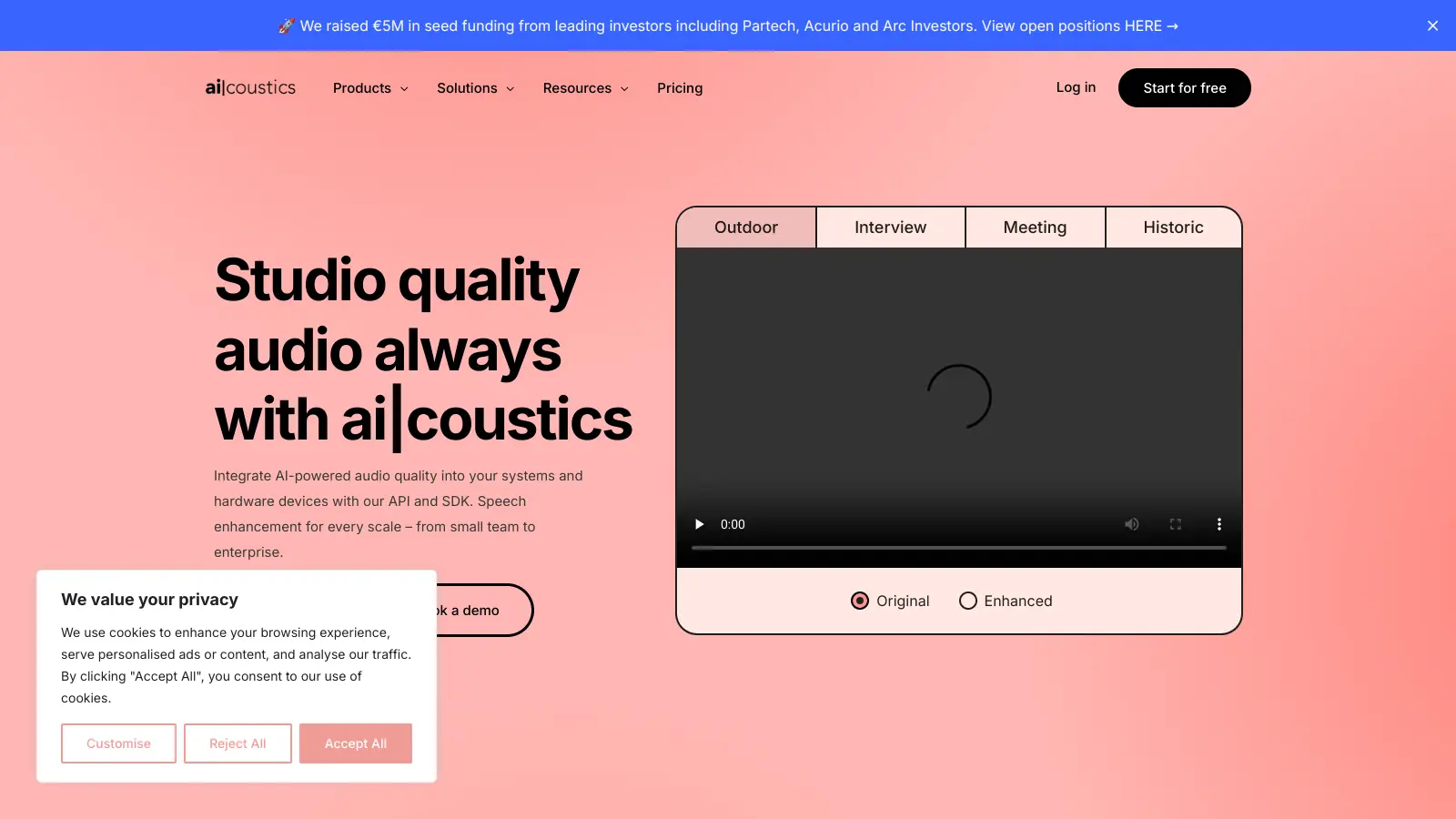
ai|coustics helps users enhance their audio quality through AI-powered algorithms. This tool makes spoken words clearer by removing background noise and improving overall sound quality. It works through both a web app for direct use and an API/SDK for developers who want to add these features to their own applications.

The platform serves many different needs, from cleaning up podcast recordings to improving live streaming audio. It handles various audio formats and works with multiple languages and accents, making it useful for creators worldwide. More than 500,000 users currently rely on the tool for their audio enhancement needs.

For developers, ai|coustics offers flexible integration options. The API works well for post-production tasks and batch processing, while the SDK enables real-time audio improvements. Both options come with features like noise removal, echo reduction, and speech clarity enhancement.

Users can start with a free plan that includes 60 minutes of audio enhancement per month. For more extensive needs, paid plans offer additional features and processing time. The tool also provides custom solutions for businesses through its API and SDK services.

Founded in 2021, the company focuses on maintaining the natural sound of voices while improving clarity. This approach helps preserve the speaker's original tone and personality, unlike some AI tools that generate entirely new voices.

who is ai|coustics for?

ai|coustics is perfectly suited for content creators, podcasters, and developers who need to improve audio quality without complex editing skills. The tool saves hours of manual audio cleanup while preserving natural voice qualities, making professional-sounding content accessible to everyone.

  • Content Creators – YouTubers, streamers, and video producers can instantly enhance their audio quality without expensive equipment or technical expertise.
  • Podcasters and Audio Producers – Perfect for cleaning up interview recordings, removing background noise, and creating professional-sounding episodes with minimal effort.
  • Developers and Product Teams – The API and SDK options allow teams to integrate premium audio enhancement directly into their apps and platforms.
  • Remote Workers – Professionals who rely on virtual meetings can improve call clarity and reduce distractions from noisy environments.
  • Multilingual Communicators – Users working across languages benefit from the tool's ability to process various accents and speech patterns clearly.

This versatile audio enhancement solution serves industries ranging from media production and education to corporate communications and customer service teams.

overall sentiment

select your role to see what people like you are saying

Content Creator/YouTuber

mixed

Attracted by the promise of professional audio without expensive equipment or technical skills, but uncertain due to lack of public reviews and user testimonials. Would benefit significantly from clearer evidence of real-world results before committing.

strengths

  • Eliminates need for expensive audio equipment investment
  • Saves hours on manual audio cleanup and editing
  • Accessible to users without technical audio expertise
  • Could enable faster content production workflow

concerns

  • No established user reviews or case studies to verify quality claims
  • Unclear how well it preserves natural voice tone in various recording conditions
  • Unknown pricing structure and potential ongoing costs
  • Risk of unknown bugs or limitations in relatively new product

online reviews (last 6 months summarised)

After a thorough search, it seems that ai|coustics currently lacks substantial online discussion or user feedback. While AI technology conversations are widespread, specific insights about this particular entity remain scarce, making it challenging to form a comprehensive public opinion.

The absence of detailed reviews suggests that ai|coustics might be a relatively new or niche product, or simply hasn't generated significant buzz on platforms like Reddit. Without concrete user experiences to draw from, potential users would need to seek more direct information about the tool's capabilities and performance.

features

  • AI-Powered Audio Enhancement: Uses advanced AI algorithms to improve speech intelligibility by reducing background noise and enhancing vocal frequencies for crystal-clear audio experiences.
  • Real-Time Noise Elimination: Instantly removes background noise, echo, and audio distortions to deliver professional-quality sound in live and recorded applications.
  • Multilingual Audio Processing: Supports multiple languages and accents, making audio enhancement accessible and effective for global users and diverse communication needs.
  • Seamless API and SDK Integration: Provides developers with powerful tools to embed advanced audio processing capabilities directly into their applications across various platforms.
  • Versatile Audio Format Support: Handles a wide range of audio formats, ensuring smooth integration and processing for multimedia and professional content creation.
  • Intelligent Audio Automation: Streamlines complex audio editing tasks, saving time and reducing manual intervention in professional and personal audio production.

pricing

  • Free Plan offers up to 60 minutes of audio enhancement per month, MP3 quality, video with watermark, 1-day storage, up to 100 MB file size, up to 10-minute files, and 100 MB cloud storage.
  • Pricing includes Mini Plan at €2/month (about $2.20 USD), Starter Plan at €10/month or €96/year (about $11/$106 USD), and Creator Plan at €20/month or €192/year (about $22/$210 USD).
  • API pricing is €0.04 per minute (approximately $0.044 USD), with SDK solutions offering custom pricing based on specific integration requirements and requiring direct consultation.

frequently asked questions

What does ai|coustics actually do to my audio?

ai|coustics uses AI algorithms to clean up and enhance your spoken audio recordings. It removes background noise, echo, and other distractions while making voices clearer and more professional-sounding. Unlike some AI tools that change or create voices, ai|coustics preserves your original voice and just makes it sound better - like it was recorded in a studio instead of your bedroom or a noisy café.

How long does it take to process my files?

Most audio files are processed within minutes, depending on the file size and current server load. Shorter clips (under 10 minutes) typically process faster. The system works quickly enough that many users can enhance their podcast episodes, interviews, or meeting recordings without significant waiting. For developers using the API, the processing time is optimized for efficiency even with batch processing.

Will ai|coustics work with my specific audio problem?

ai|coustics handles many common audio issues like background noise, echo, room reverb, and unclear speech. It works well across different languages and accents. However, it can't fix severely distorted audio or recover words that are completely inaudible in the original recording. The free plan lets you test it with your specific audio problems before committing to a paid plan.

Can I use ai|coustics offline?

The web app requires an internet connection, but if you need offline capabilities, the SDK option supports offline processing. This is useful for applications that need to work without internet access or for situations where you can't upload sensitive audio to cloud services. The SDK can be integrated into various platforms including mobile apps, desktop software, and embedded systems.

How is ai|coustics different from other audio enhancement tools?

ai|coustics stands out because it focuses on preserving voice authenticity while enhancing clarity. Many users report that it maintains the natural sound of voices better than competitors. It's built to work across multiple languages and accents without bias. The platform also offers both simple one-click enhancement for casual users and advanced customization options for audio professionals. With both a user-friendly web app and developer tools (API/SDK), it serves both individual creators and companies needing to integrate audio enhancement into their products.

other tools to check out

Canva screenshot
online buzz10M+ Searches
trend (1M)23%

Canva

Canva is a graphic design platform that lets individuals and professionals create designs without advanced design skills. It offers hundreds of thousands of templates, design tools, collaboration features, and photo/video editing capabilities. With both free and pro versions, Canva provides access to millions of design elements for creating social media graphics, presentations, posters, and more through its drag-and-drop interface.

best deal

Get 50% off Canva Pro or Business plans for new customers, or try Canva free with 250,000+ templates and 5GB storage

Grammarly screenshot
online buzz1M+ Searches
trend (1M)22%

Grammarly

Grammarly is an AI-powered writing assistant that provides real-time grammar, spelling, and punctuation checks, tone adjustments, and generative AI features for composing, rewriting, and proofreading text. It integrates with platforms like Google Docs, Gmail, Microsoft Word, Slack, and web browsers, offering both free and paid versions with features ranging from basic corrections to plagiarism detection and AI writing tools.

best deal

Try Grammarly's Free Version Today - Get Basic Grammar Checks & 100 AI Prompts Per Month Across Your Favorite Apps

QuillBot screenshot
online buzz1M+ Searches
trend (1M)-13%

QuillBot

QuillBot is an AI-powered writing tool that helps users improve their writing through features like paraphrasing, grammar checking, summarization, plagiarism detection, citation generation, translation, and AI detection. It offers a web-based interface, Chrome extension, and Google Docs integration, with pricing plans ranging from a free version to monthly, semi-annual, and annual premium subscriptions. The tool uses advanced natural language processing to provide contextually appropriate text modifications.

best deal

Try QuillBot free or upgrade to Premium for just $8.33/month with unlimited paraphrasing and advanced tools. 3-day money-back guarantee included.

Adobe screenshot
online buzz1M+ Searches
trend (1M)22%

Adobe

Adobe is a software company founded in 1982, offering digital solutions across creative, document, and marketing domains. Their flagship products include Photoshop, Illustrator, Premiere Pro, and Acrobat, which enable professionals and consumers to create, edit, and manage digital content. With Creative Cloud, Document Cloud, and Experience Cloud, Adobe provides tools for image editing, graphic design, video production, PDF management, and digital marketing.

best deal

New subscribers get 50% off Creative Cloud Pro for the first 3 months - includes 20+ apps and Firefly AI features

Wix screenshot
online buzz500k+ Searches
trend (1M)30%

Wix

Wix is a website builder that lets individuals and businesses create professional websites without coding. It offers drag-and-drop editing, AI-powered design tools, templates, and features for e-commerce, SEO, and marketing. Pricing ranges from free to enterprise-level, covering everything from personal portfolios to online stores.

best deal

Get 50% off Wix annual plans, with Light Plan starting at $17/month