Legal Practice Management Software+2 more

Deadlines
best deal
Try Deadlines starting at $15 per case per month to avoid missed legal deadlines
redeem now
Deadlines
best deal
Try Deadlines starting at $15 per case per month to avoid missed legal deadlines
redeem nowWe start with direct ratings from our readers, then look at what real users are saying in practitioner forums and community spaces. We pair that with search demand data and profession-level persona analysis.
Editorial note: this was originally published in september of 2024
quick take
based on real user feedback, community sentiment, pricing value, and fit for target audience. see our full methodology
used Deadlines? we'd love to know your thoughts
reader ratings shape our score
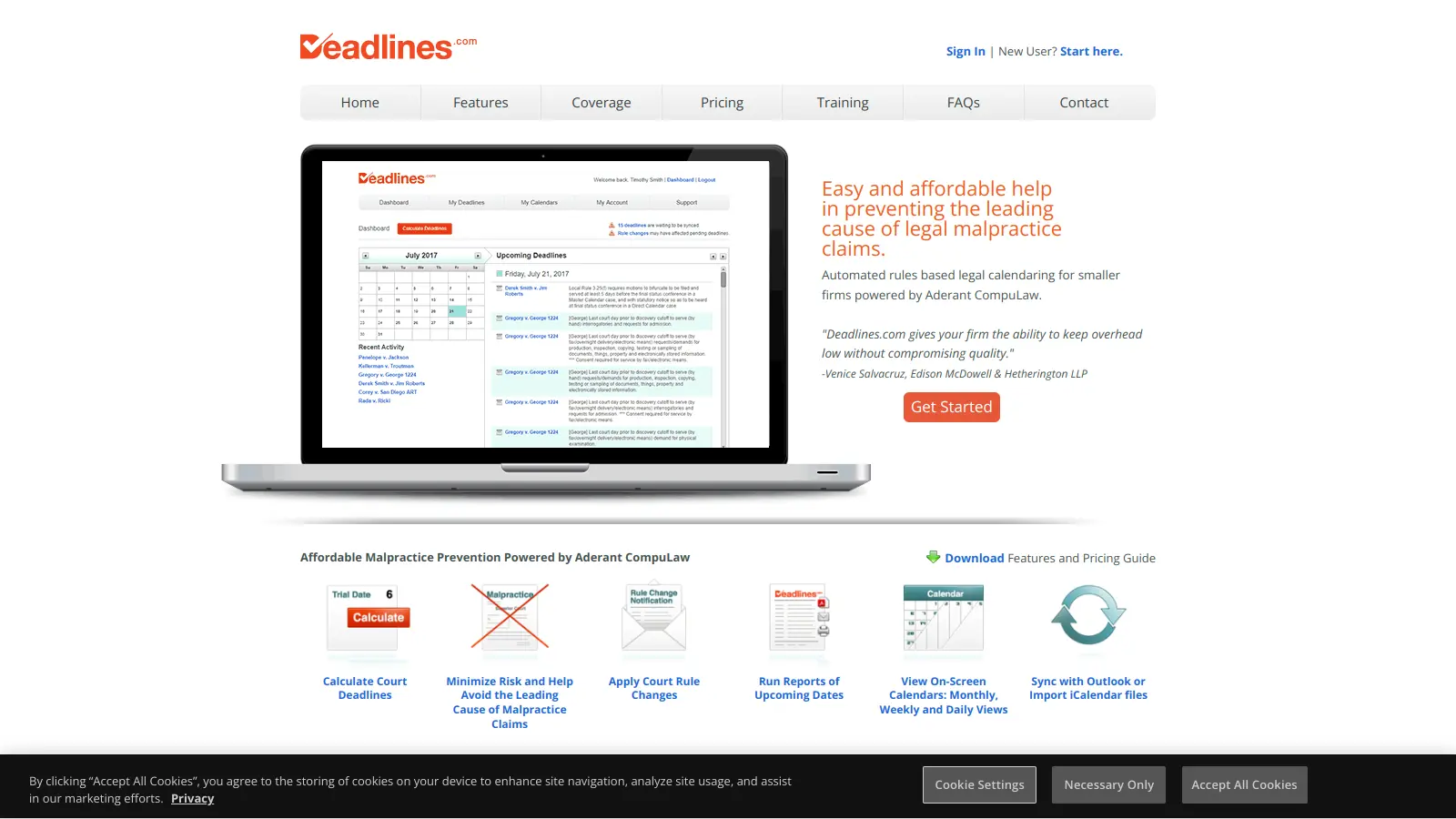
Deadlines.com brings the court rules engine used by most major law firms in the country to small and solo practices, priced per case rather than per user. Litigation Paralegals and Solo Practitioner Attorneys get the most direct value: automated deadline generation tied to jurisdiction-specific rules, with email alerts when those rules change. The tradeoff is narrow scope. Deadlines.com does one thing well and nothing else, so if you need billing, client intake, or document management in the same system, you'll need another tool alongside it.
Pricing starts at $35 per case per month for a single case and drops to $20 per case per month at the 30+ case tier. It runs through a browser and syncs with Outlook or accepts iCalendar imports. Before signing up, know that the platform has almost no public reviews, so you're committing based on the Aderant CompuLaw reputation rather than user community evidence. If court deadline accuracy is your primary concern and you don't need a full practice management suite, it's worth trialling.
monthly search interest
201k/mo now
Search volume for Deadlines.com has been growing steadily since 2022, stepping up from a stable 135,000 base to a current peak of 201,000 per month. The pattern suggests consistent, genuine demand from legal professionals rather than a viral spike. This is a mature, stable tool with a growing user base, not a hype-cycle product.
Whether Deadlines.com is worth it depends almost entirely on your role in the firm and what you already have in place. Pick your role below to see the honest breakdown.
overall sentiment
select your role to see what people like you are saying
Solo Practitioner Attorney
positiveIf you're running cases without administrative backup, Deadlines.com addresses the specific risk that gets solo attorneys in trouble: missed court deadlines. The Aderant CompuLaw engine underneath it is the same one major law firms rely on, so accuracy isn't a marketing claim. At $35 per case per month for a single case, it's cheap insurance against a malpractice claim. The main uncertainty is that there's almost no public record of how it handles edge cases or unusual court orders, so test it against your jurisdiction before fully committing.
strengths
concerns
Legal Office Manager
mixedDeadlines.com can fill a specific coordination gap if your firm needs shared deadline visibility and Outlook sync without paying for a full practice management platform. The centralized tracking and automated notifications are genuinely useful for keeping attorneys and paralegals aligned. The honest concern is that there are no public reviews to benchmark implementation difficulty or support quality against, which makes it harder to assess whether rollout will go smoothly for your team.
strengths
concerns
Litigation Paralegal
positiveThe time saving here is real. Generating deadline sets manually by cross-referencing jurisdiction-specific rules is one of the most tedious parts of litigation support, and Deadlines.com automates that directly. It also reduces the personal risk of a calculation error being traced back to you. The gap is that there's no public evidence of how the system handles genuinely unusual scenarios, so verify it covers your specific jurisdictions and case types before you rely on it exclusively.
strengths
concerns
Small Law Firm Partner
mixedFor a firm managing more than a handful of active cases, the per-case pricing at the 30+ tier comes to $20 per case per month, which is reasonable for what you get. The pitch is access to enterprise-grade court rules calculation without an enterprise contract. The catch is the tool covers only calendaring: if you need billing, intake, and document management in the same place, you'll need another platform alongside it, and at that point Clio or MyCase may be the more efficient choice.
strengths
concerns
“The honest concern isn't whether the calculations are accurate; it's whether the user experience, support quality, and edge-case handling hold up in practice, and there's simply no public evidence either way.”
Deadlines.com operates in a niche where almost no one is posting public reviews, which is itself telling. Legal professionals tend to share tools through bar association referrals and word of mouth rather than review platforms, so the silence online shouldn't be read as a red flag. What does exist is one published testimonial from a user at Edison McDowell & Hetherington LLP crediting it with keeping overhead low without compromising quality. Beyond that, the online trail is thin. The tool's credibility largely rests on its connection to Aderant CompuLaw, which powers deadline calculations for over 70% of the top 100 law firms in the country. For smaller firms, that's the real pitch: enterprise-grade accuracy at a per-case price that scales down to $20 per case per month at the 30+ tier. The pricing model is genuinely unusual for legal software, and it's one of the few things you can verify without a sales call.
For solo practitioners and firms with under 30 active cases, yes — conditionally. At $35 per case per month for a single case, a solo attorney paying for 5 cases is spending $150 per month to insure against the leading cause of malpractice claims. The ABA reports calendar errors account for the majority of malpractice cases, and over 70% of those hit firms with 5 or fewer attorneys. At the 30+ case tier, the per-case cost drops to $20. That's a reasonable price if the alternative is manually cross-referencing jurisdiction-specific rules. It isn't worth it if you're already running Clio or MyCase, which include deadline tools in their base plans.
Litigation Paralegals who spend hours generating deadline sets manually will see the clearest time savings. Solo Practitioner Attorneys running cases without administrative backup get the most risk-reduction value. Legal Office Managers at small firms who need calendar synchronisation across a team without buying a full practice management suite are also a solid fit. It's less useful for larger firms that already have enterprise-level systems or for attorneys whose practice doesn't involve court-filed deadlines.
First, there are no public user reviews, which makes it genuinely hard to evaluate how the system handles edge cases: unusual court orders, custom deadline exceptions, or multi-jurisdiction matters with overlapping rules. Second, the platform is calendaring only. You don't get client intake, billing, document management, or any other practice management features, so it won't replace a tool like Clio. Third, the per-case pricing model can become expensive for smaller firms with unusually complex, long-running cases that stay active on the roster for many months.
These tools aren't really competing for the same buyer. Clio is a full practice management platform — client intake, billing, document storage, and deadline tracking all in one place. Deadlines.com is a focused calendaring tool built on a more specialised court rules engine. If you need everything in one place and are willing to pay Clio's higher subscription cost, go with Clio. If you already have a system for everything else and just need accurate, jurisdiction-specific deadline calculation at a lower price, Deadlines.com is the more direct solution. Some firms run both.
This is the right question for any Litigation Paralegal evaluating this tool. The underlying engine is Aderant CompuLaw, which covers deadlines for over 70% of the top 100 law firms and includes a patented Change Notification Service that alerts you when court rules update. That's a credible technical foundation. The gap is that no public community has documented edge case failures or confirmed accuracy in unusual scenarios. The safest approach before fully committing is to run the tool in parallel with your existing process for one to two months, specifically testing jurisdiction combinations you handle regularly.
toolsforhumans editorial team
Reader ratings and community feedback shape every score. Since 2022, ToolsForHumans has helped 600,000+ people find software that holds up after launch. how we research →
is this your tool?
claim your listing to update details, respond to our review, or upgrade to a featured partnership.
claim this listing →
MyCase is a cloud-based law practice management software designed for solo and small to midsize law firms. It provides a platform for managing client communication, case workflow, billing, and document management. With features like client intake forms, eSignature, case tracking, secure client portals, AI-powered document summarization, and integrated payment solutions, MyCase helps law firms streamline their operations and improve efficiency across multiple practice areas.
best deal
Try MyCase Free for 10 Days - No Credit Card Required

Harvey AI is an AI platform built for legal professionals, offering AI-powered legal research, contract analysis, document drafting, and clause extraction. Trained on legal datasets, it helps lawyers automate complex workflows, enhance research capabilities, and improve efficiency across multiple practice areas.
best deal
Join the waitlist to explore Harvey AI's legal solutions starting at approximately $500 per lawyer annually

Clio is a cloud-based legal practice management software that streamlines law firm operations. It offers features for case management, billing, document automation, client intake, and collaboration. The platform provides AI tools like Clio Duo for automating tasks, tracking finances, engaging clients, managing documents, and integrating with other software.
best deal
Get 15% bundle savings and try Clio free before committing to a plan

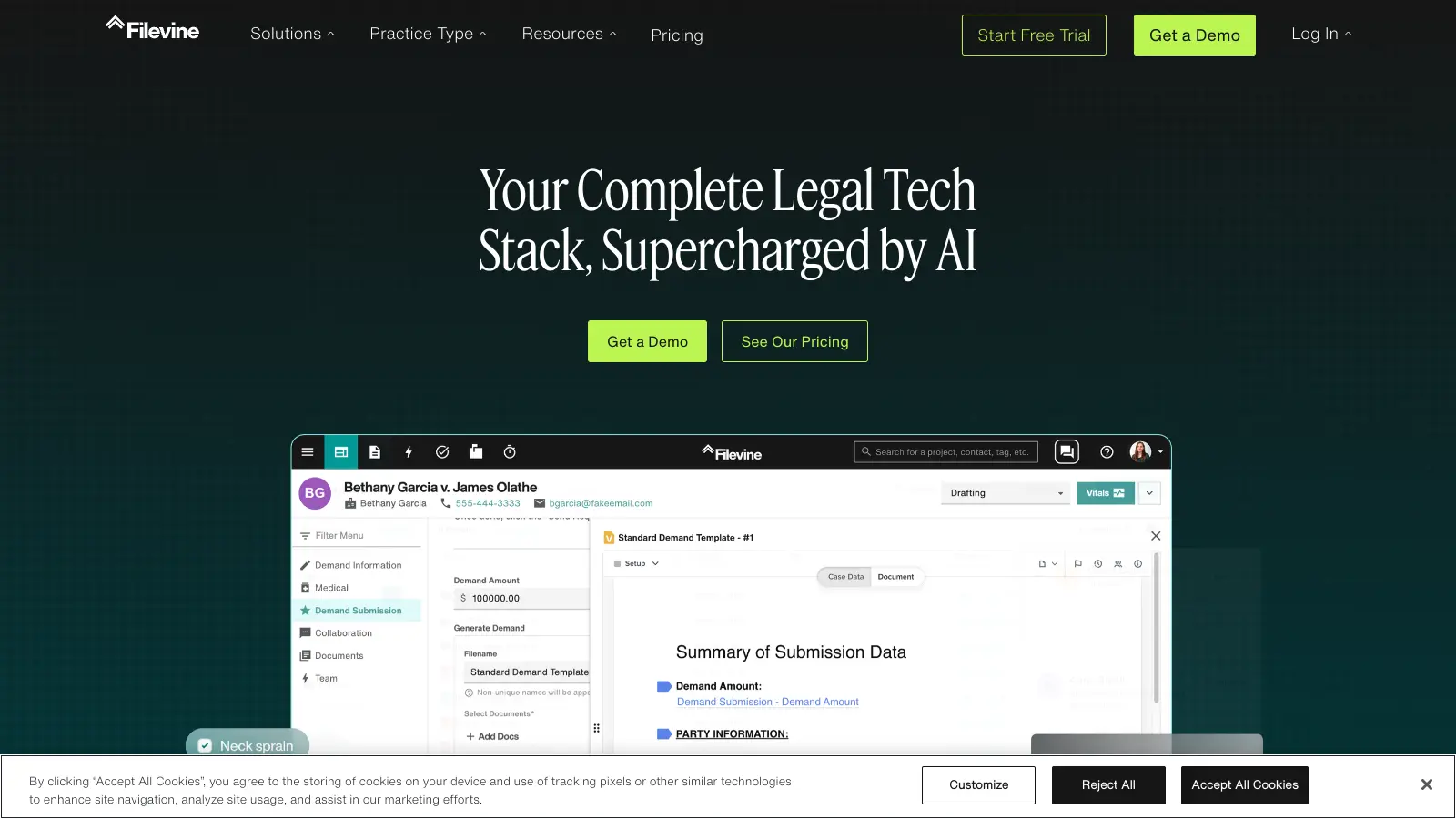
Filevine is an AI-powered legal management platform designed for case, matter, and project management. It automates case workflows, analyzes and summarizes documents, manages depositions, and ensures compliance for law firms. The platform features customizable solutions with document management, AI-driven document review and drafting, secure client communication, integrations, and advanced reporting tools.
best deal
Free trial available — test Filevine's AI-powered legal management platform before you commit

LawPay is a specialized payment management software designed for law firms, offering secure credit card and eCheck processing, comprehensive billing and invoicing tools, detailed financial reporting, and seamless integration with legal software. It ensures compliance with legal standards, provides PCI Level 1 security, and helps law firms manage their financial operations efficiently, supporting over 55,000 firms nationwide.
best deal
Start accepting secure legal payments for just $19/month with LawPay

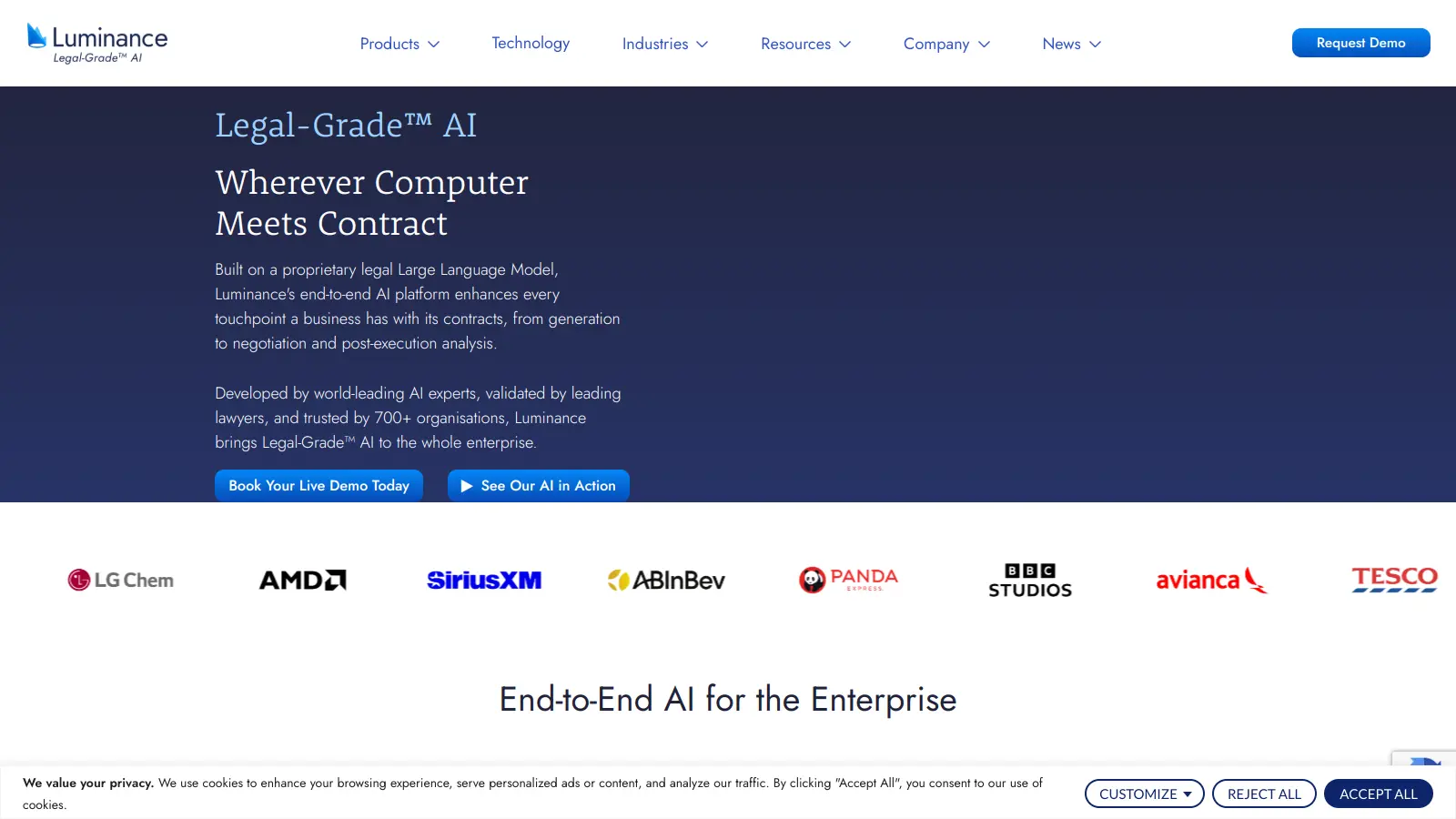
Luminance is an AI-powered legal technology platform that automates contract management, review, drafting, and negotiation using its proprietary Large Language Model. Founded in 2015 by Cambridge mathematicians, it serves over 1,000 organizations worldwide including law firms, corporate legal teams, and global consultancies. The platform offers deep document analysis, integration with Microsoft Word, and AI-driven features that reduce contract processing time while ensuring compliance and data security.
best deal
Get Your Personalized Luminance Quote And See How AI Legal Tools Can Transform Your Contract Management