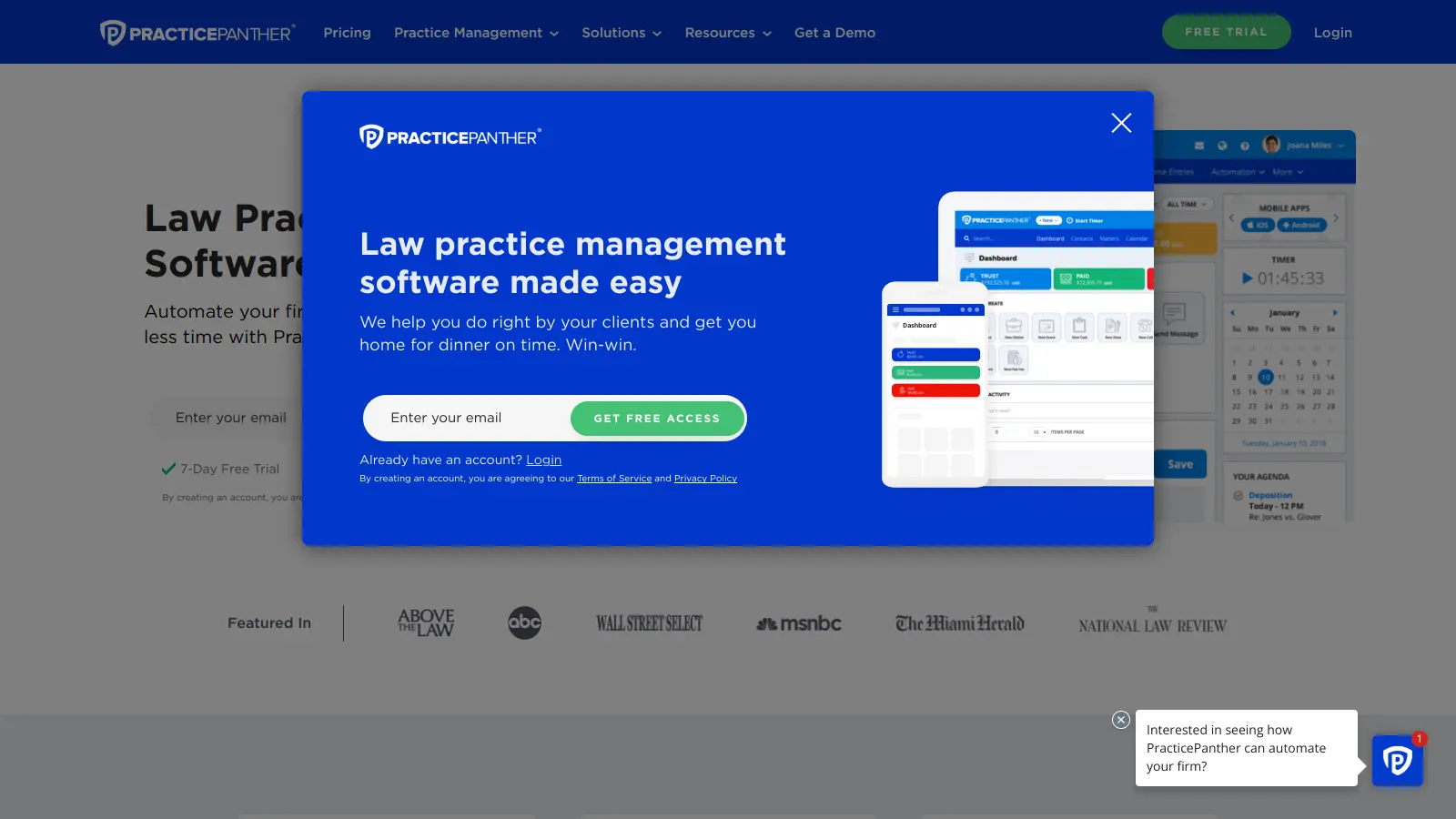
PracticePanther is a cloud-based legal practice management software that helps law firms handle their daily operations more efficiently. It brings together essential tools for client intake, case management, billing, and document creation in one platform.
Law firms of any size can use this software to organize their practice. Whether you're a solo practitioner or part of a larger firm, the platform adapts to fit different needs. It works for family law, criminal defense, bankruptcy, and estate planning practices.
The software includes features that automate routine administrative work. You can create custom intake forms, manage documents in the cloud, track billable hours, and handle trust accounting. The platform now includes AI-powered features like a virtual receptionist and web chat service that automatically update client records. It also connects with QuickBooks, Dropbox, and Microsoft Outlook to fit into your existing workflow.
Pricing starts at $49 per month when billed annually, with different tiers available based on your needs. A 7-day free trial is available without requiring a credit card.
Security is a priority, with features like 256-bit encryption and two-factor authentication keeping your firm's data safe. The platform follows HIPAA guidelines and uses Microsoft Azure for reliable backups.
PracticePanther is ideal for legal professionals who need an all-in-one solution to streamline their practice management and boost productivity. The platform helps attorneys and legal staff automate routine tasks while providing secure access to client information, cases, and billing from anywhere.
From family law and criminal defense to bankruptcy and estate planning attorneys, PracticePanther serves legal professionals across specialties who want to spend less time on administration and more time practicing law.
Legal professionals praise PracticePanther's intuitive interface and automation capabilities. Lawyers appreciate the case management features, excellent customer support and onboarding, and reliable mobile app. The platform integrates well with QuickBooks and Google Workspace, and users report it saves time on billing and invoicing.
The reporting features are limited and clunky. Users experience occasional bugs and slow performance. Pricing can be expensive for small firms. Trustpilot reviews mention poor data migration support. Calendar sync has issues with some providers, and customization options are more rigid than some reviewers want.
PracticePanther offers three main plans with different features. The Solo Plan ($49-59/month per user) covers basic needs for solo attorneys with time tracking, client management, document templates, and unlimited storage. The Essential Plan ($69-79/month per user) adds real-time notifications, custom fields, native eSignature, 2-way business texting, automated workflows, and payment reminders. The Business Plan ($89-99/month per user) includes everything in Essential plus QuickBooks Online integration, Dropbox and Box.com sync, email and calendar sync, Zapier and API access, unlimited live trainings, and VIP support. You'll save about $10 per user monthly with annual billing instead of monthly payments.
Can I access PracticePanther on my mobile device?Yes. PracticePanther works on smartphones and tablets through their mobile app available for iPhone, iPad, and Android devices. You can track time, manage cases, access documents, and stay updated on tasks while away from your office. The app syncs in real-time with the desktop version, so any changes you make on the go will update across all your devices. This makes it easy to record billable hours during court appearances or check client information between meetings without waiting to get back to your computer.
How secure is my firm's data with PracticePanther?PracticePanther takes security seriously. They use 256-bit encryption (bank-level security) to protect your data and store everything on Microsoft Azure servers with automatic backups. The platform is HIPAA compliant and offers two-factor authentication to prevent unauthorized access. Your client information stays protected through role-based permissions, letting you control exactly who can view sensitive data. The cloud-based system means your information remains safe even if your office computer is damaged or stolen.
Can PracticePanther help with client intake?Yes. PracticePanther streamlines client intake with customizable online forms that gather all needed information upfront. You can send these forms via email or add them to your website. When clients complete the forms, their information automatically creates contact records in your system. The platform can then trigger automated tasks for your team and send welcome emails to new clients. The AI-powered virtual receptionist and web chat features can also handle initial client inquiries and automatically update records. This cuts down on data entry and helps you start new client relationships smoothly without the back-and-forth of traditional intake methods.
Does PracticePanther integrate with other software I already use?PracticePanther connects with many popular tools legal firms use daily. It integrates with QuickBooks for accounting, Microsoft Outlook and Gmail for email, Google Calendar for scheduling, and Dropbox or Box for document storage. You can also use DocuSign or the native eSignature feature for electronic signatures and PantherPayments, LawPay or PayPal for processing client payments. For more custom needs, their Zapier integration and API let you connect with hundreds of other apps. This means you won't have to abandon your favorite tools when switching to PracticePanther.


Our newsletter comes with exclusive discounts, trials and practical insights from within the industry