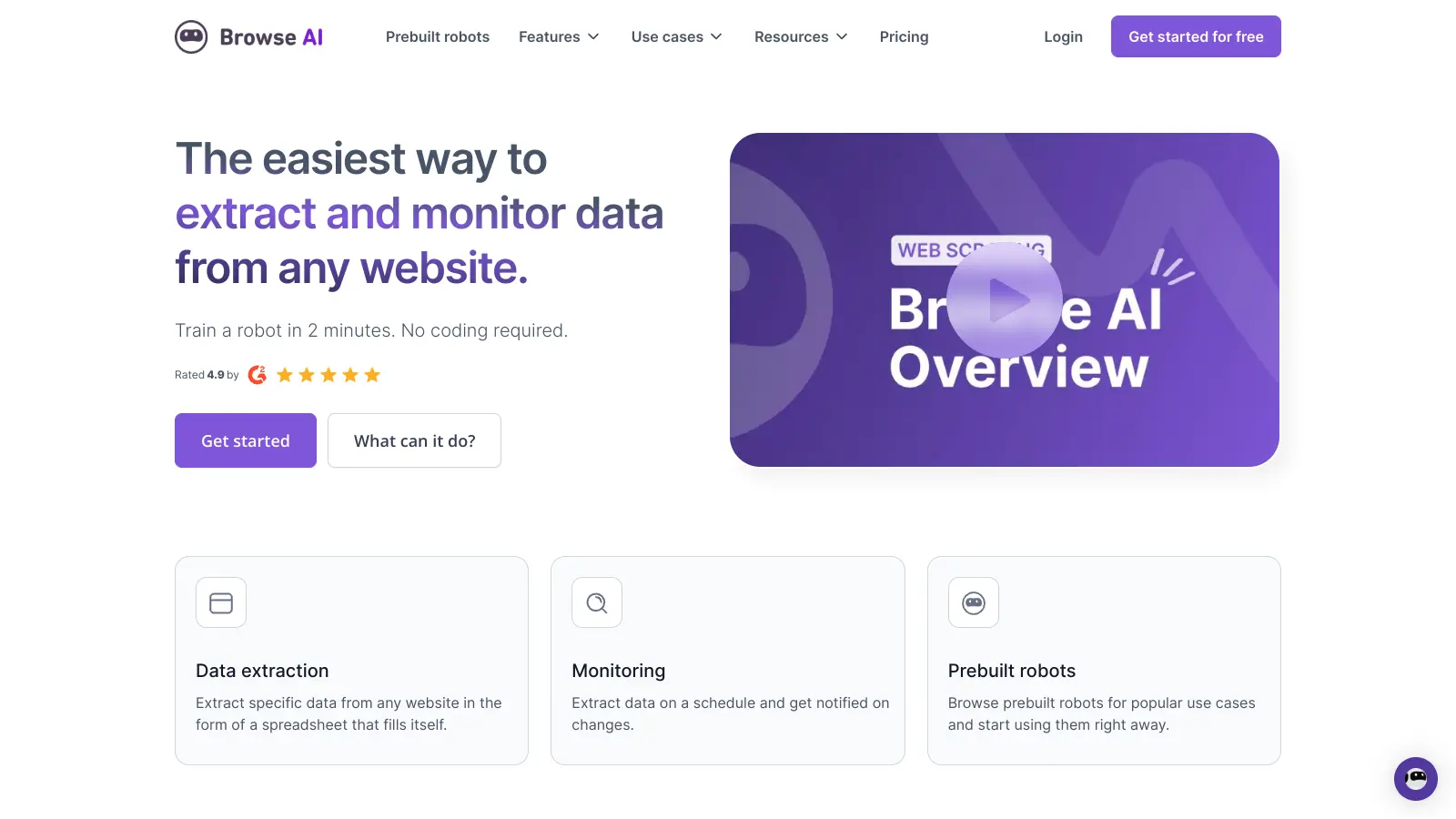
Browse AI helps users collect and monitor web data without writing code. The platform offers tools to extract information from websites through a simple point-and-click interface, making web scraping accessible to users of all technical backgrounds.
At its core, the tool lets you create automated "robots" that can navigate websites, handle login pages, and track changes over time. These robots can gather data from multiple sources, manage pagination and infinite scroll, and adapt to website layout changes automatically. The platform also includes self-healing scrapers that maintain functionality when sites update their design.
The platform connects with over 7,000 applications, including Google Sheets, Zapier, and Airtable. This makes it simple to integrate collected data into existing workflows through REST API, webhooks, or direct connections. Users can schedule regular data collection and receive alerts when monitored websites change.
Common applications include tracking competitor prices, monitoring real estate listings, aggregating job postings, and keeping tabs on financial market movements. The tool starts with a free plan that includes basic features, while paid options unlock additional capabilities like more frequent monitoring and extended data storage.
Browse AI works for business professionals and researchers who need website data without coding skills. The point-and-click interface lets anyone extract, monitor, and integrate web data into their existing workflows.
The tool finds its home in competitive industries like e-commerce, real estate, market research, and financial services where staying on top of web data provides an advantage.
Browse AI gets positive feedback from users who appreciate its no-code approach to web scraping. People like the visual workflow builder, which makes data collection accessible without programming knowledge. The scheduling and monitoring capabilities work reliably for most users, and customer support gets praise for being helpful. Documentation and tutorials are solid. Pricing is reasonable compared to building custom solutions or hiring developers.
The tool struggles with JavaScript-heavy websites and sites with lots of dynamic content or frequent layout changes. Performance is inconsistent depending on the website, with occasional timeouts or failures when dealing with rate-limited sites. There's a learning curve for advanced automation scenarios. Customization options are limited for very specific use cases. Error handling and retry logic could be better when things go wrong.
You can scrape most websites with Browse AI, including dynamic sites, e-commerce platforms, login-protected pages, and sites with pagination or infinite scroll. The tool handles websites that use JavaScript and can work with sites that require scrolling or clicking through multiple pages. It includes bot evasion features and can resolve text-based captchas. However, some websites with heavy dynamic content, advanced anti-bot measures, or frequent layout changes might be more challenging to scrape reliably.
Do I need to know how to code to use Browse AI?No coding skills are needed. The platform uses a simple point-and-click interface where you select the data you want to extract. You can create custom "robots" that handle the scraping process without writing a single line of code. This makes it perfect for marketers, researchers, and business owners who don't have programming experience.
How often can my robots run and collect data?The frequency depends on your plan. With the free plan, you can run monitoring tasks once per day. The Personal and higher-tier plans allow more frequent scheduling options. You can schedule your robots to run at specific times or on a recurring basis. Each run uses credits from your monthly allocation, so plan accordingly based on how often you need fresh data.
What happens if a website I'm scraping changes its layout?Browse AI includes self-healing scrapers built to handle most website layout changes. The system uses hundreds of selectors to identify elements, which helps it adapt when websites update their design. In many cases, your robots will continue working without any adjustment. If a major change does break your robot, you can update it through the same point-and-click interface you used to create it.
Can I export the data I collect with Browse AI?Yes, Browse AI offers several export options. You can download your data as CSV files, export directly to Google Sheets, or send data to Amazon S3. The platform also integrates with over 7,000 other applications through services like Zapier, Make.com, and Pabbly Connect. You can use webhooks or the REST API for custom integrations. This means you can automatically send your scraped data to tools like Airtable, Notion, or your CRM system without manual copying and pasting.


Our newsletter comes with exclusive discounts, trials and practical insights from within the industry