Barracuda Review 2026 - Features, Pricing & Deals

Last Updated
Feb 13, 2026

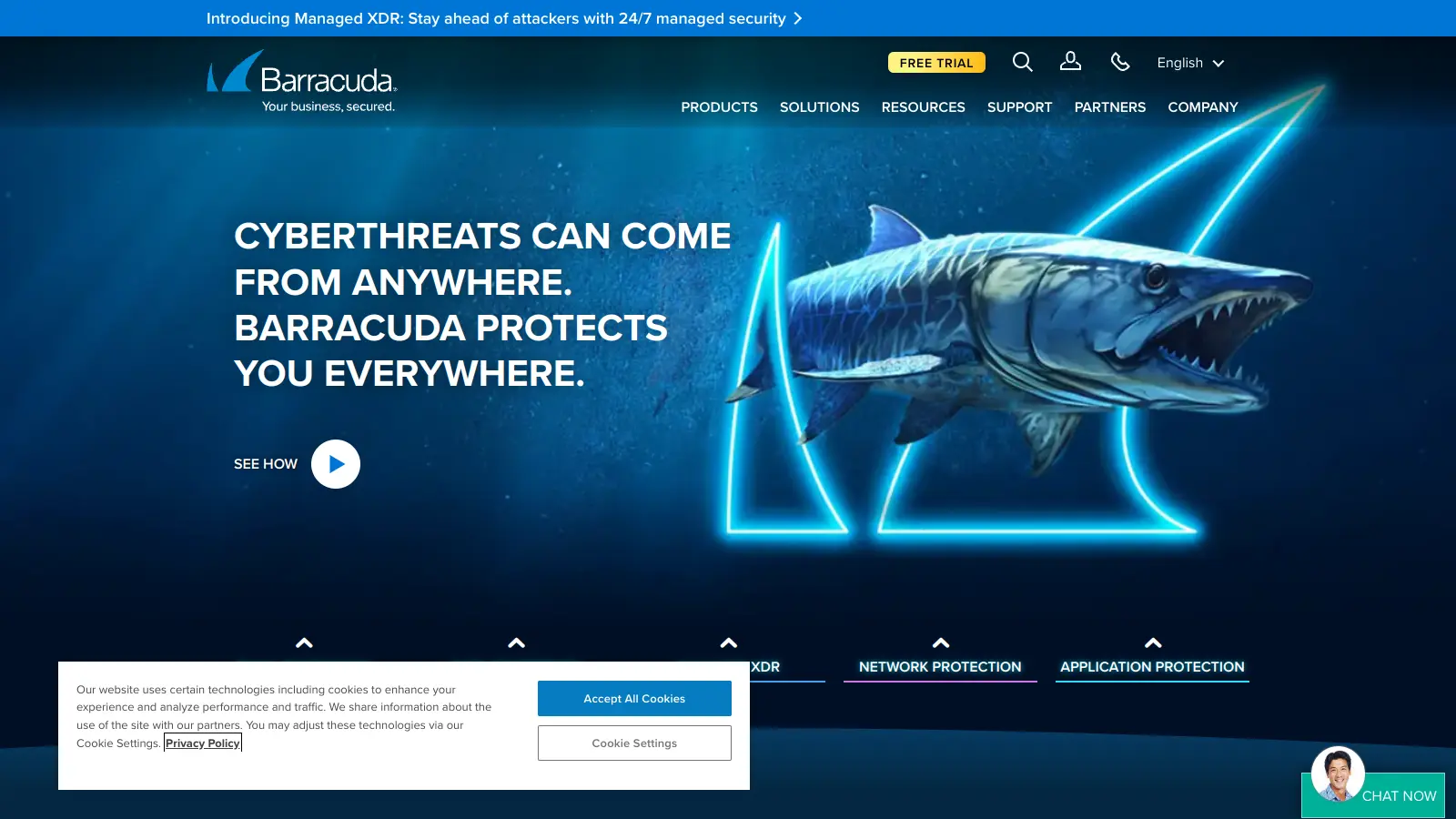
Barracuda Networks provides cybersecurity solutions that protect organizations from email threats, network attacks, and data breaches. Founded in 2003, this California-based company has grown into a security provider serving businesses of all sizes.

Their product lineup centers around the BarracudaONE platform, which unifies email security gateways, network firewalls, and backup solutions in a single dashboard. The email protection tools use multimodal AI to detect threats in text, images, URLs, and QR codes, guarding against phishing attempts and malware. Network security offerings monitor and control web traffic to prevent attacks, while backup solutions work both on-premises and in the cloud.

The platform uses multiple security layers powered by AI models, machine learning classifiers, and real-time threat intelligence. Email protection starts at $2.66 per user monthly for up to 250 users, with the full BarracudaONE platform available at $5 per user monthly. The solution works with common business tools like Microsoft 365 and Google Workspace, making it straightforward to implement into existing systems.

Recent updates include Barracuda Assistant, an AI tool that helps security teams investigate threats faster without adding headcount. The company's managed XDR service now features AI-enriched alerts and automated responses. However, a 2023 security breach affected many customers and raised concerns about communication during the incident.

Who is Barracuda for?

Barracuda Networks works for organizations and IT professionals who need cybersecurity protection across email, network, and data systems. The platform integrates with existing business tools like Microsoft 365 and Google Workspace.

  • IT Security Managers who need protection across multiple threat vectors without managing separate solutions from different vendors
  • Small and Medium Business Owners who want enterprise-grade security features at accessible price points starting at $2.66 per user monthly
  • Compliance Officers in sectors with strict data protection standards who must meet regulatory requirements
  • Managed Service Providers (MSPs) managing security for multiple clients who want to reduce tool sprawl through a unified platform
  • SOC Teams and IT Directors who want AI-powered threat detection and investigation tools that speed up response times without requiring additional staff
  • Network Administrators who monitor and control web traffic while preventing network attacks
  • Organizations using cloud services who require integration with Microsoft 365 and Google Workspace without sacrificing security

The platform sees heavy use in healthcare, financial services, government, and education where data protection and compliance matter most.

Online Reviews (Last 6 Months Summarised)

Users praise the email security and spam filtering. The protection against phishing and ransomware catches threats that other tools miss, and deployment is straightforward. Customer support response times get good marks, and the backup solutions work as advertised.

The 2023 security breach remains a major concern. Users criticize how the company handled the breach aftermath and its communication during the incident. Pricing is too expensive for small businesses. False positives from overly aggressive filtering cause frustration—legitimate emails get blocked or quarantined regularly. The interface is clunky and harder to navigate than competing solutions. The breach has left lingering questions about whether Barracuda is safe to use, though the company has continued to develop new security features since then.

Features

  • Multimodal AI Threat Detection: Analyzes text, images, URLs, QR codes, and documents to detect anomalies and threats that traditional filters miss, catching attack methods that hide malicious content in non-text elements.
  • Barracuda Assistant: AI-powered tool that helps security teams investigate threats and manage operations faster, reducing response times without requiring additional headcount.
  • Email Security: Defends against phishing, spam, spoofing, and malware with threat detection and filtering capabilities across multiple email platforms, including account takeover protection.
  • BarracudaONE Unified Platform: Centralized dashboard that consolidates alerts, reporting, and configurations across email, data, applications, and network security to reduce tool sprawl.
  • Managed Extended Detection and Response: Integrates multiple security tools with AI-enriched alerts and automated responses to improve cyber resilience and threat monitoring.
  • Network Defense: Provides web security gateway with real-time deep packet inspection, content filtering, and granular control over web applications.
  • Cloud-Based Data Backup: Delivers secure cloud backup solutions with incremental backup capabilities for critical business applications like Microsoft Exchange and SQL Server.

Pricing

  • BarracudaONE platform starts at $5 per user per month, delivering AI-powered cybersecurity that protects email, data, applications, and networks with managed XDR and a centralized dashboard (minimums apply).
  • Email Protection Advanced starts at $2.66 per user per month for up to 250 users, including core email security protections.
  • Email Protection entry-level tier is $5 per user per month (MSRP) and includes phishing and impersonation protection.
  • Total Email Protection bundled package costs $14.99 per user per month and includes gateway security, backup, archiving, and additional protections.
  • Application Protection (WAF-as-a-Service) starts at $620 per month for the first application in the Advanced tier, with additional apps around $124 per month.
  • Premium and Premium Plus tiers with features like Domain Fraud Protection, Web Security, Zero Trust Access for Microsoft 365, and Security Awareness Training require custom quotes.

Frequently Asked Questions

Is Barracuda safe to use after the 2023 breach?

Barracuda experienced a security breach in 2023 that affected many customers and raised concerns about the company's response and communication. Since then, they've continued to develop new security features including multimodal AI threat detection and the Barracuda Assistant tool. The company is still actively serving customers and releasing product updates. Whether it's safe depends on your risk tolerance and how you evaluate their post-breach improvements. You'll want to research the specific details of what happened, how they responded, and what changes they made before making a decision for your organization.

How does the pricing work for small businesses?

Small businesses can start with Email Protection Advanced at $2.66 per user monthly for up to 250 users, which covers core email security. The entry-level Email Protection tier is $5 per user monthly and includes phishing and impersonation protection. The full BarracudaONE platform with unified security across email, data, apps, and networks starts at $5 per user monthly, though minimums apply. Many users report that pricing gets expensive as you add features or scale up, so you'll want to carefully evaluate which tier matches your actual needs. Custom quotes are required for premium features like Domain Fraud Protection and Zero Trust Access.

What's included in the BarracudaONE platform?

BarracudaONE is the unified platform that brings together email protection, data security, application protection, and network defense in one centralized dashboard. You get AI-powered threat detection across all these areas, managed XDR with automated responses, and a single place to view alerts, reports, and configurations. This setup is designed to reduce tool sprawl so you're not juggling multiple security products from different vendors. The platform starts at $5 per user monthly and includes the Advanced email protection bundle, though minimums apply. It's particularly useful for MSPs and IT teams who want to manage everything from one interface.

How does Barracuda's multimodal AI work?

Barracuda's multimodal AI analyzes multiple types of content at once, not just text. It scans images, URLs, QR codes, documents, and other elements in emails and web traffic to detect threats. This matters because modern phishing attacks often hide malicious content in images or QR codes that traditional text-based filters miss. The AI uses machine learning classifiers, sandbox engines, and real-time threat intelligence to spot anomalies. It runs automatically in the background across email protection, XDR, and URL inspection. You don't need to configure different detection methods for different content types.

Does Barracuda cause a lot of false positives?

Some users report that Barracuda's filtering can be overly aggressive, leading to false positives where legitimate emails get blocked or quarantined. This is a common complaint in reviews and discussions about the platform. The tradeoff is that aggressive filtering catches more threats, but it also means you'll need to monitor quarantined items and possibly adjust settings to reduce false positives. How much this affects you depends on your email patterns and how you configure the system. During a free trial, you can test the false positive rate with your actual email traffic before committing.

Other Tools To Check Out

Best Deal

Try Snyk Free: Unlimited tests on open-source projects, 200 tests on private projects, 100 container tests with IDE plugins, CI/CD integration & continuous monitoring.

Redeem Now

Best Deal

Try the Orange Team's Enterprise Security Solution - Request Pricing Details

Redeem Now

Best Deal

Get a Custom Quote - Starter or Professional Plans Available

Redeem Now

Find Out How Best To Utilise Tools

Our newsletter comes with exclusive discounts, trials and practical insights from within the industry

Sign Up Today