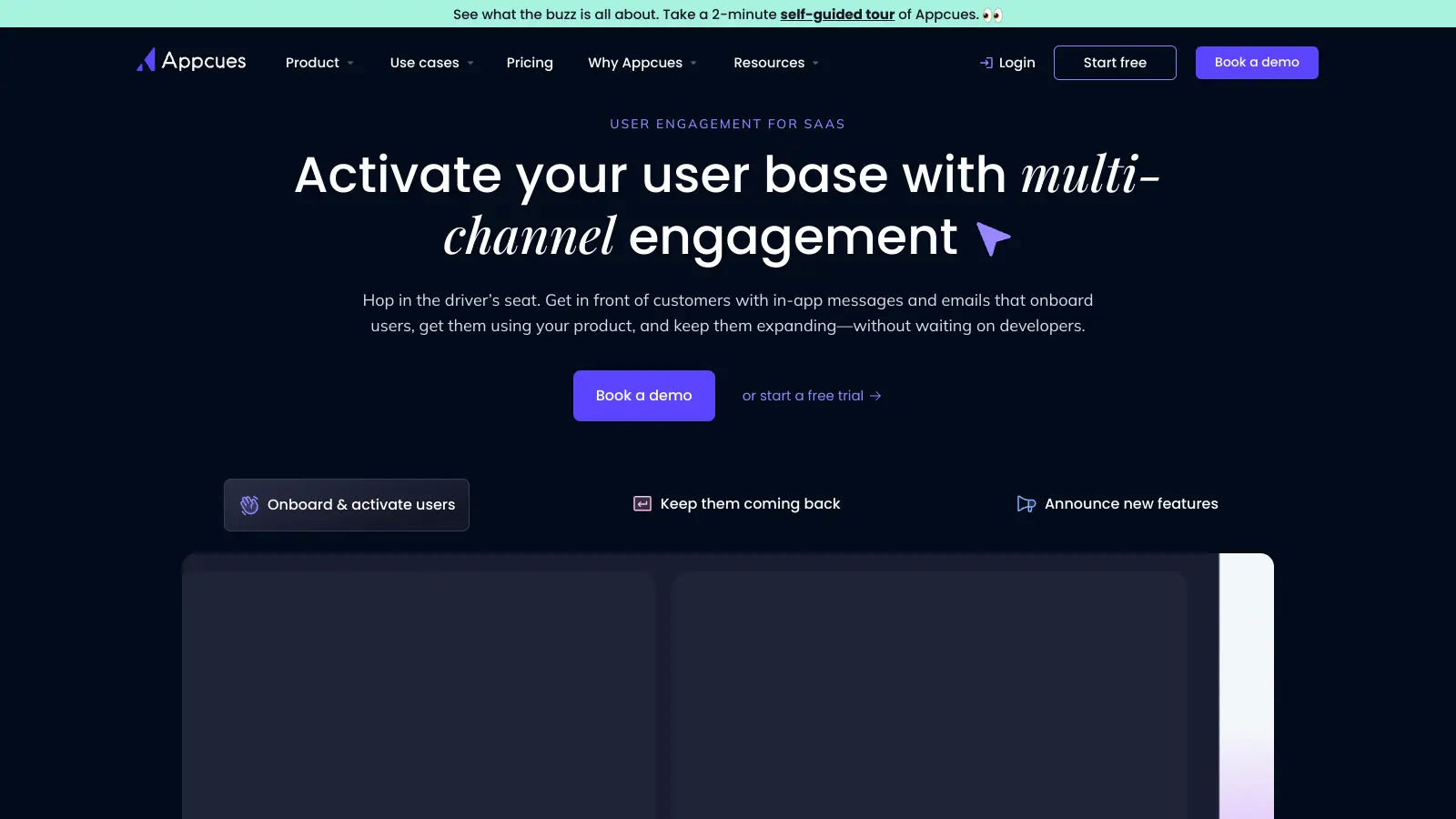
Appcues helps businesses create better in-app experiences without needing coding skills. The platform lets teams build personalized onboarding flows, product tours, and feedback surveys right within their applications. SaaS companies use it to improve how users interact with their products.
The platform offers a simple way to design and implement user guidance through tooltips, modals, hotspots, and checklists. Teams can target specific user segments with customized content, ensuring new features get noticed and adopted. The analytics dashboard tracks views, clicks, and completion rates so you can refine your approach.
The tool comes with several pricing options. The Essentials plan starts at $249 per month for up to 1,000 monthly active users, while the Growth plan costs $879 monthly for 2,500 MAUs. Larger organizations can opt for the Enterprise plan, which offers custom pricing and can scale to tens of millions of users.
Appcues has expanded beyond basic web experiences to include emails and push notifications with behavioral triggers. The platform now includes Appcues AI to help with planning, building, and optimizing your flows. Teams can coordinate experiences across multiple channels with logic branching, making it easier to guide users through complex journeys.
Pricing is steep for smaller teams. Some users report that mobile experiences aren't as polished as the web version. For most businesses looking to improve their user experience and product adoption, though, Appcues provides the tools needed to succeed.
Appcues is for product and customer success teams who need to improve user onboarding and feature adoption without writing code. It saves development hours while delivering polished in-app experiences that boost user engagement and reduce churn.
This tool is commonly used across SaaS, fintech, and enterprise software companies where product adoption directly impacts revenue and retention metrics.
Users praise the intuitive interface for building product tours, the helpful customer support team, and the modern UI. The platform's analytics and tracking help teams measure engagement, and the customization options make it easier to create experiences that drive product adoption and retention.
Pricing is expensive, especially for smaller teams and startups. Mobile experiences aren't as polished as the web version. Heavy implementations can cause performance issues. The analytics dashboard could be more detailed. Tours can feel intrusive if you're not careful about implementation. Occasional bugs and glitches pop up, and creating complex tours has a learning curve despite the no-code promise.
Appcues connects with most major platforms through its JavaScript snippet that works on any web app. You can integrate with tools like Segment, Intercom, HubSpot, and Salesforce. The integration process is fairly simple - in most cases, you'll just add a code snippet to your website and configure settings in your Appcues dashboard. Some integrations need a bit more setup, but their support team can help you through it. These connections let you target users based on data from other platforms and track how your in-app messages affect key metrics.
Do I need a developer to implement Appcues?You'll need a developer for the initial setup, which typically takes about 15-30 minutes to add the JavaScript snippet to your website or app. After that, most teams can create and manage flows without any coding skills. The visual editor lets marketing, product, and customer success teams build tooltips, modals, and other elements on their own. Some advanced customizations might need developer help, but the day-to-day use is designed for non-technical users. This setup strikes a good balance between technical flexibility and ease of use.
Can I use Appcues for mobile apps?Yes, Appcues works with both iOS and Android mobile apps through their Mobile SDK. You can create similar experiences to the web version, including tooltips, walkthroughs, surveys, and announcements. The mobile builder has a slightly different interface than the web version but offers many of the same targeting and segmentation options. Keep in mind that implementing the Mobile SDK requires developer resources, and some users report that the mobile features aren't quite as robust as the web experience. If mobile is your primary platform, you might want to check if all your needed features are available.
How does Appcues measure success?Appcues includes analytics tools that track how users interact with your flows. You can see completion rates, drop-off points, and how many people clicked specific buttons or links. The platform also lets you create goals to measure if your flows lead to desired actions like feature adoption or conversion. You can filter these results by user segments to understand how different groups respond. While not as detailed as dedicated analytics platforms, these built-in tools give you enough data to refine your onboarding and in-app messaging. For deeper analysis, you can connect Appcues to tools like Google Analytics, Amplitude, or Mixpanel.
What's the difference between Appcues flows and checklists?Flows are guided experiences that actively walk users through features using tooltips, modals, and slideouts. They're great for initial onboarding or highlighting new features. Checklists are more passive reference tools that stay on-screen while users complete tasks at their own pace. They show progress toward completion and can remain accessible even after users dismiss them. Flows work best for one-time demonstrations that need immediate attention, while checklists are better for longer-term goals that users might complete over multiple sessions. Many customers use both - flows for teaching and checklists for tracking progress and encouraging feature adoption.


Our newsletter comes with exclusive discounts, trials and practical insights from within the industry