Wordtune Review 2026 - Features, Pricing & Deals

Last Updated
Feb 14, 2026

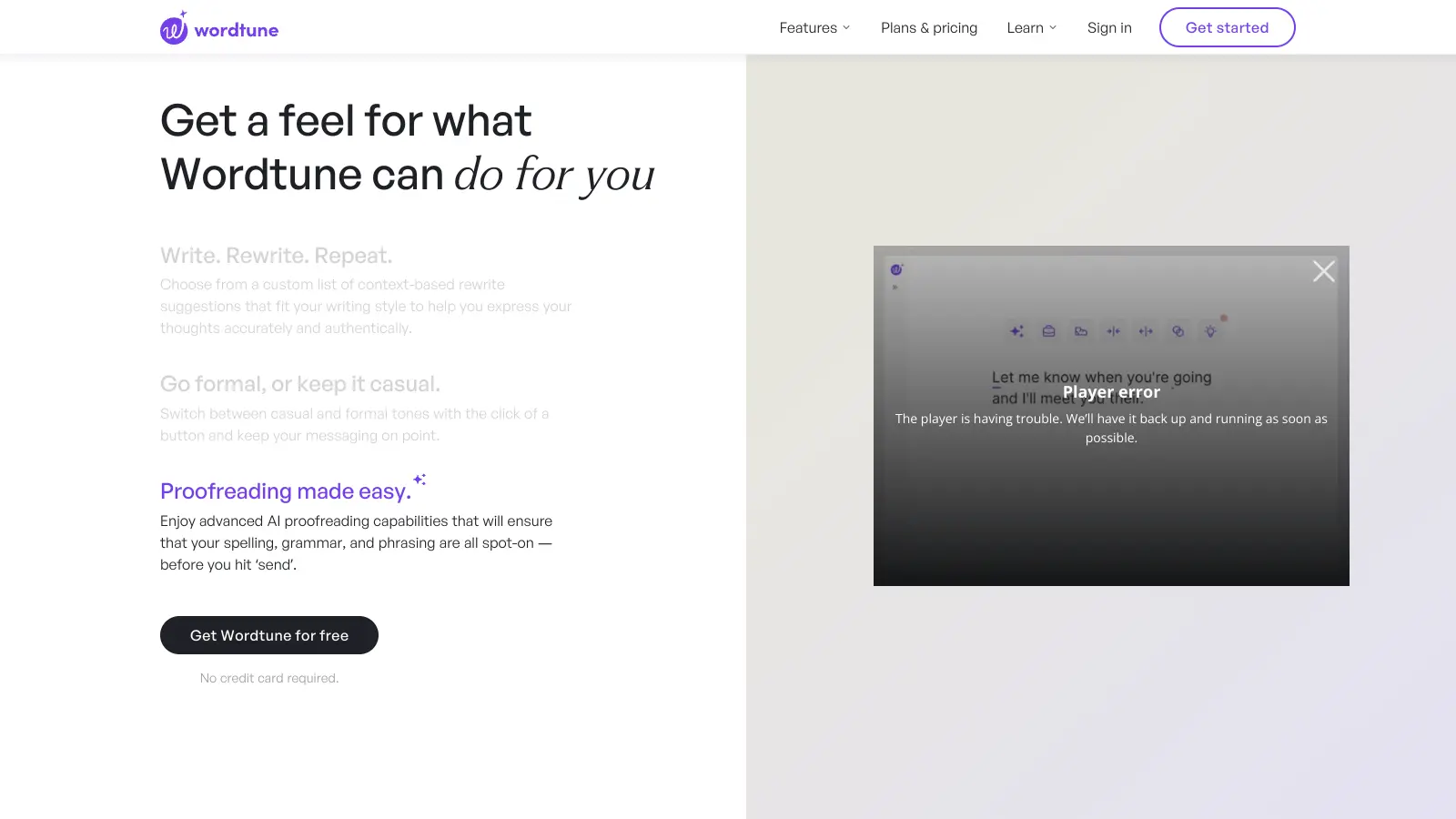
Wordtune is an AI-powered writing assistant developed by AI21 Labs that helps users improve their writing style, correct errors, and enhance content quality. Whether you're drafting emails, creating social media posts, or writing reports, it acts as a companion throughout the writing process.

The tool offers alternative sentence structures and word choices while maintaining the original meaning of your text. It includes a rewrite tool for paraphrasing, a summarizer for condensing lengthy content, and grammar checking. Users can also adjust the tone of their writing from casual to formal. The Ask AI feature lets you generate text conversationally and get answers to prompts without leaving your writing environment.

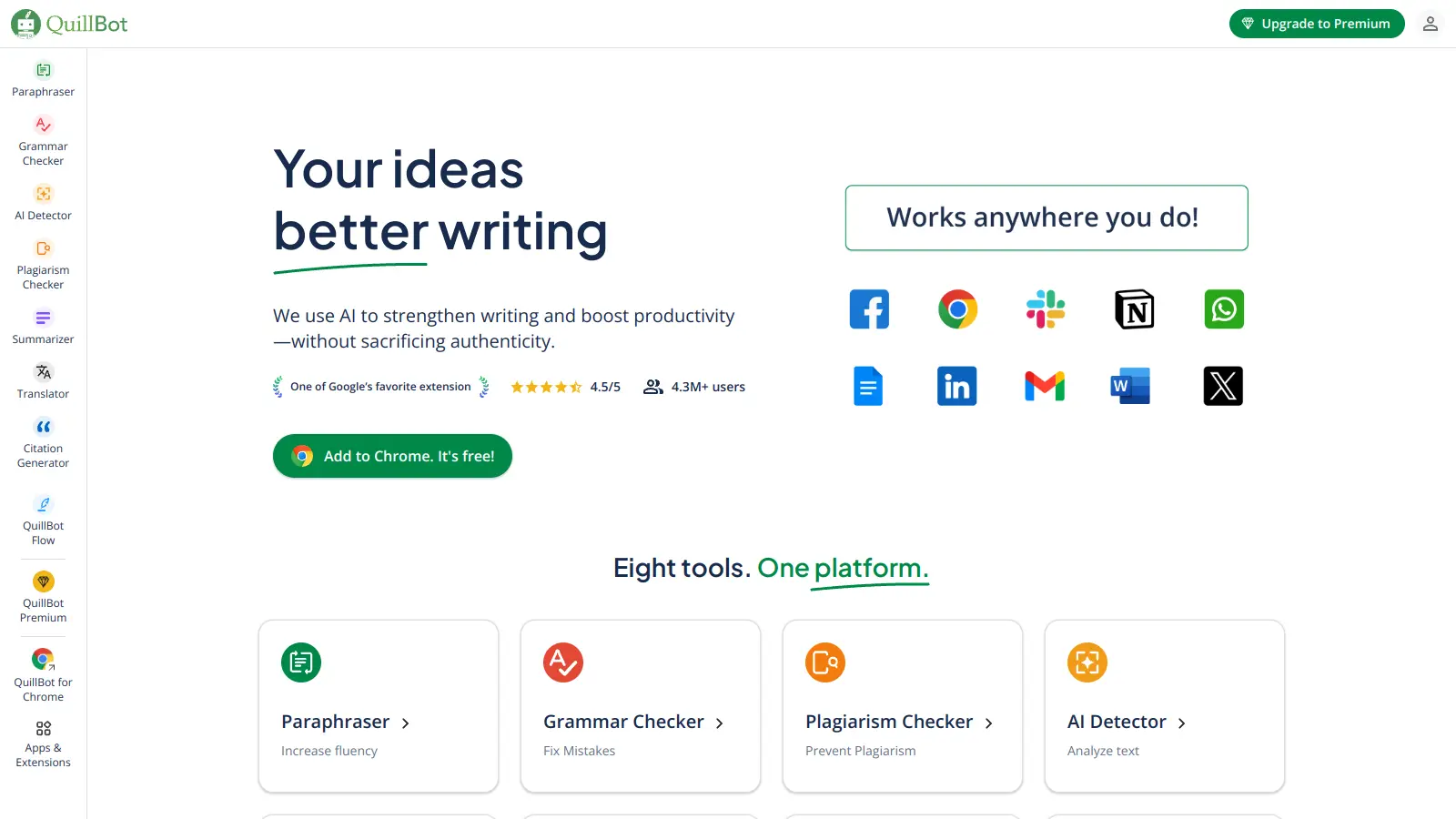
Available as a Chrome extension, web app (Wordtune Editor), and through integrations with platforms like Microsoft Word, Wordtune works where you write. It connects with Gmail, Google Docs, LinkedIn, Facebook, Slack, and many other sites. Users select text and receive real-time AI suggestions with one-click insertions.

The platform offers a free Basic plan and several paid options for more extensive use. While it can't generate full-length articles from scratch, it works well as an editing assistant for professionals who want to improve their writing efficiency and quality.

Who is Wordtune for?

Wordtune helps anyone who writes regularly and wants to improve their output while saving time. The AI assistant offers smart rewrites, tone adjustments, and grammar corrections without changing the original meaning.

  • Writers and professionals who need to produce polished content quickly across documents and communications
  • Students working on essays and reports who want help improving clarity and structure without plagiarism concerns
  • Marketers creating posts and emails who need to adjust tone and style for different audiences and platforms
  • Non-native English speakers looking to make their writing sound professional in business communications
  • Teams collaborating on documents who need consistent, high-quality writing with shared access to advanced AI tools
  • Customer service teams responding to inquiries who want to ensure their responses are clear, friendly, and error-free
  • Social media managers juggling multiple platforms who need quick edits and tone adjustments for different contexts

From marketing agencies and educational institutions to corporate communications teams and freelance writers, Wordtune works as an assistant for anyone who writes regularly.

Online Reviews (Last 6 Months Summarised)

Users appreciate Wordtune's interface and real-time feedback for quick edits and tone adjustments. The tool gets praise for helping improve writing clarity, structure, and readability, with some calling it life-changing and preferring it to Grammarly in certain areas. The free version makes it accessible to try, and the smooth performance with no delays makes it easy to use across platforms like Gmail and Facebook. Many find it helpful for rewriting sentences and sounding more professional.

The free version only gives you 10 rewrites per day. Suggestions can be generic, robotic, or surface-level, sometimes lacking context or even changing the intended meaning. The interface gets distracting with pop-ups. Premium plans feel pricey for what you get. It can't generate full-length articles or handle large quantities of content well. Processing speed slows down sometimes, and the tool struggles with full-paragraph restructuring.

Features

  • AI-Powered Rewriting Tool: Get multiple rewrite options for sentences and paragraphs with tone choices like Formal, Casual, Shorten, and Expand.
  • Tone Adjustment Options: Modify your writing's tone and style to match different audiences, making sure your message connects with readers in the right way.
  • Ask AI Text Generation: Generate text conversationally and get instant suggestions, ideas, and content that helps you overcome writer's block.
  • Grammar and Spelling Correction: Identify and correct spelling, grammar, and punctuation errors across multiple platforms and writing contexts.
  • Clarity and Fluency Enhancements: Improve vocabulary, sentence structure, and readability with AI suggestions.
  • Smart Summarizer: Condense lengthy texts, documents, and video content into concise summaries, saving time and capturing key information.
  • Multi-Platform Integration: Use Wordtune across Chrome extension, web app, and Microsoft Word, with real-time integration on platforms like LinkedIn, Gmail, Facebook, and Slack.

Pricing

  • Basic plan is free and offers 10 rewrites and AI suggestions per day, 3 summaries per month, and unlimited text corrections and grammar checks.
  • Advanced plan at $4.89 per month (billed annually, regular $6.99/month) provides 30 rewrites and AI suggestions daily, 15 summaries per month, unlimited text corrections and recommendations, and advanced AI tools including paraphrasing, AI generations, and fluency suggestions.
  • Unlimited plan at $6.99 per month (billed annually, regular $9.99/month) includes unlimited rewrites, AI suggestions, and summaries, unlimited text corrections and recommendations, vocabulary enhancements, fluency improvements, and premium support.
  • Teams plan at $7.99 per seat per month includes everything in the Unlimited plan plus centralized billing, business-grade support, and easy team collaboration features.

Frequently Asked Questions

How is Wordtune different from other AI writing tools?

Wordtune works as a writing assistant rather than a content generator. Unlike tools that write entire articles from scratch, Wordtune helps improve what you've already written by suggesting better phrasing, fixing grammar issues, and offering tone adjustments. It's like having a smart editor by your side rather than someone who writes for you. This makes it good for people who want to keep their unique voice while getting help with clarity and style.

Does Wordtune work with other platforms or is it standalone?

You can use Wordtune almost anywhere you write online. It works as a Chrome extension that connects with Gmail, Google Docs, Twitter, Facebook, WhatsApp, LinkedIn and many other sites. There's also a Microsoft Word integration and a web app (Wordtune Editor) if you prefer working that way. This flexibility means you don't have to copy and paste your text to a separate app - Wordtune helps right where you're already writing.

Can Wordtune generate full articles or long-form content?

No, Wordtune isn't designed for generating complete articles from scratch. It's built for editing and improving existing text rather than creating large quantities of content. The Ask AI feature can help generate shorter sections or answer prompts, but users report it struggles with long-form content and full-paragraph restructuring. If you need to write entire articles from a blank page, you'll want a different type of AI writing tool.

How many rewrites can I get with the free version?

The Basic plan gives you 10 rewrites and AI suggestions per day, plus 3 summaries per month. This is enough if you just need occasional help with important emails or short documents. For heavier use, you'll probably want to look at the paid plans. The free version also includes unlimited text corrections and grammar checks, so you can try out the core features before deciding if you need more.

Will Wordtune change my writing style or voice?

Wordtune suggests changes but doesn't force them - you always have control over your final text. You can choose which suggestions to accept and which to ignore. The tool offers options to make your writing more formal, casual, shorter, or longer while keeping your core message intact. Many users find it actually helps strengthen their personal writing style by offering alternatives they might not have considered, without taking over their voice.

Other Tools To Check Out

Best Deal

Try Prompt Genie free for 3 days (credit card required) or access the free Prompts Library with over 300 curated prompts without a subscription

Redeem Now

Best Deal

Free plan with 2,000 words per month — no credit card required

Redeem Now

Best Deal

Try Grammarly's Free Version Today - Get Basic Grammar Checks & 100 AI Prompts Per Month Across Your Favorite Apps

Redeem Now

Find Out How Best To Utilise Tools

Our newsletter comes with exclusive discounts, trials and practical insights from within the industry

Sign Up Today