Ai Writing Assistant+2 more

Grammarly
best deal
Try Grammarly's Free Version Today - Get Basic Grammar Checks & 100 AI Prompts Per Month Across Your Favorite Apps
redeem now
Grammarly
best deal
Try Grammarly's Free Version Today - Get Basic Grammar Checks & 100 AI Prompts Per Month Across Your Favorite Apps
redeem nowWe start with direct ratings from our readers, then look at what real users are saying in practitioner forums and community spaces. We pair that with search demand data and profession-level persona analysis.
Editorial note: this was originally published in may of 2023
quick take
based on real user feedback, community sentiment, pricing value, and fit for target audience. see our full methodology
used Grammarly? we'd love to know your thoughts
reader ratings shape our score
Grammarly checks your writing as you type — grammar, spelling, punctuation, tone — and works inside Gmail, Google Docs, Slack, Word, and most browsers through a single extension. Non-native English speakers and students get the clearest, most consistent value: the real-time explanations build actual writing skills rather than just fixing errors silently. The tradeoff is that Grammarly is optimised for correctness over voice, which means professionals and content creators with a developed style will spend time dismissing suggestions that don't fit.
The free version covers basic grammar and tone detection with 100 AI prompts a month, which is enough for most people most of the time. Pro runs $30/month (or around $20/month on the quarterly plan) and adds full-sentence rewrites, plagiarism detection, and 2,000 AI prompts. It's available on desktop, mobile, and browser. Install the free extension first — if you hit the feature ceiling within a few weeks, the upgrade pays for itself; if you don't, you probably don't need it.
monthly search interest
3.4M/mo now
Grammarly's search volume follows a very clear seasonal pattern: it spikes every September and October as students return to school and academic writing ramps up, then dips through summer. This has repeated consistently for three years, which tells you the core user base is students more than professionals. The product is mature and entrenched — you're not catching it mid-hype, and it's not going anywhere.
Whether Grammarly is worth it depends almost entirely on what you're writing and how often. Pick your role below to see the honest breakdown for your situation.
overall sentiment
select your role to see what people like you are saying
Non-native English Speaker
positiveGrammarly is one of the most practical tools you can use if English isn't your first language. The explanations that come with each correction actually teach you the rule, not just fix the word — so you make the same mistake less often over time. The free tier covers the essentials, and the browser extension means it follows you across every platform you write in.
strengths
concerns
Professional/Business User
mixedFor emails and reports, Grammarly catches the errors you stop seeing after the third read-through, and the tone detection is genuinely useful for calibrating formality. The friction comes at $30/month — that's a real cost for an individual professional, and the style suggestions often need overriding because they push toward generic corporate phrasing. Worth it if you're writing constantly; harder to justify if writing is a small part of your day.
strengths
concerns
Student/Academic
positiveThe free version is enough for most student writing — grammar checks, basic clarity suggestions, and tone feedback without paying anything. If your institution requires plagiarism detection or you're writing a dissertation, the Pro plan is worth considering for that specific period. Don't subscribe before you've used the free version for a full semester; most students never need to upgrade.
strengths
concerns
Content Creator/Blogger
mixedGrammarly is useful as a final proofreading pass, but it'll fight your voice constantly if you write in a casual or unconventional style. Expect to dismiss a lot of style suggestions — the tool defaults to bland-safe prose and doesn't understand that your comma splice was intentional. Use it for catching genuine errors, turn off the style category in settings, and don't let it homogenise what makes your writing yours.
strengths
concerns
“At $30 a month, you're paying for AI rewrites and plagiarism detection, and most people who pay for Pro never needed to upgrade from free in the first place.”
Independent reviewers and community discussions paint a consistent picture: Grammarly is genuinely good at the basics and genuinely limited beyond them. PCMag calls it 'superb at catching spelling and punctuation errors' while noting its style suggestions 'aren't always useful' — a verdict that matches almost every long-form review out there. The Reedsy community, which skews toward fiction and professional authors, is more sceptical: the consensus there is that Grammarly works well as a proofreading layer but can actively fight against a writer's voice, flagging stylistic choices as errors and nudging everything toward bland, corporate-safe prose. The r/writing thread on Reddit shows a similar split — casual users find it a solid safety net, while more experienced writers describe turning off half the suggestions because the tool doesn't understand that intentional sentence fragments or comma splices can be deliberate craft choices. Across commercial review platforms, Grammarly sits solidly in the 4-star range, with the most common praise going to the browser extension's convenience and the most common complaint going to the $30/month Pro price feeling steep for what amounts to a spelling and tone checker.
The free tier is worth it unconditionally — basic grammar, spelling, and tone detection at no cost is a genuine deal. The Pro plan at $30/month is harder to recommend unless you write in high volume or specifically need plagiarism detection. The quarterly plan drops it to $20/month, which is more defensible. Annual billing gets it lower still. If you're an occasional writer, the free version is enough. If you're writing client reports or academic work daily, Pro pays for itself in proofreading time saved — but test the free tier for a month first before committing.
Non-native English speakers get the most consistent value: real-time corrections with explanations actually build writing skills over time, not just fix one-off mistakes. Students writing essays and research papers benefit from the plagiarism detection and the clear grammar explanations. Professional users handling high volumes of email and reports find the tone detection and quick corrections cut proofreading time noticeably. Fiction writers and content creators who've developed a distinct voice tend to find the style suggestions more annoying than helpful.
First, the style suggestions are frequently wrong for anyone with a deliberate voice — Grammarly doesn't understand context well enough to know when a short fragment or informal construction is intentional. You'll spend real time dismissing suggestions that don't apply. Second, the browser extension can slow down document editing noticeably in large files, which is a practical problem if you're working in Google Docs on anything longer than a few pages. Third, the offline functionality is limited, so if you travel frequently or work in environments with restricted internet access, the tool is unreliable when you need it most.
For grammar and spelling checks, Grammarly is faster and the interface is cleaner — it wins for casual use and quick emails. For anyone who writes seriously (fiction, long-form content, academic work), ProWritingAid is the better choice: it gives you deeper style analysis, pacing reports, dialogue checks, and a lower annual price. Grammarly's strength is convenience and ubiquity. ProWritingAid's strength is depth. If you want to actually improve your writing rather than just fix surface errors, go with ProWritingAid. If you want a fast safety net across every tab in your browser, Grammarly is easier to live with.
Yes, if you let it. This is the top concern for content creators and bloggers who've built a recognisable style. Grammarly's suggestions push toward formally correct, neutral prose — which is exactly what you don't want if your brand voice is conversational, punchy, or idiosyncratic. The workaround is to set your goals correctly (audience, formality, intent) at the start of each document and be ready to dismiss a lot of suggestions. Turning off the 'style' category in the settings reduces the noise significantly. Think of it as a spellchecker with opinions, not an editor.
toolsforhumans editorial team
Reader ratings and community feedback shape every score. Since 2022, ToolsForHumans has helped 600,000+ people find software that holds up after launch. how we research →
is this your tool?
claim your listing to update details, respond to our review, or upgrade to a featured partnership.
claim this listing →
ChatGPT is an AI chatbot by OpenAI that uses language models to hold conversations, generate content, and complete tasks. It includes web browsing, image generation and analysis, voice interaction, autonomous task automation, and custom GPT creation. Available in multiple pricing tiers from free to enterprise, ChatGPT handles creative writing, data analysis, coding, and real-world automation.
best deal
Try ChatGPT Free: Basic AI conversations with GPT-5.2 Instant access (around 10 messages every 5 hours) at no cost.

Gemini is an advanced AI assistant by Google that processes text, code, images, audio, and video across Google's ecosystem. It offers content creation, coding assistance, research capabilities, and workflow automation through the Gemini app, web interface, and integrations with Google Workspace, Pixel phones, and Chrome.
best deal
Google AI Plus: Get 50% off at $3.99/month for the first 2 months (new subscribers); Google AI Pro: Try free for one month.

Claude is an AI assistant developed by Anthropic that handles coding, writing, and analysis tasks. It uses Constitutional AI for safety-focused interactions, supports multiple languages, and offers models like Sonnet and Opus with different capabilities. Claude prioritizes user privacy and context-aware responses.
best deal
Try Claude Free - 30-100 daily messages with code generation, image analysis, web search, and access to Claude's latest models

Perplexity AI is an AI-powered search engine that provides real-time, conversational responses to user queries. Founded in 2022, it uses natural language processing and large language models to deliver answers with source transparency. The platform offers multiple search modes, supports file and image uploads, and provides both free and paid plans for individual users and businesses.
best deal
Try Perplexity Free - Get unlimited basic searches with citations, 5 daily Pro Searches, and save your search history with access to basic AI models.

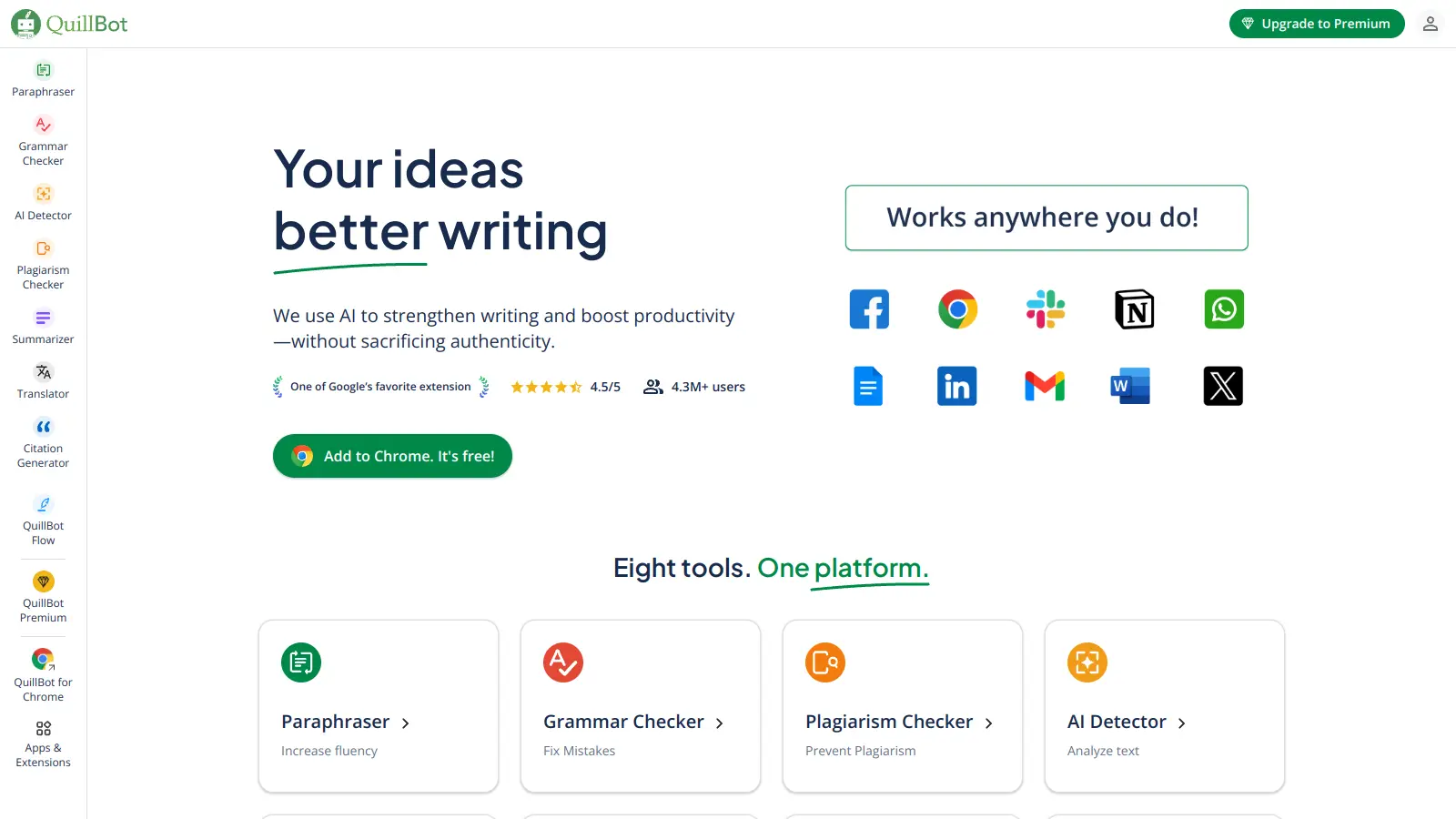
QuillBot is an AI-powered writing tool that helps users improve their writing through features like paraphrasing, grammar checking, summarization, plagiarism detection, citation generation, translation, and AI detection. It offers a web-based interface, Chrome extension, and Google Docs integration, with pricing plans ranging from a free version to monthly, semi-annual, and annual premium subscriptions. The tool uses advanced natural language processing to provide contextually appropriate text modifications.
best deal
Try QuillBot free or upgrade to Premium for just $8.33/month with unlimited paraphrasing and advanced tools. 3-day money-back guarantee included.

Pi AI is a personal AI assistant developed by Inflection AI that offers personalized, empathetic interactions through sophisticated natural language processing. It provides conversational support with voice interactions, emotional intelligence, and multilingual capabilities, accessible via web, iOS, Android, and Apple Messages. Currently free to use, Pi AI focuses on human-like conversations for advice, emotional support, and casual chat.
best deal
Try Pi AI for free with core conversational AI, voice answers, and multilingual support at no cost