No Code Development Platform+2 more

Typeform
best deal
Annual plans save 16% compared to monthly billing. Free plan available with 10 responses per month.
redeem now
Typeform
best deal
Annual plans save 16% compared to monthly billing. Free plan available with 10 responses per month.
redeem nowWe start with direct ratings from our readers, then look at what real users are saying in practitioner forums and community spaces. We pair that with search demand data and profession-level persona analysis.
Editorial note: this was originally published in august of 2024
quick take
based on real user feedback, community sentiment, pricing value, and fit for target audience. see our full methodology
used Typeform? we'd love to know your thoughts
reader ratings shape our score
Typeform is a form and survey builder built around a single design principle: show respondents one question at a time, like a conversation, rather than a wall of fields. That format genuinely moves the needle on completion rates, which is why Marketing Managers and Market Researchers keep coming back to it despite the pricing. The tradeoff is straightforward: Typeform looks better and performs better than Google Forms, but it costs significantly more and its response caps make scaling expensive.
The free plan allows 10 responses per month, which is enough to test the product and not much else. The Basic plan at $29/month covers 100 responses, the Plus plan at $59/month goes to 1,000, and the Business plan at $99/month handles 10,000. It's available entirely in-browser with no installation needed. Before signing up, confirm your expected monthly response volume against these caps: it's the single most important factor in whether Typeform makes financial sense for your situation.
monthly search interest
60.5k/mo now
Typeform has held a stable search base of around 60,000 searches per month for three years, with periodic spikes to 74,000 during early 2023 and again through most of 2025. That pattern suggests a mature, established tool with a loyal core audience rather than a product still chasing viral growth. The hype phase is behind it, which means you're evaluating the real product with a real track record, not a promising newcomer.
Typeform works quite differently depending on what you're collecting responses for and how many you need. Pick your role below to see whether the pricing and features actually line up with your situation.
overall sentiment
select your role to see what people like you are saying
Marketing Manager
positiveIf your forms are customer-facing and completion rate matters, Typeform earns its keep. The one-question-at-a-time format measurably reduces drop-off, and the HubSpot and Mailchimp integrations work well for piping leads straight into your CRM. Watch your response volume: the pricing climbs fast if campaigns run hot.
strengths
concerns
Small Business Owner
mixedThe AI form builder and no-code interface are genuinely easy to use, and the forms look professional without any design work. The problem is the free plan's 10-response cap, which makes real testing impossible, and the $29/month Basic plan only covers 100 responses. If your business collects more than that regularly, the cost adds up before you see the return.
strengths
concerns
Market Researcher
mixedThe conditional branching and AI-powered sentiment analysis on open-ended responses are the strongest features Typeform has for research work. They save real time on analysis. The catch is that complex logic flows occasionally glitch, and clean data export requires a paid tier. It's worth it for ongoing research programmes; harder to justify for one-off studies.
strengths
concerns
HR Manager
positiveTypeform handles onboarding surveys, employee satisfaction polls, and engagement forms well: the conversational format reduces the friction that kills response rates on internal surveys. The templates are a fast starting point. Response caps are less of a concern for internal use than for marketing, so the Basic or Plus plan tends to be sufficient for most HR teams.
strengths
concerns
“At $29/month for 100 responses, you're paying a premium that only makes sense if those responses are driving direct revenue.”
The clearest signal online is that Typeform's pricing model frustrates a lot of people. Across commercial review platforms, Typeform sits around 2.1 stars across hundreds of reviews, with billing complaints and the 10-response free plan cap dominating the criticism. The free tier is essentially a demo: 10 responses a month isn't enough for any real use case, and the jump to $29/month for just 100 responses catches many small teams off guard. The r/webdev thread framing Typeform as the best conversational form builder gets pushback in the comments, with users pointing to Jotform as a more practical alternative once response volumes climb. Independent reviewers note the same pattern: the product looks great, the one-question-at-a-time format does improve completion rates, but the price per response is hard to defend when Google Forms is free and Jotform's free plan is far more generous.
It depends almost entirely on your response volume. The free plan's 10-response cap makes it useless for anything beyond testing. The Basic plan at $29/month for 100 responses works if those responses are tied to high-value leads. For anyone collecting survey data, employee feedback, or research responses at scale, the cost per response becomes hard to justify: the Business plan at $99/month for 10,000 responses is where it starts to feel reasonable. If your use case is lead generation and the responses convert, yes. If it's anything else, probably not.
Marketing Managers running lead generation campaigns get the most from it: the conversational format lifts completion rates and the HubSpot and Mailchimp integrations slot cleanly into existing workflows. Market Researchers who need conditional logic and AI-powered sentiment analysis on open-ended responses also get real value. Small Business Owners without technical skills can build professional-looking forms quickly, but the pricing often becomes a sticking point before long.
First, the response caps are aggressive: 10 on the free plan and 100 on the $29/month Basic plan means you hit paywalls fast. Second, complex conditional logic flows can glitch, which is a real problem if your survey design relies on intricate branching. Third, data export is cumbersome without a premium plan, which complicates workflows for anyone doing statistical analysis outside Typeform's dashboard. Payment processing is only available on higher tiers, ruling out e-commerce use cases on cheaper plans.
Jotform wins on value at almost every price point. Its free plan allows far more responses, it has stronger payment processing options, and the customisation ceiling is higher. Typeform wins on aesthetics and completion rates: the one-question-at-a-time format is genuinely better at keeping respondents engaged, and the templates look more polished out of the box. Choose Typeform if you're in marketing and your forms are customer-facing touchpoints where presentation matters. Choose Jotform if you need volume, payment integration, or more complex form logic without paying a premium tier to get it.
Not really. The conditional logic and AI sentiment analysis that make Typeform useful for research are available from the Plus plan upward, and the data export limitations on Basic make it painful to pull responses into Excel or SPSS. If you're running a one-off study with under 1,000 responses, the Plus plan at $59/month is the minimum practical starting point. For ongoing research panels or anything requiring clean bulk exports, you'll either need the Business plan or a different tool.
toolsforhumans editorial team
Reader ratings and community feedback shape every score. Since 2022, ToolsForHumans has helped 600,000+ people find software that holds up after launch. how we research →

Shopify is an e-commerce platform that enables businesses of all sizes to create, manage, and grow online stores. It offers tools for store creation, product management, payment processing, and multichannel sales, supporting both online and in-person transactions. With customizable themes, extensive app integrations, and flexible pricing plans, Shopify caters to entrepreneurs, small businesses, and global brands.
best deal
Get Shopify Basic for $29/month when billed annually (regularly $39/month)

Wix is a website builder that lets individuals and businesses create professional websites without coding. It offers drag-and-drop editing, AI-powered design tools, templates, and features for e-commerce, SEO, and marketing. Pricing ranges from free to enterprise-level, covering everything from personal portfolios to online stores.
best deal
Get 50% off Wix annual plans, with Light Plan starting at $17/month

Jotform is an AI-powered form builder that enables individuals and businesses to create, customize, and manage digital forms, apps, and workflows without coding skills. It offers a drag-and-drop interface, 10,000+ templates, payment integrations, AI agents for customer support, and connects with over 1,000 apps. The platform provides conditional logic, form analytics, and robust security, making data collection and workflow automation simple across industries.
best deal
Try the Starter plan for free with 5 forms, 100 monthly submissions, and all standard features. Nonprofits and educational institutions get 50% off paid plans.

Replit is an AI-powered cloud-based integrated development environment (IDE) that supports over 50 programming languages, offering real-time collaboration, AI assistance through Replit Agent that can build complete applications from natural language prompts, and direct application deployment. It provides a platform for developers of all levels, enabling coding, project sharing, and hosting directly from a web browser with pricing tiers from free to enterprise-level plans.
best deal
Teams users automatically upgraded to Pro at no additional cost for remainder of term; yearly Teams subscribers get $100 monthly credits free until term ends

Dora is a no-code AI platform that enables users to create dynamic, 3D animated websites without coding knowledge. It offers AI-driven design assistance, seamless 3D integration, and a user-friendly interface similar to Figma. The tool allows for easy customization, responsive design, and incorporates advanced features like automated design tasks and 3D model incorporation, making web design more accessible to beginners and professionals alike.
best deal
Try Dora AI Free - Unlimited projects with AI website building, 3D animation, and responsive design.

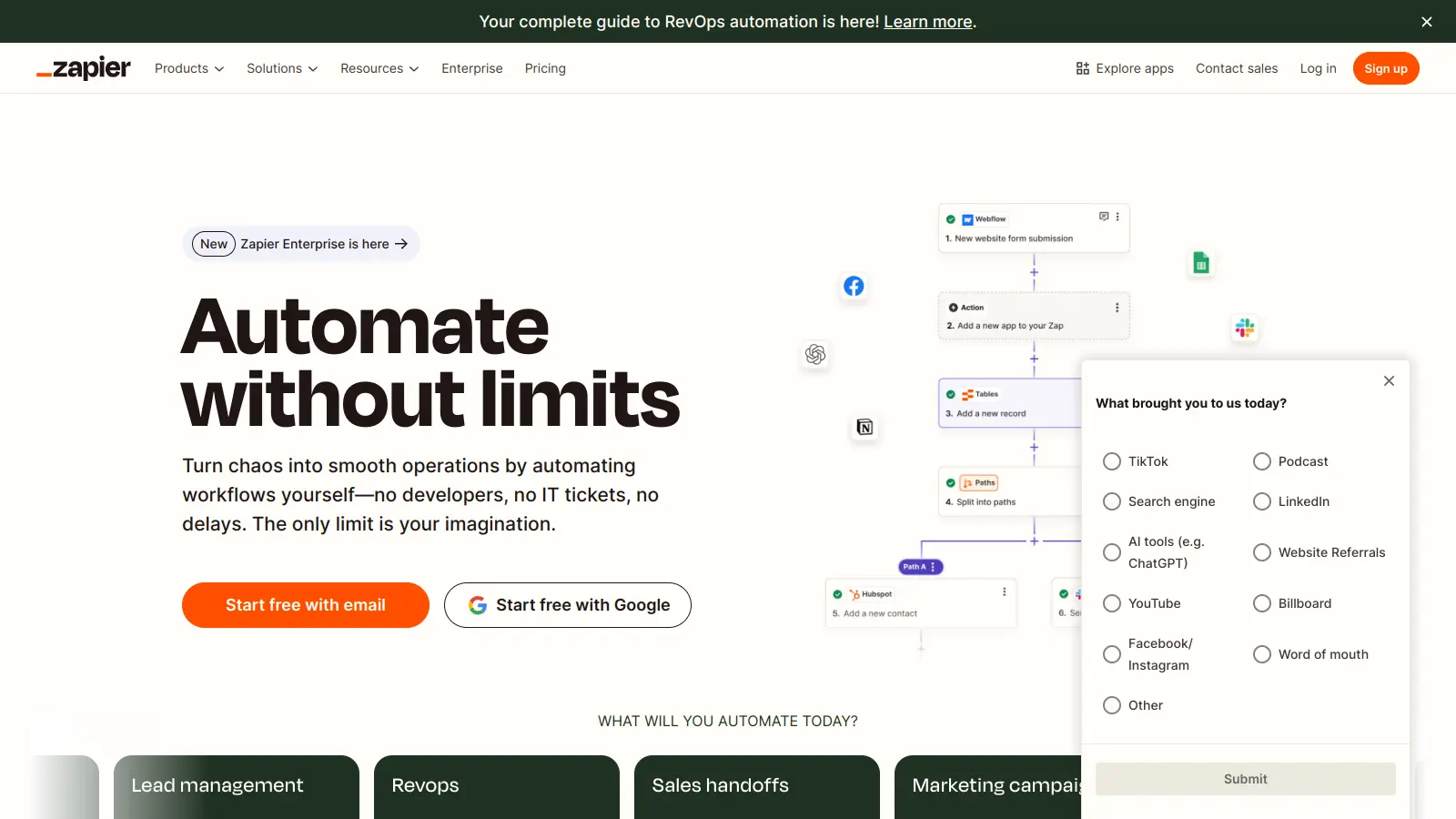
Zapier is a no-code automation platform that connects over 8,000 apps, enabling users to create automated workflows called "Zaps" without coding. It integrates different services, automating repetitive tasks through customizable triggers, multi-step processes, and real-time data transfer. Pricing ranges from free to enterprise tiers.
best deal
Start automating with unlimited Zaps and 100 monthly tasks free – no credit card needed