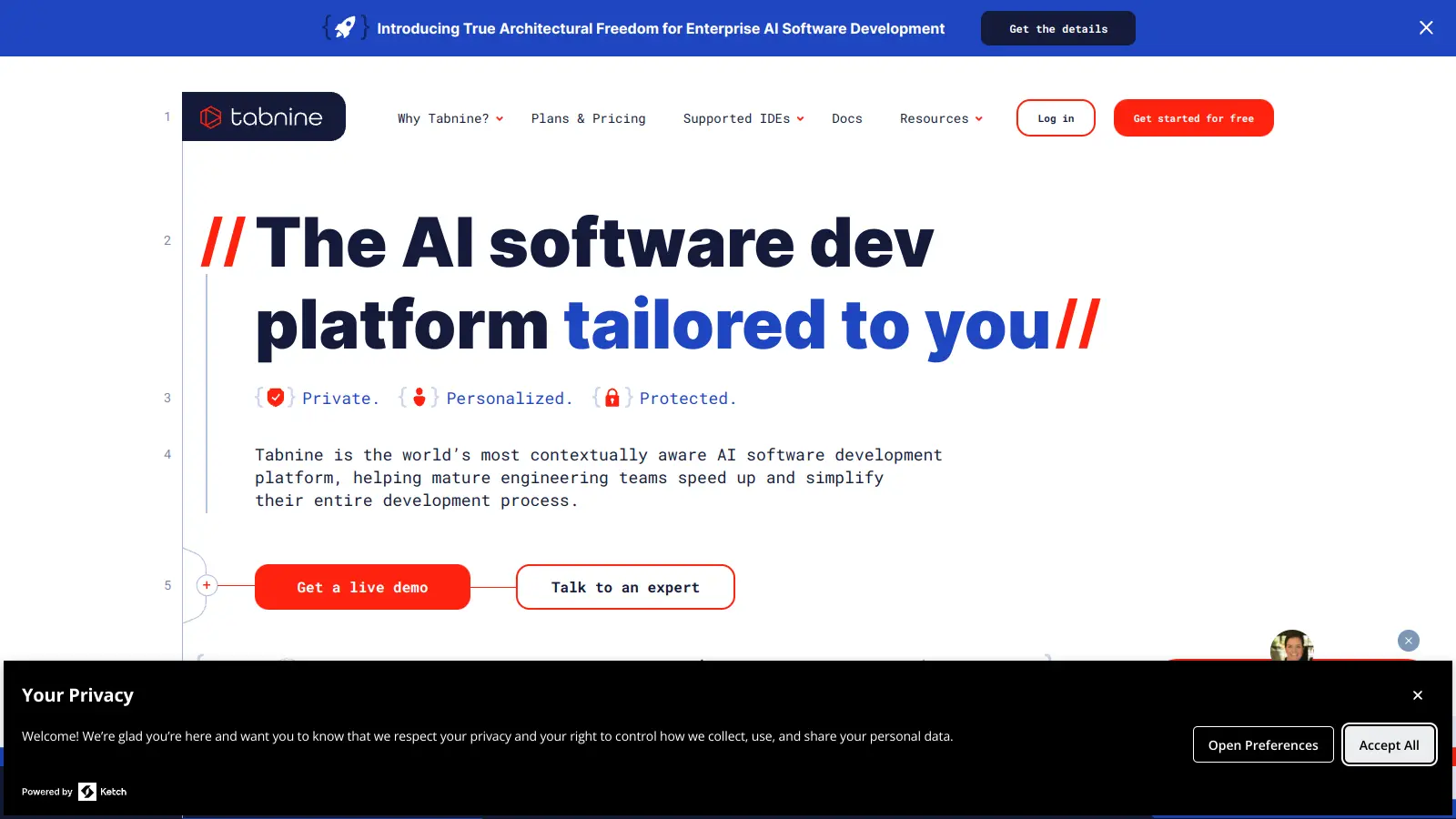
Tabnine is an AI-powered coding assistant that helps software developers work more efficiently throughout their development process. It works alongside popular IDEs like VS Code, Visual Studio, JetBrains, and Eclipse, offering code completions and suggestions as developers type.
The tool learns from your coding patterns to provide personalized assistance while supporting over 600 programming languages and frameworks. Through its natural language interface, developers can ask questions, generate tests, or create documentation without breaking their workflow. You can switch between AI models like GPT-4o, Claude, and Qwen depending on your needs.
Security remains a key focus, with options for private models and zero data retention policies that protect sensitive code. Tabnine's AI models are trained exclusively on permissive open-source code, which addresses common intellectual property concerns.
Available in free and paid tiers starting at $12 per user monthly, it offers flexibility for individual developers and enterprise teams alike. The enterprise version includes features like on-premises and VPC deployment, custom context, and compliance tools.
Tabnine works for software developers who want to code faster and with fewer errors. This AI-powered coding assistant works alongside popular development environments to offer suggestions that adapt to your coding style.
From startups building their first product to large software enterprises managing complex codebases, Tabnine serves developers across web development, mobile apps, data science, and enterprise software.
Tabnine has gained popularity among developers for its lightning-fast autocompletions and accurate code suggestions, especially for JavaScript, Python, and Java. Users appreciate whole-line and full-function completions that save time during coding. The privacy-focused approach with local model options and team-trained models sets it apart from competitors, and many developers praise the Pro version for outperforming free alternatives. It's frequently mentioned as faster and more cost-effective than GitHub Copilot.
The free version limits completions per day, which pushes users toward paid plans. Tabnine occasionally suggests incorrect or outdated code that requires verification. Performance can lag on lower-end machines or with large codebases. The Pro plan's pricing feels expensive for small teams or individual developers. It's less effective for niche languages or specialized domains. Setup and configuration can be tricky for non-standard workflows.
It depends on what you value. Tabnine puts a stronger focus on privacy with its zero-data retention policy, local processing options, and models trained only on permissive open-source code. Many developers praise Tabnine for faster autocompletions and better cost-effectiveness, especially at $12 per month compared to Copilot's pricing. Tabnine also learns from your personal coding style to give more personalized suggestions over time. Copilot might generate longer code blocks at once, while Tabnine excels at context-aware completions that match your existing code patterns. Copilot tends to be more effective for niche languages or specialized domains. Many developers use both tools for different coding tasks.
How does Tabnine protect my code privacy?Tabnine takes your code privacy seriously. The free version runs locally on your machine, so your code never leaves your computer. For paid plans, Tabnine uses a zero-data retention policy, which means they don't store or reuse your code to train their models. All AI models are trained exclusively on permissive open-source code, not on user data. Enterprise customers can access fully isolated private models that run in complete isolation with deployment options like on-premises or VPC. This approach keeps your intellectual property safe while still giving you the benefits of AI-powered coding assistance.
Can I use Tabnine with my favorite code editor?Yes. Tabnine works with most popular code editors through plugin installation. It has extensions for VS Code, Visual Studio, JetBrains IDEs (IntelliJ IDEA, PyCharm, WebStorm, and others), and Eclipse. It also supports Sublime Text, Atom, and many other development environments. Just download the right extension for your editor, and you'll be up and running in minutes. The setup process is simple and doesn't disrupt your current workflow, though some developers report that configuration can be tricky for non-standard workflows.
What programming languages does Tabnine support?Tabnine supports over 600 programming languages and frameworks. This includes popular languages like Python, JavaScript, Java, C++, TypeScript, PHP, Ruby, Go, C#, and Rust. It also works with domain-specific languages and frameworks like React, Angular, Vue.js, Django, and more. You'll get useful suggestions no matter what tech stack you're working with. The quality of completions is especially strong for common languages like JavaScript, Python, and Java, though it may be less effective for niche languages or specialized domains.
Does the free version have limitations?Yes. The free version has limited completions per day, which can be restrictive if you code heavily. It runs locally on your machine and offers basic AI code completions and chat support for evaluation purposes. You don't need a credit card to try it. The Pro plan at $12 per month removes these limits and gives you access to advanced AI models that you can switch between, personalized AI agents, team features, and better overall performance. Many users find the free version useful for light coding but upgrade once they rely on it regularly.


Our newsletter comes with exclusive discounts, trials and practical insights from within the industry