SeaArt AI Review 2026 - Features, Pricing & Deals

Last Updated
Feb 13, 2026

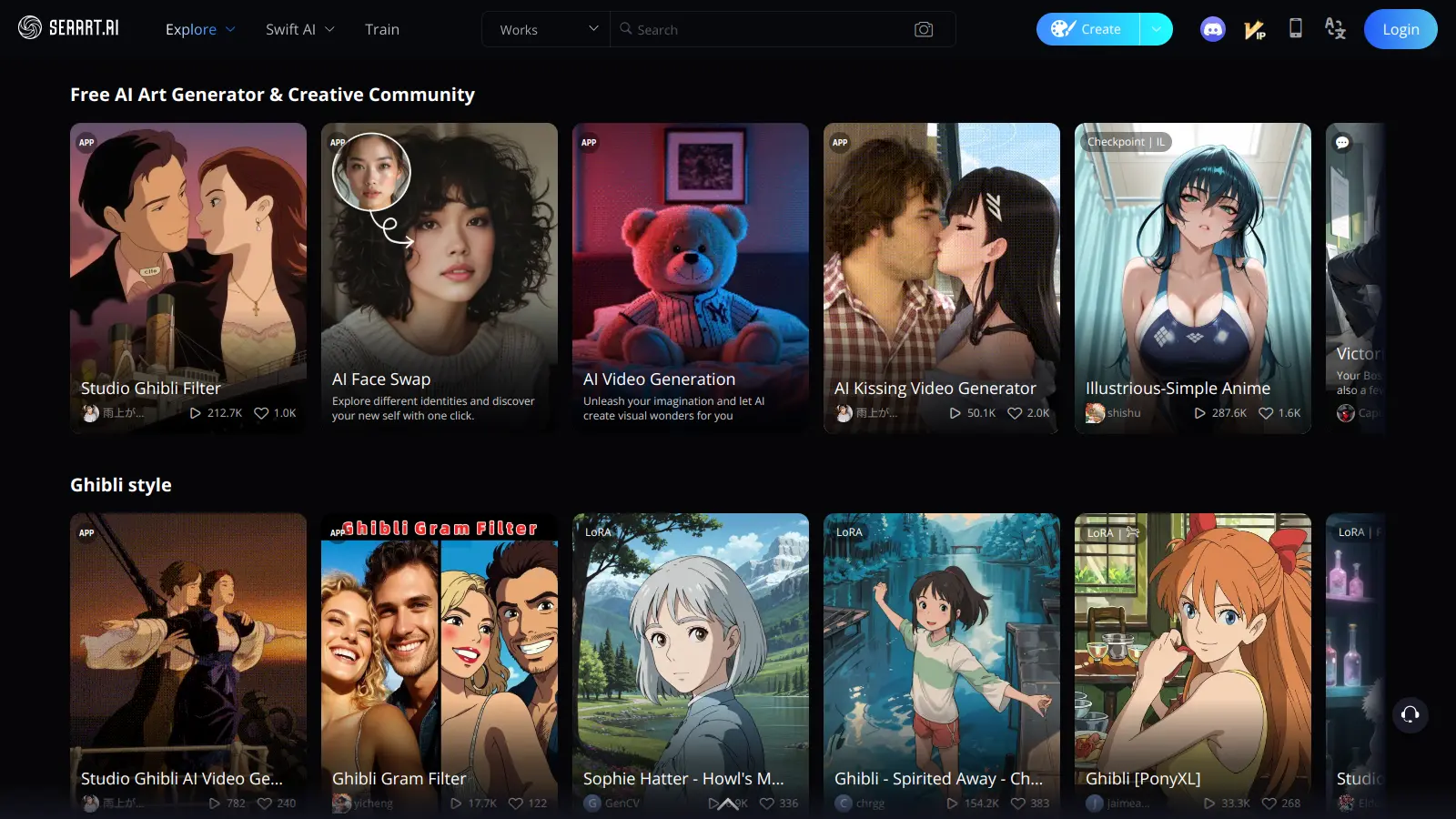
SeaArt AI enables users to create digital artwork through AI-powered tools and features. This platform combines text-to-image generation with video creation capabilities, making it suitable for various creative projects.

The tool offers multiple art styles, from classical to modern, and lets users customize their creations with adjustments to colors, textures, and other elements. Its user-friendly interface makes it accessible for beginners while providing enough depth for experienced artists.

Users can generate both images and videos through text prompts, with options to upscale images to 4K and fine-tune their results. The platform includes built-in safety features to ensure appropriate content creation. For more specialized needs, it provides LoRA training for custom styles and ComfyUI workflow integration for advanced control.

The pricing structure starts at $5.99 monthly for basic features, with higher tiers offering additional capabilities and faster processing times. A 3-day free trial is available for users who want to test the platform before committing to a subscription.

Who is SeaArt AI for?

SeaArt AI works for people who need to generate digital artwork quickly without extensive technical skills or artistic training. It transforms text descriptions into visuals in seconds, saving hours of design time while maintaining creative control.

  • Digital content creators who need to produce visuals regularly for social media, blogs, or marketing materials without hiring a dedicated artist.
  • Small business owners creating branding assets, product images, and marketing materials on a budget while maintaining a consistent visual style.
  • Game developers and storytellers who use the character creation tools to quickly visualize concepts and populate their projects with unique characters.
  • Educators and presenters enhancing their teaching materials with custom illustrations that match their educational concepts.
  • Artists exploring new media who use AI as a springboard for inspiration or to experiment with styles outside their comfort zone.
  • Marketing professionals producing multiple design variations quickly for testing and campaigns.
  • Freelancers and agencies handling multiple clients who need to produce diverse visual content on tight deadlines.

From graphic designers to marketing teams, social media managers, and educational content creators, SeaArt AI works for anyone creating visual content on a regular basis.

Online Reviews (Last 6 Months Summarised)

SeaArt AI gets solid praise for its high-quality image generation with excellent detail and realism. Many reviewers note it's easier to use than competitors, with a user-friendly interface that works well for beginners. Generation speeds are fast, and the free tier is more generous than expected. Users appreciate the customization options like ControlNet and the strong community features for sharing models. Several reviews mention it offers better value than Midjourney for similar quality output.

The watermarks on free plan images are intrusive. Credits and Stamina run out quickly if you're generating many images. Server downtime and slow queues during peak times frustrate regular users. Some people wish it had more advanced editing tools comparable to Photoshop. Certain models produce inconsistent results or artifacts, and customer support response times are slow when issues come up.

Features

  • Multiple Art Styles: Access artistic styles from classical to modern, anime, and sci-fi, letting you explore and create different visual aesthetics with just a few clicks.
  • Text-to-Image Generation: Transform written prompts into visuals using AI algorithms that interpret your descriptions.
  • Video Generation with SeaArt Flow 2.0: Create videos from text or image inputs using the latest video generation technology, adding motion content capabilities beyond static images.
  • Real-Time Art Creation: Generate artwork in seconds, allowing for rapid iteration and creative exploration.
  • Customization Controls: Fine-tune colors, textures, and design elements with precision sliders and adjustment tools.
  • AI Image Upscaler to 4K: Enhance image resolution up to 4K quality for high-resolution displays and professional printing.
  • LoRA Training: Train custom models to develop your own unique styles for consistent branding or signature artistic looks.
  • Face Swap: Swap faces in both images and videos with AI precision for creating personalized content or character variations.
  • ComfyUI Workflows: Access custom workflows for professionals who need detailed control over the generation process and parameters.

Pricing

  • Free plan offers around 150 daily Stamina for basic usage and limited features, with watermarks on generated images, helping users explore the platform before committing to a paid plan.
  • Pricing offers four flexible plans: Beginner Plan at $5.99/month with approximately 300 daily Stamina and fast queue, Standard Plan at $29.99/month with approximately 1800 daily Stamina and watermark-free images plus video tools, Professional Plan at $59.99/month with approximately 4000 daily Stamina and higher limits, and Master Plan at $149.99/month with approximately 12000 daily Stamina and maximum capacity.
  • Credits are purchased separately from subscription plans and are used for certain features and extended generation beyond daily Stamina allowances.
  • Enterprise or customized solutions may require direct contact with SeaArt AI for specific pricing details and potential volume discounts.

Frequently Asked Questions

What are the free generation limits in SeaArt AI?

In the free plan, you get around 150 daily Stamina for basic usage. This is enough to test out basic features and see if SeaArt works for your needs. Remember that free users get watermarks on their images and might wait longer in generation queues compared to paid subscribers. The images you create with the free version still belong to you, but you'll need to upgrade if you want watermark-free outputs or more daily generations.

How does SeaArt AI compare to Midjourney?

SeaArt AI offers similar text-to-image functions as Midjourney but with a different interface. While Midjourney runs through Discord, SeaArt works directly in your browser with no Discord setup needed. SeaArt's pricing starts lower (from $5.99/month) compared to Midjourney's $10/month minimum. SeaArt includes extra tools like video generation and AI upscaling, and many users feel SeaArt offers better value for similar quality. Try both free versions to see which fits your workflow better.

Can I use SeaArt AI images for commercial projects?

Yes, you can use images created with SeaArt AI for commercial projects. The content you generate belongs to you, not SeaArt. This means you can sell products with your AI art, use them in marketing materials, or include them in paid client work. Just remember that you can't claim copyright on the AI process itself, only on your unique prompts and the resulting images. Always check the current terms of service to stay updated on any usage policy changes.

How do I remove watermarks without paying?

You can't remove watermarks without upgrading to a paid plan. The watermarks are part of the free tier limitations. If you need watermark-free images, you'll need at least the Standard Plan at $29.99/month. Some users try cropping or editing watermarks out, but this violates the terms of service and the watermark placement makes it difficult. The Standard Plan is worth it if you're doing any professional or client work where watermarks would look unprofessional.

Does SeaArt AI work offline?

No, SeaArt AI doesn't work offline. It runs on cloud servers that process your prompts and generate images. You need an active internet connection to use all functions. This makes the tool accessible on less powerful computers since the heavy processing happens on SeaArt's servers, not your device. If you need offline AI art generation, you might want to look into downloadable alternatives like Stable Diffusion, though these require more technical setup and a stronger computer.

Other Tools To Check Out

Best Deal

Start creating content free with Rytr's 10,000 monthly characters across 40+ use cases and 30+ languages, or get 2 months free on annual plans

Redeem Now

Best Deal

Start Chatting Anonymously for Free - No Registration or Personal Data Required

Redeem Now

Best Deal

Start with the $100 plan to create professional AI-generated content today

Redeem Now

Find Out How Best To Utilise Tools

Our newsletter comes with exclusive discounts, trials and practical insights from within the industry

Sign Up Today