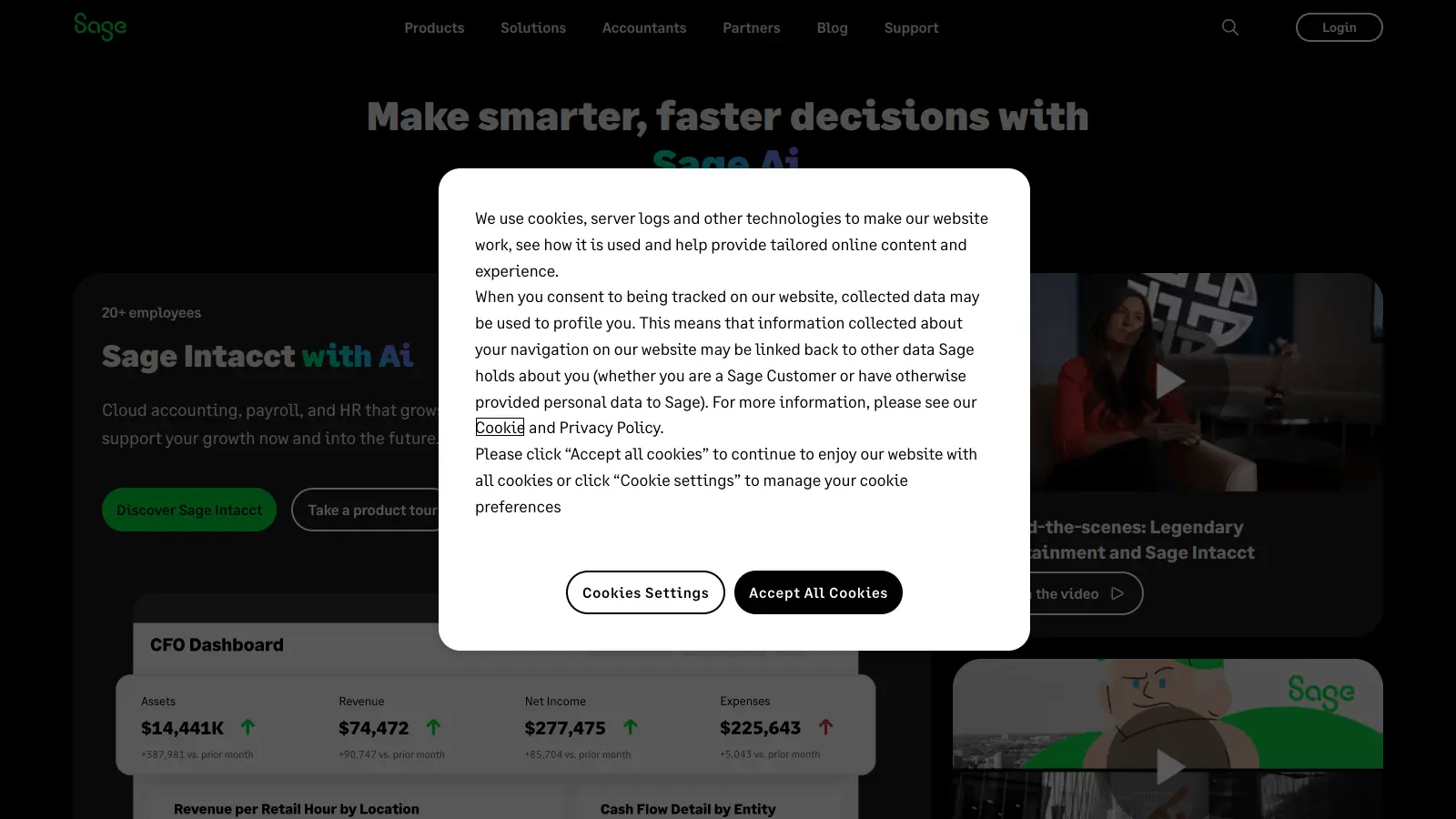
Sage provides accounting and enterprise resource planning (ERP) solutions for businesses of all sizes. From small companies to large enterprises, their software helps streamline financial management and business operations.
Their core product, Sage Accounting, serves small businesses and self-employed professionals with essential tools for financial management. Users can handle invoicing, expense tracking, and bank reconciliation through a cloud-based platform. The software also includes VAT management, inventory control, and payroll processing, all accessible through three pricing tiers: Start, Standard, and Plus.
For larger organizations, Sage offers ERP solutions that integrate complex business operations. These include Sage Intacct for AI-driven accounting, Sage X3 for manufacturing businesses, and Sage 300 for global enterprises. Each system provides tools for process automation, data integration, and real-time analytics.
The software supports collaboration between team members and accountants, with built-in GDPR compliance and multi-currency transactions. Sage Copilot, their generative AI assistant embedded in products like Sage Intacct, automates tasks like invoice processing and reconciliation while providing real-time variance analysis and business insights through natural language interaction.
Sage works well for businesses seeking to manage their financial operations and automate accounting processes. The platform scales from simple bookkeeping to full enterprise resource planning.
Sage tools are commonly found in retail, manufacturing, professional services, and nonprofit organizations where financial accuracy and operational efficiency matter.
Sage Business Cloud Accounting gets positive feedback for its user-friendly management reporting tools and smooth app integrations. Users appreciate the responsive support team and clear graphics. The platform handles basic accounting well, with strong reporting features and inventory management that many small business owners find valuable.
Navigation can be clunky. The software struggles with larger businesses. Pricing and service flexibility are recurring complaints. Some users find the learning curve steeper than expected for what should be straightforward accounting tasks.
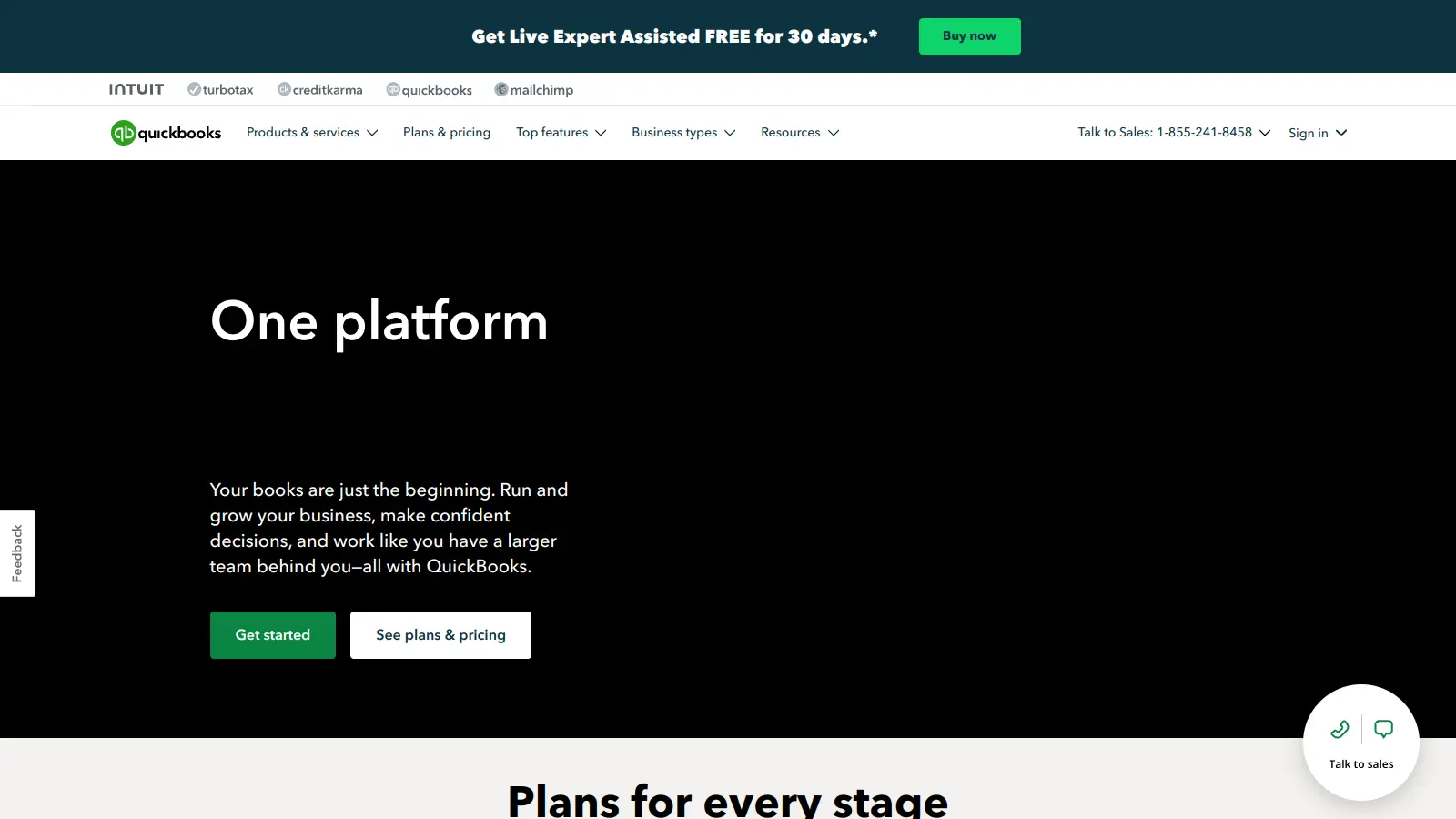
Sage stands out for its strong reporting features and inventory management. While both handle basic accounting well, Sage offers more detailed financial reporting, which many small business owners find valuable. QuickBooks might be simpler to learn at first, but Sage provides more room to grow as your business expands. Your choice really depends on what matters most to you. If you need robust reporting and inventory tracking, Sage has the edge. If you want the quickest setup and easiest learning curve, QuickBooks might work better.
Can I switch from another accounting software to Sage easily?Yes, but it takes some planning. Sage has tools to import your data from other systems like QuickBooks, Xero, and Excel. The process isn't instant. You'll need to export your data from your old system, check it for errors, and then import it into Sage. Most users can complete a basic switch in a few hours, but complex businesses might need a day or two. Do this at the end of a financial period for the cleanest transition. Sage offers migration guides on their website, and their support team can help if you get stuck.
What is Sage Copilot and how does it help with accounting?Sage Copilot is a generative AI assistant embedded in products like Sage Intacct. It automates repetitive tasks like invoice processing, reconciliation, and month-end close activities. You can ask it questions about your financial data using natural language, and it will give you instant answers. It monitors your business data continuously and proactively flags issues like budget discrepancies. The AI can also spot anomalies, suggest growth opportunities, and provide variance analysis in real-time. It's designed to save finance teams time and help them make faster decisions.
Is Sage cloud-based or do I need to install software?Sage offers both options. Sage Accounting is their modern cloud-based solution that works in any web browser. Nothing to install and you can access it from anywhere. Sage also still supports some desktop versions that you install on your computer. Most new users pick the cloud version since it updates automatically and lets you work from different devices. The desktop version might appeal to you if you prefer keeping all your data on your own computer or have limited internet access. Both options provide similar core features, but the cloud version tends to get newer features first.
How long does it take to set up Sage for a new business?For a brand new small business, you can be up and running with basic features in about 2-3 hours. This includes creating your company profile, connecting bank accounts, setting up your chart of accounts, and entering key contacts. If you're bringing existing data or have complex needs, expect to spend a few days getting everything set up properly. Many users spread the setup over a week, working on it for an hour or two each day. Sage provides setup wizards and checklists to guide you through the process step by step.


Our newsletter comes with exclusive discounts, trials and practical insights from within the industry