OpenArt Review 2026 - Features, Pricing & Deals

Last Updated
Feb 14, 2026

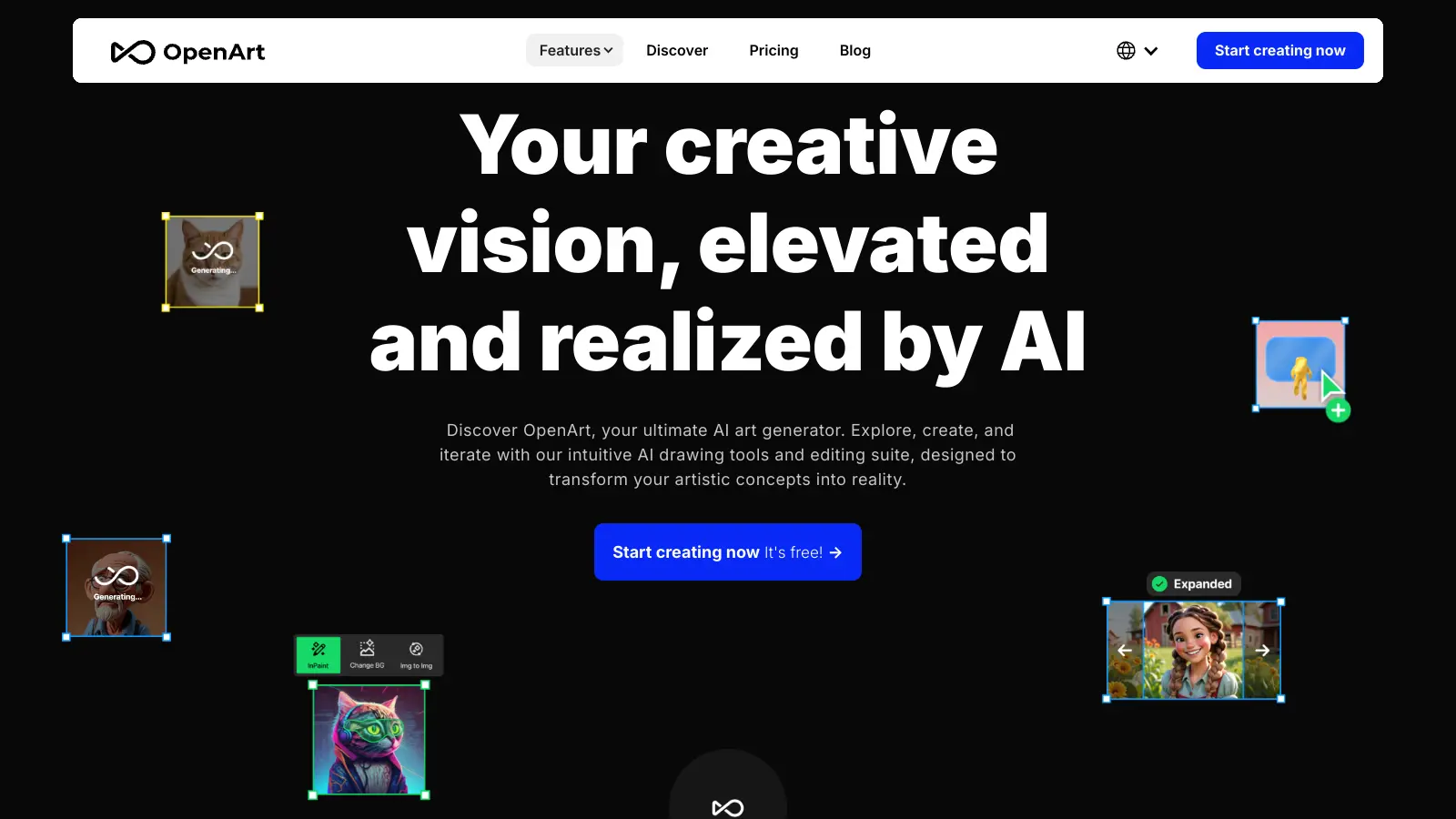
OpenArt allows users to transform text descriptions into visual art and video through AI technology. This platform combines over 100 AI models, including DALL·E 3 and Flux, to help users create digital artwork and video content across multiple styles and formats.

The tool caters to both beginners and experienced artists, offering features like text-to-image generation, inpainting, outpainting, and video editing. Users can explore different artistic styles, from photorealistic renders to abstract compositions, while maintaining control through detailed text prompts. The platform now includes AI video tools for restyling footage, adding effects, replacing characters, and controlling camera angles.

With a free trial offering 40 credits for 7 days, OpenArt provides an entry point for those wanting to try AI art generation. Premium plans unlock additional capabilities such as custom model training, higher resolution outputs, and advanced editing tools. The platform also includes an audio and voice studio with ElevenLabs integration for voiceovers and voice cloning.

The interface is straightforward, making it accessible even for those new to AI art generation.

Who is OpenArt for?

OpenArt is perfect for creative professionals and hobbyists who need to quickly generate high-quality visual and video content without extensive design skills. The platform saves time by turning simple text descriptions into finished artwork and video using AI technology like DALL·E 3 and Flux.

  • Amateur and professional artists who want high-quality image and video creation with access to over 100 AI models and editing tools.
  • Content creators benefit from the unified workflow for creating thumbnails, mood boards, concepts, and videos all in one platform.
  • Video producers can integrate visuals, narration through ElevenLabs voice tools, and animations without switching between multiple applications.
  • Marketing professionals can create custom visuals and video content for campaigns and social media without waiting for traditional design processes.
  • Small business owners with limited design budgets can produce professional-quality visuals and videos for websites and promotional materials.
  • UI/UX designers can quickly visualize interface concepts before committing to detailed design work.
  • Education professionals can use the tool to create visual aids and video content for lessons and presentations.

OpenArt is commonly used across advertising, publishing, education, and e-commerce industries where visual content needs to be created regularly and efficiently.

Online Reviews (Last 6 Months Summarised)

OpenArt has a generally positive reception among users who appreciate its easy-to-use interface and high-quality image outputs. People praise the fast generation speeds, good variety of models and styles, and helpful community features. The pricing is seen as more affordable compared to alternatives like Midjourney, which makes it accessible to creators on different budgets.

The main complaints focus on the limited free tier, which requires a subscription to access full features. Users report inconsistent results with complex prompts, watermarks on free generations, and slow customer support responses. Some mention occasional server downtime during peak hours and wish there were more customization options for advanced users.

Features

  • Text-to-Image Generation: Transform text prompts into visual artworks with over 100 AI models including Flux and DALL·E 3, supporting multiple artistic styles like oil painting, anime, and abstract art.
  • Advanced AI Editing Tools: Remove objects with magic erase, apply inpainting and outpainting, fix anatomy issues, and make background adjustments with a comprehensive editing suite.
  • AI Video Tools: Restyle video footage, add magic effects, replace characters, and control camera angles to create video content from your prompts or existing clips.
  • Custom Model Training: Create personalized AI models that match your unique artistic style or brand requirements for consistent characters and tailored visual outputs.
  • High-Resolution Image Upscaling: Enhance your artwork with image upscaling capabilities, allowing you to generate images up to 4K resolution.
  • Audio and Voice Studio: Create voiceovers and clone voices using ElevenLabs integration, bringing narration and audio directly into your creative workflow.
  • Educational Resources: Access the Prompt Book, model training guides, tutorials, and presets to improve your AI art and video generation skills.

Pricing

  • Free trial offers 40 credits valid for 7 days to explore the platform and test different models.
  • Essential Plan at $14 monthly or $4.30 monthly when billed annually provides 4,000 credits per month and 8 parallel generations.
  • Advanced Plan at $29 monthly or $9 monthly when billed annually includes 12,000 credits per month and 16 parallel generations.
  • Infinite Plan at $56 monthly or $28 monthly when billed annually offers 24,000 credits per month and 32 parallel generations (most popular option).
  • Wonder Plan at $240 monthly or $120 monthly when billed annually provides 106,000 credits per month and 32 parallel generations (best value for high-volume users).

Frequently Asked Questions

How is OpenArt different from other AI art generators?

OpenArt stands out with over 100 models including Flux and DALL·E 3 to choose from. Unlike some platforms that focus only on images, OpenArt includes AI video tools for restyling footage, adding effects, and controlling camera angles. You can train custom models using your own reference images for consistent characters and styles. The platform also includes an audio and voice studio with ElevenLabs integration, bringing narration and voiceovers into the same workflow as your visuals.

Do I need to know how to code to use OpenArt?

You don't need any coding skills to use OpenArt. The platform was built with beginners in mind and has a straightforward interface. Just type in what you want to create, pick a style, and the AI does the work. Even the more advanced features like inpainting, outpainting, and model training come with simple instructions. If you can write a clear description of what you want to see, you can use OpenArt.

How many images can I create with the free trial?

The free trial gives you 40 credits that are valid for 7 days. The exact number of images depends on which models you use, as different AI engines cost different amounts of credits. Basic models might use fewer credits per image, while premium models like DALL·E 3 or Flux will use more. This trial period lets you explore the platform and test different features before committing to a paid plan.

Can I use OpenArt creations for commercial projects?

Yes, you can use images and videos created with OpenArt for commercial purposes, but there are some things to keep in mind. While you own the content you create, the AI was trained on existing art, so there might be style similarities to other works. It's always best to check the current terms of service before using AI-generated content commercially. Also, make sure your prompts don't reference copyrighted characters or brands that you don't have rights to.

Does OpenArt support video generation?

Yes, OpenArt includes AI video tools as part of its platform. You can restyle video footage, add magic effects, replace characters, and control camera angles. The video features work alongside the image generation and editing tools, giving you a unified workflow for creating both static and moving visuals. This makes OpenArt useful for content creators and video producers who want to handle multiple types of media in one place.

Other Tools To Check Out

Best Deal

Start Your 7-Day Free Trial with Pro Plan at $59/month (annual billing) — save 20% compared to monthly

Redeem Now

Best Deal

Full access to research features with no usage limits for $20/month

Redeem Now

Best Deal

Launch your storytelling journey with the free tier - create comics with basic features including character consistency, reference image uploads, and single/double page layouts at no cost.

Redeem Now

Find Out How Best To Utilise Tools

Our newsletter comes with exclusive discounts, trials and practical insights from within the industry

Sign Up Today