Moonbeam AI Review 2026 - Features, Pricing & Deals

Last Updated
Feb 14, 2026

Moonbeam is an AI-driven writing assistant that helps users create long-form content like essays, articles, and blog posts. It works by transforming basic notes and ideas into structured paragraphs using GPT-4 technology.

The platform offers real-time feedback through Smart Chat, content clustering for organization, and an advanced text editor. Users can also take advantage of built-in research tools and collaboration features that let teams work together on documents in real time. The platform includes category-specific wizards for Business, Educator, Writer, and Freelancer use cases to streamline the setup process.

Whether you're a content creator, educator, or professional writer, Moonbeam streamlines the writing process with AI assistance. The platform comes with two subscription options: a Pro plan at $49 per month for individual users and a Team plan at $99 per month per seat for collaborative work. Both plans come with a 30-day money-back guarantee.

Output quality depends heavily on how clear your input is. The platform has a lot of features, which means a learning curve, though the interface itself is straightforward enough.

Who is Moonbeam AI for?

Moonbeam AI works best if you already know what you want to say but need help organizing it or getting words on the page faster.

  • Content marketers who need to produce articles consistently and meet tight deadlines
  • Professional writers looking to overcome writer's block and speed up their drafting process with AI-assisted organization
  • Students writing essays and academic papers who need help organizing ideas into coherent arguments
  • Educators and researchers who want to organize complex information into readable content with built-in research capabilities and citation features
  • Small business owners who create their own marketing content but lack formal writing training or time for extensive editing
  • Marketing teams that need collaborative writing tools with real-time editing features to maintain consistent brand voice
  • Technical writers creating documentation and guides with specialized templates

The tool sees most use in digital marketing, education, journalism, and corporate communications where regular content creation is essential.

Online Reviews (Last 6 Months Summarised)

Public discussion about Moonbeam AI is relatively limited online. While a few users have shared positive feedback about its effectiveness for academic writing and content creation, there isn't the volume of reviews you'd typically find on major software review sites or discussion forums. The testimonials that do exist mention strong academic performance and authentic-sounding output, with some users claiming it delivers results that aren't available elsewhere on the market yet.

The lack of widespread buzz doesn't necessarily indicate problems with the tool. Many specialized AI writing assistants operate with smaller, dedicated user bases rather than massive public communities. It does mean you'll have fewer peer experiences to reference when evaluating whether Moonbeam fits your needs. If you're considering it, the free tier and 30-day money-back guarantee give you room to test it yourself.

Features

  • AI Content Generation: Transforms notes and ideas into structured paragraphs using GPT-4 technology, helping professionals and content creators write faster with unlimited word count.
  • Smart Chat Feedback: Provides real-time editing suggestions during the writing process, powered by GPT-4.
  • Content Clustering: Generates 10+ related content ideas with detailed outlines from a single keyword, organizing them into full posts with minimal user input.
  • Advanced Text Editor: Offers editing tools with media integration, allowing users to refine or paraphrase entire texts or specific highlighted sections.
  • Collaboration Mode: Enables multiple users to work on documents in real-time with features similar to Google Docs.
  • Built-in Research Capabilities: Allows users to gather information, sources, citations, and references directly within the platform, eliminating the need to switch between multiple tools.
  • Custom Style Generator: Enables users to imitate writing styles of famous personalities.
  • Boss Mode: Provides advanced content refinement by allowing AI-driven transformation and enhancement of generated text.
  • Plagiarism Checker & AI Writing Detector: Ensures content originality and helps make text sound more human-like by identifying potential AI-generated content.
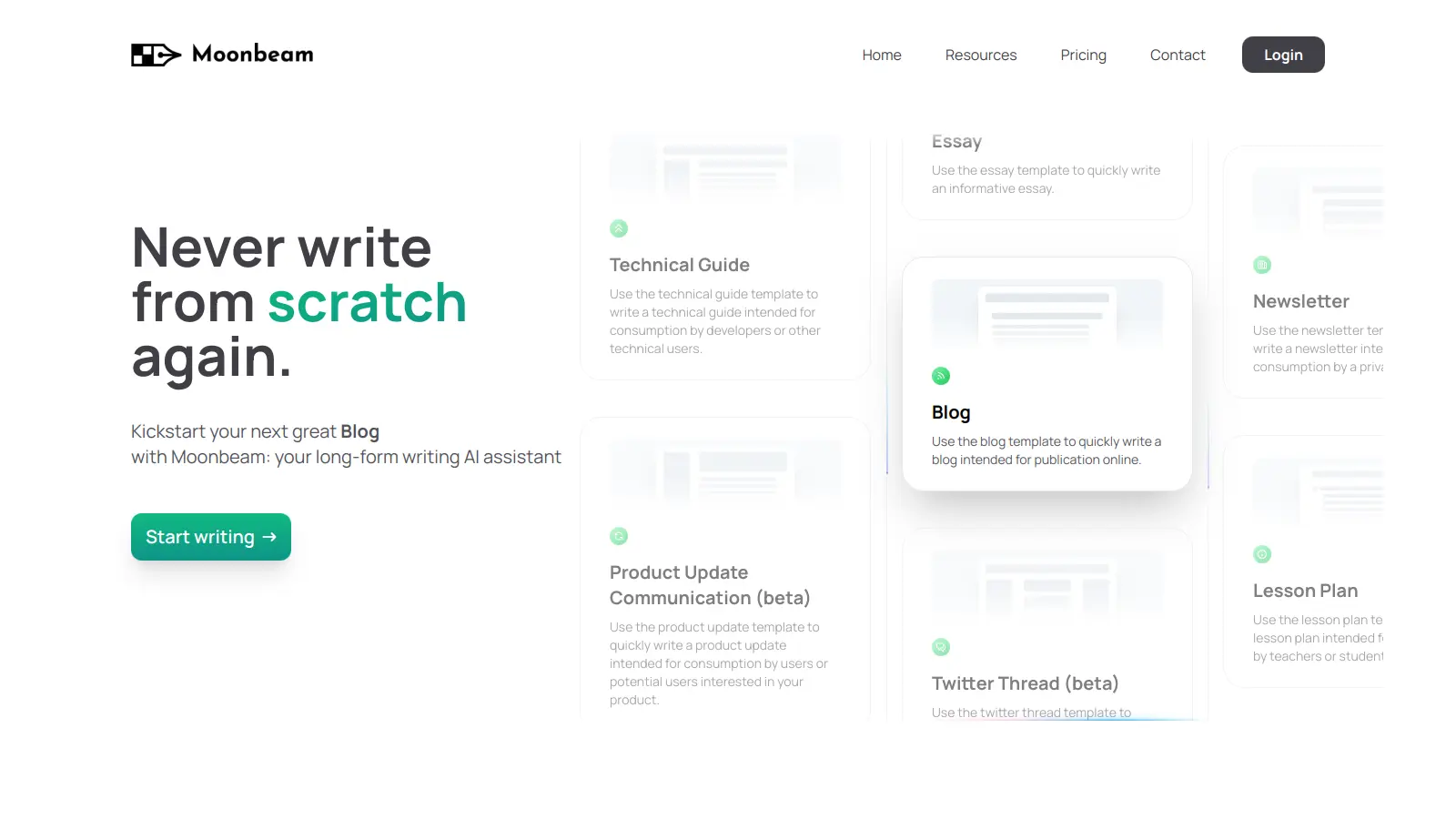
  • Specialized Wizards: Includes Essay Wizard, Blog Post Wizard, and Technical Guide Template along with category-specific wizards for Business, Educator, Writer, and Freelancer use cases.
  • Multi-language Support: Allows content creation in multiple languages for international users.

Pricing

  • Free tier available with limited features to test the platform before upgrading to a paid plan.
  • Pro Plan at $49 per month offers unlimited long-form writing, social media posts, AI writing tools, Boss Mode, Moonbeam Chat, Ask Luna, Moonbeam Wizard, and custom style generator for a single user.
  • Team Plan priced at $99 per month per seat provides all Pro Plan features plus multi-user support, collaborative real-time editing, tool integrations, and priority support.
  • Both Pro and Team plans come with a 30-day money-back guarantee, enabling risk-free exploration of the platform's features and capabilities.

Frequently Asked Questions

How does Moonbeam differ from other AI writing tools?

Moonbeam specializes in long-form content creation rather than just short snippets. Unlike many AI writers that focus on keywords and SEO, Moonbeam helps you develop complete articles, essays, and blogs from your ideas. Its Smart Chat feature (powered by GPT-4) provides real-time feedback as you write, while the Content Clustering tool generates 10+ related content ideas with outlines from a single keyword. The collaboration mode also lets multiple team members work on the same document simultaneously, which isn't available in all AI writing platforms.

Do I need technical skills to use Moonbeam effectively?

No, Moonbeam is designed for writers of all skill levels. The interface is straightforward, with a clean text editor and intuitive controls. You don't need coding knowledge or AI expertise - just start typing your ideas or use the Moonbeam Wizard to guide you through the process with category-specific templates for Business, Educator, Writer, or Freelancer needs. The platform handles the technical aspects of AI content generation while you focus on refining the material. If you can use a basic word processor, you can use Moonbeam.

Can Moonbeam help with writer's block?

Yes. When you're stuck, you can use the Content Clustering feature to generate 10+ new ideas from simple prompts or keywords. The Boss Mode helps transform rough notes into paragraphs. If you have a partial draft, Moonbeam can suggest continuations or alternative approaches. You can also use Luna (the built-in chatbot) to brainstorm angles you hadn't considered, making it easier to push through creative roadblocks.

Will content created with Moonbeam pass AI detection tools?

Moonbeam includes features to help make AI-generated content appear more human-like, but results vary depending on how you use the tool. For best results, treat Moonbeam as a writing assistant rather than a complete replacement for human writing. Use the Custom Style Generator to add your personal voice, edit the generated content thoroughly, and use the platform's AI Writing Detector to check your work before publishing. Remember that the most effective approach is to combine Moonbeam's suggestions with your own expertise and insights.

How does the collaboration feature work?

Moonbeam's collaboration mode lets team members work on documents together in real-time. When you invite colleagues to a project, everyone can see changes as they happen - similar to Google Docs but with AI assistance. Team members can highlight text for specific edits, use Smart Chat for feedback, and contribute to different sections simultaneously. The Team Plan ($99/month per seat) unlocks additional collaboration features like multi-user support and integration with your existing tools. This setup works well for marketing teams, content agencies, and educational groups who need to produce content efficiently.

Other Tools To Check Out

Best Deal

Try ImgCreator AI free - get 9 free images to create custom artwork from text prompts, then upgrade to $4.90/month

Redeem Now

Best Deal

Start with 3 Free Transcriptions Monthly - No Credit Card Required

Redeem Now

Best Deal

Explore ChatGPT Writer's Free Plan - Try 30 GPT-3.5 Turbo Credits for Gmail and Creative Writing Today

Redeem Now

Find Out How Best To Utilise Tools

Our newsletter comes with exclusive discounts, trials and practical insights from within the industry

Sign Up Today