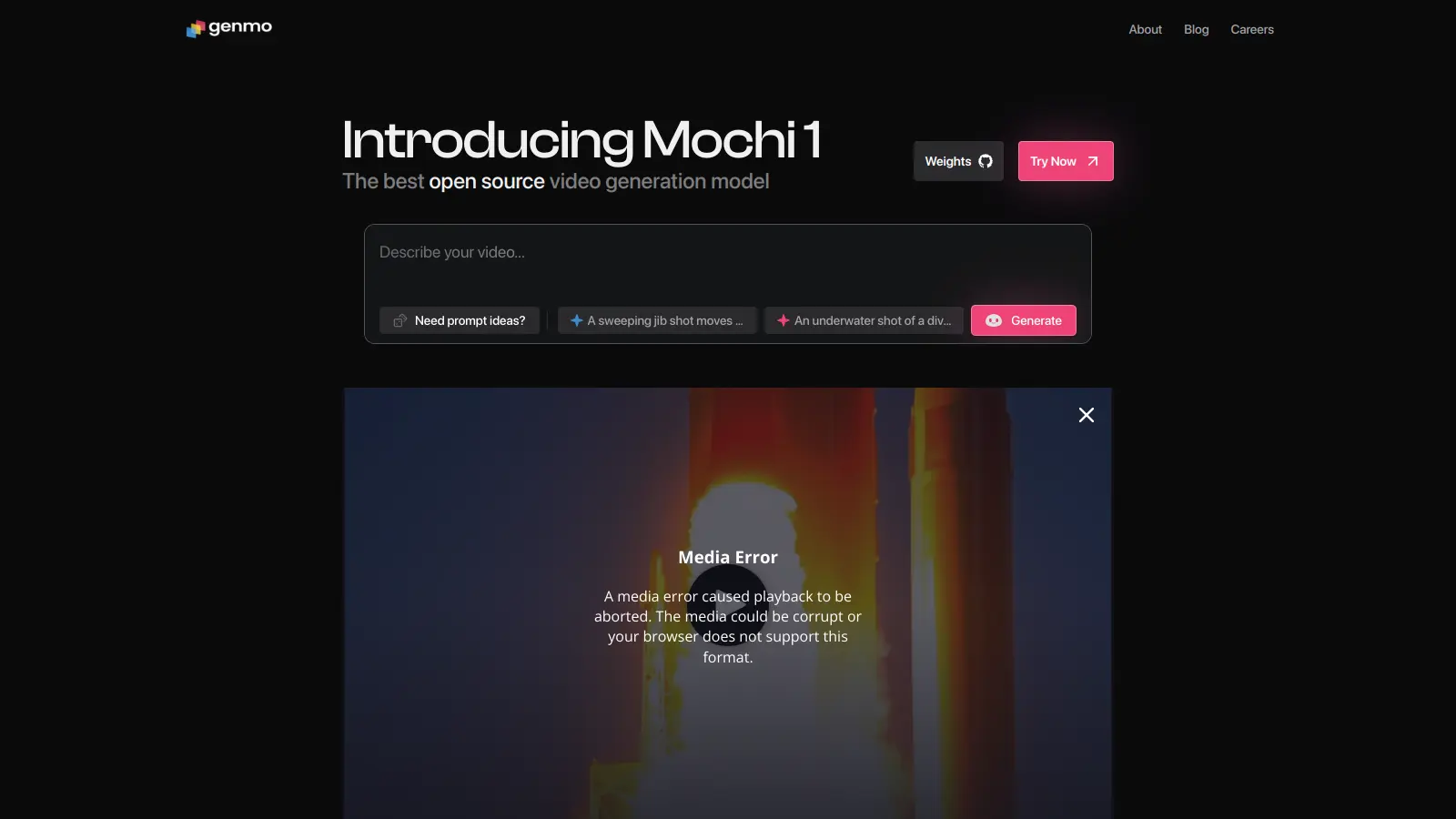
Genmo AI is a research lab that develops open-source AI models for video generation. The platform uses models like Mochi 1 with Asymmetric Diffusion Transformer to convert text and image prompts into videos up to 5.4 seconds long at 30 FPS.
The tool works through a web-based playground where users input prompts and the diffusion-based AI generates videos with motion fidelity and temporal coherence. It also supports open-source repository access and ComfyUI for users who want to run and customize models locally.
The platform serves content creators making social media reels, educators building instructional videos, filmmakers prototyping scenes, and game designers creating sequences. The free tier includes 200 initial credits plus 50 monthly credits with watermarked output, while paid plans offer more credits, commercial rights, and priority queue access.
Video length is capped at 5.4 seconds per generation. Longer content requires combining multiple clips.
Genmo AI works for creators and professionals who need to produce short video content from text or image prompts without traditional video production workflows. The platform's open-source approach and web-based playground make AI video generation accessible for both experimentation and commercial projects.
The tool spans industries including digital marketing, education, entertainment, game development, and social media where short-form, AI-generated video content fits production needs and budgets.
Users praise Genmo AI for video output quality and animations, particularly the motion and temporal coherence. The interface gets positive mentions for being intuitive and easy to use, with generation times reported as fast compared to other tools. Creative professionals note good value for the pricing, and users appreciate the flexibility in customizing content along with responsive support and regular feature updates.
The free tier's usage limits make it hard to experiment extensively. Some users report quality inconsistencies in generated output and occasional processing failures. Advanced features have a learning curve. Pricing feels steep for hobbyists. Limited integration options with other creative tools and export format restrictions also come up as complaints.
Genmo uses the Mochi 1 model with Asymmetric Diffusion Transformer to convert text prompts into videos. You type what you want to see in the web-based playground, and the AI generates video frames that match your description. The system creates up to 5.4 seconds of video at 30 FPS with temporal coherence, meaning the motion looks smooth. More detailed prompts typically produce better results.
What's the difference between Genmo's free and paid plans?The free plan gives you 200 initial credits plus 50 credits monthly, with watermarked output and standard queue priority for non-commercial use only. The Lite plan ($10/month) includes 1,200 credits monthly with no watermark, commercial rights, and priority queue. The Standard plan ($30/month) offers 5,000 credits monthly, highest priority queue, and early access to new models. Turbo Mode ($10/month) provides 1,000 fuel daily plus access to Genmo Chat.
Can I use Genmo AI videos for commercial projects?Yes, but only with paid plans. The free plan is limited to non-commercial use and includes watermarks. The Lite plan, Standard plan, and Turbo Mode all include commercial usage rights, letting you use AI-generated videos for business purposes, marketing campaigns, client work, or any project without restrictions.
How long can videos be that I create with Genmo?Genmo currently generates videos up to 5.4 seconds long at 30 FPS per generation. For longer content, you'll need to create multiple clips and combine them in video editing software. The platform focuses on short-form output with smooth motion and temporal coherence rather than extended sequences.
Can I run Genmo models locally or only through the web?You can do both. The web-based playground lets you generate videos through your browser without any setup. For more control, Genmo also provides open-source access to models like Mochi 1, which you can run locally or through ComfyUI. This gives developers and advanced users the ability to customize the models and integrate them into their own workflows.


Our newsletter comes with exclusive discounts, trials and practical insights from within the industry