tools for
humans

Midjourney reviews — what users really think

published 28 december 2022last updated 18 march 2026
how we review

we track global search demand across every software category, monitor what real users are saying online, identify which professions rely on each tool, and surface the questions people are actually asking. reviews are consistently updated and reviewed for reliability.

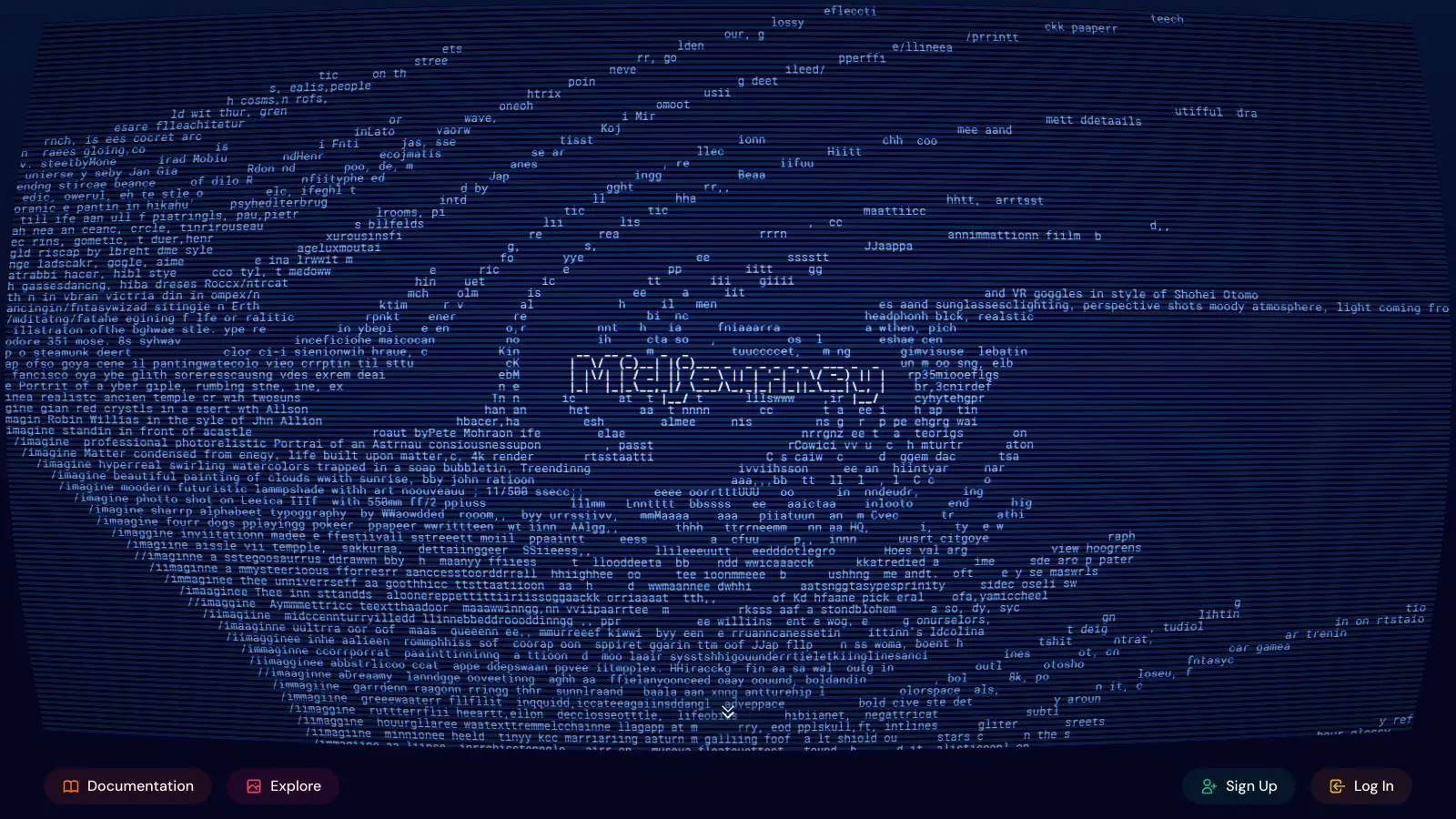
Midjourney is an AI image generator that creates detailed artwork, illustrations, and 3D content from text descriptions. Developed by an independent research lab in San Francisco, it works through Discord or the midjourney.com website. Users can type text prompts to generate unique images, making it valuable for artists, designers, and creative professionals.

The platform offers multiple ways to refine and customize images. Users can upscale their creations for better quality, create variations of existing images, or modify specific areas while keeping others intact. It supports three generation modes—Fast, Relax, and Turbo—each suited to different needs and workflows. You can also customize outputs using parameters for aspect ratio, stylization level, and version selection.

One standout feature is the ability to reference existing styles and characters. Users can upload images to maintain consistency across their creations or apply specific artistic styles using Omni and Style reference options. The platform now includes video generation capabilities, letting you create short videos from generated images.

Monthly subscriptions start at $10 for basic access, with higher tiers offering more features and generation time. Each plan includes different amounts of GPU hours and varying levels of concurrent job capacity, letting users choose based on their needs. Annual subscriptions provide a 20% discount across all tiers.

who is Midjourney for?

Midjourney is built for creative professionals who need high-quality AI-generated images, artwork, and 3D content without extensive technical skills. It transforms text descriptions into detailed visuals, saving hours of manual design work while delivering professional-quality results.

  • Artists and illustrators who want to generate artistic images, sketches, and photorealistic outputs for their creative projects
  • Marketing professionals who need custom visuals for campaigns, social media, and presentations without hiring specialized designers for every project
  • Game developers and storytellers who need to quickly visualize characters, environments, and 3D concepts during development phases
  • Small business owners with limited design budgets who want to create professional-looking graphics for websites, products, and promotional materials
  • UI/UX designers who use it to generate mockups and visual elements that enhance their digital interface designs
  • Users familiar with Discord or web interfaces who want quick experimentation and community interaction while creating
  • Content creators who benefit from the ability to quickly generate multiple image options, accelerating their ideation process

From advertising agencies and game studios to independent creators and digital publishers, Midjourney has become a tool across industries where visual storytelling matters.

overall sentiment

select your role to see what people like you are saying

Professional Illustrator/Artist

positive

Midjourney significantly accelerates creative workflows and produces gallery-worthy results that rival traditional methods. The artistic versatility and stylization options feel tailored to serious creatives, though hand rendering and fine detail control remain frustrating limitations.

strengths

  • Exceptional image quality and photorealism that competitors don't match
  • Extensive stylization and artistic parameter controls for creative expression
  • Fast generation speeds enabling rapid iteration and experimentation
  • Active Discord community with prompt engineering resources and peer feedback

concerns

  • Poor control over hands, text, and fine anatomical details in outputs
  • Subscription-only model with no free tier limits exploration before financial commitment
  • Strict content policies may censor certain artistic styles or themes
  • GPU queue times during peak hours disrupt creative momentum

online reviews (last 6 months summarised)

Midjourney has become a popular AI image generation tool, with users praising its incredible image quality and photorealism that many say is unmatched by competitors. The platform's superior stylization and artistic versatility resonate with creatives, and users appreciate the fast generation speeds and reliable uptime. The Discord community offers excellent support and prompt engineering resources, making it easier for beginners to get started. Advanced parameters and version options unlock significant creative control.

The subscription-only model with no free tier after trial frustrates potential users who want to test before committing. Many find the Discord integration clunky and not user-friendly, especially those unfamiliar with Discord. GPU queue times can be long during peak hours, and pay-per-use credits run out quickly for heavy users. Strict content policies censor certain prompts. Users struggle with limited control over hands, text, and fine details in images. The lack of offline mode or local installation also limits flexibility.

features

  • AI-Powered Image Generation: Create high-resolution visual content with exceptional prompt accuracy by typing descriptive text prompts. Midjourney generates four unique images per request, using diffusion models and large language models to capture your creative vision.
  • Advanced Image Refinement: Easily upscale images for higher resolution, generate variations of selected images, and modify specific image regions without starting over. Iterate on your creations using image references to refine results.
  • Fast, Relax, and Turbo Modes: Choose between three generation modes to control image generation speed and GPU usage, with Stealth Mode available on Pro and Mega plans for private image creation.
  • Style and Character References: Apply artistic styles from reference images using Omni and Style reference options. Maintain character consistency across multiple generated images for cohesive creative projects.
  • Parameter Customization: Fine-tune your outputs using parameters like aspect ratio, stylization level, and version selection to control the look and feel of generated images.
  • 3D and Video Capabilities: Generate 3D content and create short videos from your images, expanding creative possibilities beyond static 2D artwork.
  • Web and Discord Access: Use the midjourney.com website or Discord interface to create images. The web Imagine bar and Discord /imagine command both offer full functionality with integrated tools for image editing and variation.
  • Commercial Versatility: Generate images for personal and professional projects, with plans suitable for individual creators and businesses of all sizes.

pricing

  • Basic plan at $10 monthly ($96 yearly) offers 3.3 hours of fast GPU time, no relax GPU time, up to 3 concurrent jobs, and member gallery access.
  • Standard plan at $30 monthly ($288 yearly) provides 15 hours of fast GPU time, unlimited relax GPU time, 3 concurrent jobs, and member gallery access.
  • Pro plan at $60 monthly ($576 yearly) includes 30 hours of fast GPU time, unlimited relax GPU time, 12 concurrent jobs, Stealth Mode, and commercial use options.
  • Mega plan at $120 monthly ($1,152 yearly) delivers 60 hours of fast GPU time, unlimited relax GPU time, 12 concurrent jobs, Stealth Mode, and full commercial usage rights.
  • Annual subscriptions offer a 20% discount across all plans.
  • Companies with over $1 million in annual revenue must use Pro or Mega plans for commercial image generation.
  • Midjourney operates on a subscription-only model with no free tier available after the trial period ends.

frequently asked questions

How do I access Midjourney without Discord?

You can access Midjourney through the midjourney.com website without using Discord. Log in with your account and use the Imagine bar to create images with the same functionality as the Discord bot. The web interface offers a more user-friendly experience for people who don't want to deal with Discord servers and channels, with integrated tools for image editing and variation.

What are the best prompts for photorealistic portraits?

For photorealistic portraits, write detailed prompts that specify lighting, camera settings, and subject characteristics. Try phrases like "portrait photograph of [subject description], natural lighting, shallow depth of field, 85mm lens, professional photography." Include specific details about skin texture, eye color, facial features, and expression. You can also reference photography styles or use parameters like --ar for aspect ratio and --stylize to control the artistic interpretation level.

Can I use Midjourney for commercial purposes?

Yes, you can use Midjourney images for commercial purposes, but which plan you need depends on your company's revenue. Individual creators and small businesses can use any paid plan commercially. However, if your company earns over $1 million annually, you must subscribe to the Pro or Mega plan to use generated images for commercial work. All paid plans include commercial usage rights within these guidelines.

What's the difference between Midjourney versions?

Different Midjourney versions represent improvements to the AI model over time. Newer versions generally offer better image quality, sharper details, more realistic textures, and improved handling of text, human faces, and hands. They also understand complex prompts more effectively, giving you more control over your creations. You can select which version to use with the --v parameter in your prompts. All subscribers have access to the latest versions regardless of their plan tier.

How much do subscriptions cost and what do I get?

Subscriptions range from $10 to $120 monthly, with 20% discounts for annual billing. The Basic plan ($10/mo) gives you 3.3 hours of fast GPU time. Standard ($30/mo) includes 15 fast hours plus unlimited relax mode. Pro ($60/mo) offers 30 fast hours, unlimited relax, 12 concurrent jobs, and Stealth Mode. Mega ($120/mo) doubles the fast hours to 60 with the same perks. Higher tiers let you work faster with more concurrent generations and keep your images private.

other tools to check out

Canva screenshot
online buzz10M+ Searches
trend (1M)23%

Canva

Canva is a graphic design platform that lets individuals and professionals create designs without advanced design skills. It offers hundreds of thousands of templates, design tools, collaboration features, and photo/video editing capabilities. With both free and pro versions, Canva provides access to millions of design elements for creating social media graphics, presentations, posters, and more through its drag-and-drop interface.

best deal

Get 50% off Canva Pro or Business plans for new customers, or try Canva free with 250,000+ templates and 5GB storage

Grammarly screenshot
online buzz1M+ Searches
trend (1M)22%

Grammarly

Grammarly is an AI-powered writing assistant that provides real-time grammar, spelling, and punctuation checks, tone adjustments, and generative AI features for composing, rewriting, and proofreading text. It integrates with platforms like Google Docs, Gmail, Microsoft Word, Slack, and web browsers, offering both free and paid versions with features ranging from basic corrections to plagiarism detection and AI writing tools.

best deal

Try Grammarly's Free Version Today - Get Basic Grammar Checks & 100 AI Prompts Per Month Across Your Favorite Apps

QuillBot screenshot
online buzz1M+ Searches
trend (1M)-13%

QuillBot

QuillBot is an AI-powered writing tool that helps users improve their writing through features like paraphrasing, grammar checking, summarization, plagiarism detection, citation generation, translation, and AI detection. It offers a web-based interface, Chrome extension, and Google Docs integration, with pricing plans ranging from a free version to monthly, semi-annual, and annual premium subscriptions. The tool uses advanced natural language processing to provide contextually appropriate text modifications.

best deal

Try QuillBot free or upgrade to Premium for just $8.33/month with unlimited paraphrasing and advanced tools. 3-day money-back guarantee included.

Adobe screenshot
online buzz1M+ Searches
trend (1M)22%

Adobe

Adobe is a software company founded in 1982, offering digital solutions across creative, document, and marketing domains. Their flagship products include Photoshop, Illustrator, Premiere Pro, and Acrobat, which enable professionals and consumers to create, edit, and manage digital content. With Creative Cloud, Document Cloud, and Experience Cloud, Adobe provides tools for image editing, graphic design, video production, PDF management, and digital marketing.

best deal

New subscribers get 50% off Creative Cloud Pro for the first 3 months - includes 20+ apps and Firefly AI features

Wix screenshot
online buzz500k+ Searches
trend (1M)30%

Wix

Wix is a website builder that lets individuals and businesses create professional websites without coding. It offers drag-and-drop editing, AI-powered design tools, templates, and features for e-commerce, SEO, and marketing. Pricing ranges from free to enterprise-level, covering everything from personal portfolios to online stores.

best deal

Get 50% off Wix annual plans, with Light Plan starting at $17/month