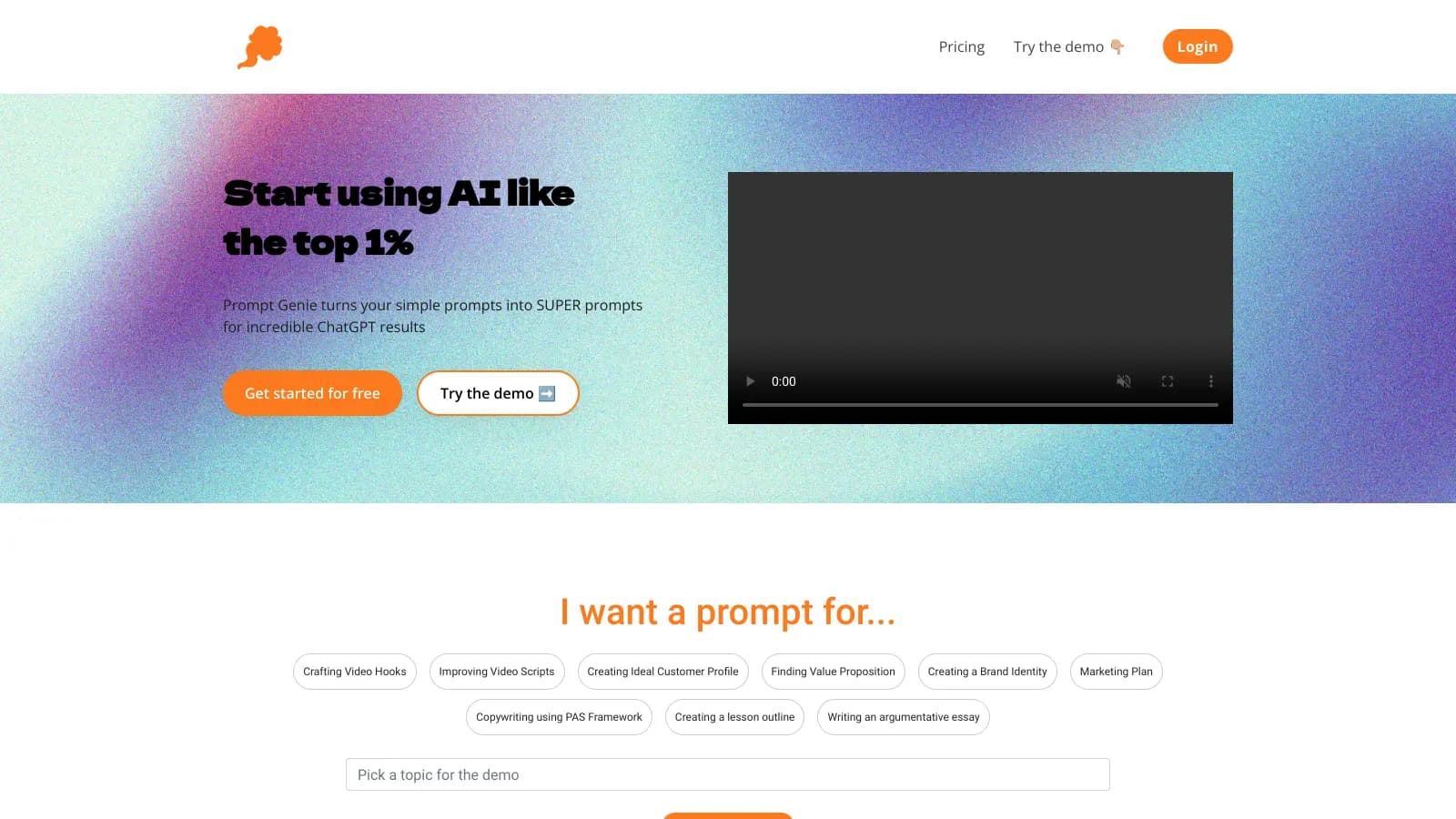
Prompt Genie helps users get better results from AI assistants like ChatGPT by improving the way they write their prompts. Available as a Chrome extension, it transforms basic ideas into optimized Super Prompts that generate higher quality AI responses.
The tool integrates directly into the text boxes of AI platforms, allowing you to optimize prompts right where you work. It supports ChatGPT, Claude, Gemini, and Copilot, adapting its suggestions to match each platform's requirements. Users can save their best prompts to a library with tagging and search functionality, and teams can share prompts via links. The extension processes everything in your browser and doesn't require API keys.
The Prompt Optimizer rewrites your basic ideas into more effective prompts, while Context Memory lets you reuse project backgrounds across multiple conversations. The Prompt Evaluator gives you feedback on your prompts before you send them. There's also a free library with over 300 curated prompts you can access without a subscription.
The tool requires Chrome and an internet connection to work. You can try it with a 3-day free trial that requires a credit card. After that, the Basic plan costs $8 per month (billed annually) and includes unlimited Super Prompts.
Prompt Genie works best for people who use AI assistants regularly and want better outputs without learning prompt engineering.
The tool serves professionals in marketing, education, content creation, and business consulting—anywhere getting better AI outputs directly impacts productivity.
There's almost no public discussion about Prompt Genie online. You won't find reviews on major tech sites or detailed Reddit threads breaking down its performance. This isn't unusual for Chrome extensions in the AI tools space, where users often try tools privately without leaving public feedback.
The lack of buzz doesn't mean the tool doesn't work. Many productivity extensions fly under the radar while serving their users well. If you're considering Prompt Genie, the 3-day trial is your best way to judge whether it fits your workflow, since you can't rely on public user experiences to guide your decision.
Prompt Genie is a Chrome extension that takes your basic ideas and transforms them into Super Prompts that work better with AI tools like ChatGPT, Claude, Gemini, and Copilot. It integrates directly into the text boxes where you're already working, so you don't have to switch between tools. You can also evaluate prompts before sending them, save successful ones to a library, and reuse context across multiple conversations.
Do I need technical skills to use Prompt Genie?Not at all! Prompt Genie was built for everyone, from beginners to experts. The interface works right inside the AI tools you already use. You just type your basic idea, and Prompt Genie transforms it into a more effective prompt. You don't need to know coding, understand API keys, or have special AI knowledge. If you can use ChatGPT, you can use Prompt Genie.
Will Prompt Genie work with AI tools besides ChatGPT?Yes! Prompt Genie supports ChatGPT, Claude, Gemini, and Copilot. The tool optimizes your prompts for whichever AI assistant you're using, adapting to each platform's requirements. This flexibility means you can switch between different AI tools and still get the benefits of Prompt Genie's optimization.
Can I save my optimized prompts for later?Yes, you can save all your successful prompts to the Prompt Library. You can add tags and search through them, making it easy to find what you need. There's also a free library with over 300 curated prompts you can access without a subscription. Teams can share prompts via links, which is helpful for maintaining consistent AI interactions across projects.
Does Prompt Genie work offline or on mobile devices?Prompt Genie needs an internet connection to work since it integrates with online AI platforms. It's a Chrome extension, so it only works on Chrome browsers on desktop computers, not on mobile devices or other browsers like Firefox or Safari. The tool processes everything in your browser for privacy, but you'll need to be online and using Chrome to access its features.


Our newsletter comes with exclusive discounts, trials and practical insights from within the industry