Ai Content Generation Tool+2 more

Dream Studio
best deal
Get Started with Free Credits – Create AI Art from Text Prompts
redeem now
Dream Studio
best deal
Get Started with Free Credits – Create AI Art from Text Prompts
redeem nowWe start with direct ratings from our readers, then look at what real users are saying in practitioner forums and community spaces. We pair that with search demand data and profession-level persona analysis.
Editorial note: this was originally published in may of 2024
quick take
based on real user feedback, community sentiment, pricing value, and fit for target audience. see our full methodology
used Dream Studio? we'd love to know your thoughts
reader ratings shape our score
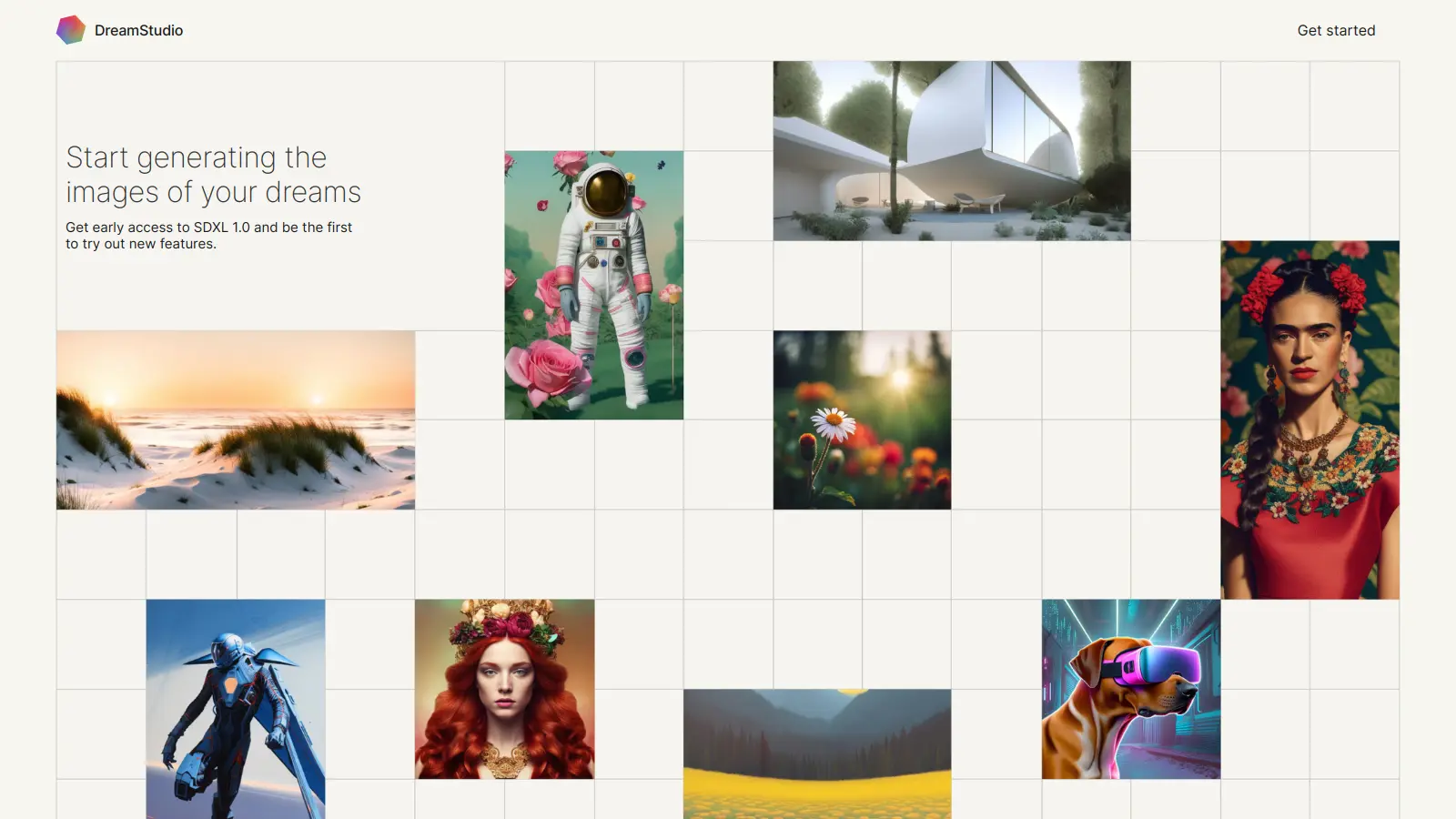
DreamStudio is an AI-powered image generation platform that helps users create and edit digital artwork through text prompts. Built by Stability AI, it serves as a web-based interface for Stable Diffusion, one of the most widely-used generative AI models.
The platform combines AI algorithms with user-friendly controls, allowing anyone to generate unique visuals without extensive technical knowledge. Users can adjust parameters like image dimensions, sampling steps, CFG scale, and artistic effects to achieve their desired results.
Whether you're creating marketing materials, social media content, or digital art, DreamStudio offers tools for both basic and advanced image manipulation. The platform includes features like inpainting, outpainting, style transfer using reference images, and image modification. You can view your creation history with previews and use the redream option to iterate on previous generations.
New users receive free starting credits upon signing up, with additional credits available for purchase. The pay-per-use model charges 1 credit per penny, meaning you only pay for what you need, making it accessible for both occasional users and professionals who require regular access.
monthly search interest
201k/mo now
DreamStudio's search volume peaked sharply in October 2022 when Stable Diffusion first captured mainstream attention, then dropped roughly 89% and has been slowly declining toward a floor of around 165,000 to 200,000 monthly searches since 2024. That plateau suggests a stable but shrinking core of users who prefer the web interface over local alternatives, rather than any growth in new adopters. The hype has fully passed, so you're evaluating the tool on its actual merits now rather than during a moment of novelty.
Whether DreamStudio earns its place in your workflow depends almost entirely on how often you generate and how much technical control you need. Pick your role below to see the honest breakdown.
overall sentiment
select your role to see what people like you are saying
Digital Artist/Illustrator
mixedDreamStudio works well for concept generation and style exploration, and the parameter controls (CFG scale, sampling steps, seed control) give you more hands-on input than most consumer-facing tools. The credit costs are low enough that experimenting doesn't sting. The real limitation is that if you're already comfortable with software, running Stable Diffusion locally via ComfyUI gives you the same model with no per-image costs and far more flexibility.
strengths
concerns
Small Business Owner/Solopreneur
positiveIf you need professional-looking visuals for a website, social posts, or promotional materials and can't justify a designer's rates, DreamStudio's pay-as-you-go model is a practical option. At around $0.07 per image, a $10 credit top-up goes a long way for occasional use. The learning curve around prompt writing is real, but there's no subscription pressure while you figure it out.
strengths
concerns
Content Creator/Blogger
mixedCustom imagery that matches a specific editorial brief is genuinely useful, and DreamStudio delivers on that for a low per-image cost. The problem is the small community: there's limited shared knowledge on prompt techniques compared to Midjourney or Leonardo.ai, so you're largely figuring things out alone. If you need a consistent posting cadence with brand-matched visuals, the lack of style-lock features will slow you down.
strengths
concerns
Developer/API Integrator
mixedThe DreamStudio interface itself isn't the point for developers. You're here for access to Stability AI's API, and the credit system applies there too. The API is well-documented and gives you access to Stable Diffusion 3.5 and Stable Image Ultra programmatically. That said, the free tier credits are minimal for testing at scale, and the per-credit cost adds up fast in production. Evaluate the API pricing carefully before building anything around it.
strengths
concerns
“The conversation has largely migrated to open-source communities running Stable Diffusion locally for free, and DreamStudio has never really answered the question of why you'd pay for a wrapper around an open-source model.”
Community discussion around DreamStudio is notably thin for a tool that once pulled nearly 1.8 million monthly searches. That October 2022 spike coincided with Stable Diffusion going mainstream, and DreamStudio was the official web interface riding that wave. Since then, the conversation has largely migrated to open-source communities running Stable Diffusion locally via ComfyUI or Automatic1111, where users get the same underlying model for free with no credit costs. The core criticism that surfaces in AI art communities isn't about image quality, it's about the pricing model: you're paying per generation on a tool that wraps an open-source model you could run yourself. For users who can't or won't set up a local environment, the pay-as-you-go credits (roughly $0.065 to $0.08 per image on the latest models) are genuinely affordable, but technically capable users see little reason to pay at all.
For occasional use, yes. At roughly $0.065 to $0.08 per image on Stable Diffusion 3.5 Large, it's genuinely cheap if you're generating a handful of images per week. The pay-as-you-go model means no subscription commitment, which suits small business owners or bloggers who need custom imagery but not constantly. Where it stops making sense is high-volume use: if you're generating dozens of images daily, a flat-rate tool like Midjourney at $10 a month works out significantly cheaper.
Small business owners and solopreneurs who need one-off marketing visuals without hiring a designer get the clearest value here. Content creators and bloggers who want to break away from stock photo libraries and need images matched to specific editorial briefs also fit well. Digital artists using it for concept generation and style exploration get solid results, particularly with the parameter controls. Developers integrating via the Stability AI API are better served going directly to the API rather than through the DreamStudio interface.
First, the competition from free local alternatives is a structural problem: Stable Diffusion runs for free on a decent GPU, and the interface tools around it (ComfyUI, Automatic1111) are mature. Second, the community around DreamStudio specifically is small, which means fewer prompt guides, shared workflows, and troubleshooting resources than you'd find for Midjourney or even generic Stable Diffusion communities. Third, brand consistency across multiple generations is genuinely difficult. Each image is essentially independent, so maintaining a coherent visual identity across a batch of marketing materials requires significant prompt discipline.
They serve different priorities. Midjourney produces more stylistically polished outputs with less prompt effort and has a massive community feeding you prompt ideas and techniques. DreamStudio gives you more technical control over generation parameters and charges per image rather than a monthly subscription. Choose DreamStudio if you generate infrequently and want flexibility without a recurring fee. Choose Midjourney if you're producing images regularly and want the best default output quality with the least friction.
Not easily. DreamStudio doesn't have a native style-locking or brand preset feature that carries across sessions. You can get closer by saving and reusing detailed prompts and keeping your seed numbers consistent, but results will still vary. If brand consistency is a core requirement for your business visuals, you'll need to invest time in developing a thorough prompt template, or consider tools with style reference features built in, like Leonardo.ai's model fine-tuning options.
toolsforhumans editorial team
Reader ratings and community feedback shape every score. Since 2022, ToolsForHumans has helped 600,000+ people find software that holds up after launch. how we research →

ChatGPT is an AI chatbot by OpenAI that uses language models to hold conversations, generate content, and complete tasks. It includes web browsing, image generation and analysis, voice interaction, autonomous task automation, and custom GPT creation. Available in multiple pricing tiers from free to enterprise, ChatGPT handles creative writing, data analysis, coding, and real-world automation.
best deal
Try ChatGPT Free: Basic AI conversations with GPT-5.2 Instant access (around 10 messages every 5 hours) at no cost.

Gemini is an advanced AI assistant by Google that processes text, code, images, audio, and video across Google's ecosystem. It offers content creation, coding assistance, research capabilities, and workflow automation through the Gemini app, web interface, and integrations with Google Workspace, Pixel phones, and Chrome.
best deal
Google AI Plus: Get 50% off at $3.99/month for the first 2 months (new subscribers); Google AI Pro: Try free for one month.

Microsoft 365 Copilot is an AI-powered productivity tool that integrates seamlessly with Microsoft 365 apps like Word, Excel, PowerPoint, and Outlook. It uses advanced language models and Microsoft Graph to provide intelligent, context-aware suggestions, automate tasks, and enhance collaboration by generating content, analyzing data, and offering real-time insights across various work processes.
best deal
Try Copilot Free: Experience basic AI assistance without Office integration

Claude is an AI assistant developed by Anthropic that handles coding, writing, and analysis tasks. It uses Constitutional AI for safety-focused interactions, supports multiple languages, and offers models like Sonnet and Opus with different capabilities. Claude prioritizes user privacy and context-aware responses.
best deal
Try Claude Free - 30-100 daily messages with code generation, image analysis, web search, and access to Claude's latest models

Perplexity AI is an AI-powered search engine that provides real-time, conversational responses to user queries. Founded in 2022, it uses natural language processing and large language models to deliver answers with source transparency. The platform offers multiple search modes, supports file and image uploads, and provides both free and paid plans for individual users and businesses.
best deal
Try Perplexity Free - Get unlimited basic searches with citations, 5 daily Pro Searches, and save your search history with access to basic AI models.

PhotoAI.me is an AI-powered platform that transforms personal photos into unique, high-resolution images across 100+ styles for various social media platforms. Users can upload a photo, select a themed package, and receive AI-enhanced images within hours, making profile personalization simple and quick for those seeking professional or creative profile pictures without advanced editing skills.
best deal
Transform your profile photo with 100+ AI styles starting at $19/month