AI Comic Factory Review 2026 - Features, Pricing & Deals

Last Updated
Feb 13, 2026

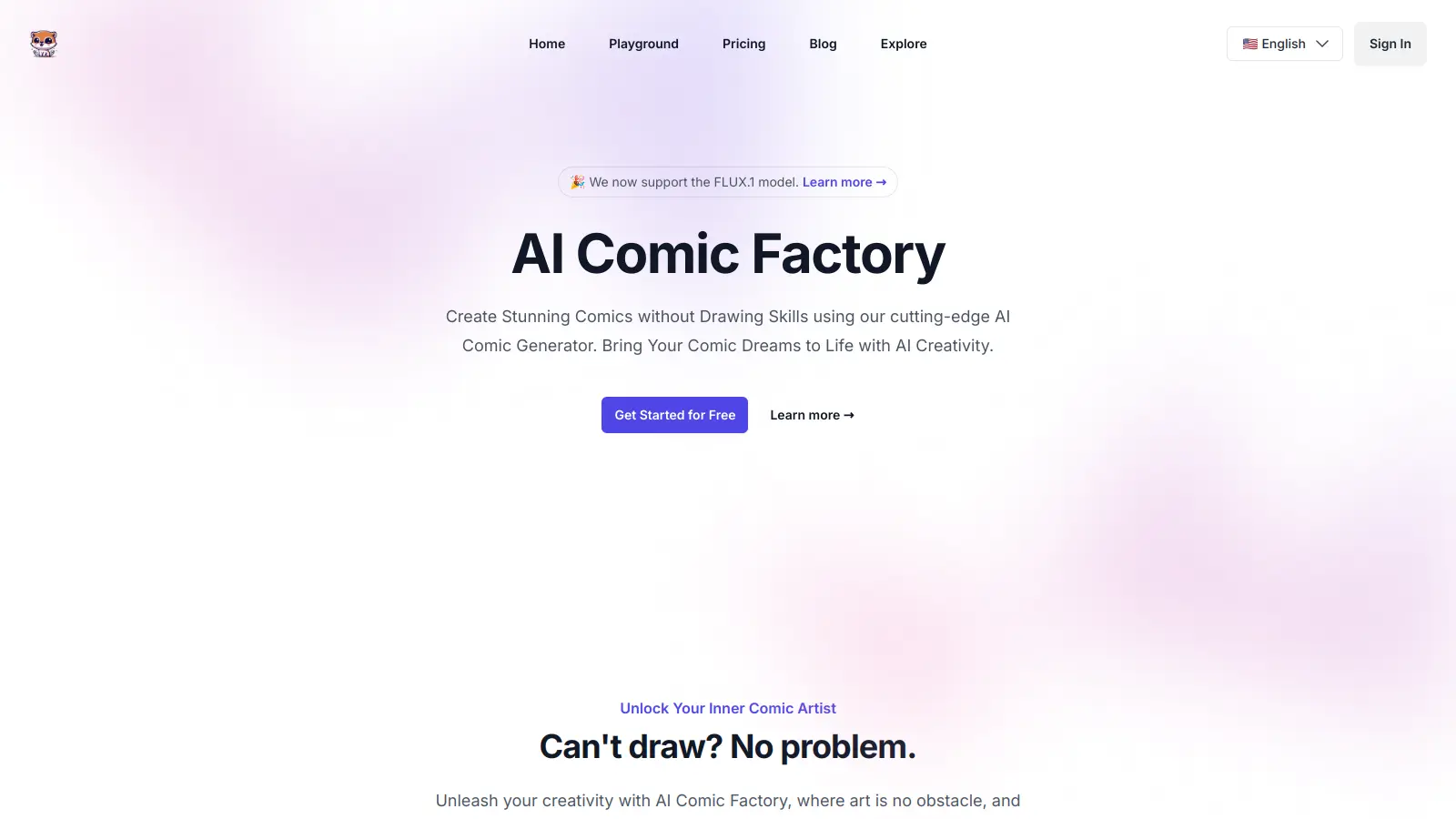
AI Comic Factory helps users create comic books and graphic novels without drawing skills. The platform transforms written descriptions into visual stories through comic art styles including American, Japanese manga, watercolor, and noir.

Users start by describing their scenes and characters, then choose an art style. The platform maintains character consistency throughout the story while offering customization options for dialogue, captions, and panel arrangements.

The tool has tiered pricing. A free plan provides basic features, while paid plans starting at $9.99 monthly offer additional credits and capabilities such as faster generation speeds and stable storytelling output.

Users can upload reference images, edit prompts, redraw images, and access their projects from the web-based interface hosted on Hugging Face Space. Whether creating personal projects, storyboarding ideas, or exploring creative concepts, the platform provides the tools needed to bring stories to life in comic form.

Who is AI Comic Factory for?

AI Comic Factory works for people who want to create visual stories but can't draw.

  • Beginners without Drawing Skills: People who have stories but lack artistic abilities can focus on narrative while the AI handles the visuals.
  • Comic Creators and Storytellers: Writers who need quick generation for personal projects or creative exploration.
  • Storyboard Artists and Designers: Professionals who need rapid prototyping for visual concepts can test ideas and layouts before committing to final artwork.
  • Educators and Teachers: School professionals can create educational comics to explain complex concepts or historical events.
  • Marketing Professionals: Marketers can create branded comics for campaigns or social media without hiring illustrators.
  • Independent Authors: Self-published writers can experiment with converting written stories into graphic novels or promotional comics with consistent character designs.
  • Hobbyists and Casual Creators: People who create for fun or personal projects can experiment with different comic styles from manga to superhero art.

This tool works for beginners, comic creators, educators, marketers, and hobbyists who need to generate comic panels quickly without specialized design skills or big budgets.

Online Reviews (Last 6 Months Summarised)

Users praise AI Comic Factory for generating high-quality comic panels quickly from text prompts, with impressive style variety including manga, superhero, and realistic art. The interface gets positive marks for being easy to use even for beginners with no art skills, and the free tier is generous and fun to experiment with. Many appreciate it for storyboarding and rapid prototyping of ideas.

Character consistency is inconsistent across panels, despite the feature being advertised. Free version outputs include watermarks. Advanced users find the customization limited, particularly for fine-tuning poses. Higher resolutions and more styles sit behind a paywall. The AI generates text errors and anatomical issues in images.

Features

  • Text-to-Comic Generation: Input storylines and watch AI transform your narrative into comic panels, making storytelling accessible for everyone regardless of artistic skill.
  • Art Style Selector: Choose from comic styles like American, Japanese manga, watercolor, and noir to match your story's visual tone.
  • Panel Layout Customization: Design your comic's visual flow by selecting from layout configurations in single or double page modes.
  • Character Consistency Engine: The system maintains character appearances throughout the comic, preserving design coherence across all panels.
  • Real-Time Editing Tools: Modify dialogue, captions, and prompts instantly, plus redraw individual images if you're not happy with a panel.
  • Reference Image Upload: Upload personal character designs or reference images to guide the AI's visual generation.
  • FLUX.1 Support: Premium and Advanced plans include access to FLUX.1 technology for improved image generation quality.
  • Flexible Pricing Plans: Select from free, starter, premium, and advanced plans with different credit allocations.

Pricing

  • Free plan includes 0 credits with normal speed generation, character consistency, ability to upload your own character, single/double page mode, custom caption language and editing, prompt editing, and ad-free experience.
  • Starter Plan at $9.99 monthly provides 600 credits, faster image generation, stable storytelling output, ad-free experience, custom caption options, character consistency, character uploads, prompt editing, and single/double page mode.
  • Premium Plan at $13.99 monthly offers 1200 credits, FLUX.1 support, character consistency, character uploads, faster image generation, stable storytelling output, single/double page mode, prompt editing, and custom caption capabilities.
  • Advanced Plan at $34.99 monthly delivers unlimited credits, FLUX.1 support, character consistency, character uploads, faster image generation, stable storytelling output, single/double page mode, prompt editing, and custom caption options.

Frequently Asked Questions

How do I maintain consistent characters in multi-panel comics?

AI Comic Factory has a character consistency feature that remembers the appearance of your characters across panels. You can also upload your own character designs as reference images to guide the AI. However, some users report that character consistency is inconsistent, so you may need to use the redraw feature on individual panels to fix variations that appear.

Can I edit my comics after I create them?

Yes. After creating your comic, you can edit captions, dialogue, and even redraw images. The platform lets you modify the text in speech bubbles, adjust captions, and refine your story. If you're not happy with a panel, you can use the redraw feature to generate a new version. You can also edit your original prompts to create a different take on your comic.

What art styles are available for my comics?

You can choose from several comic styles including American, Japanese manga, watercolor, and noir. The American style offers bold lines and vibrant colors like traditional superhero comics. The Japanese style creates manga-inspired art with distinctive eyes and expressions. The watercolor style provides a softer look, while noir delivers dramatic shadows and high-contrast visuals.

Does the free version have watermarks?

Yes, the free version outputs include watermarks on the generated images. To remove watermarks and access higher resolutions, you'll need to upgrade to one of the paid plans. The free plan gives you 0 credits with normal speed generation and includes character consistency and other features, but the watermarks are a trade-off for the no-cost access.

What are the best prompts for creating comics?

The best prompts include specific descriptions of characters, scenes, plots, and settings. Be detailed about what you want to see in each panel. For example, instead of just saying "a hero," describe their appearance, pose, and the scene around them. The more specific your text prompt, the better the AI can generate what you're envisioning. You can experiment with different styles and refine your prompts after seeing the initial results.

Other Tools To Check Out

Best Deal

Get 50% off your first month with code WELCOME50 - limited spots available

Redeem Now

Best Deal

Try Liner Free - Highlight Web Pages & Research with AI Search, 25 Daily PDF Copilot Uses & More

Redeem Now

Best Deal

Get 60% off with the yearly plan at $9.99/month for unlimited essay generation.

Redeem Now

Find Out How Best To Utilise Tools

Our newsletter comes with exclusive discounts, trials and practical insights from within the industry

Sign Up Today