Ai Writing Assistant+2 more

Paperpal
best deal
Get 30% off your first payment with coupon code DZ30, bringing the annual plan to $97.30
redeem now
Paperpal
best deal
Get 30% off your first payment with coupon code DZ30, bringing the annual plan to $97.30
redeem nowWe start with direct ratings from our readers, then look at what real users are saying in practitioner forums and community spaces. We pair that with search demand data and profession-level persona analysis.
Editorial note: this was originally published in april of 2025
quick take
based on real user feedback, community sentiment, pricing value, and fit for target audience. see our full methodology
used Paperpal? we'd love to know your thoughts
reader ratings shape our score
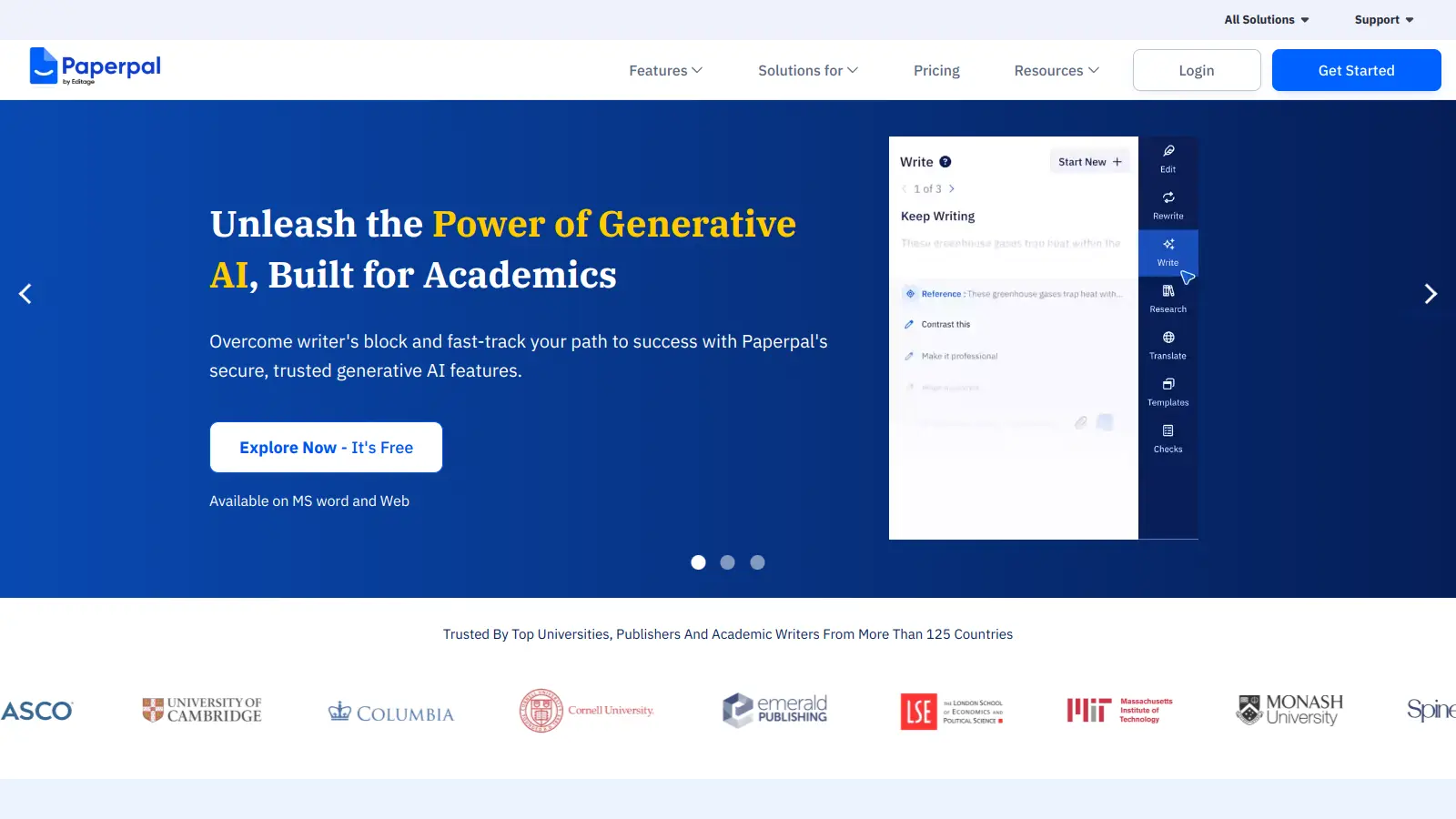
Paperpal is an AI writing assistant built for academic writing. It helps students, researchers, and professionals improve their academic papers through real-time feedback and suggestions.
The tool integrates with Microsoft Word and offers citation formatting, academic tone guidance, and manuscript checks. Users get plagiarism detection, translation across 25+ languages, and reference finding in one platform. A Chrome Extension works on research platforms.
The AI has been trained on academic content, so it provides context-aware suggestions that align with scholarly writing conventions. It helps writers maintain consistency in formatting, check citations, and ensure manuscripts meet journal submission standards. Paperpal claims to offer 3x more grammar suggestions than other AI grammar checkers.
A free version includes 200 suggestions monthly and 7,000 words of plagiarism checking. Paid plans start at $25 monthly with unlimited edits, advanced plagiarism detection, and 10,000 words per month of plagiarism checking. The platform serves over 1.8 million users, supporting them from initial drafts through final manuscript submission.
monthly search interest
8.1k/mo now
Paperpal grew slowly through 2022 and then accelerated sharply from early 2023 onward, riding the broader wave of interest in AI academic tools. The September 2025 spike looks like a seasonal pattern tied to the academic calendar rather than a product moment. The slight pullback since then suggests the tool has reached a stable audience of academic writers rather than continuing to expand aggressively. It's a settled product with a real user base, not a hype cycle tool, so you're getting something with enough track record to evaluate honestly.
Whether Paperpal is worth it depends almost entirely on what stage of writing you're at and what your relationship with academic English is. Pick your role below to see the honest breakdown.
overall sentiment
select your role to see what people like you are saying
Non-Native English Speaking Researcher
positiveIf English isn't your first language and you're submitting to English-language journals, Paperpal's academic language corrections are more targeted than anything a general grammar tool gives you. The terminology-preserving suggestions handle discipline-specific vocabulary better than Grammarly does. At $25/month, it's a real cost, but for a single high-stakes submission cycle it's worth running.
strengths
concerns
PhD Candidate / Graduate Student
mixedThe plagiarism detection and submission-readiness checks are genuinely useful for thesis work, but the tool slows down noticeably on long documents, which is exactly when you need it most. The free tier runs out fast, pushing you to a paid plan early. The quarterly plan at $55 is manageable; the $25/month plan over a multi-year PhD timeline adds up to real money for inconsistent benefit.
strengths
concerns
Early Career Academic / Journal Author
mixedThe 30+ submission checks catch the kind of formatting and language errors that get manuscripts desk-rejected before peer review, which is genuinely valuable when you're building a publication record. The occasional false positives in plagiarism detection are annoying but manageable. Data privacy is a legitimate concern if your research is sensitive, since you're uploading unpublished manuscripts to a third-party platform.
strengths
concerns
University Professor / Research Team Lead
positiveProfessors value Paperpal for streamlining manuscript preparation workflows and supporting student development of scholarly writing skills. The time-saving features and plagiarism detection align well with department publishing goals, though institutional licensing concerns and integration limitations may affect broader adoption.
strengths
concerns
“For a non-native English speaking researcher trying to get a manuscript past desk rejection, the targeted language feedback is more useful than a general grammar tool, but the $25/month monthly tier is hard to justify for a PhD student on a tight budget.”
Community discussion around Paperpal is thin but telling. In r/research, the main question being asked is whether the subscription refund actually works, which suggests people are trialling it cautiously rather than committing. A r/studytips post describes using it for last-minute cleanup during a deadline crunch, framing it as a legitimacy test rather than a workflow staple. A comparison piece pitting it against Jenni AI notes that both tools carry real plagiarism risk from Turnitin if used to generate text rather than edit it. Across commercial review platforms, the tool sits comfortably in the 4-star range, with the most consistent praise going to its academic-specific grammar suggestions and the most consistent criticism landing on the free tier limits and processing speed on long documents. The $25/month price point comes up repeatedly in cost-versus-value discussions, especially from students in regions where that figure is not trivial.
The free tier (200 suggestions/month, 5 daily uses of writing features) runs out quickly if you're mid-submission. The $25/month Prime plan is only worth it if you're actively submitting to journals or finishing a thesis chapter. The quarterly plan at $55 brings that down to about $18/month, which is the better entry point if you know you'll use it consistently over a few months. If you only need occasional grammar cleanup, the free tier plus a tool like Grammarly covers most of it for less.
Non-native English speaking researchers get the most from it: the academic language refinement and terminology-preserving suggestions are genuinely better than general grammar tools for this use case. Early career academics preparing journal submissions also benefit from the 30+ submission-readiness checks that reduce desk rejection risk. PhD candidates working on thesis chapters get value from the plagiarism detection, though the slow processing on large documents is a real frustration.
Large document processing is slow, which matters when you're submitting a full dissertation chapter under deadline pressure. The free tier is restrictive enough that most serious users get pushed to a paid plan within the first week. There are occasional false positives in plagiarism detection that can cause unnecessary panic before a submission. And the $25/month monthly plan adds up to $300/year, which is a significant commitment for a tool that does one job well.
If you're primarily editing and polishing manuscripts you've already drafted, go with Paperpal. Its academic-specific grammar checks and journal submission tools are more targeted. If you want help generating text, expanding ideas, or building drafts from scratch, Jenni AI is the better fit because its interface is built around text generation rather than post-draft editing. The plagiarism risk with generated text applies to both, so use either tool for editing rather than ghost-writing if Turnitin is in your submission pipeline.
The 30+ submission checks cover real things: language quality flags, abstract structure, reference formatting, and journal-specific technical compliance. For early career researchers who haven't internalised what desk editors flag, this is genuinely useful and not just a checklist. It won't fix a weak argument or a flawed methodology, but if your rejection risk is about formatting or language quality rather than content, these checks catch the kind of errors that get manuscripts bounced before peer review.
toolsforhumans editorial team
Reader ratings and community feedback shape every score. Since 2022, ToolsForHumans has helped 600,000+ people find software that holds up after launch. how we research →
is this your tool?
claim your listing to update details, respond to our review, or upgrade to a featured partnership.
claim this listing →
ChatGPT is an AI chatbot by OpenAI that uses language models to hold conversations, generate content, and complete tasks. It includes web browsing, image generation and analysis, voice interaction, autonomous task automation, and custom GPT creation. Available in multiple pricing tiers from free to enterprise, ChatGPT handles creative writing, data analysis, coding, and real-world automation.
best deal
Try ChatGPT Free: Basic AI conversations with GPT-5.2 Instant access (around 10 messages every 5 hours) at no cost.

Gemini is an advanced AI assistant by Google that processes text, code, images, audio, and video across Google's ecosystem. It offers content creation, coding assistance, research capabilities, and workflow automation through the Gemini app, web interface, and integrations with Google Workspace, Pixel phones, and Chrome.
best deal
Google AI Plus: Get 50% off at $3.99/month for the first 2 months (new subscribers); Google AI Pro: Try free for one month.

Grammarly is an AI-powered writing assistant that provides real-time grammar, spelling, and punctuation checks, tone adjustments, and generative AI features for composing, rewriting, and proofreading text. It integrates with platforms like Google Docs, Gmail, Microsoft Word, Slack, and web browsers, offering both free and paid versions with features ranging from basic corrections to plagiarism detection and AI writing tools.
best deal
Try Grammarly's Free Version Today - Get Basic Grammar Checks & 100 AI Prompts Per Month Across Your Favorite Apps

Claude is an AI assistant developed by Anthropic that handles coding, writing, and analysis tasks. It uses Constitutional AI for safety-focused interactions, supports multiple languages, and offers models like Sonnet and Opus with different capabilities. Claude prioritizes user privacy and context-aware responses.
best deal
Try Claude Free - 30-100 daily messages with code generation, image analysis, web search, and access to Claude's latest models

Perplexity AI is an AI-powered search engine that provides real-time, conversational responses to user queries. Founded in 2022, it uses natural language processing and large language models to deliver answers with source transparency. The platform offers multiple search modes, supports file and image uploads, and provides both free and paid plans for individual users and businesses.
best deal
Try Perplexity Free - Get unlimited basic searches with citations, 5 daily Pro Searches, and save your search history with access to basic AI models.

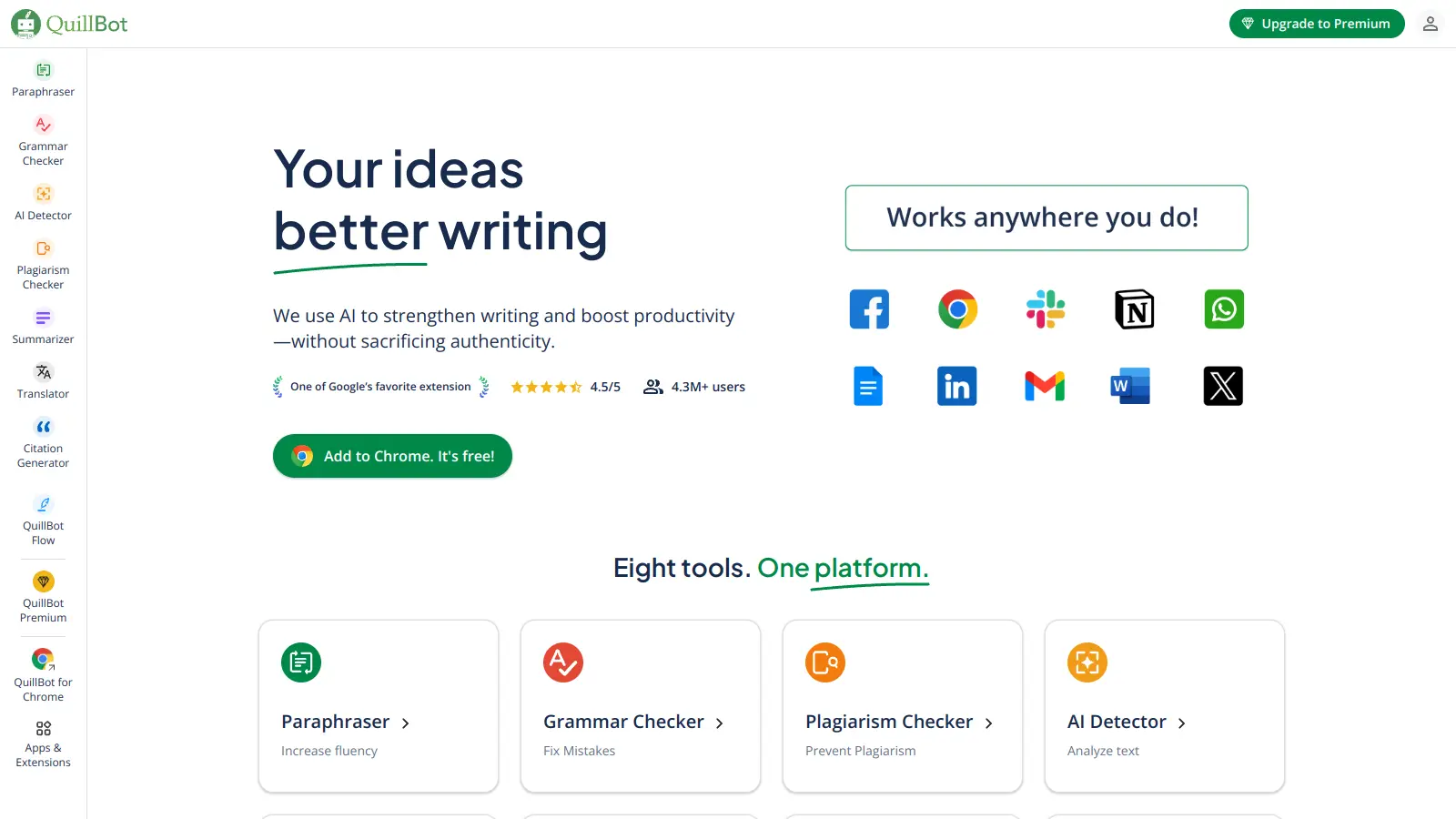
QuillBot is an AI-powered writing tool that helps users improve their writing through features like paraphrasing, grammar checking, summarization, plagiarism detection, citation generation, translation, and AI detection. It offers a web-based interface, Chrome extension, and Google Docs integration, with pricing plans ranging from a free version to monthly, semi-annual, and annual premium subscriptions. The tool uses advanced natural language processing to provide contextually appropriate text modifications.
best deal
Try QuillBot free or upgrade to Premium for just $8.33/month with unlimited paraphrasing and advanced tools. 3-day money-back guarantee included.