Oracle JD Edwards Review 2026 - Features, Pricing & Deals

Last Updated
Feb 14, 2026

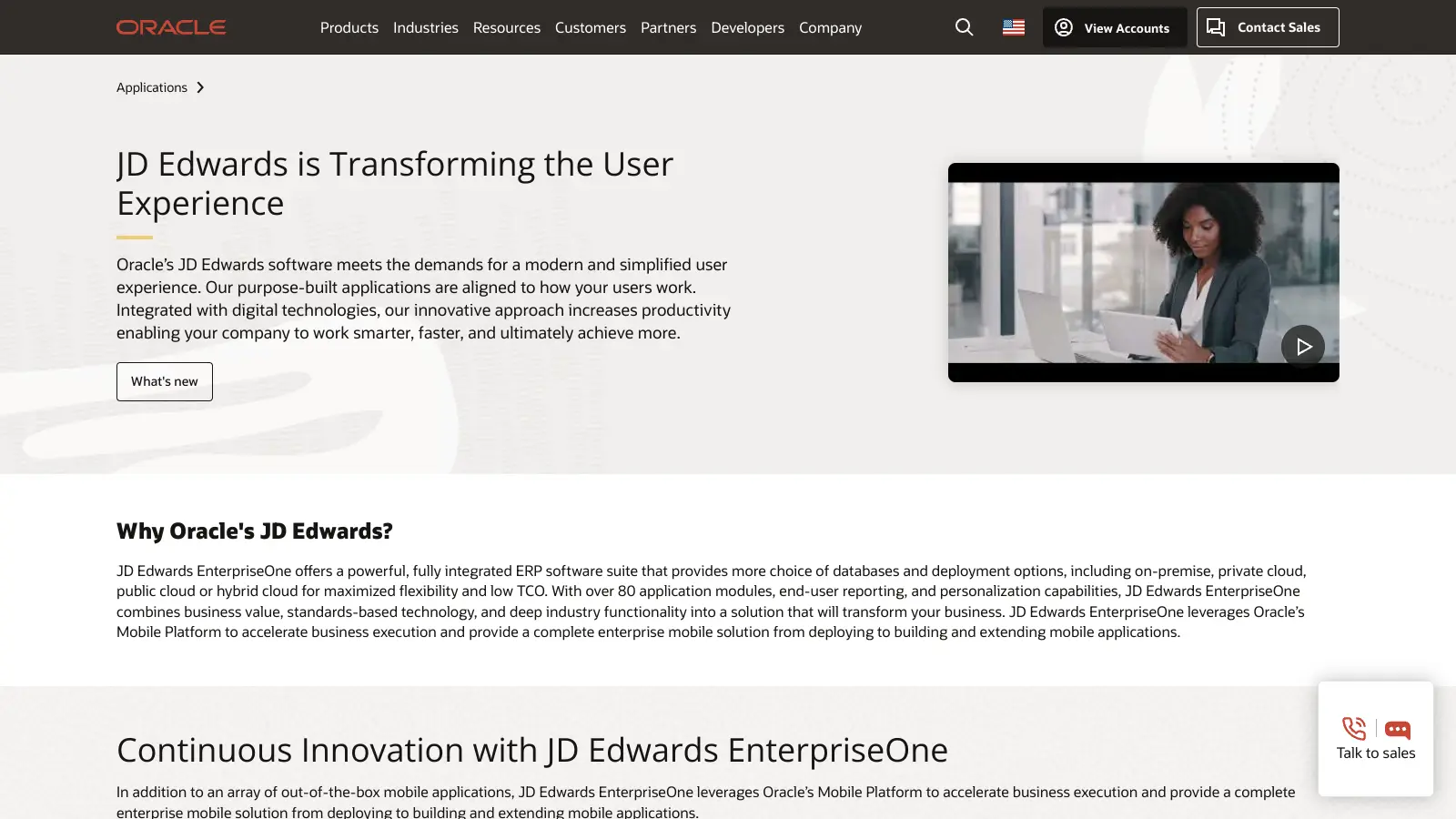
Oracle JD Edwards is an Enterprise Resource Planning (ERP) system that helps organizations manage their business operations. The software brings together modular applications to handle everything from financial management to manufacturing and supply chain operations.

Originally developed in the 1970s by JD Edwards & Company, the platform is now part of Oracle's business solutions portfolio. It runs on a multiplatform architecture that works across different databases, operating systems, and hardware. Companies can choose how they want to run their system - on their own servers, in the cloud, or using a mix of both.

The system works for companies in manufacturing, construction, distribution, service, and asset management. It handles core business tasks like accounting, inventory control, supply chain management, and order processing. The interface uses point-and-click and drag-and-drop controls, accessible through Oracle WebCenter and Collaborative Portal. Companies can pick which modules they need and add more as they grow.

Pricing typically starts around $1,000 per user per month for subscription models, or $2,295-$4,595 per user for perpetual licenses on individual modules. The software requires IT support and training to use effectively, but Oracle provides regular updates and has committed to supporting it through at least 2033.

The system offers customization capabilities, though customization isn't always easy and often requires skilled business analysts. It works best for organizations that have the resources to handle a full-featured ERP solution.

Who is Oracle JD Edwards for?

Oracle JD Edwards is for small to large organizations that need to manage business operations across multiple departments. This ERP solution delivers the most value to companies looking for a scalable system with a single database that connects financial, manufacturing, supply chain, and operational functions.

  • Manufacturing Companies with process, discrete, or repetitive manufacturing operations that need planned preventive maintenance and work order management.
  • Construction Firms running multiple projects that need to track approvals, profitability, and operations in one system.
  • Distribution Businesses with supplier networks that need real-time communication, procurement tools, and inventory control across the supply chain.
  • Service Organizations managing customer relationships, service delivery, and financial operations through modules built for service-based work.
  • Asset Management Companies with equipment-intensive operations that need maintenance management, inventory control, and financial tracking.
  • Finance Teams processing invoices, vendor payments, and consolidating multiple smaller businesses for reporting purposes.
  • HR Professionals managing workforce planning, payroll, benefits administration, and employee development through the HRMS capabilities.

Oracle JD Edwards works well for cost-conscious organizations that need robust functionality without the complexity of larger platforms like SAP. It's less suitable for very large industries with highly complex requirements and unlimited budgets.

Online Reviews (Last 6 Months Summarised)

Users generally find JD Edwards easy to use. They appreciate that it handles all facets of business operations, works with many add-ons, and comes with full Oracle support. The system rarely has issues for daily users and works well for processing invoices, vendor payments, and consolidating multiple businesses. People also mention customization capabilities, robust security features, and effective maintenance and inventory management.

JD Edwards has limitations and fewer features compared to other Oracle platforms and ERPs like SAP. There have been few updates recently, and newer software doesn't always integrate well with the system. Customization isn't easy despite being possible. Users report MRP issues where overdue orders don't trigger proper messages. The user interface needs improvement. The system is less suitable for large industries with complex requirements, and it requires skilled business analysts to implement properly.

Features

  • Multiplatform Architecture: Runs across databases, operating systems, and hardware platforms with JD Edwards EnterpriseOne Tools as the runtime and development environment.
  • Integrated Supply Chain: Connects supply chain processes with electronic data interchange, order management, procurement, and inventory control through internet and intranet communication.
  • Point-and-Click Interface: Drag-and-drop forms accessible via Oracle WebCenter and Collaborative Portal, with EnterpriseOne Search for quick menu task access.
  • Orchestrator: Creates custom workflows using Groovy scripting and REST calls without heavy coding, connecting JD Edwards with external applications.
  • Financial Management: Module with accounts receivable, payable, general ledger, and fixed asset accounting for invoice processing, vendor payments, and business consolidation.
  • Manufacturing Operations: Manages process, discrete, and repetitive manufacturing with planned preventive maintenance and work order management.
  • Interoperability: Works with legacy systems, third-party applications, and adapts to multiple languages, currencies, and international standards.

Pricing

  • No free tier or trial version is publicly available for JD Edwards EnterpriseOne.
  • Subscription pricing starts around $1,000 per user per month based on recent analysis, though actual costs vary by modules and number of users.
  • Perpetual license pricing ranges from $2,295 to $4,595 per user for individual modules as of October 2023.
  • Software Update License & Support (SULS) is an additional ongoing cost (typically 22% of license cost annually) that provides access to updates, patches, and technical support services.
  • Pricing requires direct contact with Oracle sales representatives for customized quotes based on specific business needs and implementation scale, with potential volume discounts for larger enterprise implementations.

Frequently Asked Questions

How does JD Edwards EnterpriseOne compare to other ERP systems?

JD Edwards EnterpriseOne stands out from other ERP systems through its flexibility in deployment options and industry-specific solutions. Unlike some competitors, it offers on-premise, cloud, or hybrid deployment models to fit your business needs. JD Edwards excels in manufacturing, construction, and distribution industries with tailored modules that other systems might lack. While SAP and Oracle EBS might offer more complex functionality, JD Edwards generally has a lower total cost of ownership and is often easier to customize without heavy coding. Its strength lies in connecting operational and financial data in real-time, though the learning curve can be steeper than some newer cloud-based ERP solutions.

What hardware requirements do I need to run JD Edwards?

The hardware requirements for JD Edwards depend on your deployment model and company size. For on-premise installations, you'll typically need servers for web, application, database, and deployment services. JD Edwards runs on a multiplatform architecture that supports different operating systems and databases. For a mid-sized company, plan for at least 16GB RAM and multi-core processors on application servers. Cloud deployments through Oracle Cloud Infrastructure (OCI) eliminate most hardware concerns, as Oracle manages the infrastructure. Your IT team should plan for adequate network bandwidth, especially if you have multiple locations accessing the system. We recommend consulting with an Oracle partner for specific sizing based on your user count and modules.

How long does a typical JD Edwards implementation take?

A typical JD Edwards implementation takes between 6 to 18 months, depending on your company size and the complexity of your business processes. Small to mid-sized companies with straightforward requirements might complete implementation in 6-9 months. Larger enterprises with multiple locations or complex manufacturing processes usually need 12-18 months. The implementation timeline includes business process analysis, system configuration, data migration, testing, and user training. Companies that limit customizations and follow standard JD Edwards processes tend to have faster implementations. Many successful projects use a phased approach, rolling out core financial modules first, then adding other modules like manufacturing or distribution in later phases. Keep in mind that implementation requires skilled analytical people and business analysts who know the system.

What kind of support is available after implementation?

After implementation, you have several support options for JD Edwards. Oracle provides direct support through their customer portal, which includes access to knowledge bases, patches, and technical support for issues. Your annual maintenance fee (typically 22% of license cost) covers this basic support. Many companies also work with third-party support partners who offer more personalized help, including customization support that Oracle might not cover. User groups like Quest offer forums where you can connect with other JD Edwards customers to share solutions. For companies who need guaranteed response times or 24/7 coverage, premium support packages are available through Oracle and partners. Most businesses use a mix of internal support staff and external resources to maintain their JD Edwards system.

Can JD Edwards integrate with other business systems?

Yes, JD Edwards can integrate with many other business systems. The platform includes built-in tools like Orchestrator that use Groovy scripting and REST calls to connect JD Edwards with external applications without complex coding. The system supports interoperability with legacy and third-party systems through standard integration methods like web services, REST APIs, and flat file exchanges. Common integrations include Salesforce for CRM, shop floor systems, shipping carriers, and banking platforms. JD Edwards can also connect with Oracle Cloud applications if you're using a hybrid approach. While integration capabilities are strong, they sometimes require technical expertise to set up initially. Users note that newer software doesn't always integrate as smoothly as expected. Once configured properly, these integrations typically run reliably with minimal maintenance.

Other Tools To Check Out

No items found.

Find Out How Best To Utilise Tools

Our newsletter comes with exclusive discounts, trials and practical insights from within the industry

Sign Up Today