LogicGate Review 2026 - Features, Pricing & Deals

Last Updated
Feb 13, 2026

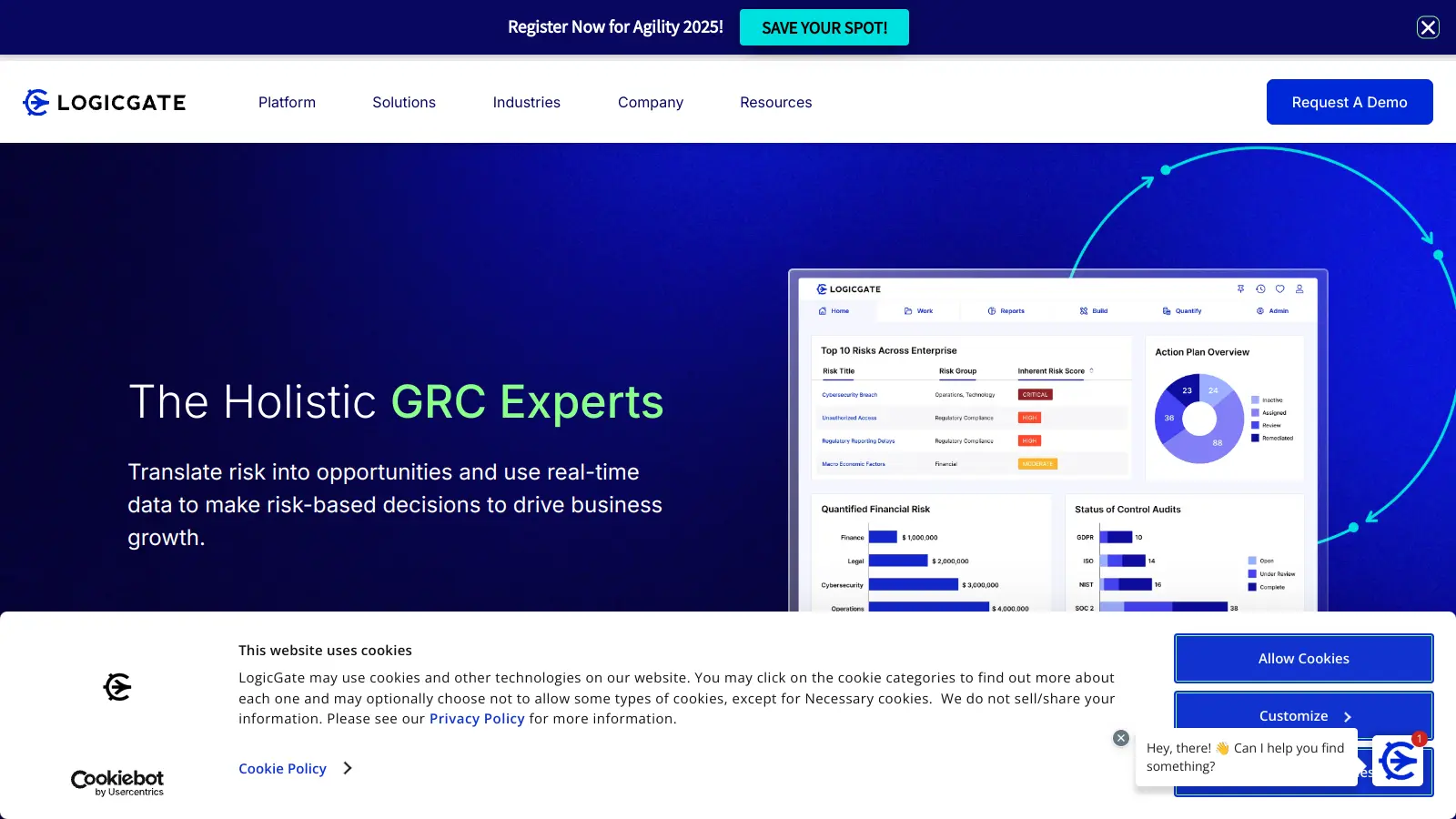
LogicGate offers an AI-powered Governance, Risk, and Compliance (GRC) platform called Risk Cloud. This software helps organizations handle their risk management, compliance, and operational resilience needs through a user-friendly interface with built-in artificial intelligence capabilities.

The platform uses a no-code approach built on a graph database, making it accessible for teams without technical expertise. Organizations can automate their compliance processes, manage cyber risks, and maintain policy controls all in one place. The graph database structure makes connections between risks, controls, and policies visible, giving users a clear view of their security landscape.

Founded in 2015 in Chicago, LogicGate has grown to serve healthcare, banking, software, and insurance companies. The platform's pricing starts around $13,765 annually for entry-level implementations, with median costs around $52,567 per year based on specific business needs and chosen features.

Companies can choose from different implementation packages, from basic setup to fully customized solutions. The platform also works well with other business tools through its API and built-in integrations, helping teams automate their workflow and stay on top of compliance requirements.

Who is LogicGate for?

LogicGate's Risk Cloud platform is built for compliance teams and risk managers who need to manage GRC processes without writing code or relying on IT teams to build custom solutions.

  • Compliance Officers who need to automate policy management and track acknowledgments across their organization
  • Risk Managers looking for a unified view of their risk landscape with connected assessments and controls
  • Audit Professionals seeking to automate documentation, tracking, and reporting of audit findings
  • IT Security Teams who want to improve visibility and management of cybersecurity risks
  • Operations Leaders needing to build and test business continuity plans and disaster recovery strategies
  • GRC Professionals managing large-scale data across multiple applications and teams who need AI-powered automation
  • Program Managers requiring real-time risk insights and board-level reporting dashboards

LogicGate serves enterprise organizations in healthcare, banking, insurance, and software where regulatory compliance and risk management are critical business functions.

Online Reviews (Last 6 Months Summarised)

LogicGate Risk Cloud receives positive feedback from users on G2 and other review platforms, with strong points in risk assessment capabilities and compliance management. The platform has an intuitive user interface that users find easy to implement, and the reporting and dashboards get specific praise. Customer support stands out as particularly responsive compared to other GRC vendors.

The pricing is high and expensive for smaller organizations. There's a steep learning curve when you get into advanced features. Some users report performance issues when working with large datasets. Integration challenges with legacy systems come up in negative reviews. Limited workflow customization options frustrate users who want more flexibility in how workflows can be configured.

Features

  • Spark AI Autofill: Completes forms automatically using your existing documentation, saving time on manual data entry and reducing errors in risk assessments and compliance workflows.
  • Spark AI Automated Evidence Testing: Tests control evidence as soon as files are collected, providing instant pass/fail results without manual review. This speeds up audit cycles and improves control validation.
  • Spark AI Reporting Insights: Analyzes large data volumes to identify outliers and recommended actions, helping teams prioritize what matters most across their GRC programs.
  • Spark AI Record Linking: Suggests connections between risks, controls, policies, and incidents automatically, making it easier to see how different parts of your GRC program relate to each other.
  • Spark AI Text Assistant: Generates guidance for control test plans, risk remediation strategies, and policy statements, helping teams create better documentation faster.
  • Audit Management: Automate your audit processes with pre-built tools that help you identify, document, and track audit tables quickly. Connect GRC applications, map internal controls, and visualize audit status using reports.
  • Policy Management: Automate compliance and policy acknowledgments for new employees. Create and approve policies using a shared document repository, link policies to control frameworks, and track policy status with a dashboard.
  • Cyber Risk Management: Get visibility into cybersecurity risks by connecting critical assets, risks, and controls. Prioritize risk responses and access actionable insights across your organization.
  • Risk Cloud Quantify: Uses Monte Carlo simulations and the Open FAIR Model to assess financial risk, helping you quantify potential losses and make data-driven decisions about risk treatment.
  • Operational Resilience: Build and test response plans with a centralized repository that automates incident scoring and mitigation. Create stakeholder reports and prepare for potential disasters efficiently.
  • Integration Capabilities: Connect Risk Cloud with third-party tools using native integrations and a RESTful API. Easily integrate with common SaaS platforms to improve your risk management ecosystem.
  • Flexible Implementation: Choose from multiple implementation options ranging from Lite to Custom, tailored to meet your specific business needs with varying levels of configuration and support.

Pricing

  • Custom pricing based on purchased Applications for your GRC program and Power User licenses.
  • Standard and External user licenses are included at no additional cost.
  • Entry-level pricing starts around $13,765 per year.
  • Median annual cost is approximately $52,567, based on transaction data.
  • Maximum annual pricing can reach up to $130,041 to $150,000, depending on organizational needs.
  • Pricing requires direct consultation with LogicGate for an accurate quote based on your requirements.
  • Implementation services range from Standard to Elite, with timelines between 90-150 days, which impact overall pricing.
  • Additional features like Risk Cloud Quantify Premium, Public Pages, SCIM User Provisioning, and extra environments can influence the final price.
  • Recommended to use procurement services like Vendr to negotiate the best possible pricing for specific organizational requirements.

Frequently Asked Questions

What makes LogicGate Risk Cloud different from other GRC solutions?

Risk Cloud stands out with its no-code interface that lets you build custom workflows without technical skills and built-in Spark AI features that automate manual work. It's built on a graph database that makes connections between risks, controls, and policies visible. The AI can automatically complete forms using your existing documentation, test control evidence with pass/fail results, and suggest connections between different parts of your GRC program. You can start small with just one use case and expand as needed. Many customers mention the flexibility to adapt the platform as their risk program matures, which isn't always possible with other GRC tools that force you into their way of doing things.

How long does implementation typically take?

Implementation time varies based on which package you choose. Basic setups can be completed in about 90 days, while more complex implementations might take up to 150 days. The timeline depends on how many applications you're deploying, how much customization you need, and your team's availability. Most customers start with one or two core applications and add more later, which helps speed up initial deployment and see value faster.

Can I integrate Risk Cloud with my existing systems?

Yes, Risk Cloud connects with many systems through native integrations and its REST API. You can pull data from security tools, HR systems, and other business applications. The platform offers a Risk Cloud Connector for common SaaS tools, making it easier to create automated workflows. For example, you could set up Risk Cloud to automatically create new risk entries when your security scanning tools find vulnerabilities, or sync employee data from your HR system for policy acknowledgments. Some users report integration challenges with older legacy systems.

Do I need a technical background to use Risk Cloud?

No technical background is needed. Risk Cloud uses a no-code approach that lets GRC professionals build and modify applications through drag-and-drop interfaces. You won't need to write code or SQL queries to create workflows, forms, or reports. That said, users report there is a steep learning curve to understand how to build effective workflows, especially when using advanced features. LogicGate offers training resources and their support team can help if you get stuck with more complex configurations.

How does LogicGate pricing work?

LogicGate uses custom pricing based on which Applications you purchase for your GRC program and how many Power User licenses you need. Standard and External user licenses come at no additional cost. Entry-level implementations start around $13,765 per year, with median costs around $52,567. Larger enterprise implementations can reach $130,000 to $150,000 annually. You'll need to talk directly with LogicGate for an accurate quote. Implementation services and add-ons like Risk Cloud Quantify Premium or additional environments will affect the final price. Using a procurement service can help you negotiate better terms.

Other Tools To Check Out

Best Deal

Try PolicyHub free or schedule a demo to explore policy management from $15,000/year

Redeem Now

Best Deal

Get started with Onspring from $20,000/year - Request a personalized quote

Redeem Now

Best Deal

Get started with enterprise-level security at just $200/month, plus free NFR license available for MSPs

Redeem Now

Find Out How Best To Utilise Tools

Our newsletter comes with exclusive discounts, trials and practical insights from within the industry

Sign Up Today