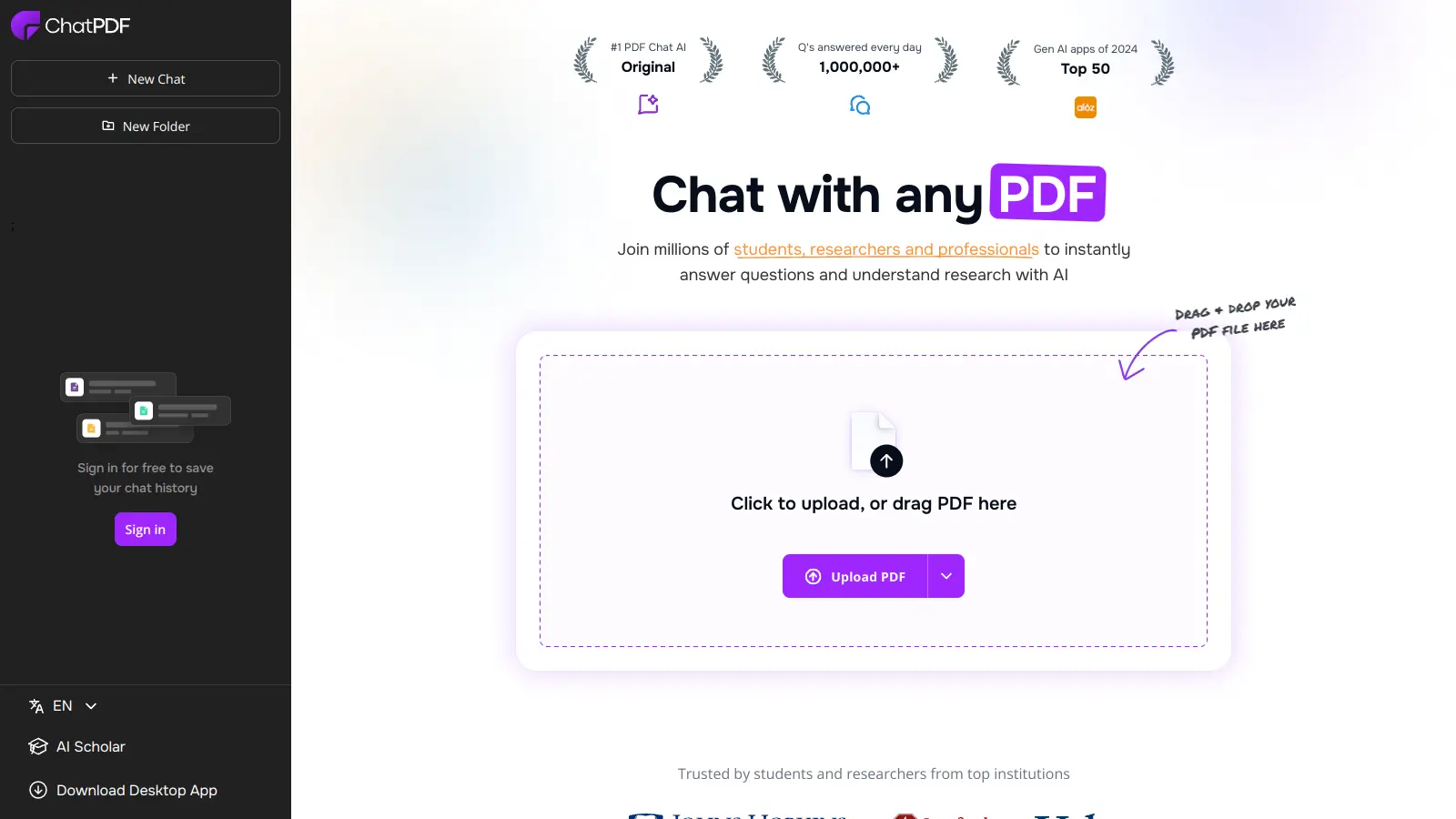
ChatPDF is an AI-powered tool that helps users interact with PDF documents through a chat interface. You can ask questions about your documents and get answers with page references without scrolling through pages of text.
The tool works by analyzing your uploaded PDFs and letting you ask questions about their content. Whether you need to find specific information, get summaries, or understand complex concepts, you type your questions and receive answers based on the document's content with citations to specific pages.
It's helpful for students going through research papers, professionals reviewing reports, or anyone who needs to grasp information from lengthy documents quickly. The platform supports multiple languages and can handle PDFs, Word documents, and PowerPoint presentations.
The free version lets you analyze 2 documents daily with some limitations. A paid plan is available for users who need to work with more documents. The tool includes features like document summarization, information extraction, and the ability to chat with multiple files at once through folders.
Security is a priority, with SSL encryption protecting document transfers. Users can manage their uploaded files and delete them whenever they want, maintaining control over their data.
Try ChatPDF Free: Upload 2 documents daily (up to 120 pages each) and ask 50 questions at no cost.
ChatPDF works for professionals and students who need to extract information from documents without spending hours reading them.
ChatPDF is useful across industries including education, law, finance, healthcare, and research, where professionals regularly need to process and analyze text-heavy documents.
ChatPDF gets praise for its easy-to-use interface that makes uploading and querying documents straightforward. Users appreciate how it saves time by extracting information from PDFs without manual reading, and it's proven helpful for students and professionals who need fast document analysis. The AI-powered search works well with PDF formats and is useful for summarizing long research papers.
The free tier has strict usage limits that frustrate regular users. The premium pricing is considered expensive by some. The tool struggles with scanned documents or poor quality PDFs. There are inaccuracies in extracted information from time to time. Some users raise privacy concerns about uploading documents to the cloud, and the limited context window for very long documents can be an issue for comprehensive research tasks.
ChatPDF handles large documents quite well, though there are some limitations. The free version allows documents up to 120 pages and 10MB in size. If you need to work with bigger files, the Plus plan supports documents up to 2,000 pages and 32MB in size. For very large documents, ChatPDF automatically breaks them down into digestible sections to maintain quick response times. The tool's AI does a good job of understanding context across the entire document, so you can still ask questions about content that appears in different sections.
Can ChatPDF understand tables and charts in my documents?Yes, ChatPDF can recognize and interpret basic tables and charts in your documents. The tool uses advanced OCR (Optical Character Recognition) to extract data from visual elements. While it works best with text-based tables, it can also describe simple charts and graphs. Just ask specific questions about the data shown in these elements. Keep in mind that complex or poorly scanned visuals might not be interpreted perfectly, so you might need to ask follow-up questions for clarity in those cases.
Is my data secure when I upload documents to ChatPDF?ChatPDF takes security seriously. They use SSL encryption during document transfer and storage to protect your files. You maintain control over your data and can delete documents from their servers at any time. While the service needs to process your document to answer questions about it, they don't share your content with third parties. That said, if you're working with highly sensitive information, you might want to review their privacy policy carefully or consider using alternative solutions for confidential documents.
Can I use ChatPDF offline or download it as a desktop app?No, ChatPDF doesn't currently offer offline capabilities or a downloadable desktop application. It's a web-based tool that requires an internet connection to function. The service runs on cloud servers that process your documents and generate responses, so you'll need to be online to use it. This might be inconvenient if you often work in places with poor internet connectivity, but it does mean you can access your documents from any device with a web browser without installing anything.
How accurate are ChatPDF's answers compared to reading the document myself?ChatPDF provides generally accurate answers based on the content of your document, but it's not perfect. It excels at finding specific information quickly and summarizing content, saving you lots of time. The tool provides page references with its answers so you can verify the information yourself. However, the AI might occasionally misinterpret complex technical terms or miss subtle nuances that a human reader would catch. For critical research or legal documents, it's best to use ChatPDF as a helpful assistant rather than a complete replacement for your own review. Ask follow-up questions if an answer seems unclear or incomplete.


Our newsletter comes with exclusive discounts, trials and practical insights from within the industry