Best GitHub Copilot Alternatives in 2026: For Every Dev Team
7 alternatives reviewedlast reviewed 22 march 2026
Editorial note:this was originally published in march of 2026
This page is for developers and engineering teams who've hit a wall with GitHub Copilot, whether that's the pricing, the shallow codebase context, or missing features like self-hosting and privacy controls. There are real alternatives worth considering, and the gap between them isn't trivial.
I've covered 7 tools across a range of use cases: full IDE replacements, privacy-first local models, enterprise-scale context engines, and open-source options you can run yourself. Each pick is evaluated on pricing structure, context window size, IDE support, and how cleanly it fits into an existing dev workflow.
We collect first-hand reviews from people who use these tools every day — what works, what doesn't, whether it's worth paying for. We research pricing, features, and comparisons so that feedback has real context behind it. For this page, tools were selected based on code completion capabilities, integration depth with common editors, and model transparency. Read our full research methodology.
looking for a GitHub Copilot alternative?
tell us what you're considering and why — it helps others in the same position.
What is GitHub Copilot?
GitHub Copilot is an AI coding assistant built by GitHub and OpenAI, launched in 2021 as the first tool of its kind. It integrates directly into VS Code, JetBrains IDEs, Visual Studio, and several other editors, providing real-time code completions, inline chat, and an agent mode that can autonomously edit files and fix errors. It runs on OpenAI and Anthropic models, currently including GPT-4.1 and Claude Sonnet 3.5.
Copilot Individual costs $10/month, Copilot Business is $19/user/month, and Copilot Enterprise is $39/user/month. Your code is not used to train models under paid plans, but all completions are processed on GitHub's servers, which matters for teams in regulated industries.
Developers look for alternatives for a few consistent reasons: the context window is limited to around 8k tokens for standard completions, which struggles with large monorepos; there's no self-hosting option; free-tier access is restricted; and some teams simply get better suggestion quality from competitors on their specific stack.
Enterprise AI coding assistant with a 200k-token context window and ISO 42001 certification.
Large engineering teams with monorepos and strict compliance requirements
FreemiumCommunity tier free; paid tiers from ~$30/user/month; Enterprise pricing on request
vs GitHub CopilotBetter than GitHub Copilot when you want multi-file edits and agent-driven tasks without switching context between your editor and a chat panel.
our top pick
1
Cursor
A VS Code fork with deep AI editing built directly into the IDE.
Freemium
Best for · Individual developers and small teams who want a complete AI-native IDEPricing · Free tier available; Pro from $20/month
Cursor is a standalone IDE built on VS Code that replaces the extension model entirely. Instead of suggestions appearing in a sidebar, AI edits are woven into the editor itself, including a multi-file edit mode, a composer for larger tasks, and an agent that can run terminal commands. It supports multiple models including GPT-4o, Claude Sonnet, and its own cursor-small model for fast completions.
Pros
✓Multi-file composer handles complex refactors
✓Model choice includes Claude, GPT-4o, and Gemini
✓Codebase indexing with semantic search included
Cons
✗Replaces your IDE, so JetBrains users can't use it
✗Pro plan usage limits can be hit quickly on heavy agent tasks
vs GitHub CopilotBetter than GitHub Copilot for compliance-heavy teams that need on-premises deployment and a contractual no-training guarantee.
2
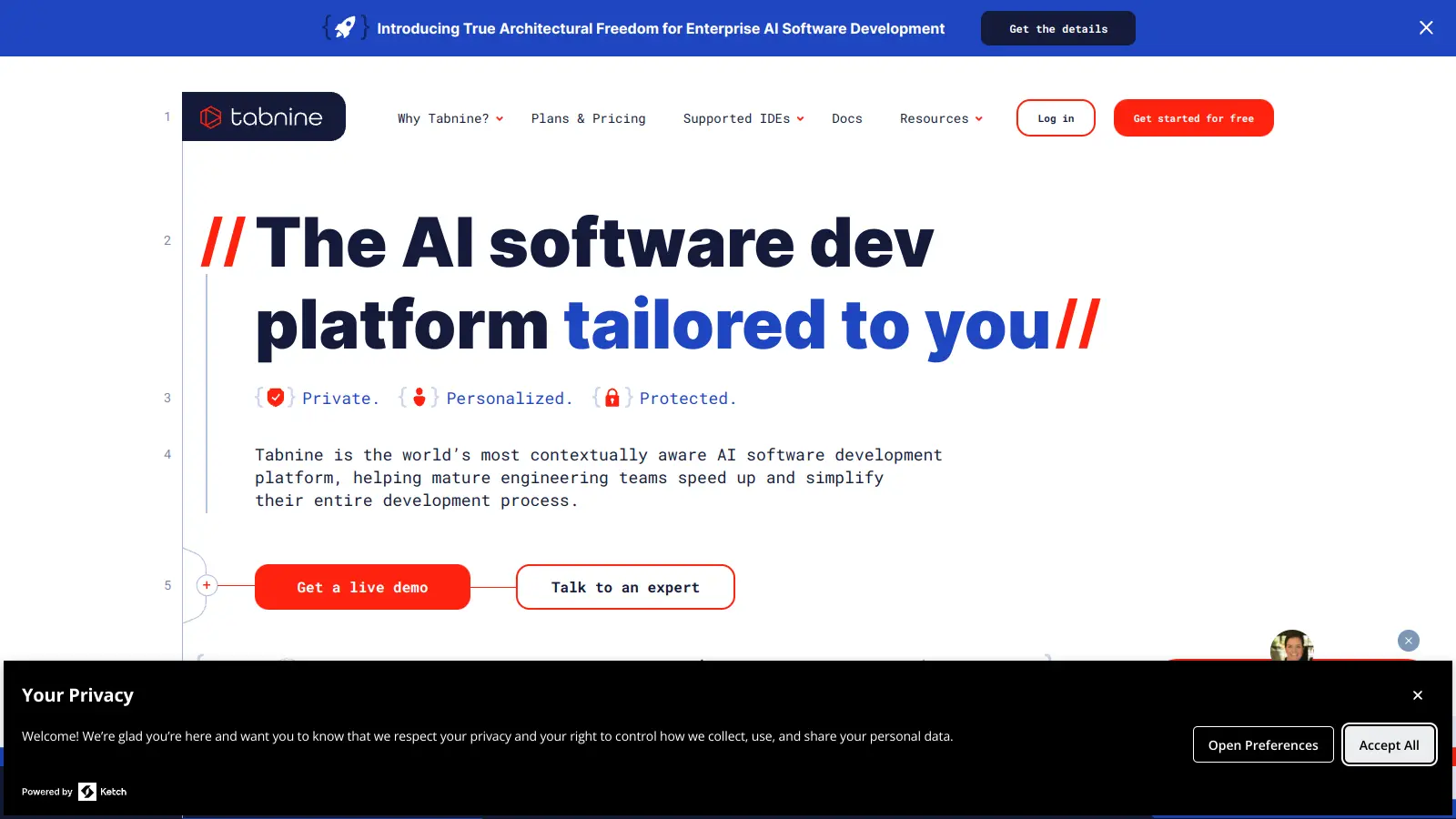
Tabnine
AI code completion with a self-hosted enterprise option and strict privacy controls.
Freemium
Best for · Enterprise teams in regulated industries needing self-hosted AIPricing · Free individual tier; Dev from $9/user/month; Enterprise from $39/user/month
Tabnine has been around since before the Copilot era and has built its reputation on privacy-first completions. It supports over 80 languages and integrates with VS Code, JetBrains, Eclipse, and more. Enterprise plans can run entirely on your own infrastructure, and Tabnine guarantees it does not train on your code.
Pros
✓Self-hosted deployment available on Enterprise
✓SOC 2 Type II certified with zero-training guarantee
✓Supports 80+ languages and 15+ IDEs
Cons
✗Completion quality trails Cursor and Copilot on complex logic
✗Free tier is limited to shorter completions with no chat
vs GitHub CopilotBetter than GitHub Copilot when your codebase spans multiple repos and you need answers that account for how services connect, not just the current file.
3
Sourcegraph Cody
Repo-scale AI assistant backed by Sourcegraph's code search engine.
Freemium
Best for · Teams with large codebases who need cross-file and cross-repo contextPricing · Free for individuals; Pro at $9/user/month; Enterprise pricing on request
Cody is Sourcegraph's AI coding assistant, and its biggest differentiator is the code graph underneath it. Rather than relying solely on the open files in your editor, Cody indexes your entire repository and retrieves relevant context using vector embeddings. It has a 52k token context window and supports multi-model switching between Claude, GPT-4, and Gemini. The free tier includes unlimited completions for individuals.
Pros
✓Full repo indexing with vector search out of the box
✓Free tier includes unlimited autocomplete
✓Switch between Claude, GPT-4, and Gemini in one plan
Cons
✗Enterprise tier requires vendor consultation for pricing
✗Chat quality varies noticeably depending on which model is selected
vs GitHub CopilotBetter than GitHub Copilot for AWS-heavy teams who want AI that understands IAM policies, CloudFormation templates, and SDK patterns natively.
4
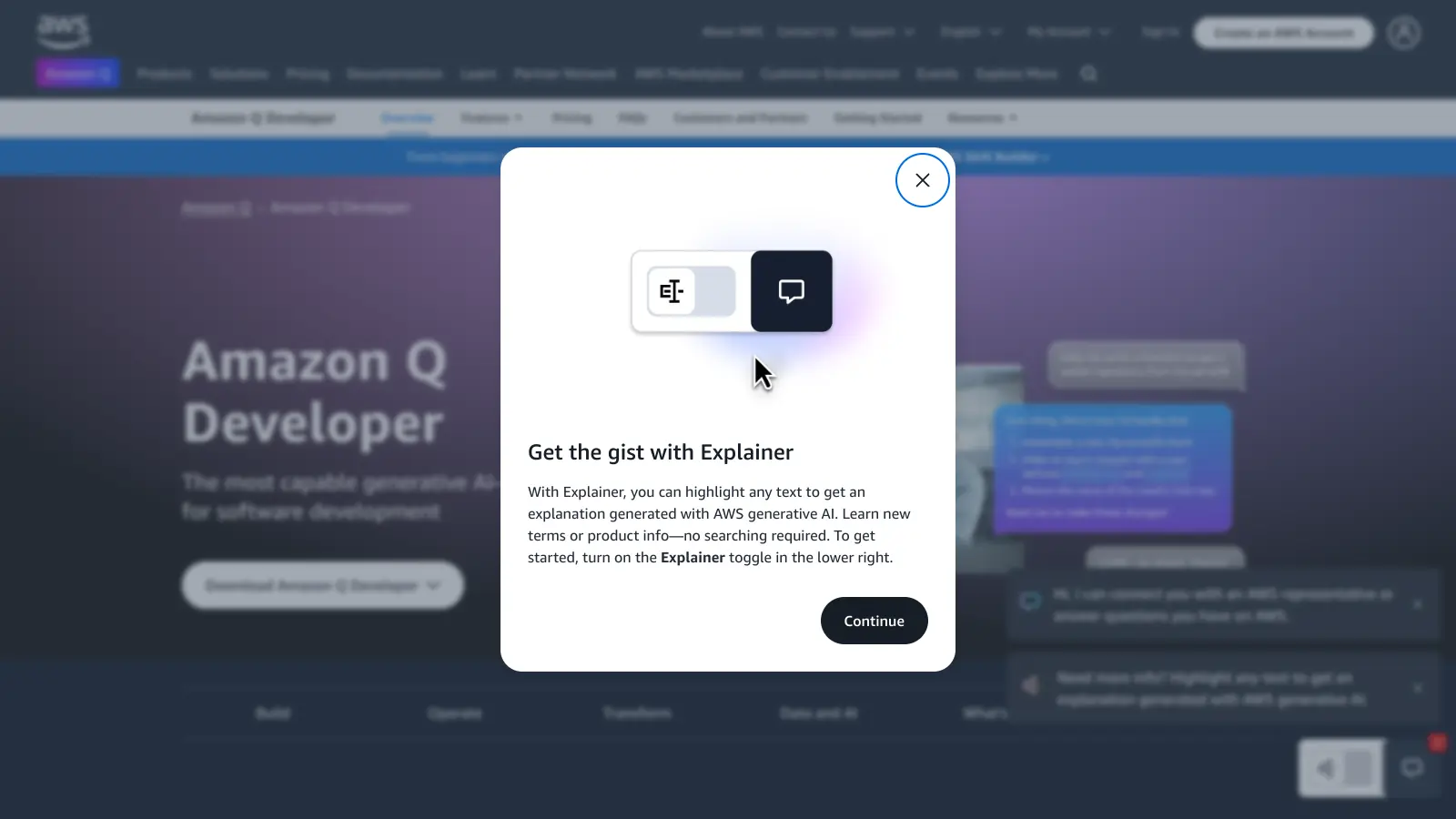
Amazon Q Developer
AWS-native AI coding assistant with deep cloud infrastructure context.
Freemium
Best for · Teams building primarily on AWS infrastructurePricing · Free tier available; Pro at $19/user/month
Amazon Q Developer is Amazon's answer to Copilot, built specifically with AWS workflows in mind. It can generate code, explain AWS service errors, scan for security vulnerabilities, and assist with cloud migrations. It integrates with VS Code and JetBrains, and the free tier is generous: 50 agent interactions and 1,000 inline suggestions per month. The Pro plan at $19/user/month adds extended context and admin controls.
Pros
✓Built-in security vulnerability scanning
✓AWS service context is genuinely useful, not generic
✓Free tier includes agent interactions, not just completions
Cons
✗Much weaker outside the AWS ecosystem
✗Chat experience feels slower than Cursor or Copilot
vs GitHub CopilotBetter than GitHub Copilot when you want autonomous task execution in an IDE that tracks what changed across a whole coding session, not just the current file.
5
Windsurf
A standalone AI IDE from Codeium built around agentic coding flows.
Freemium
Best for · Developers who want Cursor-style agentic editing with a generous free trialPricing · Free tier; Pro at $15/month; Teams at $30/user/month
Windsurf is Codeium's standalone IDE, also built on VS Code, competing directly with Cursor. Its flagship feature is Cascade, an agentic mode that can plan and execute multi-step coding tasks while maintaining awareness of recent changes across your session. It supports Claude, GPT-4o, and its own models. The free tier includes 25 Cascade agent interactions per month, which is low but enough for evaluation.
Pros
✓Cascade agent tracks session history for better task continuity
✓Pro plan is $5/month cheaper than Cursor Pro
✓Inline edit and chat are well integrated
Cons
✗Free tier's 25 monthly agent interactions run out fast
✗Still maturing, with occasional instability in complex agent tasks
vs GitHub CopilotBetter than GitHub Copilot for developers who want to run local models through Ollama and keep all code off third-party servers at zero subscription cost.
6
Continue
Open-source AI coding extension that connects to any LLM you choose.
Free
Best for · Developers who want local model support or full control over the AI backendPricing · Free (open-source)
Continue is an open-source VS Code and JetBrains extension that acts as a universal adapter for AI models. You wire it to any model, OpenAI, Anthropic, a local Ollama instance, or a custom endpoint, and it handles the chat and completion interface inside your editor. It's completely free, and because you control the model, you control where your code goes.
Pros
✓Works with any LLM including fully local models
✓No subscription cost and no vendor lock-in
✓VS Code and JetBrains extensions both maintained
Cons
✗Suggestion quality depends entirely on the model you configure
✗No built-in repo indexing; you set up context retrieval yourself
vs GitHub CopilotBetter than GitHub Copilot for enterprise teams where Copilot's 8k-token context produces suggestions that miss cross-service dependencies and where ISO 42001 compliance is required.
7
Augment Code
Enterprise AI coding assistant with a 200k-token context window and ISO 42001 certification.
Freemium
Best for · Large engineering teams with monorepos and strict compliance requirementsPricing · Community tier free; paid tiers from ~$30/user/month; Enterprise pricing on request
Augment Code is built specifically for large engineering teams working on complex, long-running codebases. Its 200k-token context window is the largest in the category, and it's designed to understand cross-service dependencies in monorepos with 100k or more files. It's the first AI coding assistant to achieve ISO/IEC 42001 certification and also holds SOC 2 Type II. The Remote Agent can execute tasks outside the editor, including running tests and fixing build errors.
Pros
✓200k-token context window handles full monorepos
✓ISO/IEC 42001 and SOC 2 Type II certified
✓Remote Agent runs tests and fixes build errors autonomously
Copilot's standard context tops out around 8k tokens, which is fine for single-file edits but breaks down fast in large codebases. If your team works across microservices or a big monorepo, look for tools that index your full repo and pull in relevant context automatically.
Privacy and data handling
Every cloud-based assistant sends your code to a third-party server. If you're in fintech, healthcare, or defense, that's often a compliance blocker. Check whether the tool offers self-hosted deployment, zero-training guarantees, and certifications like SOC 2 or ISO 42001.
IDE and language support
Not every alternative covers the same editors. Some are VS Code-first with patchy JetBrains support; others are built around their own IDE entirely. Confirm your editors and primary languages are fully supported before committing.
Pricing model and team size
Solo developers can often find free or cheap tiers that beat Copilot's $10/month. For teams of 20 or more, per-seat costs compound fast, so compare Business and Enterprise tiers directly. Some tools charge flat fees or offer unlimited completions at a price point that undercuts Copilot Business.
Agent and agentic features
Basic autocomplete is table stakes now. If you want a tool that can execute multi-step tasks, run terminal commands, write tests, or fix CI failures autonomously, check whether agent mode is included in the base plan or locked behind an enterprise tier.
frequently asked questions
The most common complaints are limited codebase context (Copilot doesn't index your full repo by default), lack of self-hosting, and cost at scale. Some developers also find that competitors produce better suggestions for specific stacks like Rust, Go, or Python data science workflows.
Yes. Cody has a free tier with solid codebase indexing, Tabnine has a free individual plan, and tools like Tabby are fully open-source and self-hostable at no cost. Free tiers typically cap completions, context size, or model quality compared to paid plans.
Yes. Tabby and Continue both support running local models through Ollama or similar runtimes, meaning your code never leaves your machine. Tabnine and Cody also offer self-hosted enterprise deployments if you need server-side hosting within your own infrastructure.
Most alternatives install as an IDE extension and configure in under 10 minutes. The bigger adjustment is behavioral: tools like Cursor replace the entire IDE rather than adding an extension, so there's a short ramp-up period. For teams, the main overhead is updating billing and access management.
VS Code support is near-universal. JetBrains coverage is common but not guaranteed on every tool. Neovim support exists in several, but often lags behind the main editor. Cursor and Windsurf are standalone IDEs built on VS Code, so they don't plug into JetBrains at all.
tools for humans
toolsforhumans editorial team
Reader ratings and community feedback shape every score. Since 2022, ToolsForHumans has helped 600,000+ people find software that holds up after launch. The picks here come from that.